
ImageGPTImageGPT

Free

Free Photo Editor With Layers

Layers, masks, blend modes and adjustment layers, the way desktop editors do it, in a browser tab and free. Nothing to install, and your projects stay on your device.

6 kredit gratis saat mendaftar

I

See it in action

Screens from the editor itself: two variations of one generation combined as layers and finished with an adjustment

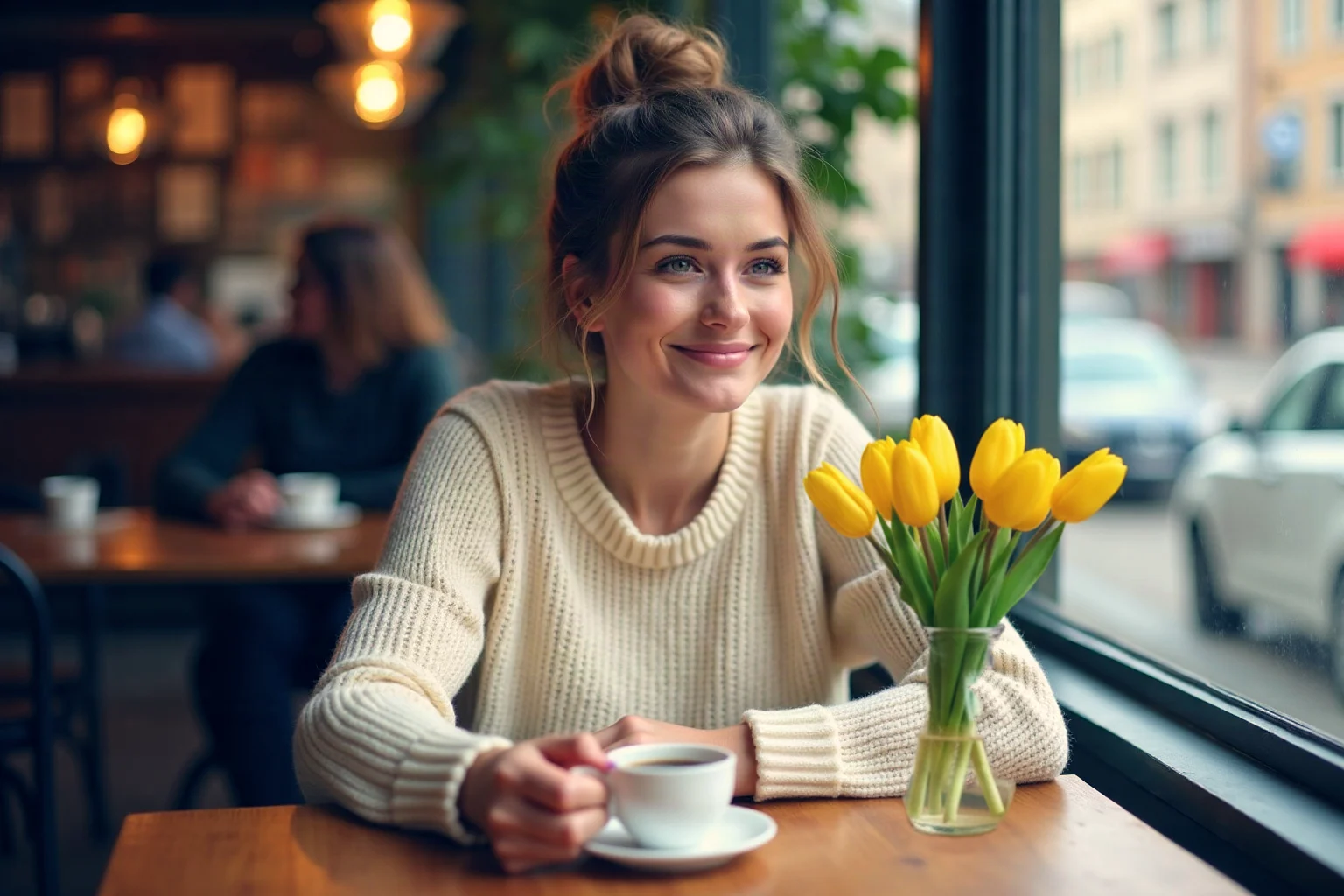
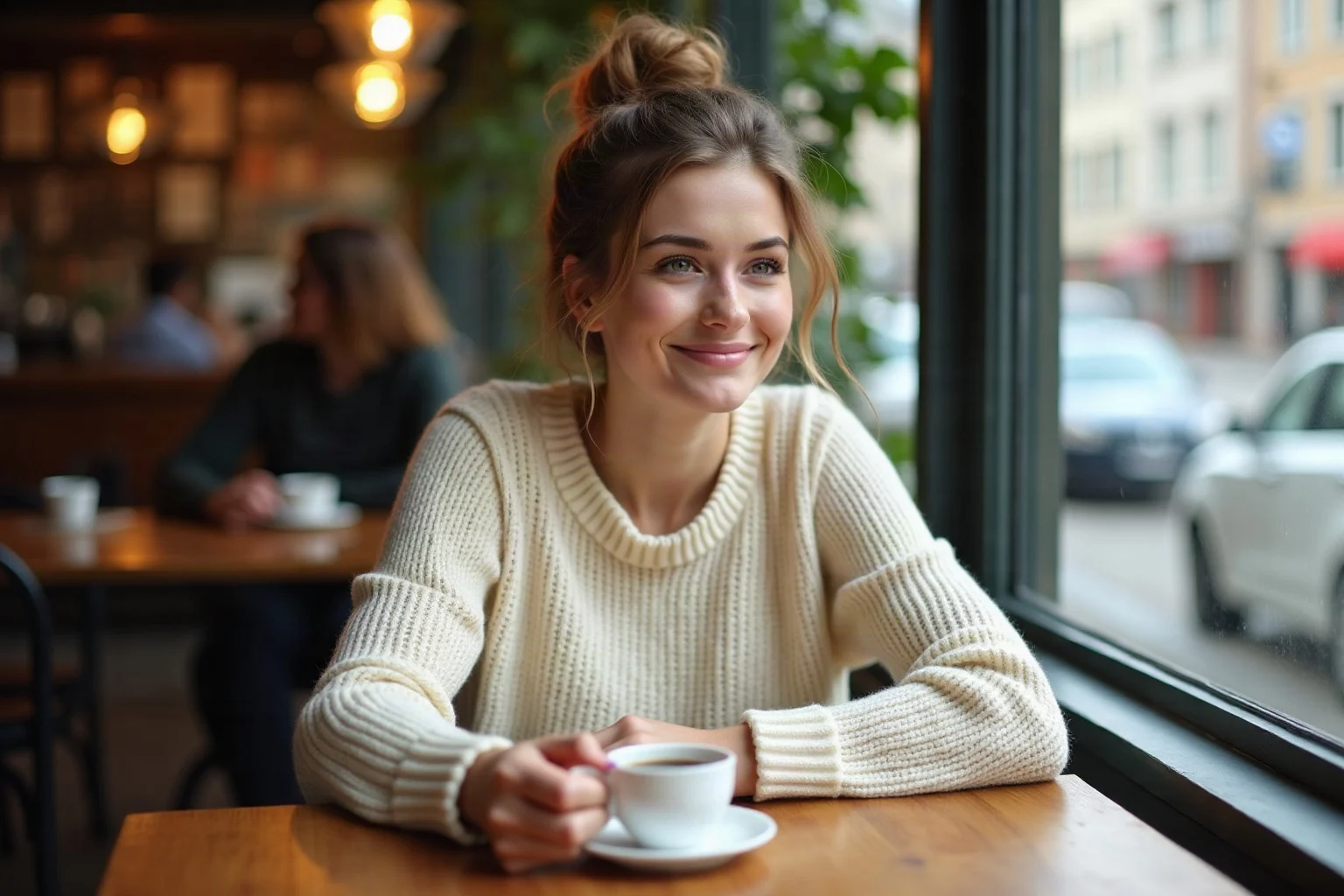
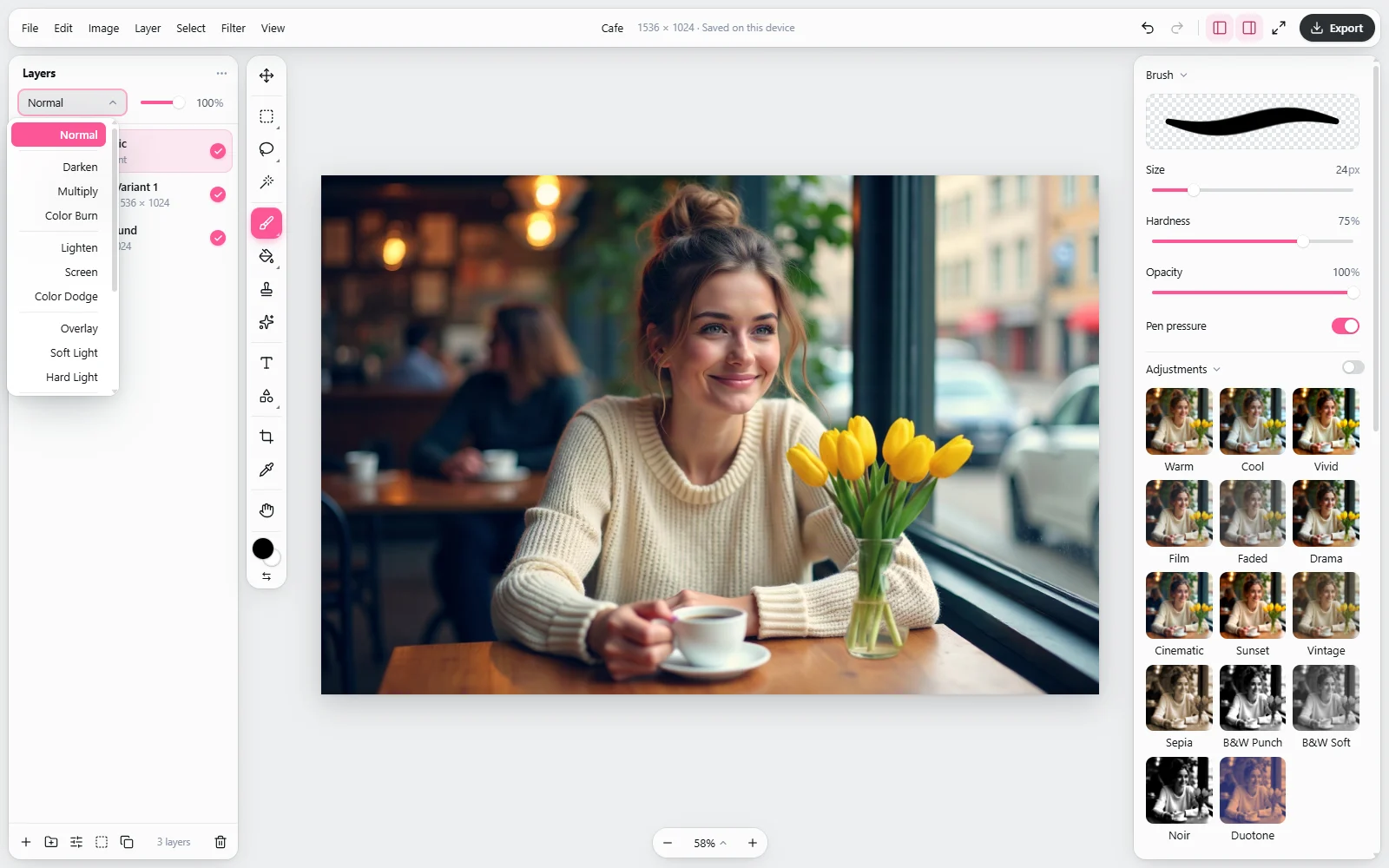
Tulips taken as a layer from a second variation, with a Cinematic adjustment layer on topSebelumSebelumSesudah

«Tulips taken as a layer from a second variation, with a Cinematic adjustment layer on top»

Before and after · exported PNG

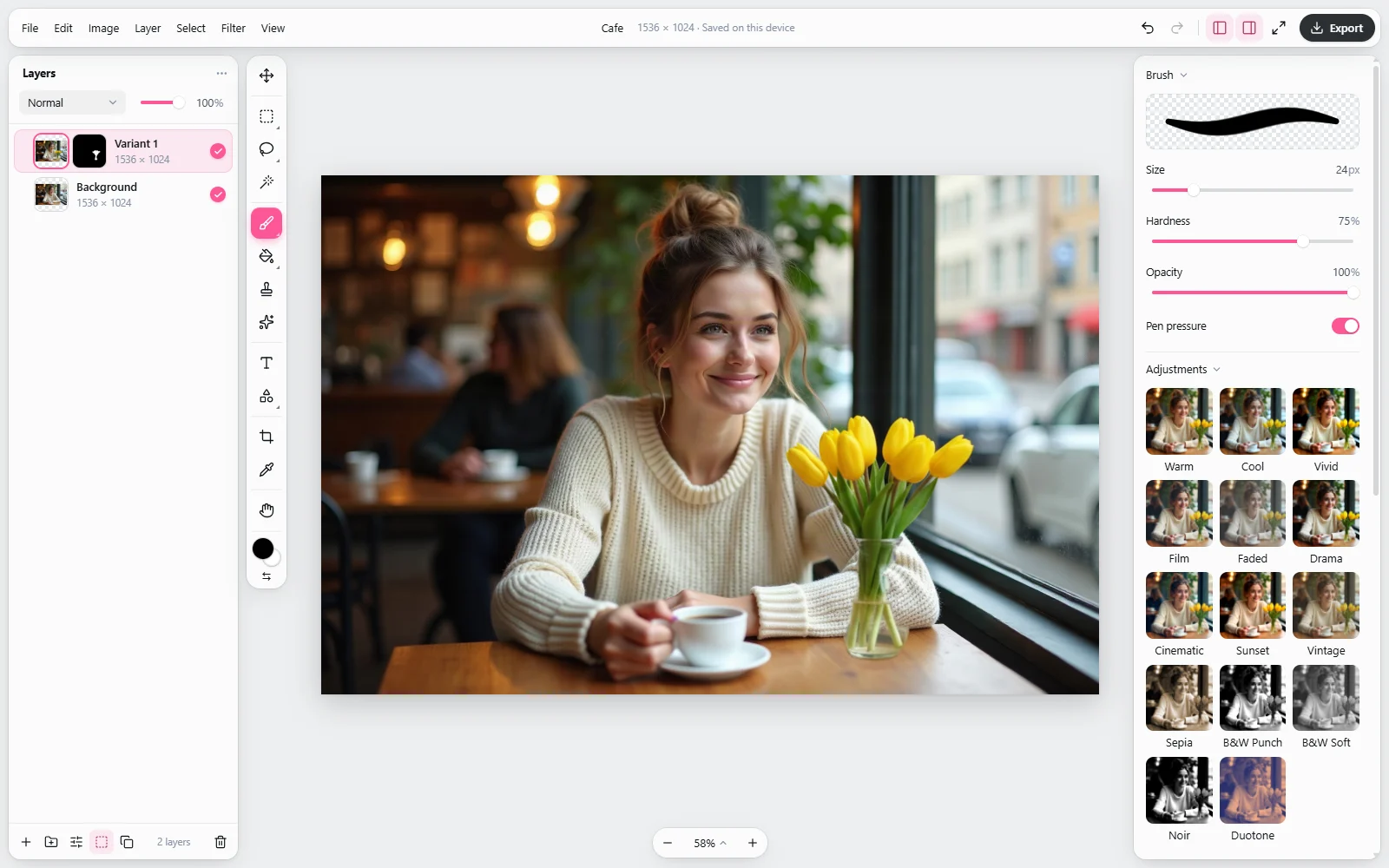
Two variations opened as layers, lined up, the mask keeps only the bouquet

«Two variations opened as layers, lined up, the mask keeps only the bouquet»

Changes only mask

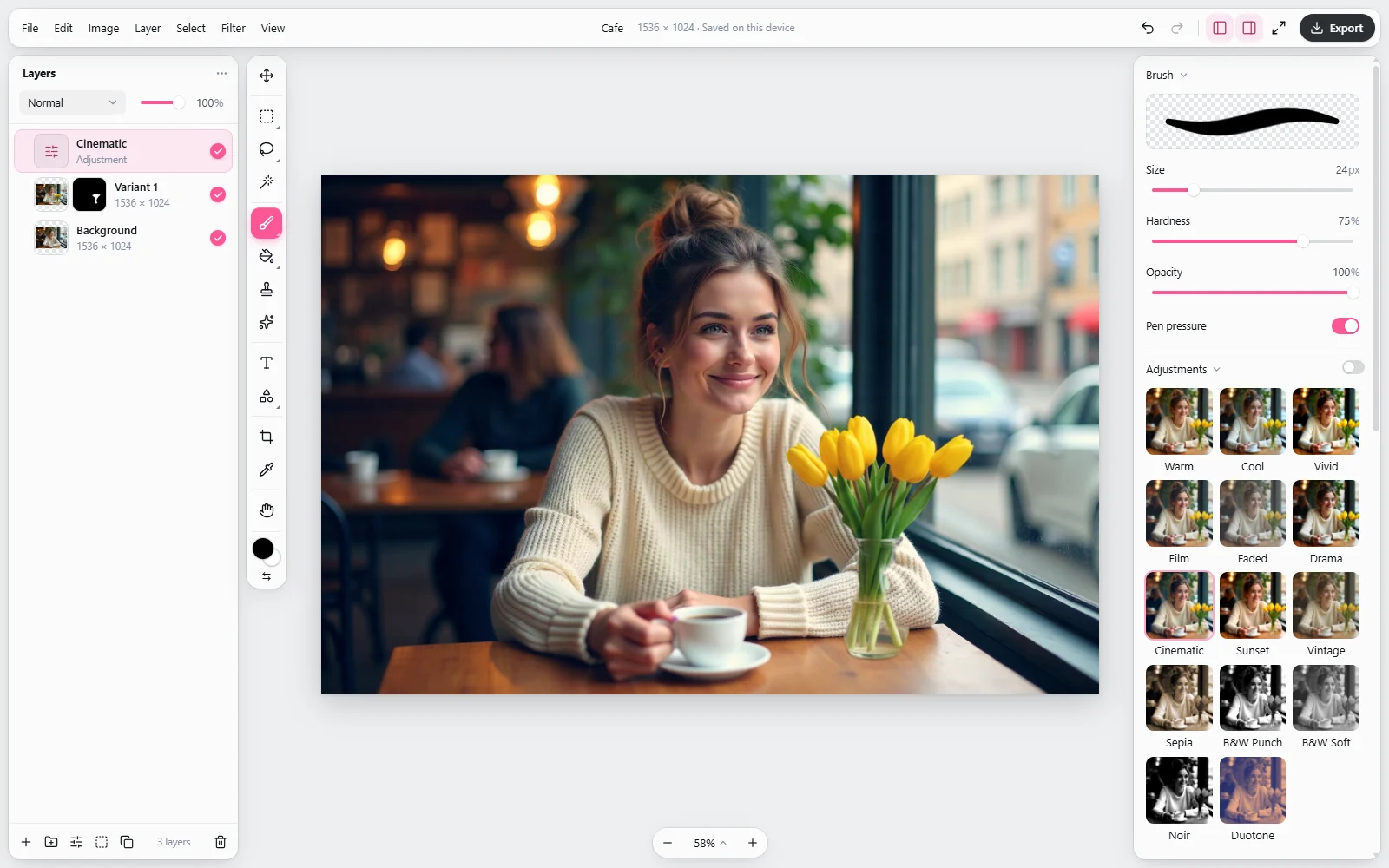
The Cinematic look added as its own adjustment layer

«The Cinematic look added as its own adjustment layer»

Adjustment layers

Layer blend modes: multiply, screen, overlay, soft light and more

«Layer blend modes: multiply, screen, overlay, soft light and more»

16 blend modes

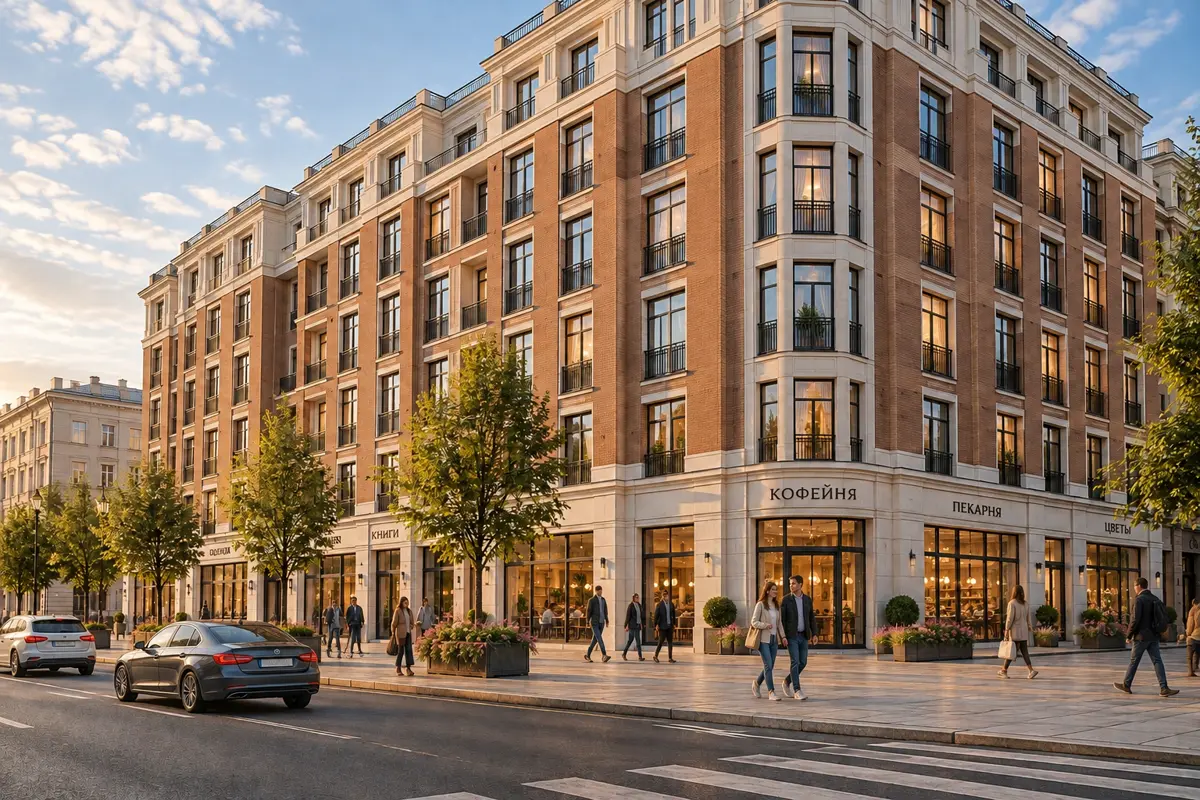
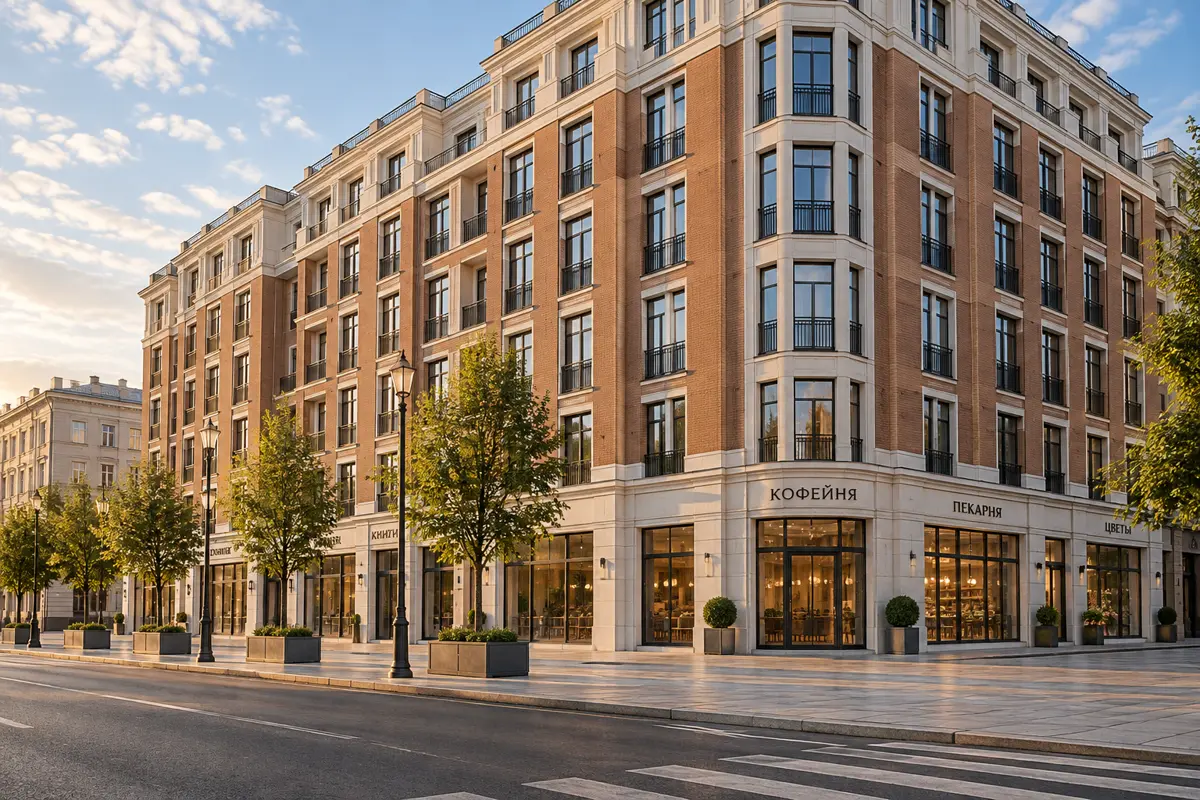
Bring Rendering to Life from the AI menu: passers-by, cars and lit windows land on a layer masked to Changes onlySebelumSebelumSesudah

«Bring Rendering to Life from the AI menu: passers-by, cars and lit windows land on a layer masked to Changes only»

AI in the editor · uses credits

II

Some edits need more than one button. In the layer editor every piece of the picture sits on its own layer: the photo, a caption, a shape, a cut-out from another image. Move it, rotate it, hide it, lower its opacity, pick one of 16 blend modes or group it with others. Masks hide part of a layer without deleting pixels, so you can always paint it back.

Color work happens on adjustment layers: brightness and contrast, exposure, levels, curves, hue and saturation, white balance, black and white, gradient map and more. They sit above the photo instead of baking into it, so you can switch them off or retune them at any point. When you want a quick result, there are 14 ready-made looks, from Cinematic and Film to Vintage and Noir, plus one-click auto enhance.

For detailed work you get selections (rectangle, lasso, magic wand) with feathering, a brush and eraser with pen pressure, clone stamp and healing brush, fill and gradient, text, shapes, crop, and filters such as blur, sharpen, noise and vignette. Every step goes into the history, and any of them can be undone.

The AI menu brings models right into your layers. Generative Fill paints a selected area from a short description, and Remove Object erases what you selected and rebuilds the background behind it. Select Subject and Select Background make the selection for you, and the AI Brush turns whatever you paint over into one. You can also expand the canvas with AI-drawn edges, generate a picture into a new layer, upscale, restore an old photo, or split a picture into separate layers with Split into Layers. For architects there's Bring Rendering to Life, which adds people, cars, lit windows and greenery the way the entourage tool does. Every result arrives as a new layer and your original stays as it was. The editor itself is free; AI features use credits, and the price is on the button before you run anything.

Anything you've made with ImageGPT opens here from the Open in Layer Editor button. Several variations of one generation arrive as layers over the first one; renders from the architecture entourage tool come in already lined up and masked to Changes only, so each layer shows just what the AI added. PSD files from Photoshop open with their layers, and you can save your work back to PSD, or to PNG, JPEG or WebP.

III

What the layer editor can do

01

Layers, groups and masks

Opacity, 16 blend modes, and masks that never destroy pixels

02

Adjustment layers

Curves, levels, hue, white balance and 14 looks on top of the photo

03

Line up variations

Auto-align layers to the base and mask them to what changed

04

PSD and saved projects

Opens and saves PSD; projects are kept in your browser automatically

05

AI inside your layers

Generative fill, object removal, canvas extend and upscale, each result on a new layer

IV

Who it's for

Collages and thumbnails

Build an image from several photos, captions and shapes, each on its own layer

Architects

Compare render variations and keep only the parts of each that work

Online sellers

Match product color, add a text badge and export at the size you need

Polishing AI images

Fix by hand what the model got almost right

V

How to edit with layers online

01

Open an image

From your computer, paste with Ctrl+V, or send it from any ImageGPT tool or your gallery

02

Work in layers

Add photos, text, shapes and adjustments, hide what you don't need with masks, and let AI fill in or remove objects

03

Export

Save as PNG, JPEG, WebP or PSD; the project stays in your browser

VI

Things to try

Lihat apa yang bisa Anda buat — coba sendiri

Prompt

«Generate a few variations and open them all as layers»

Hasil

They stack over each other, ready to hide, compare and combine

Prompt

«Changes only mask on an entourage render»

Hasil

Just the added people and trees remain; the rest comes from your original

Prompt

«A Curves adjustment layer masked to the sky»

Hasil

A deeper, richer sky while the rest of the shot stays untouched

Prompt

«Text and a shape on separate layers»

Hasil

A thumbnail where the caption is still editable tomorrow

Prompt

«Open a PSD, fix one layer, save»

Hasil

Back to a layered PSD, or a PNG ready to post

Prompt

«Select a stray lamp post and hit Remove Object»

Hasil

The post is gone, the background is rebuilt on its own layer and the original is intact

Prompt

«Expand Canvas, wider on both sides»

Hasil

New edges are drawn in, so the shot fits a wide header or banner

VII

Harga

Bayar hanya untuk hasil — tanpa langganan

Semua rencana →
Model / operasiKredit
  • Layers, masks, groups, blend modes0 cr.
  • Adjustment layers, looks, auto enhance0 cr.
  • Brushes, clone stamp, selections, text, shapes, filters0 cr.
  • Auto-align and Changes only mask0 cr.
  • PSD, PNG, JPEG and WebP import and export0 cr.

Paket kredit: 150 kredit seharga $5, 350 kredit seharga $12, 1250 kredit seharga $35.

VIII

Layer editor FAQ

Is it really free?+

Yes. Everything in the editor (layers, masks, adjustments, brushes, filters, text, export and PSD) works without credits. Only the AI features in the AI menu use credits, and you see the price on the button before you run one.

Which AI features does the editor have?+

Generative fill and object removal on a selection, select subject or background, remove a layer's background with a mask, extend the canvas, generate a picture into a layer, upscale, photo restoration, Bring Rendering to Life for architects, and Split into Layers. Results always arrive as new layers, and generative fill can make up to three variations you can flip between. You need to be signed in to use them.

Do I need to install anything or sign up?+

No. The editor runs in your browser on a computer, tablet or phone, and you don't need an account to use it.

Where are my projects stored?+

On your device, in this browser. The project saves itself after every step and the files aren't uploaded anywhere. To keep a copy elsewhere, export an image or a PSD.

Can I open Photoshop files?+

Yes, PSD files open with their layers. If a file uses features the editor doesn't support yet, it tells you exactly what was simplified. You can save your work back to PSD.

How do I edit my AI images here?+

Result cards, your gallery and the photo editor all have an Open in Layer Editor button. If a generation has several variations, you can open them all at once as layers over the first.

What does the Changes only mask do?+

It compares a layer with the base and keeps only what differs, such as the people or furniture an AI added. You can tune the threshold, feathering and smoothing.

How is it different from the AI photo editor?+

The AI photo editor makes one change from a text prompt. The layer editor is for hands-on work: multiple layers, masks, blend modes, adjustment layers and PSD.

Coba gratis

Daftar gratis dan langsung dapatkan 6 kredit. Tanpa perlu kartu.