
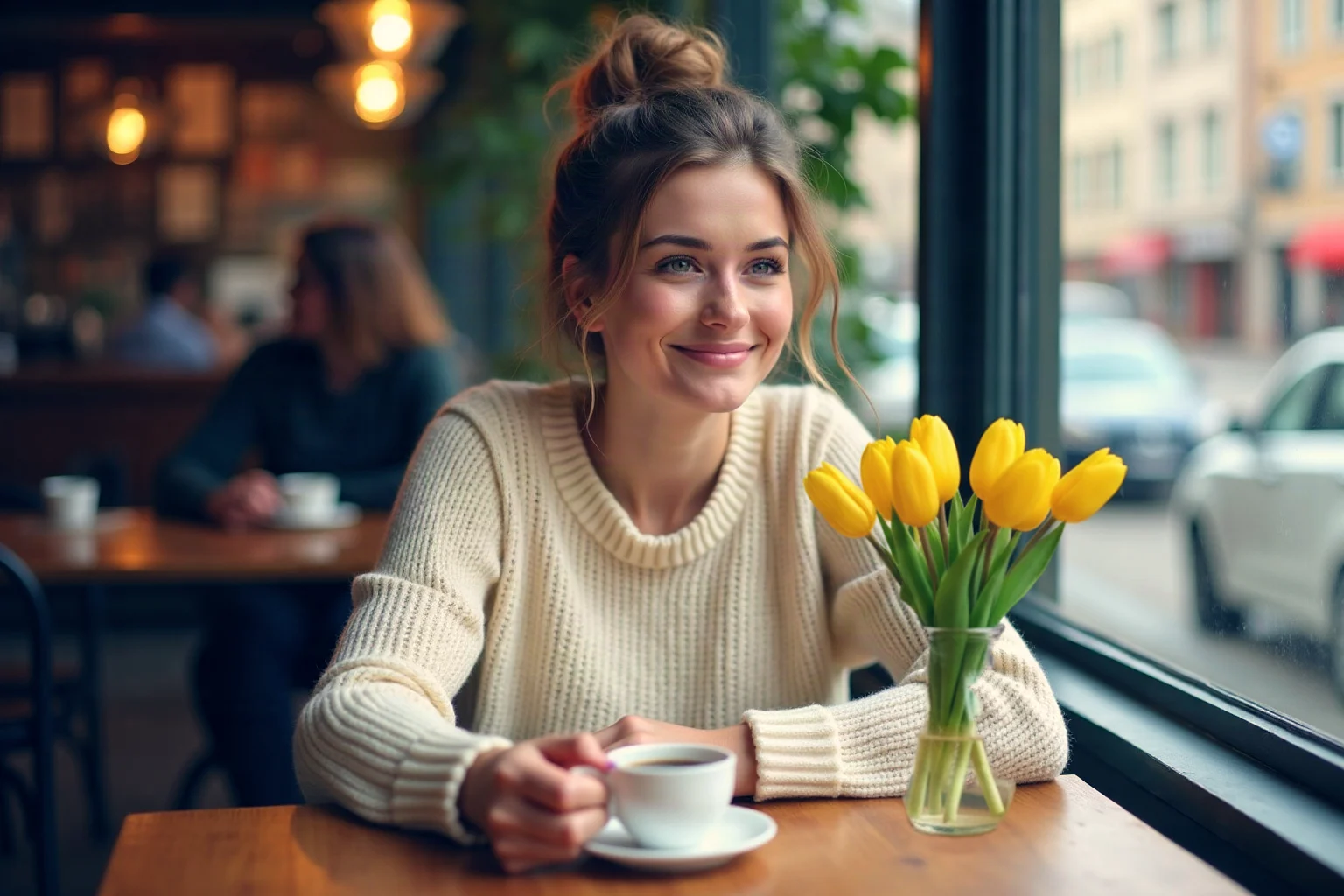
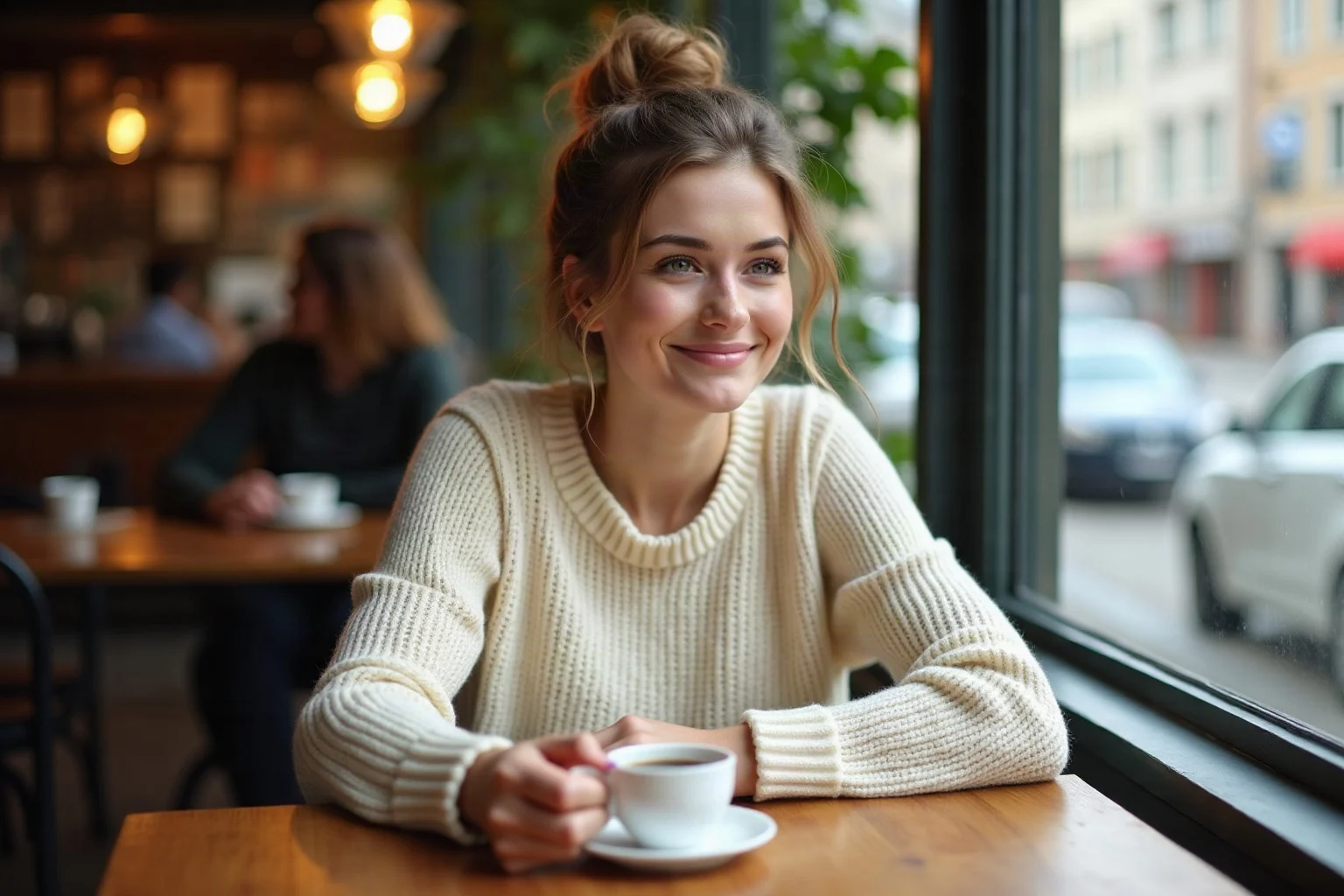
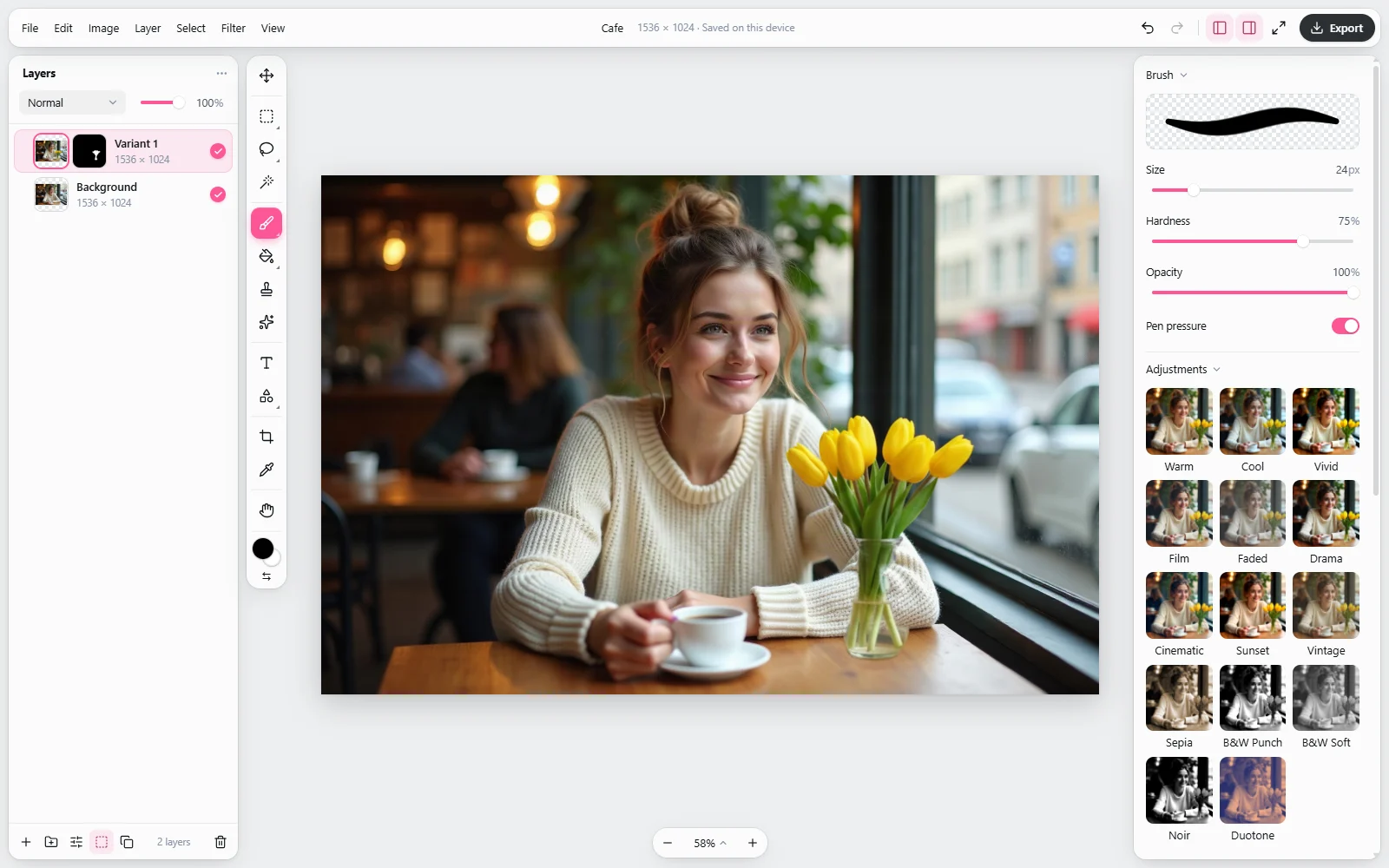
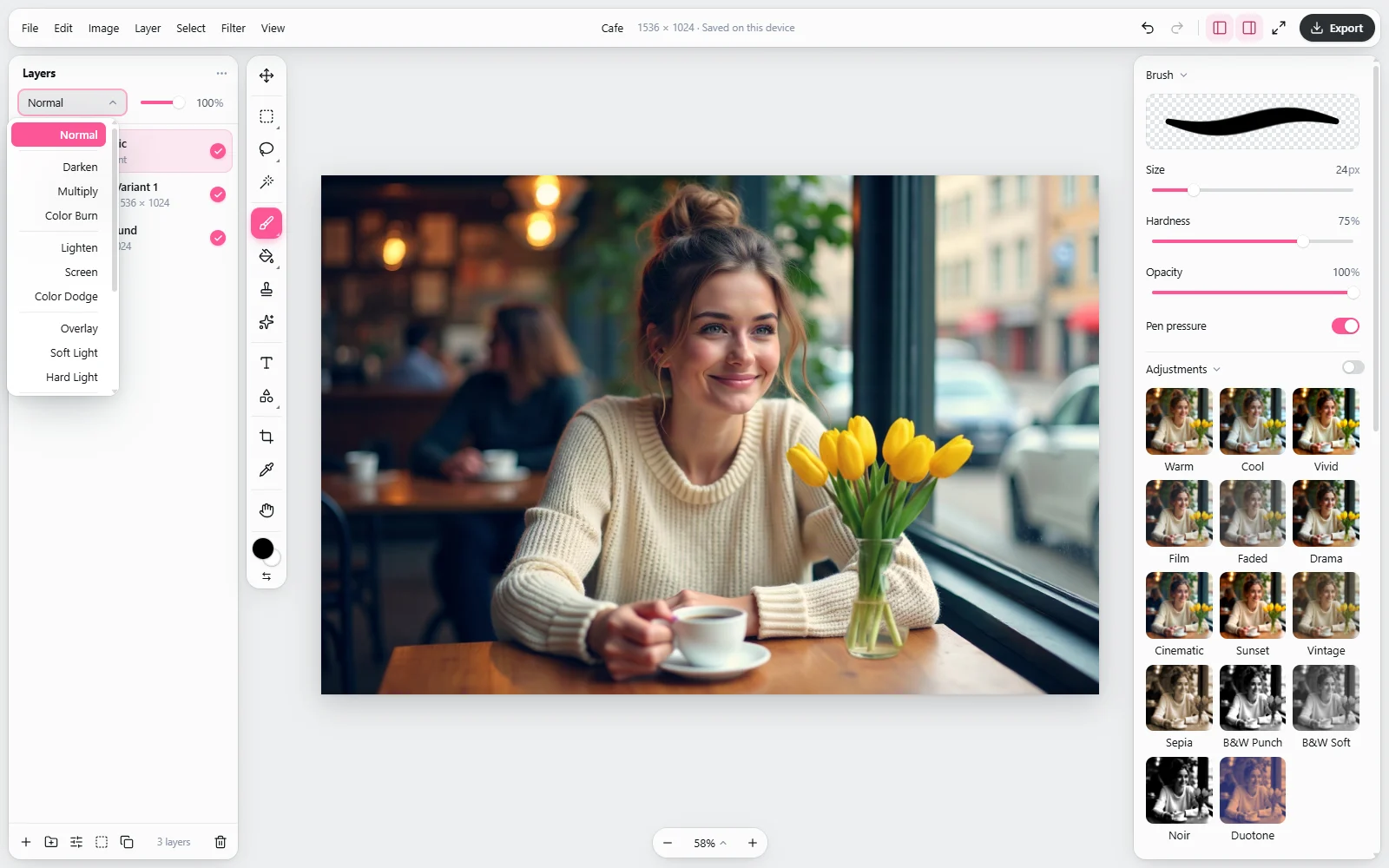
Some edits need more than one button. In the layer editor every piece of the picture sits on its own layer: the photo, a caption, a shape, a cut-out from another image. Move it, rotate it, hide it, lower its opacity, pick one of 16 blend modes or group it with others. Masks hide part of a layer without deleting pixels, so you can always paint it back.
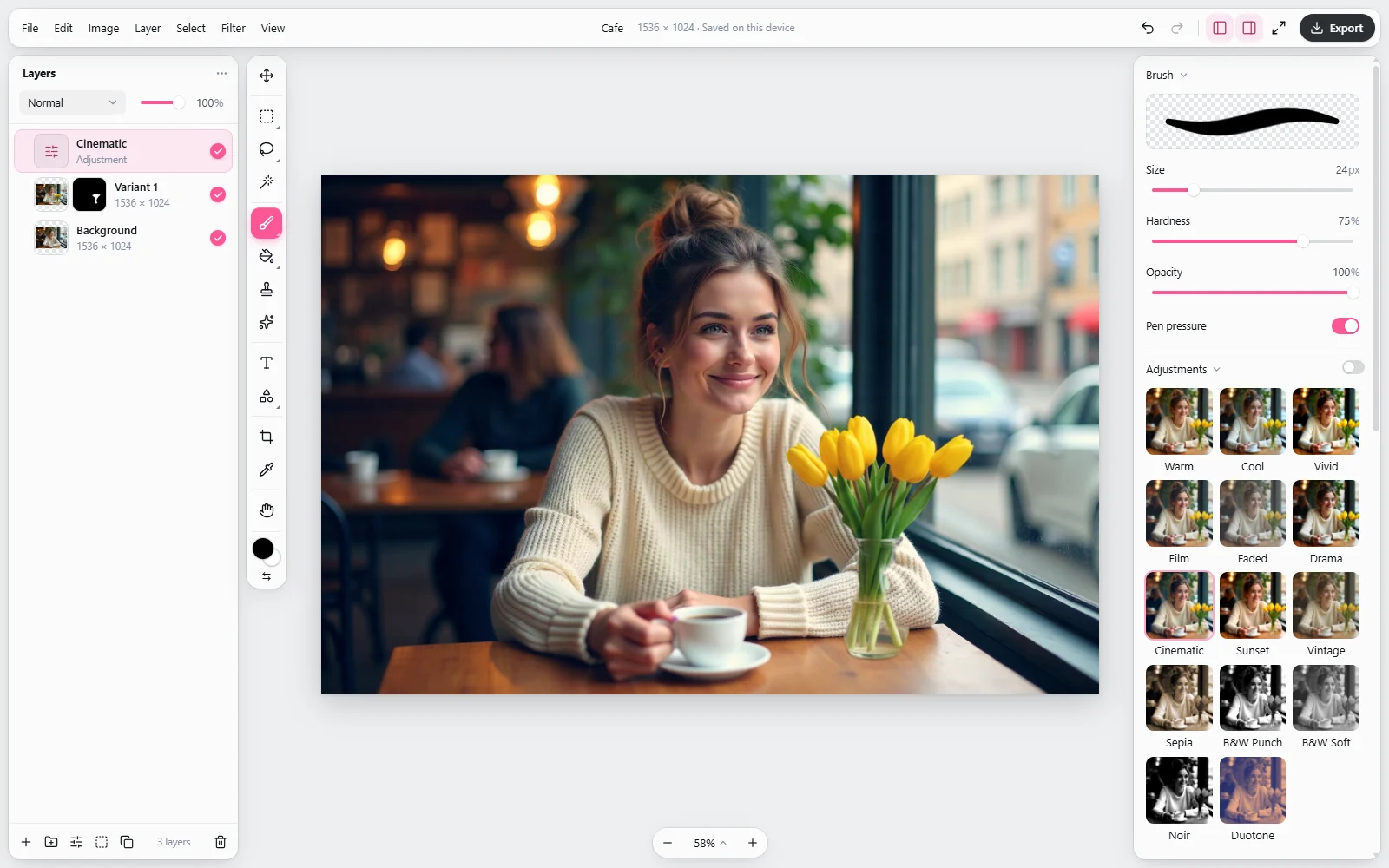
Color work happens on adjustment layers: brightness and contrast, exposure, levels, curves, hue and saturation, white balance, black and white, gradient map and more. They sit above the photo instead of baking into it, so you can switch them off or retune them at any point. When you want a quick result, there are 14 ready-made looks, from Cinematic and Film to Vintage and Noir, plus one-click auto enhance.
For detailed work you get selections (rectangle, lasso, magic wand) with feathering, a brush and eraser with pen pressure, clone stamp and healing brush, fill and gradient, text, shapes, crop, and filters such as blur, sharpen, noise and vignette. Every step goes into the history, and any of them can be undone.
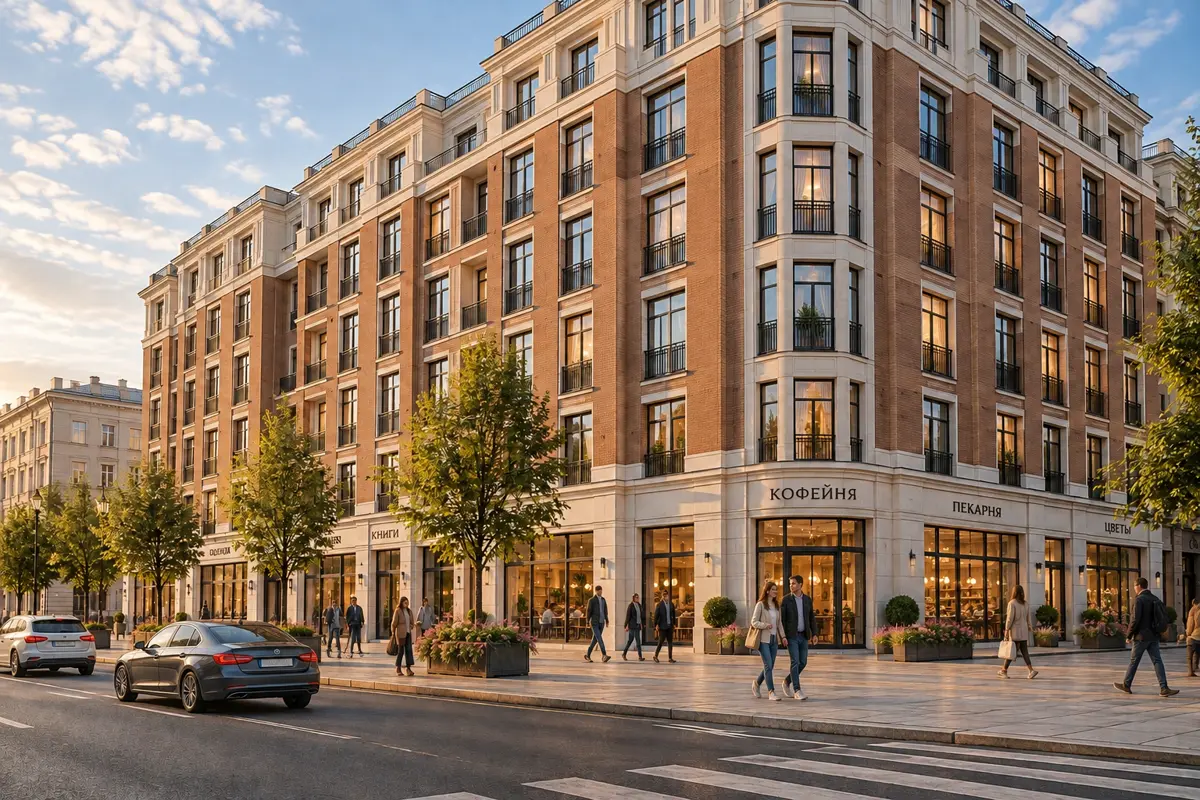
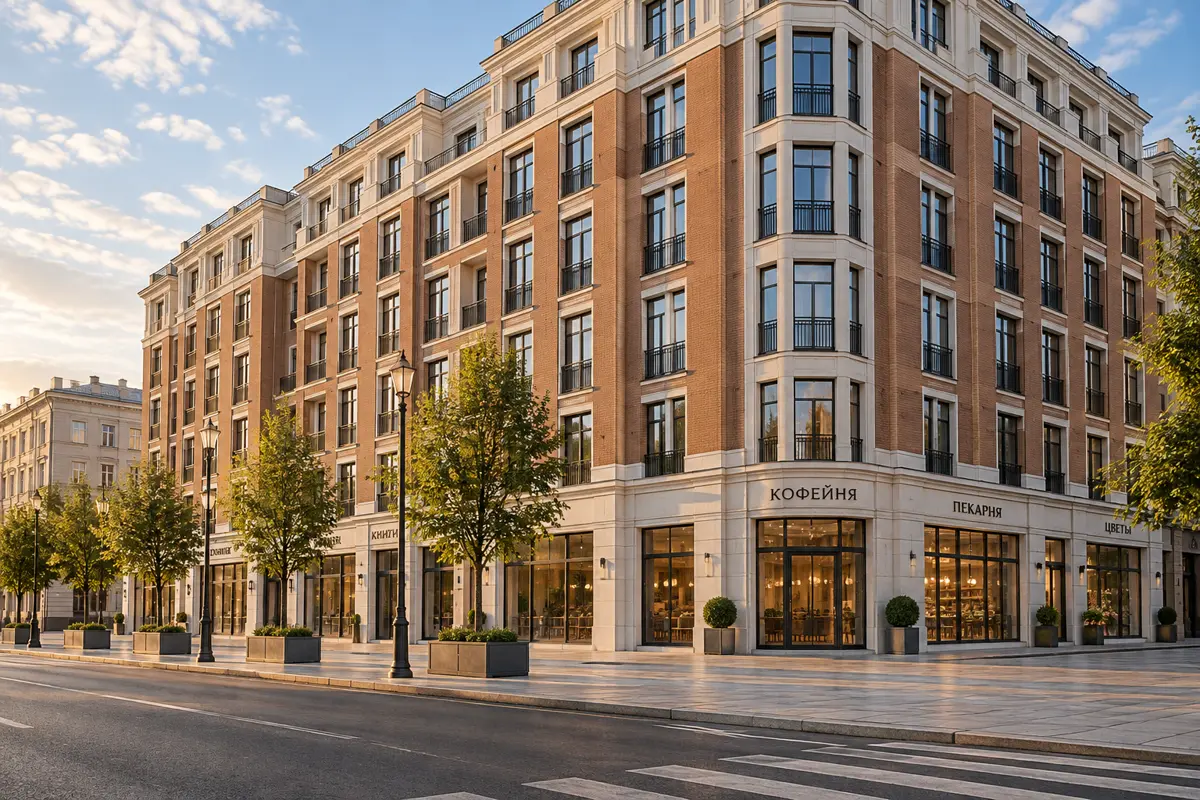
The AI menu brings models right into your layers. Generative Fill paints a selected area from a short description, and Remove Object erases what you selected and rebuilds the background behind it. Select Subject and Select Background make the selection for you, and the AI Brush turns whatever you paint over into one. You can also expand the canvas with AI-drawn edges, generate a picture into a new layer, upscale, restore an old photo, or split a picture into separate layers with Split into Layers. For architects there's Bring Rendering to Life, which adds people, cars, lit windows and greenery the way the entourage tool does. Every result arrives as a new layer and your original stays as it was. The editor itself is free; AI features use credits, and the price is on the button before you run anything.
Anything you've made with ImageGPT opens here from the Open in Layer Editor button. Several variations of one generation arrive as layers over the first one; renders from the architecture entourage tool come in already lined up and masked to Changes only, so each layer shows just what the AI added. PSD files from Photoshop open with their layers, and you can save your work back to PSD, or to PNG, JPEG or WebP.