AI Headshot for LinkedIn: A Clean Professional Portrait From a Selfie
Your LinkedIn photo is often the first impression. Turn a clear selfie into a calm professional headshot without a studio booking.
Contents
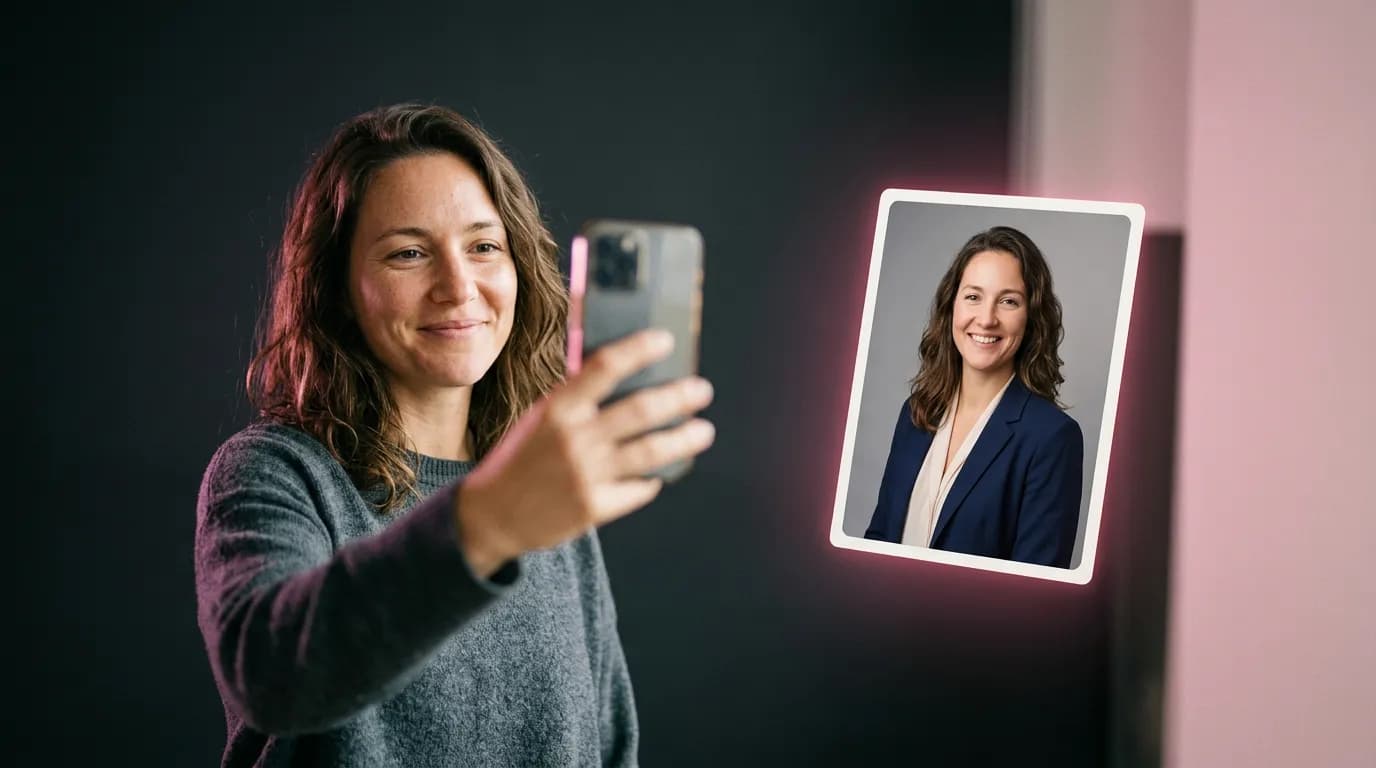
People search for an “AI headshot for LinkedIn” when they need a credible profile photo fast: a new job, a refreshed about section, or a company page that still shows a holiday selfie. You do not need a photographer for a simple head-and-shoulders frame. Upload a clear selfie, choose a business-portrait look, and keep your face recognizable.
What a LinkedIn headshot usually needs
- Head and shoulders, face large enough to read on a phone.
- Neutral or softly blurred background — grey, beige, or a quiet office.
- Clothing that matches your field: blazer, neat knit, or smart casual.
- Natural expression, soft smile, eyes toward the camera.
- No heavy beauty filters: people should recognize you on a video call.
Which selfie to upload
- Daylight near a window, camera at eye level.
- Face in focus, no sunglasses or hands covering the mouth.
- Avoid extreme wide-angle selfies taken too close — they warp the face and the model keeps that warp.
- A photo a friend took with the rear camera often beats a front-camera selfie.
Template or prompt
The fastest path is the Business Portrait template: tailored outfit, neutral backdrop and studio light are already tuned. Prefer a softer fashion crop — try Studio Portrait. Want a specific jacket colour or background? Use the photo editor and describe only what should change.
Restyle as a polished LinkedIn headshot: dark navy blazer, white shirt, neutral light-grey backdrop, soft professional studio lighting, head-and-shoulders crop, confident calm expression. Keep the face, hair and identity exactly the same, natural skin texture, no heavy retouching
Professional profile photo for LinkedIn: smart casual beige knit sweater, softly blurred bright office background, natural daylight, gentle smile. Do not change facial features or age
Common mistakes
- Over-smoothed skin that looks plastic — add “natural skin texture, no beauty filter”.
- A skyline penthouse backdrop that does not match your role.
- Picking the “prettiest” frame instead of the most recognizable one.
- Uploading a tiny crop: upscale before you set it as your profile photo.
Upload a selfie to the Business Portrait template and generate a few options — keep the one that still looks like you.
Open business portraitA photo from a template costs 3 credits, and you get 6 free credits when you sign up.
Try everything from this article in minutes
All the models and tools from this article are in one place. You get 6 free credits after sign-up, and every price is shown before you run it.
Make a business portrait