
ImageGPTImageGPT

Photo

AI Virtual Try-On for Clothes

Your photo plus a picture of the item or a product link: the AI puts it on you, matching your pose and body.

6 free credits on sign up

I

Examples: your photo, the item and the result

Real outputs of the model: the request and what came out, with no retouching

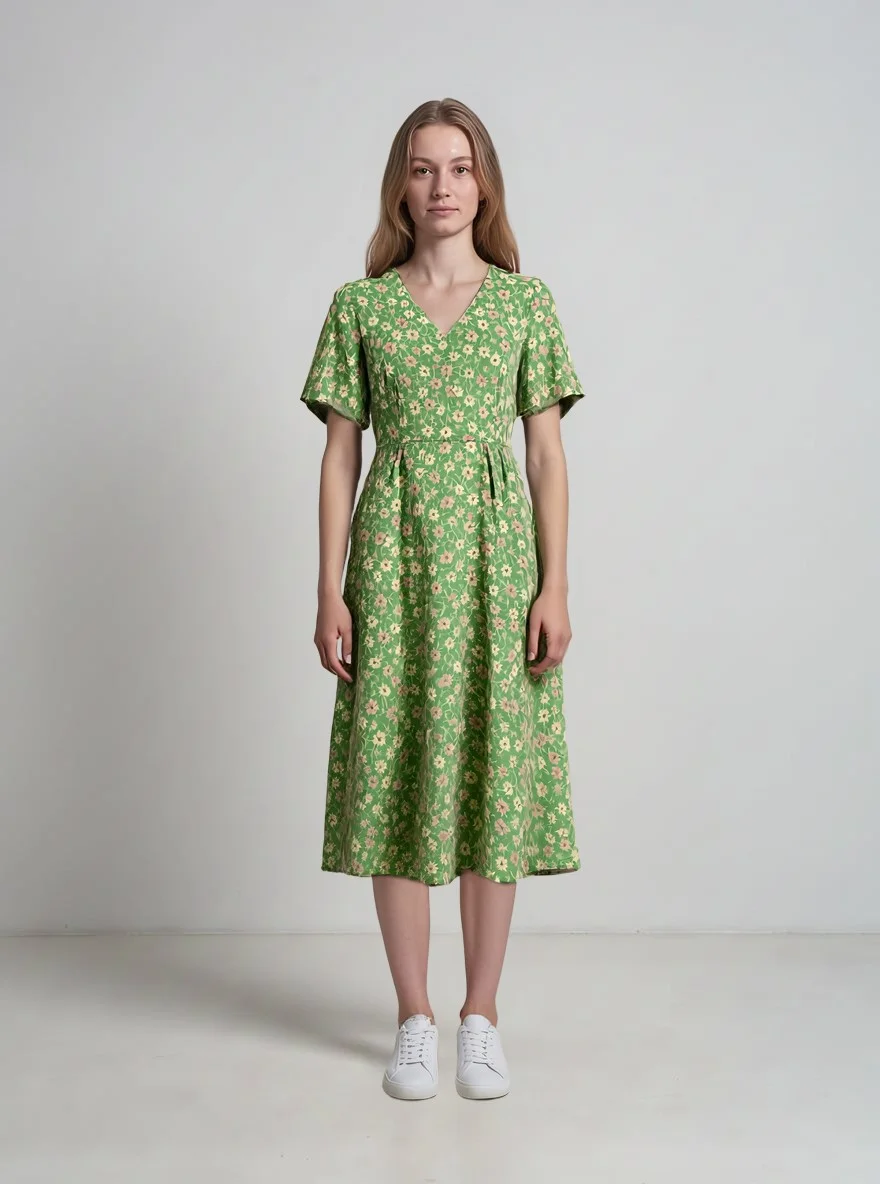
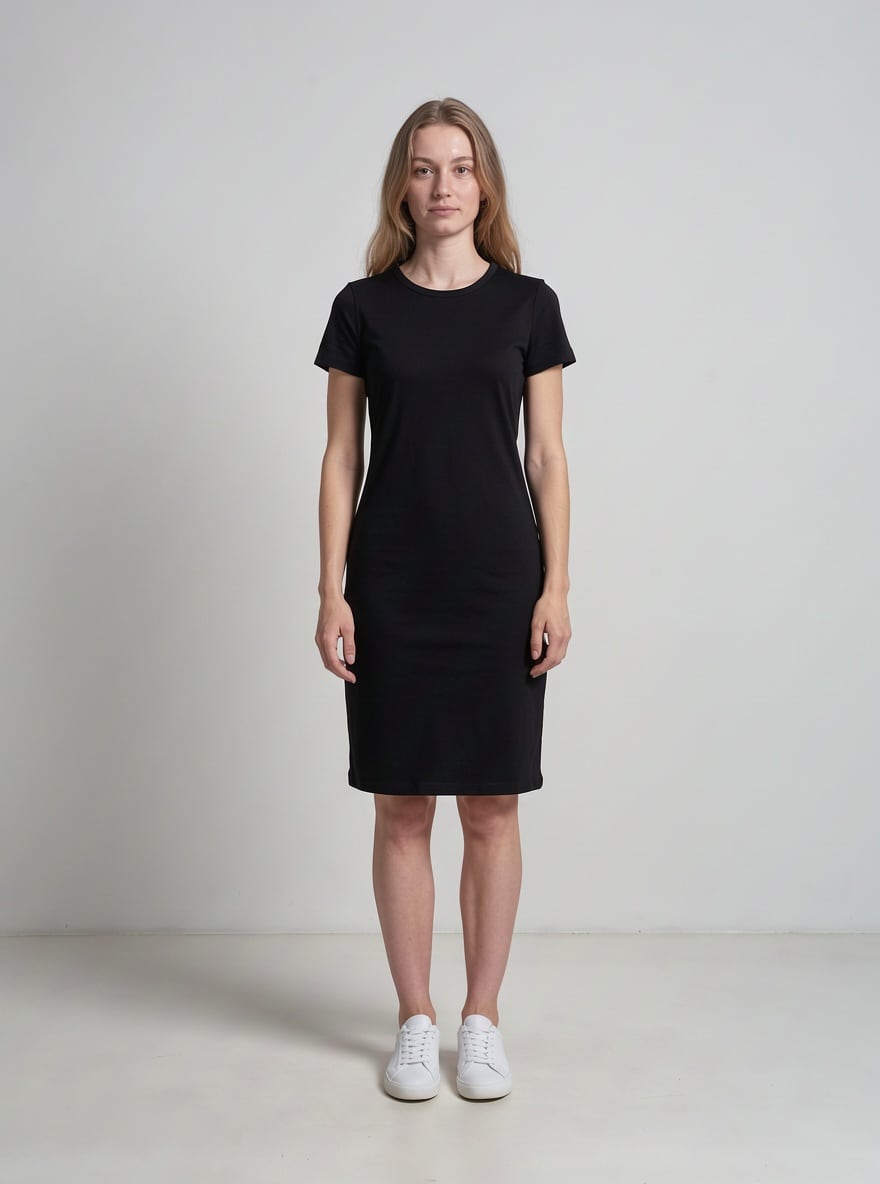
Full-length photo + a dress from a product photoBeforeBeforeAfter

«Full-length photo + a dress from a product photo»

Virtual try-on · FASHN Try-On

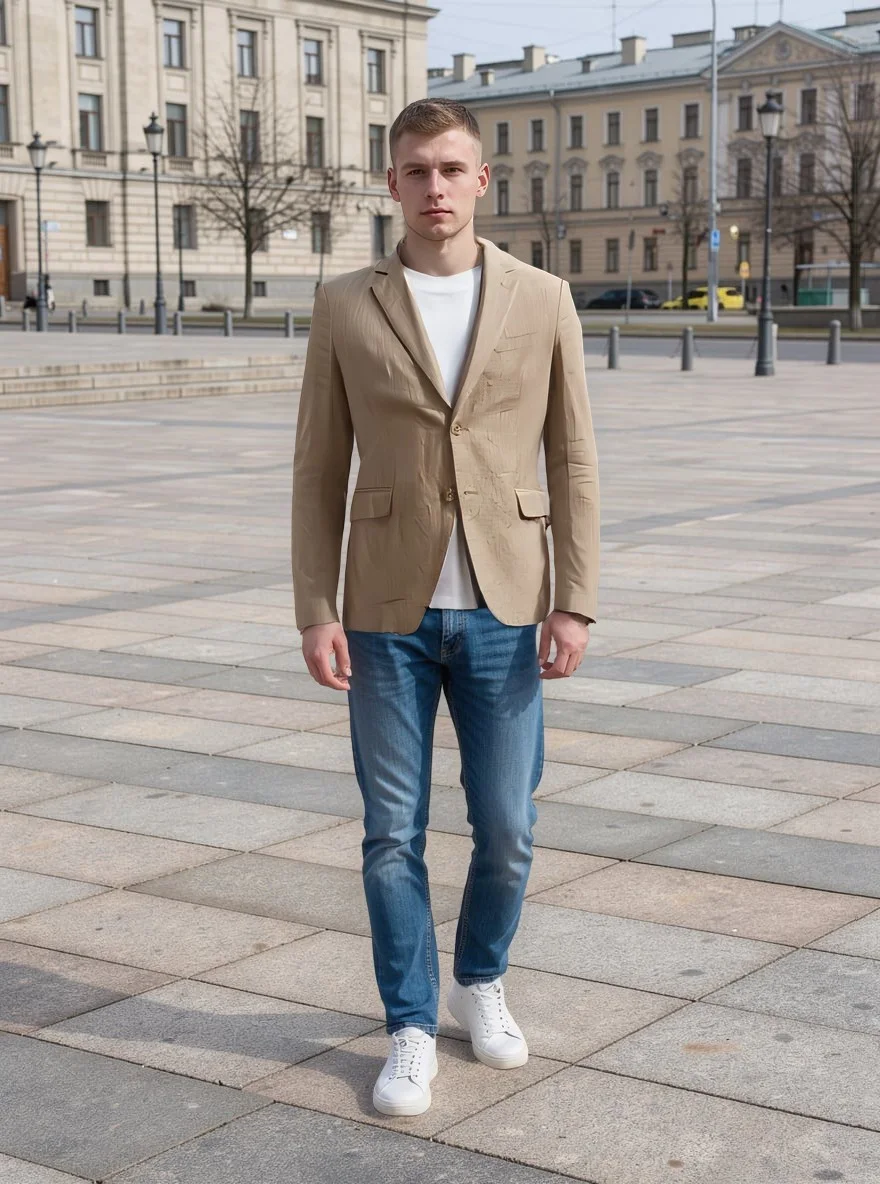
Full-length photo + a blazer from a shop listingBeforeBeforeAfter

«Full-length photo + a blazer from a shop listing»

Virtual try-on · FASHN Try-On

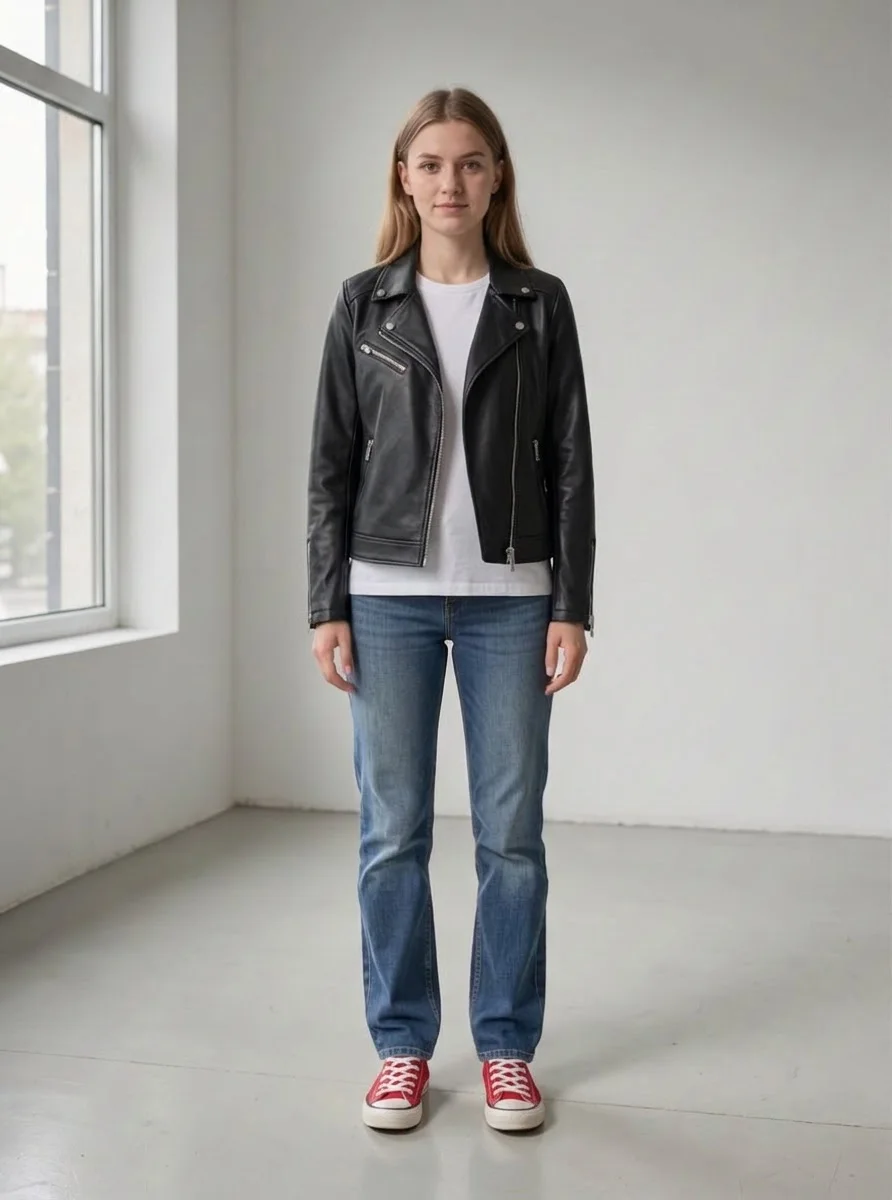
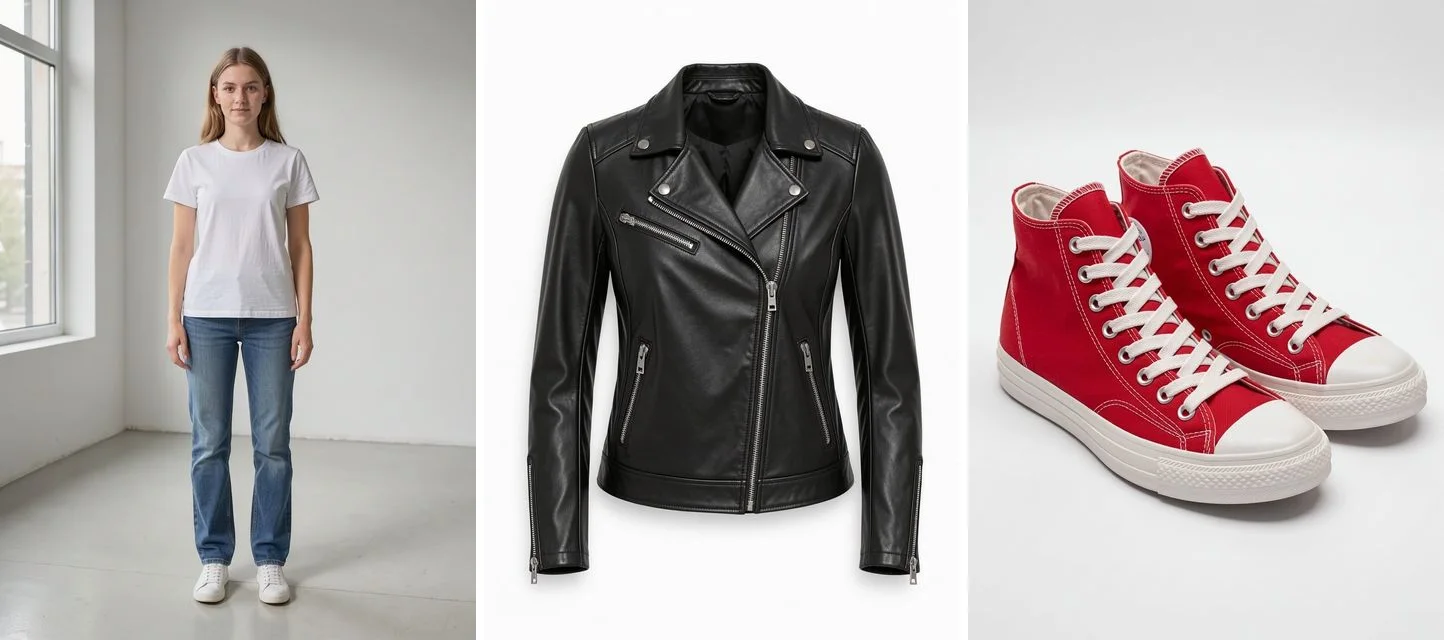
Photo + a leather jacket and red sneakers: a look from two itemsBeforeBeforeAfter

«Photo + a leather jacket and red sneakers: a look from two items»

Virtual try-on · Nano Banana 2

II

Shopping online is convenient, but you never know how something will look on you. And sellers need to show one product on different models without a new photoshoot every time. An AI clothes try-on solves both: it shows you wearing the item before you buy.

Here's how to try on clothes with AI. Upload a photo of a person, ideally full-body or waist-up on a plain background, and add the item: a store image, a shot on a hanger or on another person, or a link to the product page. Some shops don't share photos by link; in that case save the product picture or take a screenshot and upload it like any photo. Upload your own photo once: next time the try-on uses it automatically.

A single garment is tried on by FASHN Try-On, a model trained specifically for clothing, so it fits the body with natural folds, shadows and length. Shoes, bags, glasses, jewellery and looks of several items (up to 4 at once) are tried on by Google's Nano Banana. The face, pose and background stay. You only pay for successful results: if a try-on fails, nothing is charged.

III

Virtual try-on features

01

Tops, bottoms or full outfits

T-shirts, trousers, dresses and jumpsuits

02

Shoes and accessories

Sneakers, bags, glasses, hats, jewellery, watches

03

A look of several items

Up to 4 items in one try-on

04

From a product link

Paste a link and the product photo is picked up where the shop allows it

05

Pose and face stay

Only the clothes change

06

Your photo is remembered

Upload yourself once

IV

Who it's for

Shoppers

Check an item on yourself before ordering and returning

Marketplace sellers

Products on a model without a photoshoot

Stylists

Put together looks for clients

Creators

Content with new outfits

V

How to try on clothes online

01

Upload your photo

Full-body or waist-up, just once

02

Add the items

Photos or product links, up to 4 at once

03

See the result

Download the try-on photo

VI

What you can try on

See what you can create — try it yourself

Prompt

«Full-body photo + a dress from a product photo»

Result

You in the new dress, same pose and background

Prompt

«Full-body photo + a blazer from a shop listing»

Result

A full outfit without a trip to the store

Prompt

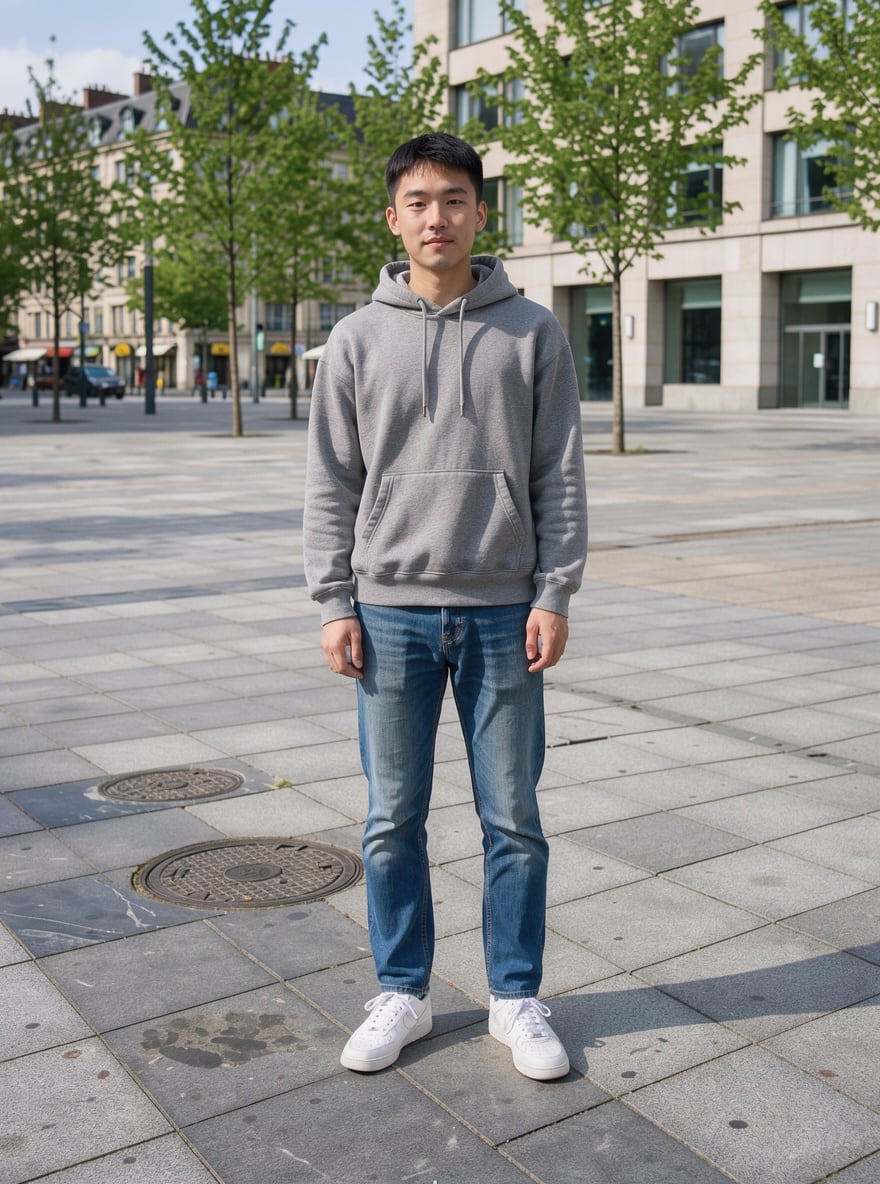
«Waist-up selfie + a link to a blazer»

Result

A business look without a trip to the store

Prompt

«Photo + a jacket and sneakers»

Result

The whole look in one try-on

VII

Pricing

Pay only for results — no subscription

All plans →
Model / operationCredits
  • One try-on · one item or a look of up to 410 cr.

Credit packs: 150 credits for $5, 350 credits for $12, 1250 credits for $35.

VIII

Virtual try-on FAQ

How do I try on clothes with AI?+

Upload your photo, full-body or waist-up, add a picture of the item or a product link, and run the try-on. The AI puts the item on you: your pose, face and background stay as in your photo, and the clothes fit your body.

What kind of person photo works?+

The person is visible full-body or waist-up, arms don't cover the torso, and the background is fairly plain. The closer the pose is to the garment photo, the better.

Can I use a photo from an online store?+

Yes. A garment shown whole on a plain background or on a model works best; a hanger shot works too. You can also paste a link to the product page. Some shops don't share photos by link; then save the product photo or take a screenshot.

Can I try on shoes or accessories?+

Yes: shoes, bags, glasses, hats, jewellery and watches too. Add up to 4 items at once and they're tried on together.

Can I just change the clothes in my photo?+

Yes, a try-on replaces your outfit with the item you picked. If you don't have a photo of the item and want to describe it in words instead, use the change clothes tool.

Do I need to upload my photo every time?+

No. The try-on remembers your photo, so next time you only add the item. If you'd rather not keep it, untick “Remember my photo” or press “Forget”.

How much does it cost?+

10 credits per try-on, for one item or a whole look. If it fails, you are not charged.

Try for free

Sign up for free and get 6 credits right away. No card required.