

ImageGPTImageGPT

Tool · Topaz Labs

Topaz Upscaler — Increase Photo Resolution

The Topaz Labs upscaler — a standard among photographers. Enlarge images 2× or 4× while restoring skin, hair and texture detail.

6 free credits on sign up

I

Samples

Real outputs of the model: the request and what came out, with no retouching

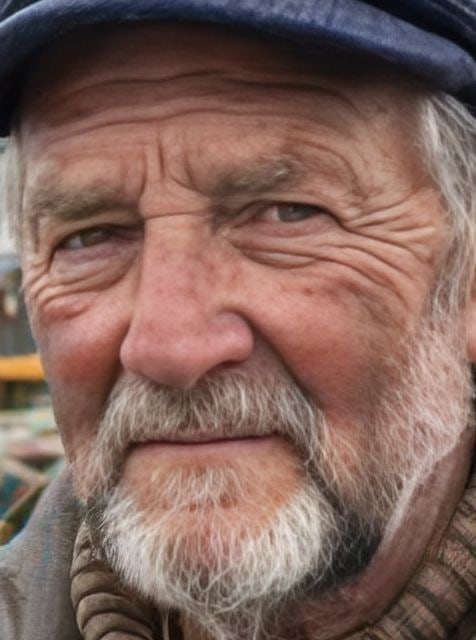
Portrait 320 px — upscale 4×BeforeBeforeAfter

«Portrait 320 px — upscale 4×»

Topaz · 4× · 320 → 1280 px · crop

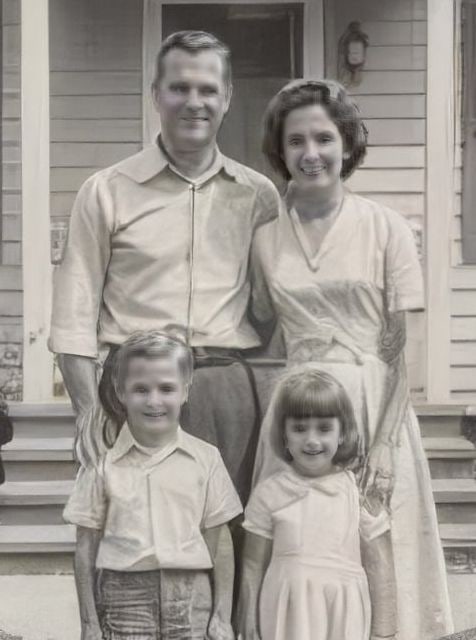
Old family photo — upscale 4×BeforeBeforeAfter

«Old family photo — upscale 4×»

Topaz · 4× · 320 → 1280 px · crop

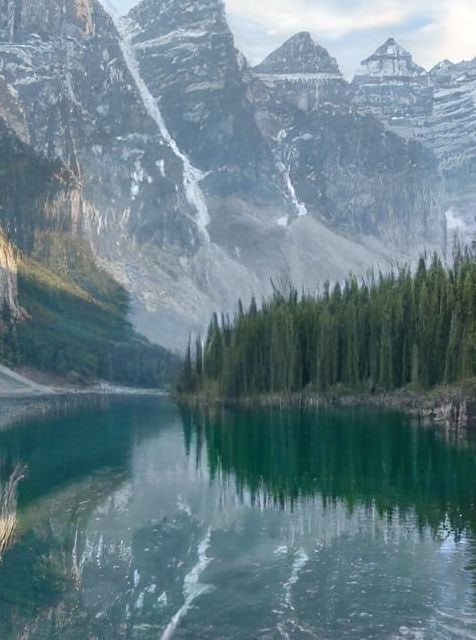
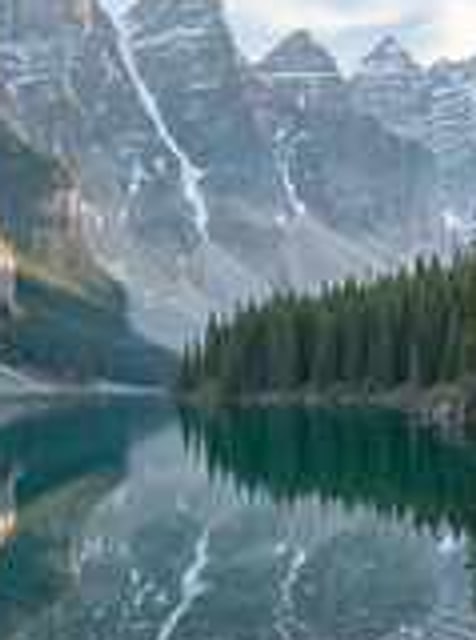
Phone-shot landscape — upscale 4×BeforeBeforeAfter

«Phone-shot landscape — upscale 4×»

Topaz · 4× · 320 → 1280 px · crop

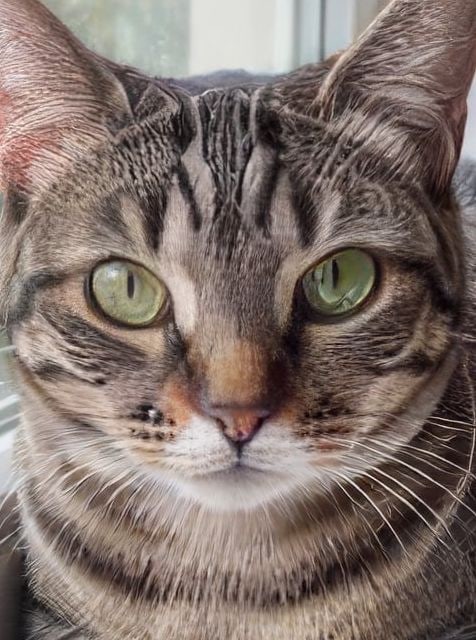
Compressed photo of a cat — upscale 4×BeforeBeforeAfter

«Compressed photo of a cat — upscale 4×»

Topaz · 4× · 320 → 1280 px · crop

II

Topaz Labs is an American company whose photo enhancement and upscaling software is used by professional photographers and post-production studios worldwide. The same technology is now available in the cloud — no need for a powerful graphics card or a paid license.

Topaz restores detail instead of blurring it: skin pores and texture, individual hairs, eyelashes, fabric weave and fine details all become sharper when enlarged 2× or 4×. The face enhancement mode further refines portraits — essential for wedding photography, portfolios and advertising.

Price depends on the size of the final image: for example, 6 credits to enlarge a 1024×1024 photo 2×, and 21 credits for a 4× enlargement. For lower-cost tasks, the same tool also offers SeedVR2, Recraft Crisp and Real-ESRGAN.

III

Topaz Features

01

2× and 4×

Enlargement with full detail restoration

02

Face Enhancement

A dedicated mode for portraits

03

Professional Standard

Technology trusted by photographers worldwide

04

Any Photo Type

Portraits, landscapes, objects and scanned images

IV

Who Needs Topaz

Photographers

Fine detail for commercial prints and exhibitions

Archives

Upscaling film scans and old photographs

Wedding Photography

High-resolution portraits with natural-looking skin

Large-Format Printing

Preparing images for posters and banners

V

How to Upscale Photos with Topaz

01

Upload your photo

Open the “Enhance Photo” tool

02

Choose Topaz and the scale

2× or 4×, with optional face enhancement

03

Download the result

Ready in 10–30 seconds

VI

Upscaling Examples

See what you can create — try it yourself

Prompt

«Old family photo — enlarge 4×»

Result

A crisp image with restored faces

Prompt

«Phone portrait — for A3 printing»

Result

Print-ready quality

Prompt

«Compressed JPEG — remove artifacts and upscale»

Result

A clean image free of blocking

Prompt

«Landscape — 2× for a large screen»

Result

A detailed scene with no artifacts

VII

Pricing

Pay only for results — no subscription

All plans →
Model / operationCredits
  • Topaz · 2×, 1 MP6 cr.
  • Topaz · 4×, 1 MP21 cr.

Credit packs: 150 credits for $5, 350 credits for $12, 1250 credits for $35.

VIII

Topaz Upscaler FAQ

What is Topaz Upscaler?+

An upscaler from Topaz Labs, the company whose photo-enhancement software is used by professional photographers.

How is the price calculated?+

Based on the megapixel size of the final image. The exact price is shown before you run it; larger photos are first downscaled to 1536 pixels on the long side before upscaling.

Why is Topaz better than standard upscaling?+

Ordinary resizing blurs the image. Topaz restores detail instead — skin, hair and textures.

Are there cheaper options?+

Yes: Real-ESRGAN from 1 credits, Recraft Crisp for 1, and SeedVR2 from 1.

Try for free

Sign up for free and get 6 credits right away. No card required.