

ImageGPTImageGPT

Design

AI Album Cover Maker

Describe the mood of your track and add the title — AI paints a cover with clean typography. Or builds one from your photo.

6 free credits on sign up

I

Covers made with AI

Real outputs of the model: the request and what came out, with no retouching

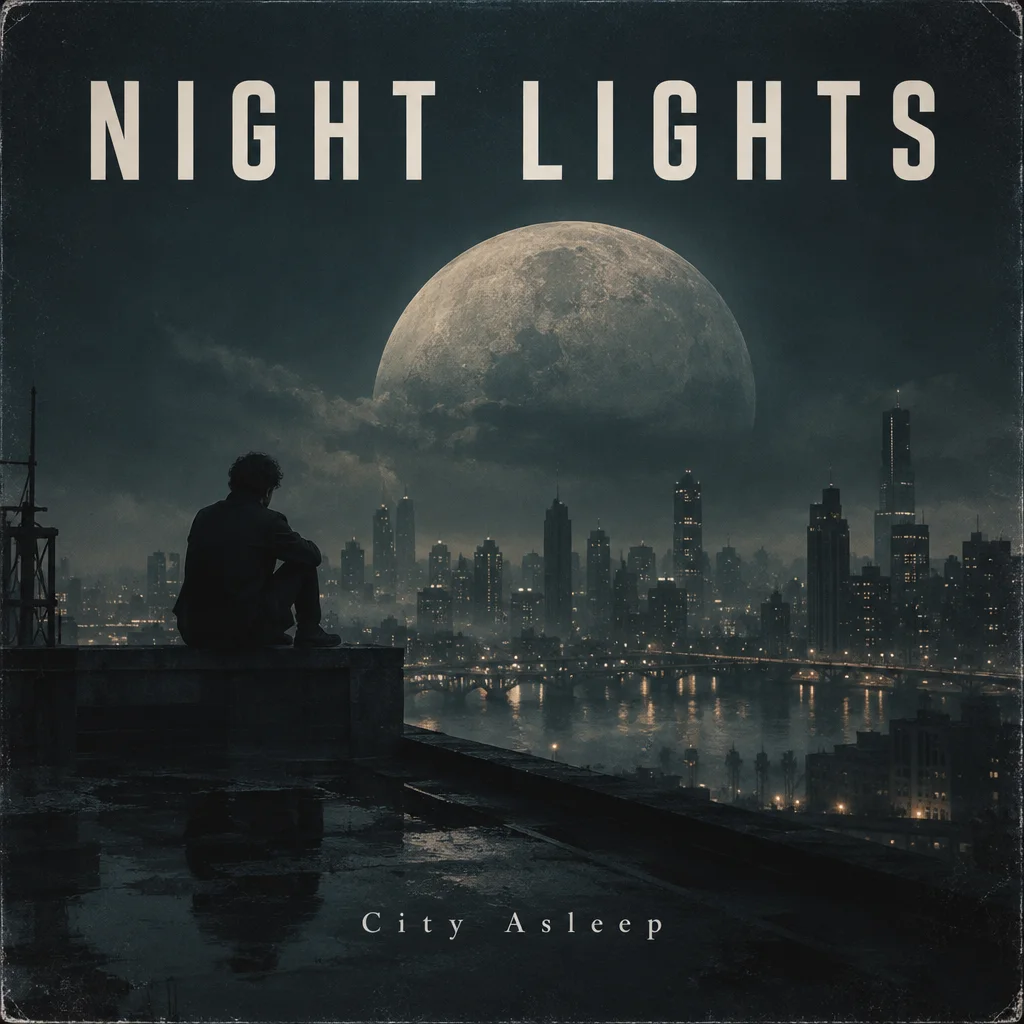
"City Asleep" album cover for the band Night Lights

«"City Asleep" album cover for the band Night Lights»

Album Cover template · GPT Image 2.5

Lo-fi single cover "Rain" by the artist Mira

«Lo-fi single cover "Rain" by the artist Mira»

Album Cover template · GPT Image 2.5

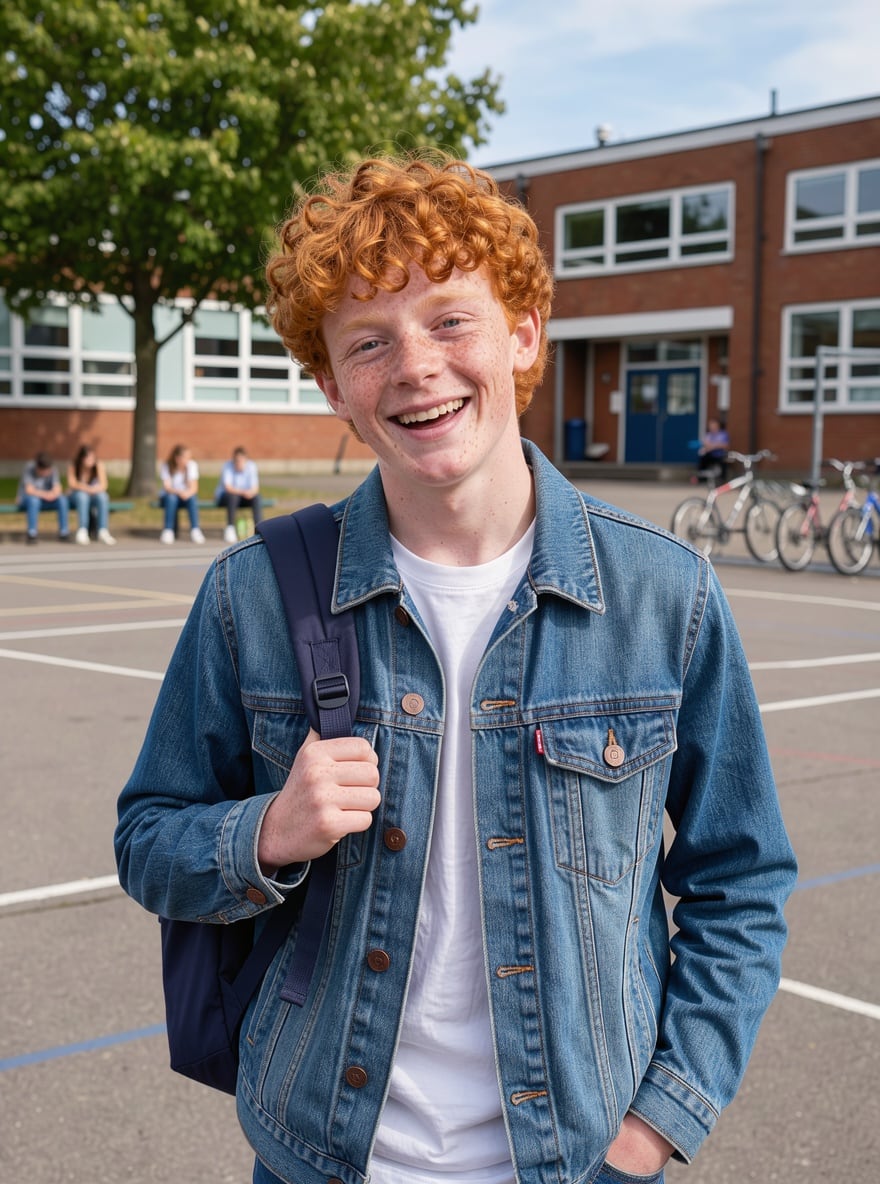
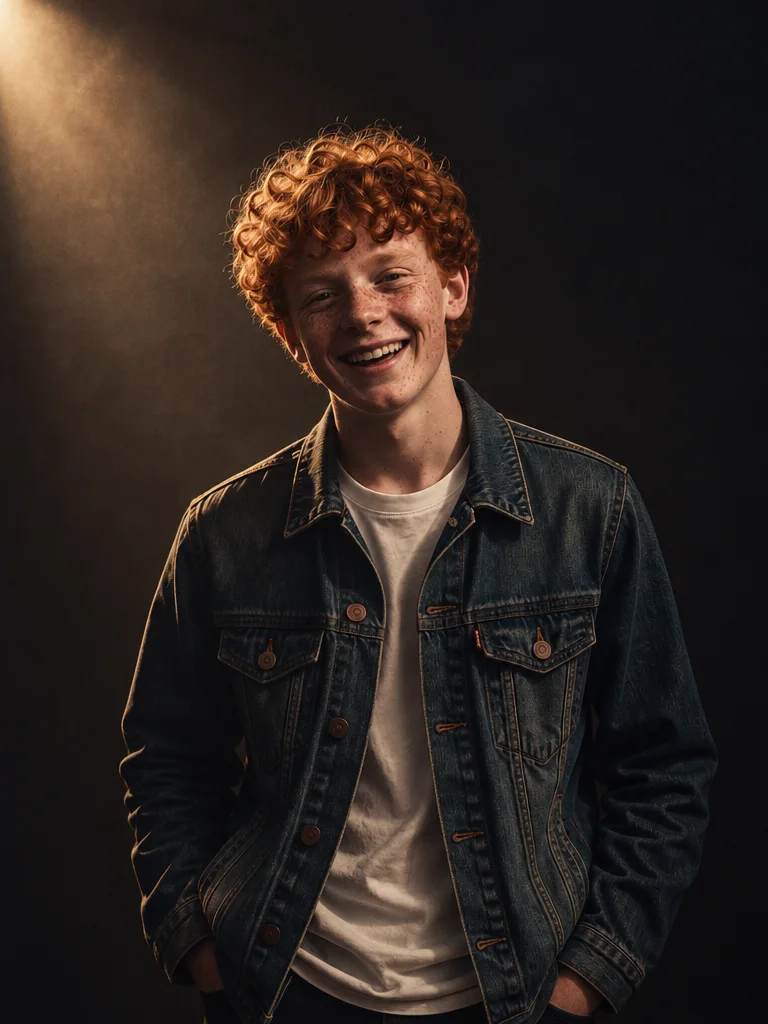
«Your photo → portrait for a track cover»

Music Cover template · GPT Image 2.5

II

You can't release a track without cover art, and hiring a designer for every single gets expensive and slow. AI makes a cover in about a minute. The Album Cover template paints an atmospheric, symbolic scene with a striking palette and bold lettering, like a real release. Open the template and add the artist name, the track or album title and the mood to the prompt: "lo-fi, a girl in headphones by a rainy window".

The lettering is drawn by GPT Image 2.5, a model that handles short titles cleanly. If you want to be on the cover yourself, use the Music Cover template: upload your photo and the AI turns it into a portrait with dramatic lighting and room for a title. Add the title in any editor, or with the free Text tool in the Online Photo Editor.

Covers come out square by default — the format streaming platforms ask for. If a platform wants a higher resolution, upscale the image with Enhance Photo. And you can make the song itself in the AI song generator.

III

What the AI does

01

Title on the cover

Artist and track name in clean lettering

02

The track's mood

Scene and palette to match the genre

03

Cover from your photo

Your portrait with dramatic lighting

04

Square by default

The format streaming platforms expect

IV

What it's for

Singles

Cover art for a streaming release

Albums and EPs

A series of covers in one style

Podcasts

Square artwork for a show or episode

Release posts

An image to announce a new track

V

How to make an album cover

01

Open the template

Album Cover, or Music Cover with your photo

02

Add the title

Artist, track name and mood

03

Download the cover

Ready in 15–40 seconds

VI

Cover ideas

See what you can create — try it yourself

Prompt

«"Night Lights" — album "City Sleeps", a night city»

Result

An album cover with a bold title

Prompt

«Lo-fi single "Rain", a girl by the window»

Result

An atmospheric single cover

Prompt

«Your photo · Music Cover»

Result

An artist portrait with room for a title

Prompt

«Phonk track, a neon car in the rain»

Result

A punchy phonk cover

VII

Pricing

Pay only for results — no subscription

All plans →
Model / operationCredits
  • Cover template · one image3 cr.
  • A song to go with it · Lyria 3.513 cr.

Credit packs: 150 credits for $5, 350 credits for $12, 1250 credits for $35.

VIII

Album cover FAQ

How do I make an album cover with AI?+

Open the Album Cover template, add the artist name, track title and mood to the prompt and click Create. Your cover is ready in 15–40 seconds.

Will the AI spell the title correctly?+

Usually, yes: GPT Image 2.5 handles short titles well. Put the title in quotes and check the result — if a letter comes out wrong, run it again.

Can I put my own photo on the cover?+

Yes, the Music Cover template turns your photo into a release portrait. Add the title with the free Text tool in the Online Photo Editor.

Is it good enough for streaming platforms?+

Covers are square by default, as platforms require. If you need a higher resolution, upscale with Enhance Photo, and check your distributor's requirements before uploading.

How much does it cost?+

3 credits per cover. New accounts get 6 free credits.

Try for free

Sign up for free and get 6 credits right away. No card required.