What Will Our Baby Look Like? Try an AI Baby Generator with Both Parents' Photos
We gave the AI two parents' portraits and asked for a daughter at 1 and 7 and a son at 3 and 15. Here's what came out, how to get a good result, and what it can't tell you.

Contents
“Whose nose will they get?” is one of the first things couples wonder about. Baby Generator on ImageGPT turns that into a game: upload a photo of each parent, pick a daughter or a son and an age, and the AI blends both faces into a child who could plausibly be yours.
Let's be clear about what this is: entertainment. The AI mixes the features it sees in two photos. Real genetics is a lottery — recessive traits skip generations, and siblings with the same parents can look nothing alike. Every run gives a slightly different child, and none of them is a forecast.
Example: a daughter and a son from one couple
We used two test portraits: a woman with chestnut hair and a bearded man with short dark hair. Two runs — Daughter at 1 year and 7 years, then Son at 3 years and 15 years. Each age is a separate photo.
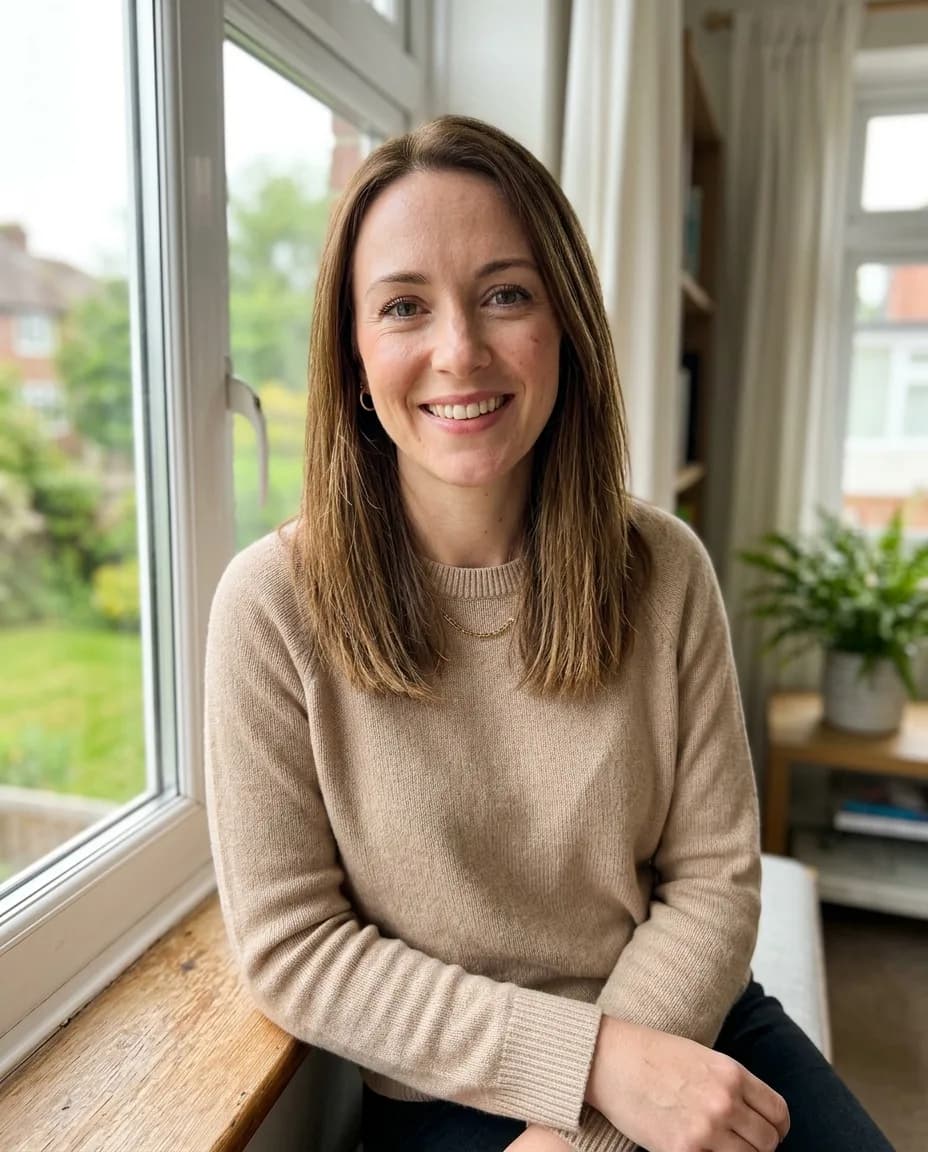

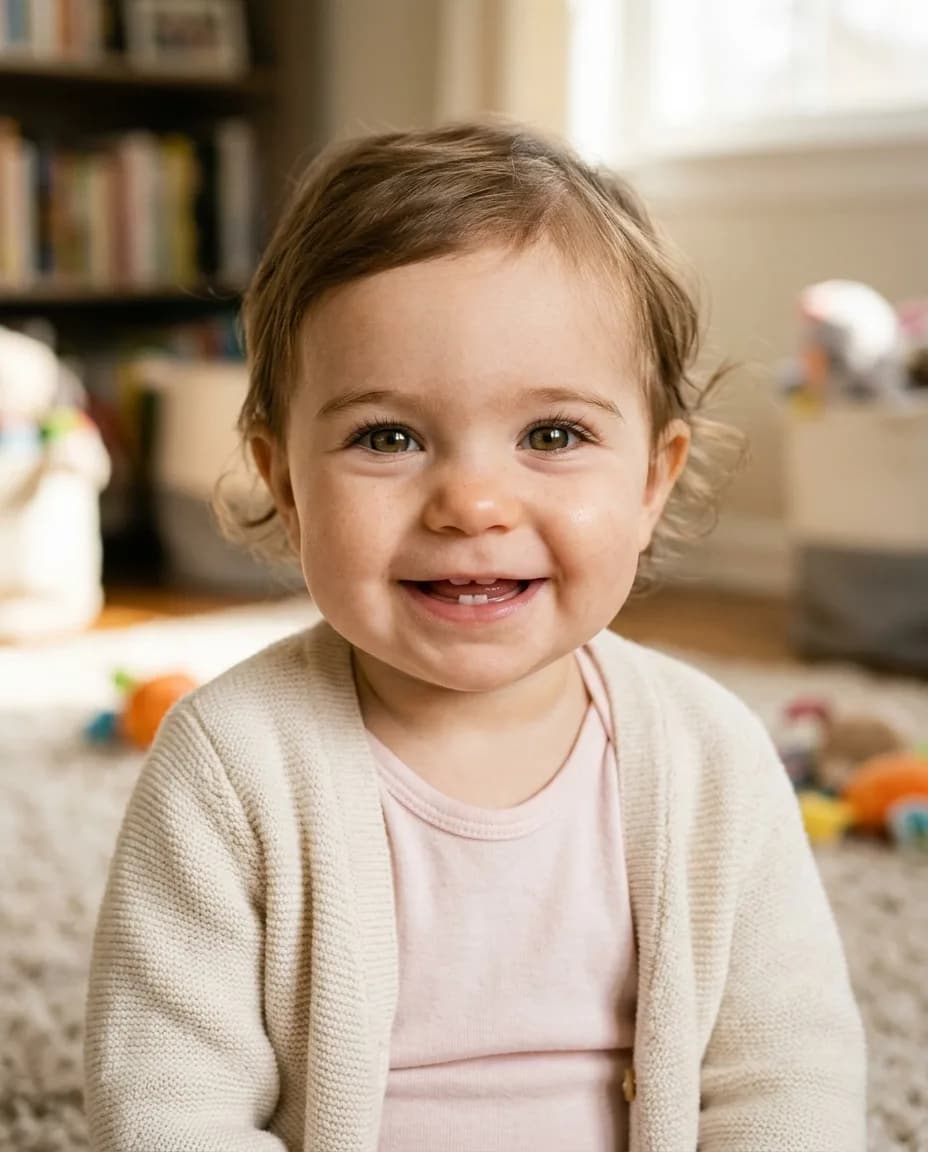
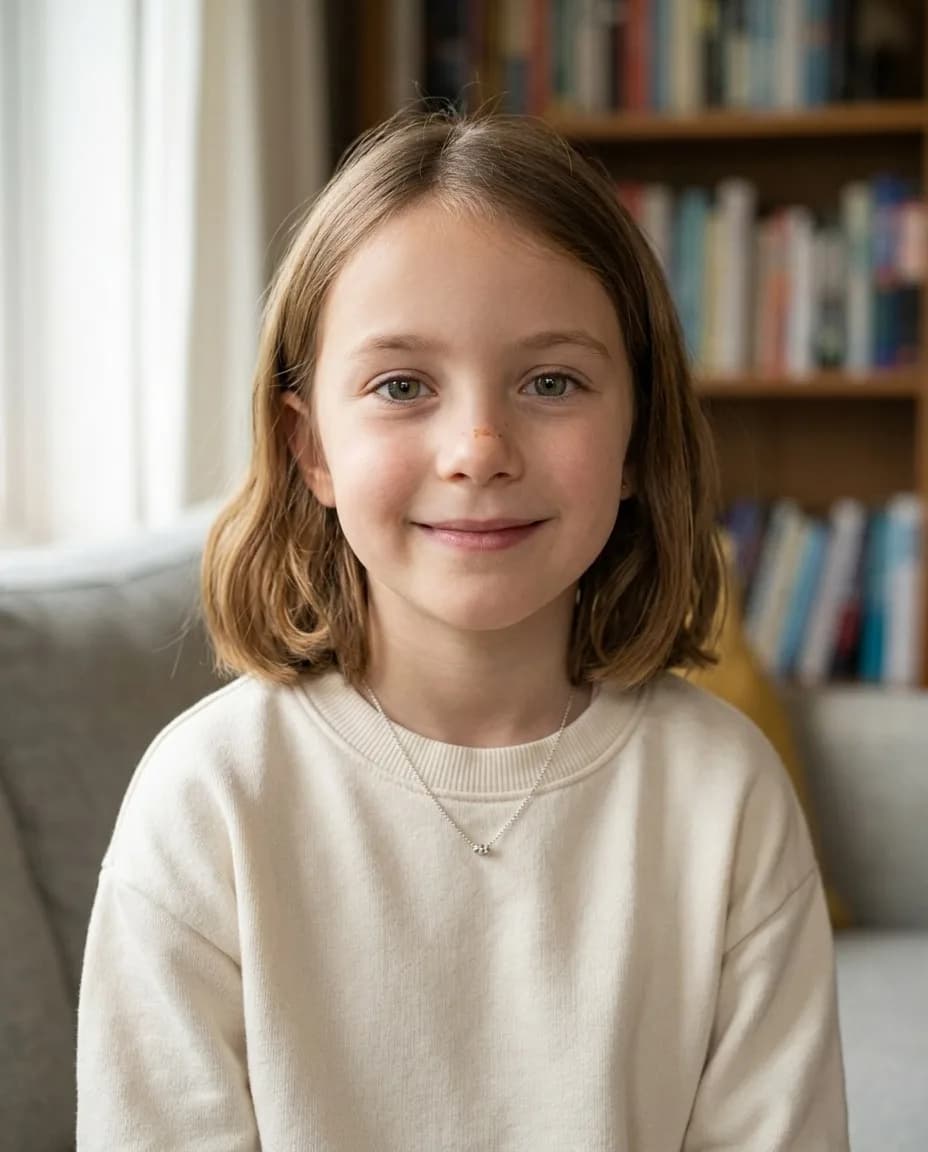
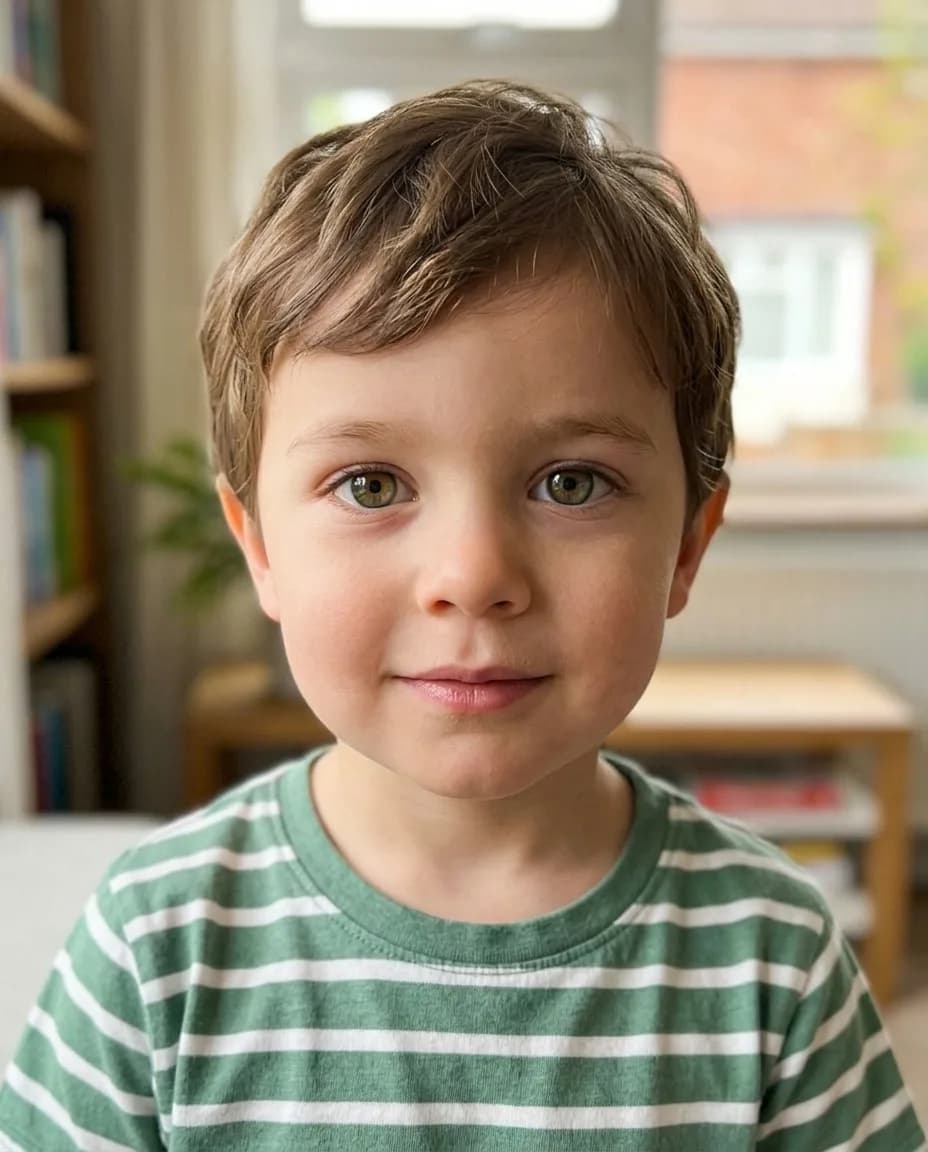
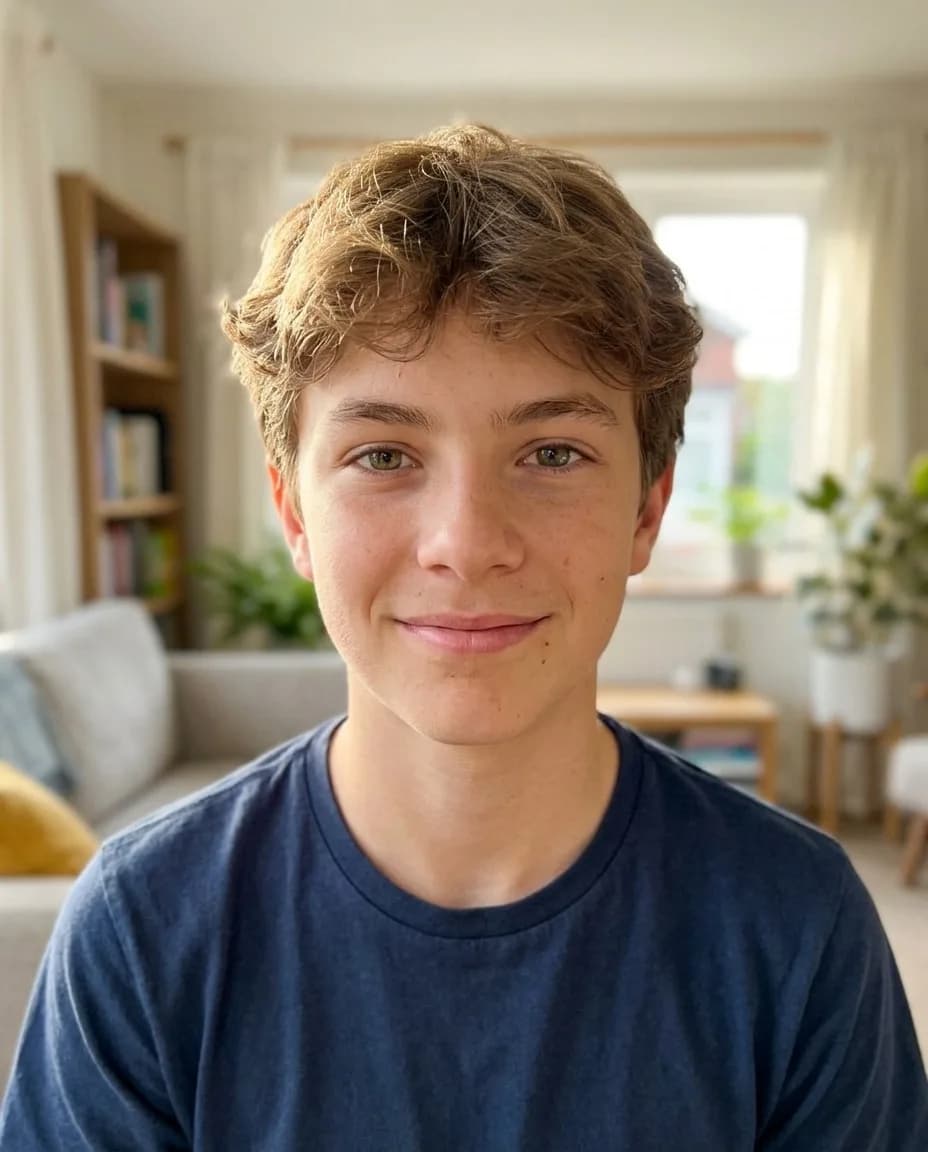
The child is always shown alone, head and shoulders, in a warm family-album style with soft daylight, a simple homely background and everyday clothes for their age; the parents never appear in the picture. You can change the outfit or setting with a wish.
Each age is drawn separately. That means the one-year-old and the fifteen-year-old both look like the parents, but they won't always look like the same person the way real photos of one child do. If you want a “growing up” series, do a few runs and pick the shots that tell the story best.
Which photos work best
- Front-facing portraits with the face clearly visible, one person per photo.
- Similar, even lighting in both photos, so skin tones compare fairly.
- No sunglasses, heavy filters or face-tuning apps — the AI reads features from the photo as it is.
- Hair visible, so the AI can pass on its colour and texture.
- Photos of people who are happy to play along. If the other parent would rather not, don't upload their picture.
Step by step
- Open Baby Generator in the Photo section.
- Upload the first parent's photo and the second parent's photo.
- Under Child, pick Daughter or Son.
- Tick one or more ages: 1 year, 3 years, 7 years or 15 years. Each one is a separate photo.
- Add wishes if you like and click Show our baby.
Wish ideas
Wishes nudge the result toward a trait or set the scene. Keep them short:
dad's eyes, curly hair
red hair and freckles like mom
short haircut, wearing a soccer jersey
Wishes work two ways. Some steer the features — whose eyes, whose hair. Others set the scene, which is handy if you want the picture for a card or a gift:
in a Christmas sweater, fairy lights in the background
holding a puppy, sunny garden behind
Fun ways to use it
- A gender-reveal or baby-shower game: let guests guess which photo is closest once the baby arrives.
- An anniversary surprise for your partner.
- Making the same child at all four ages to see them “grow up”.
Pricing
Each photo costs 10 credits, so all four ages in one run cost 40 credits. Photos that fail are refunded. New accounts get 6 free credits.
Upload both parents' photos and meet one version of your future child.
Show our babyMore examples and answers to common questions.
AI baby generatorTry everything from this article in minutes
All the models and tools from this article are in one place. You get 6 free credits after sign-up, and every price is shown before you run it.
Show our baby