
ImageGPTImageGPT

Design

Fantasy Map Generator

Describe your world and AI draws the map — mountains, rivers, cities and place names. For your novel, game or D&D campaign.

6 free credits on sign up

I

Maps made with the generator

Real outputs of the model: the request and what came out, with no retouching

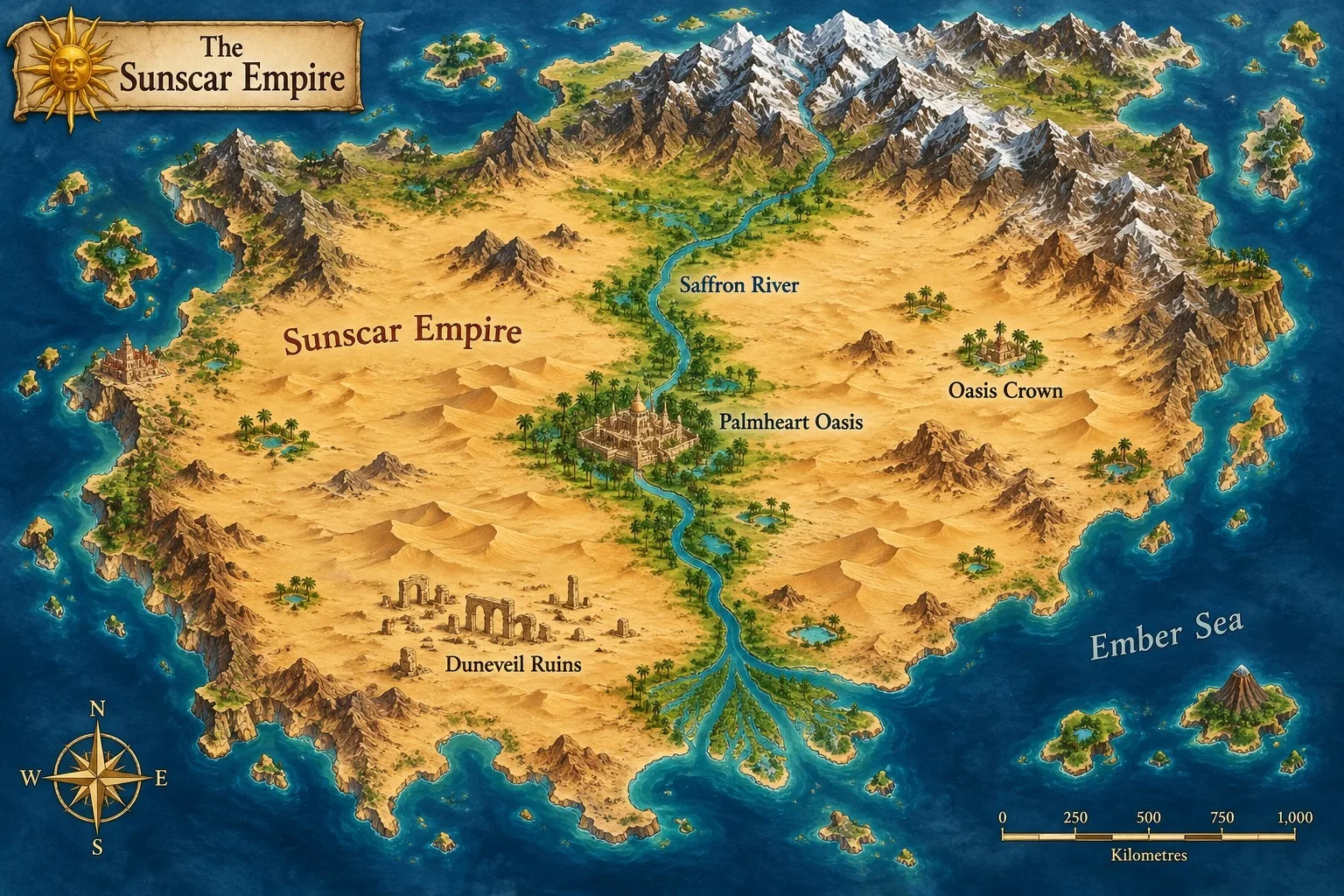
A desert empire split by a great river, an oasis capital, lost ruins

«A desert empire split by a great river, an oasis capital, lost ruins»

Continent · colour atlas

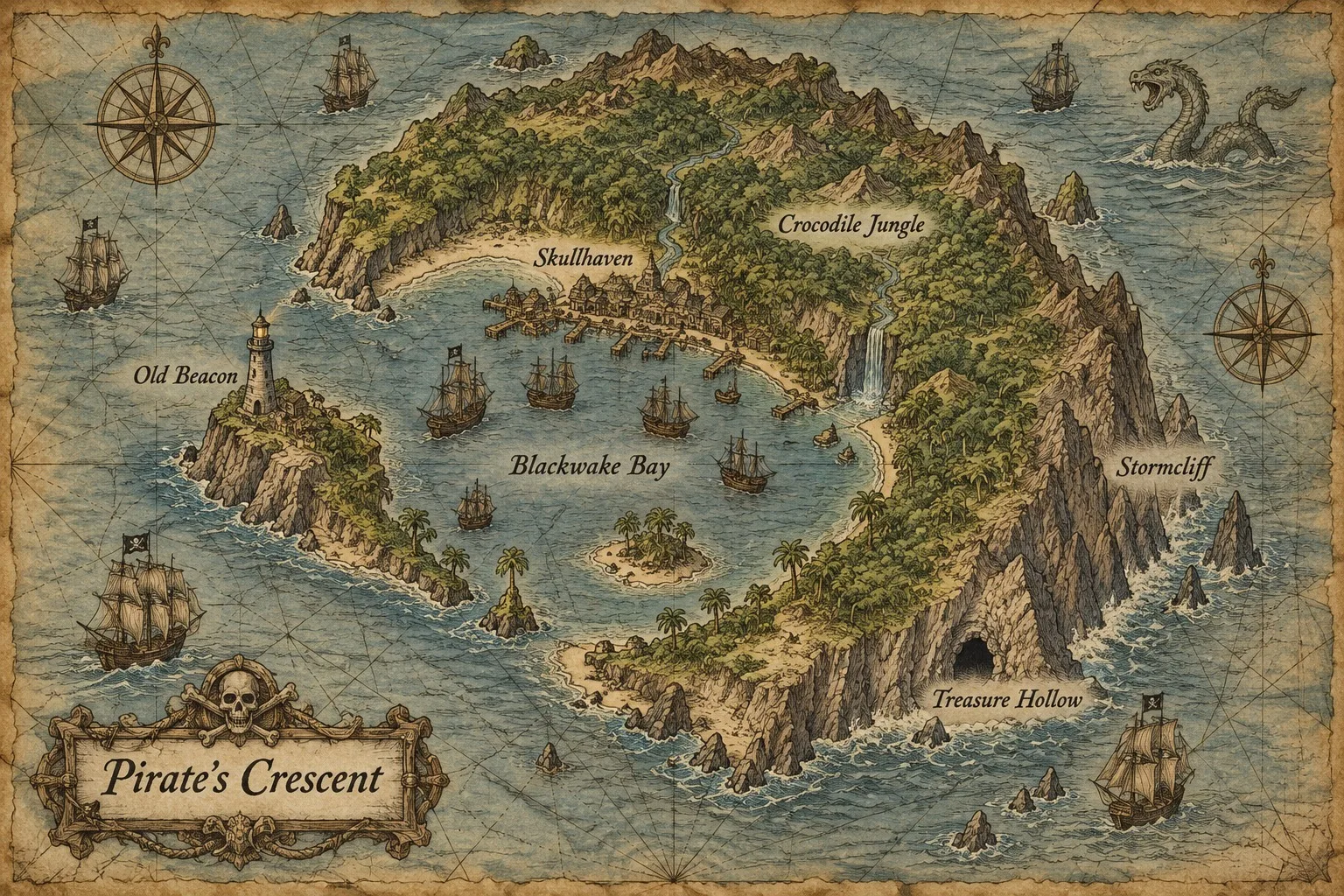
A crescent pirate island with a bay, a lighthouse and a treasure cave

«A crescent pirate island with a bay, a lighthouse and a treasure cave»

Island · old sea chart

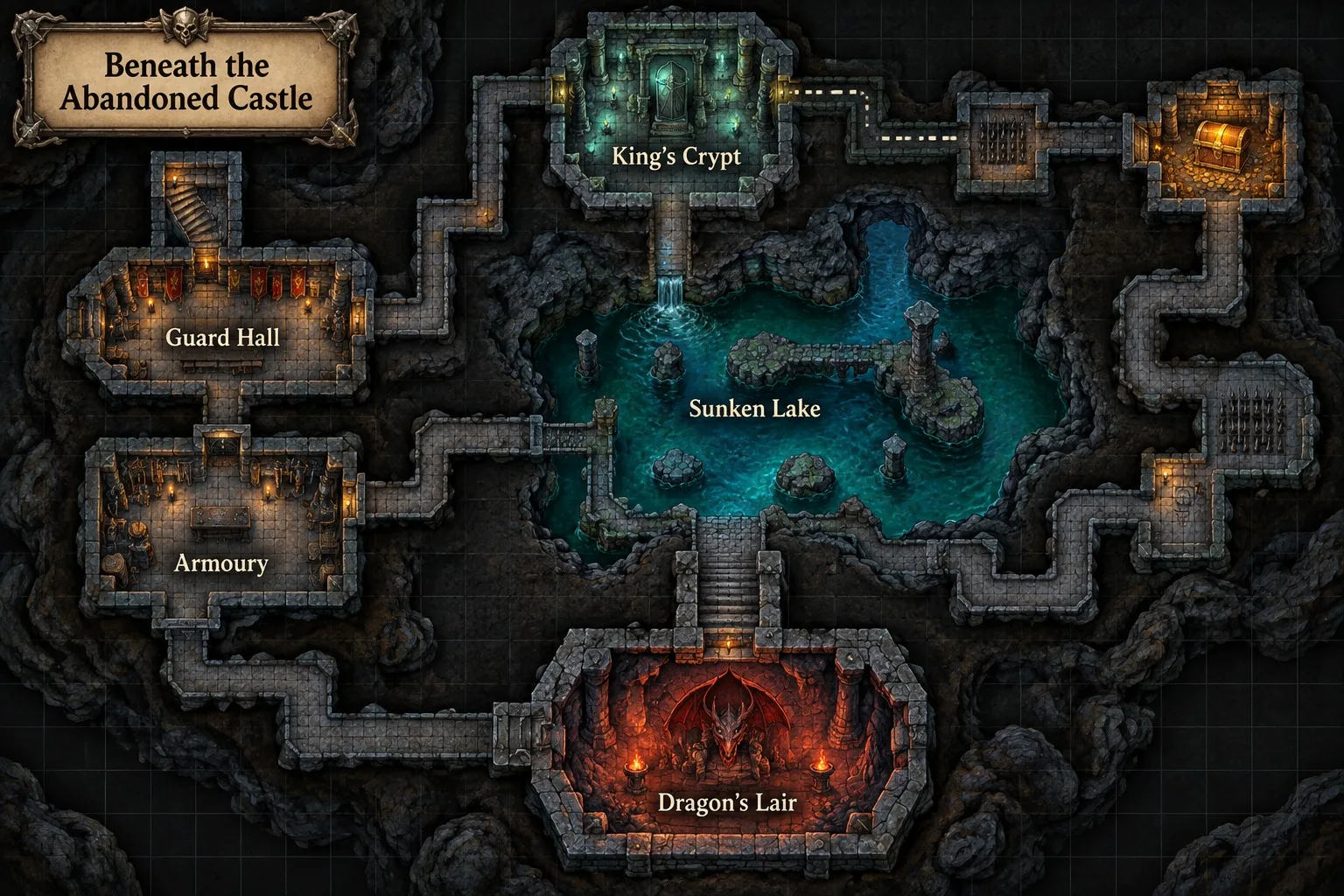
A dungeon under a castle for a tabletop RPG, my own room names

«A dungeon under a castle for a tabletop RPG, my own room names»

Dungeon · game map

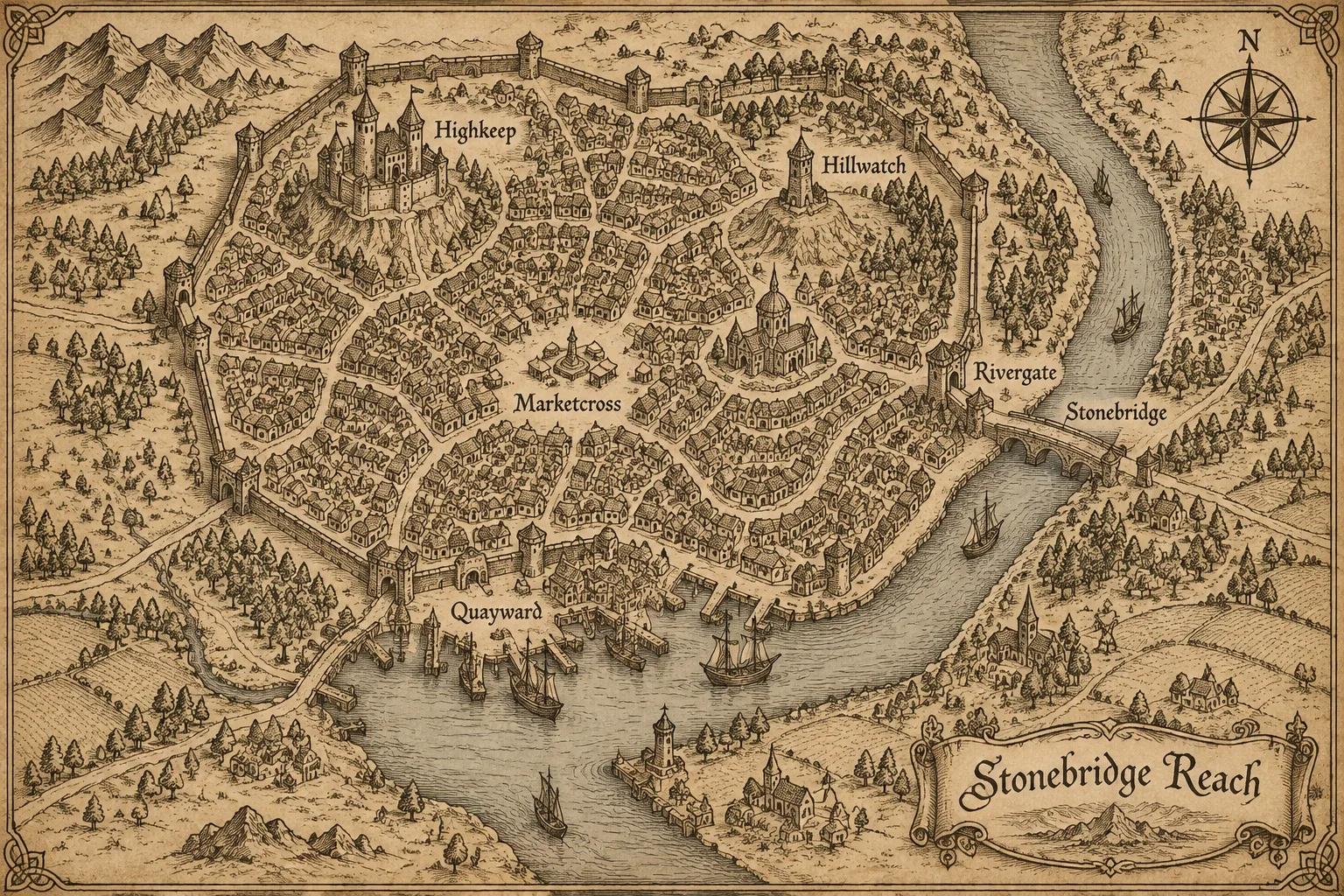
A walled river city: bridge, market square, hilltop castle, harbour

«A walled river city: bridge, market square, hilltop castle, harbour»

City · ink on parchment

II

Writers, game masters, modders and worldbuilders all hit the same wall: the world is in your head, but drawing the map takes days and map editors take hours to learn. This generator turns a plain description into a finished map in about a minute.

Choose what to draw — a continent, an island, a kingdom, a city or a dungeon — and describe it in your own words: "a desert empire split by a great river, with an oasis capital and the ruins of a lost city in the dunes". Give your own place names, separated by commas, or let the AI invent six evocative ones and letter them on the map along with the map's title. Don't want any text? Switch labels off for a clean map.

There are four styles: ink on parchment like the maps in classic fantasy novels, a colour atlas, an old sea chart with compass roses and ships, and a video-game map. After the map is ready you can add or move names yourself in the free label editor — pick the font, ink, white or gold lettering, size and position, then download. Maps are drawn by GPT Image 2.5 in a wide 3:2 format.

III

Fantasy map generator features

01

5 map types

Continent, island, kingdom, city, dungeon

02

4 styles

Parchment, atlas, sea chart, game map

03

Place names

Yours or invented by the AI

04

Label editor

Add and move names for free

05

Clean maps

No text, label it yourself

06

Wide format

3:2, up to 2 versions at once

IV

Who it's for

D&D and tabletop RPGs

World, city and dungeon maps for your campaign

Writers

A map for your novel or fan fiction

Game design

Maps for games, mods and Minecraft servers

Kids

Treasure maps and made-up countries

V

How to make a fantasy map

01

Describe your world

Map type, terrain, cities and names

02

Choose a style

Parchment, atlas, sea chart or game map

03

Label and download

Add your own names on top — free

VI

Maps you can create

See what you can create — try it yourself

Prompt

«A desert empire with a great river»

Result

A colour atlas with an oasis capital and ruins

Prompt

«A pirate island with a bay and a lighthouse»

Result

An old sea chart with ships and a sea serpent

Prompt

«A dungeon under a castle for D&D»

Result

A game map of rooms with a dragon's lair

Prompt

«A walled trading city on a river»

Result

A parchment city map with bridge, market and harbour

VII

Pricing

Pay only for results — no subscription

All plans →
Model / operationCredits
  • One 3:2 map6 cr.

Credit packs: 150 credits for $5, 350 credits for $12, 1250 credits for $35.

VIII

Fantasy map generator FAQ

How do I make a fantasy world map?+

Pick a map type and style, describe your world in a sentence or two and tap "Create map". The AI works out the terrain and names and draws the map, usually in under a minute.

Can I use my own place names?+

Yes — type up to eight names separated by commas and they're lettered on the map exactly as written. Leave the field empty and the AI invents six names for you.

Is it good for D&D?+

Yes. Make a continent or kingdom map for the campaign and a dungeon in the "Game map" style for sessions, with rooms and corridors. You can name the rooms yourself.

Can I label the map myself?+

Yes. Switch off "Names on the map" for a clean map, then open "Add your own labels": add names, drag them into place and change the font, colour and size. The editor is free.

Can I use the map in my book or game?+

Yes, the map is yours to print, publish and use in your own projects.

How much does it cost?+

6 credits per map. New accounts get 6 free credits.

Try for free

Sign up for free and get 6 credits right away. No card required.