
ImageGPTImageGPT

Photo

AI Avatar Generator from Your Photo

One selfie and AI makes a profile picture in any style — from clean minimalism to cyberpunk and Viking.

6 free credits on sign up

I

Avatars made from photos

Real outputs of the model: the request and what came out, with no retouching

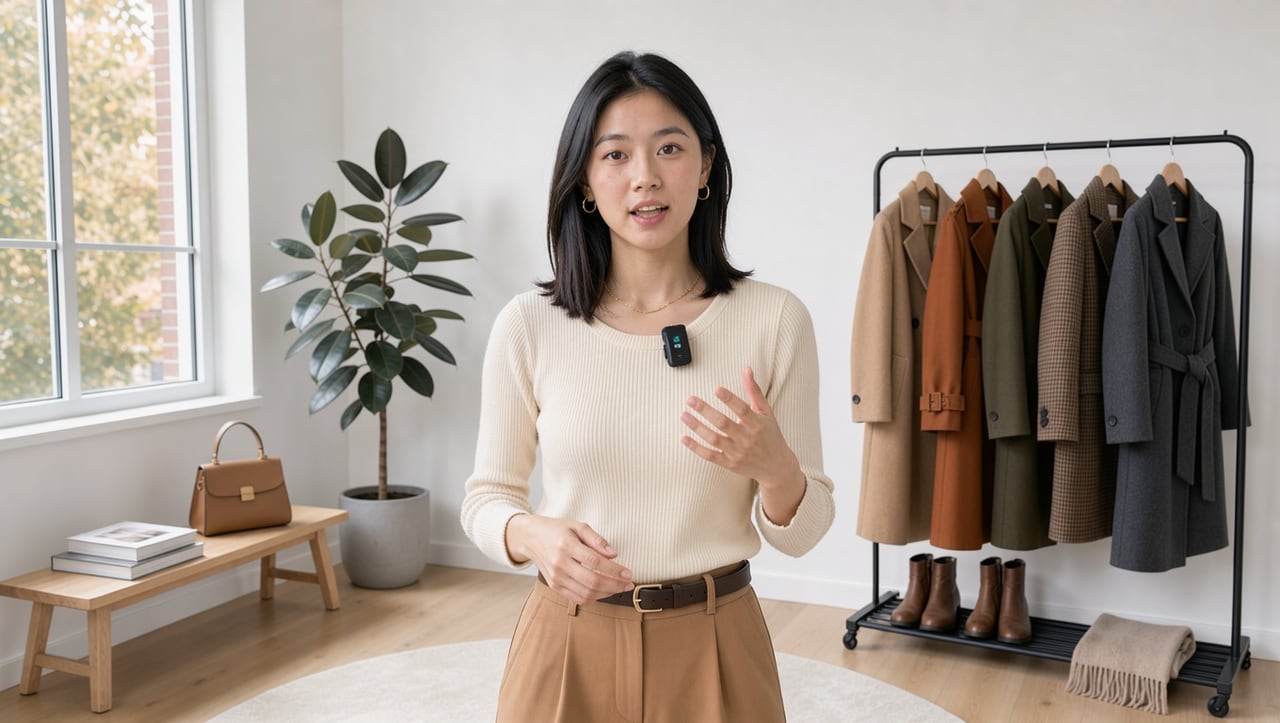
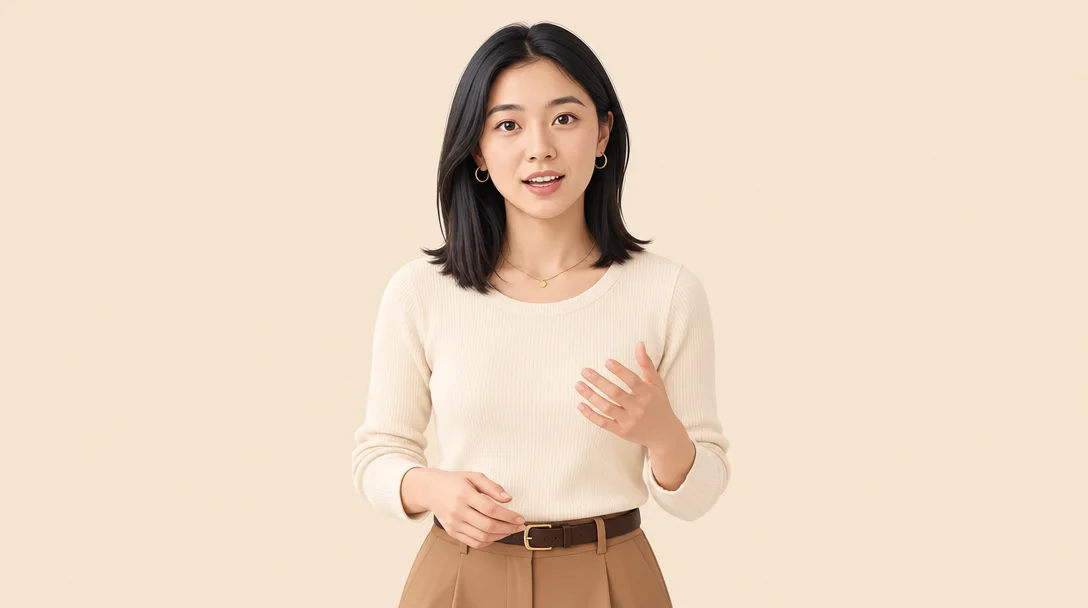
«Minimalist Avatar template»

Minimalist Avatar template · GPT Image 2.5

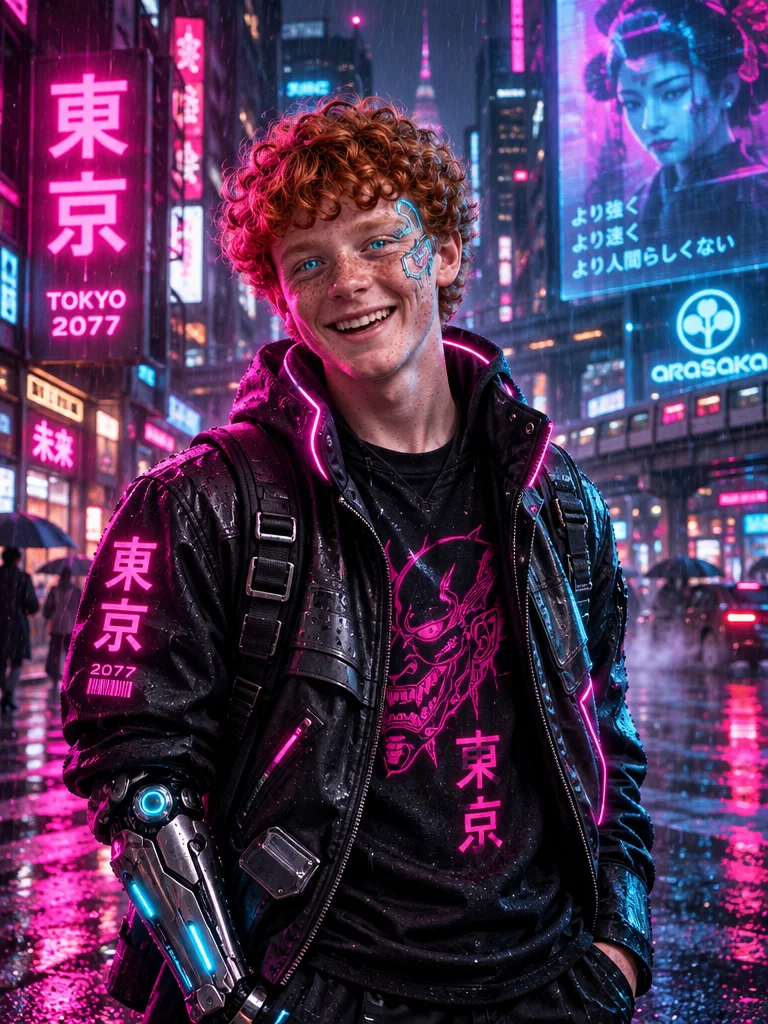
«Cyberpunk Avatar template»

Cyberpunk Avatar template · GPT Image 2.5

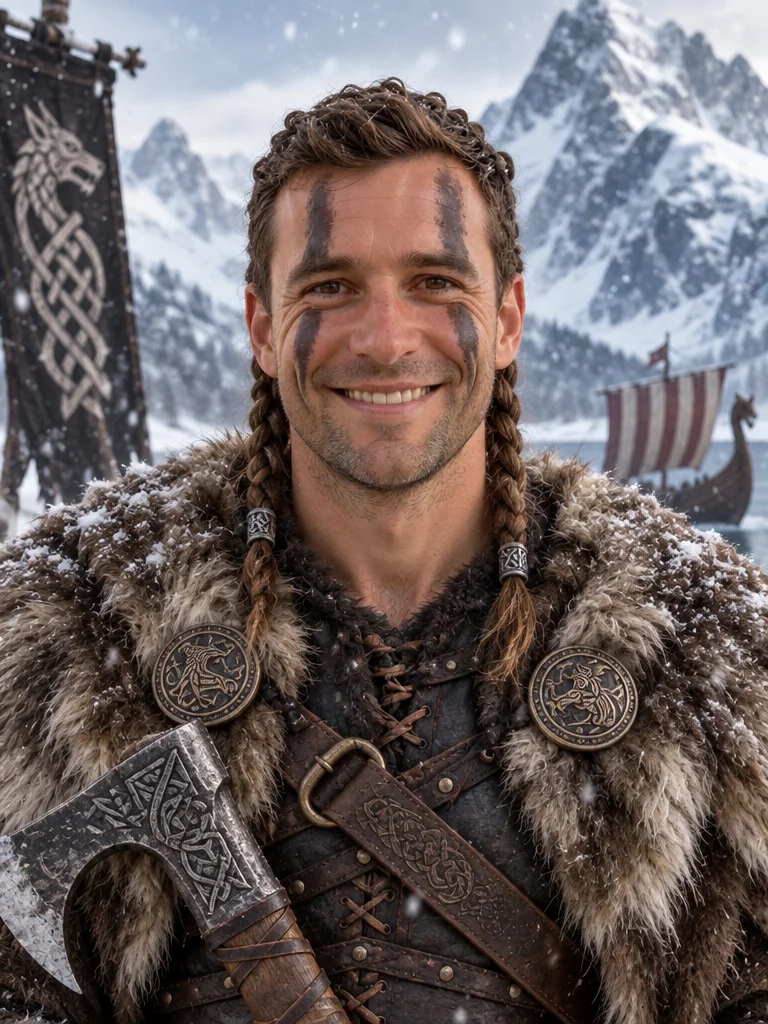
«Viking Avatar template»

Viking Avatar template · GPT Image 2.5

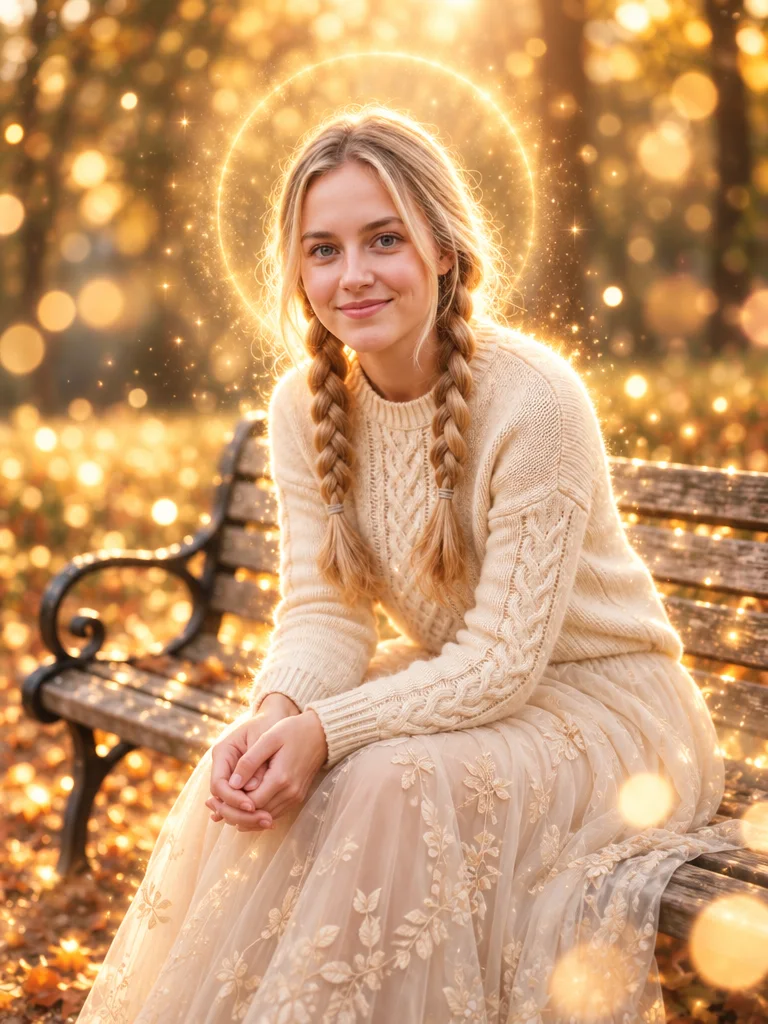
«Glow Effect template»

Glow Effect template · GPT Image 2.5

II

Your avatar is the first thing people see in a chat, on a stream or in the comments. A designer takes time, and a random kitchen selfie looks rough in a round frame. AI creates an avatar from your photo in about a minute: it takes your face and redraws it in the style you choose, keeping your features.

The Avatars section has ready-made templates: Minimalist Avatar with a clean pastel background, Pixar Avatar in 3D, Cartoon Avatar, Cyberpunk Avatar with neon, Viking Avatar, Mafia Avatar, Luxury Avatar, Dark Aesthetic, Glow Effect, Futuristic Portrait, plus avatars for YouTube, Twitch, Discord and gaming profiles. Add a wish before you run — a background color or an accessory, for example.

Your avatar is ready in 15–40 seconds. Try a few styles and keep the one that feels like you — or make a different avatar for each platform: a polished one for work chat and a bold one for gaming. Need a professional portrait for LinkedIn or a résumé? The AI headshot generator is built for that.

III

What the avatar generator does

01

15+ styles

Minimal, 3D, cyberpunk, fantasy and gaming

02

Your face

Features and hairstyle stay recognizable

03

Made for round frames

Portrait composition with your face centered

04

15–40 seconds

No designer or graphics software

IV

Where to use it

Messengers

A profile picture for WhatsApp, Telegram or Slack

Gaming and Discord

A bold look for your gaming profile

Streamers and creators

A recognizable avatar for YouTube and Twitch

Work profiles

A neat, minimal portrait

V

How to make an avatar from a photo

01

Pick a style

Open the Avatars section in Templates

02

Upload a selfie

Face clearly visible, no sunglasses

03

Download your avatar

Ready in 15–40 seconds

VI

Popular avatar styles

See what you can create — try it yourself

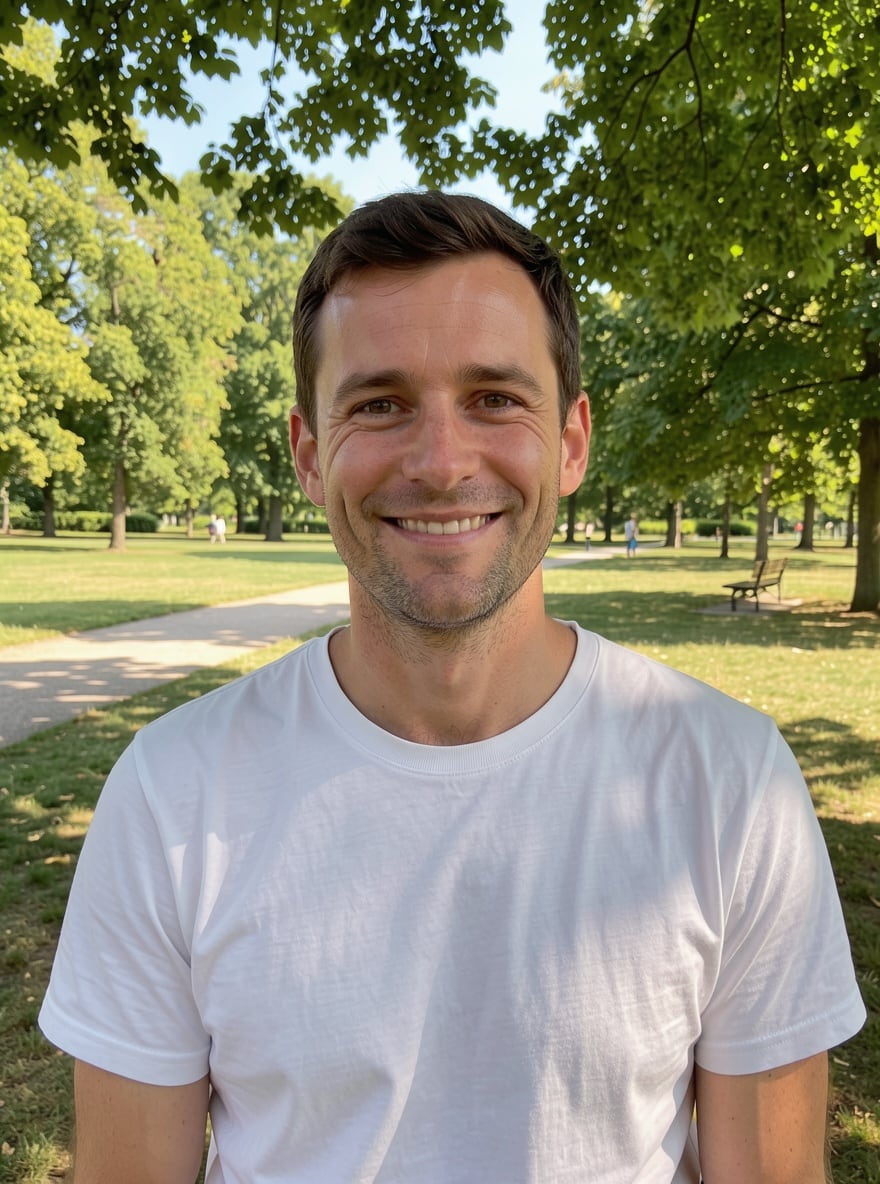
Prompt

«Selfie · Minimalist Avatar»

Result

A clean portrait on a pastel background

Prompt

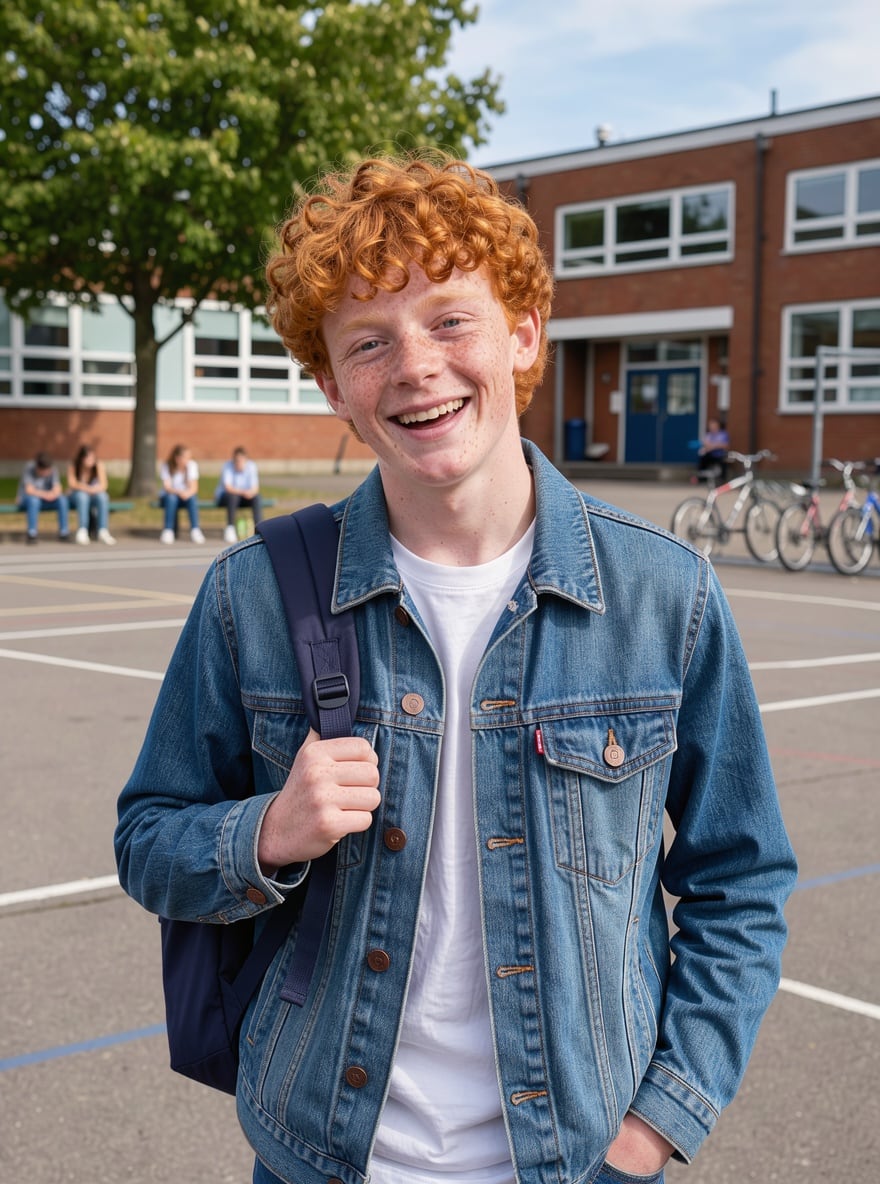
«Teen's photo · Cyberpunk Avatar»

Result

A neon look for Discord

Prompt

«Park photo · Viking Avatar»

Result

A fur-clad warrior for a gaming profile

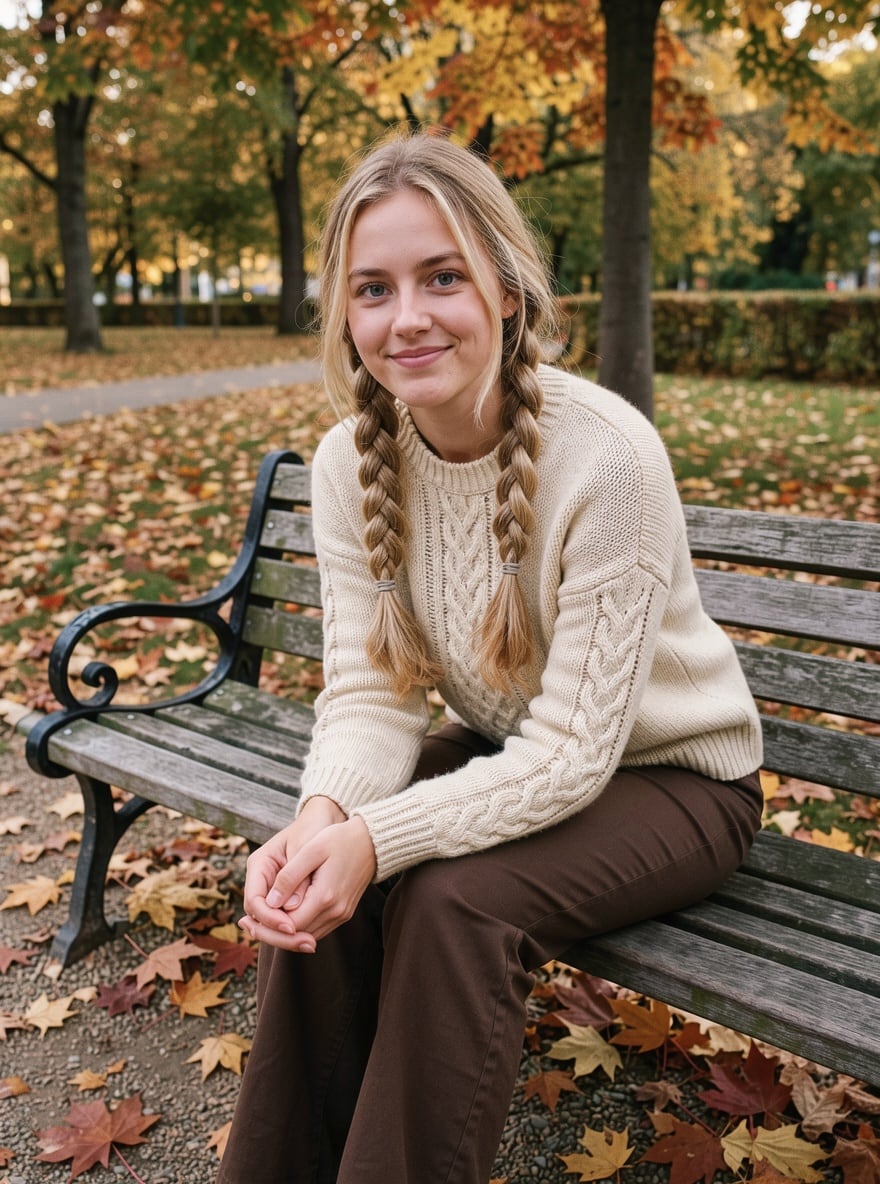
Prompt

«Portrait · Glow Effect»

Result

A glowing avatar for Instagram

VII

Pricing

Pay only for results — no subscription

All plans →
Model / operationCredits
  • Avatar template · one image3 cr.

Credit packs: 150 credits for $5, 350 credits for $12, 1250 credits for $35.

VIII

AI avatar FAQ

How do I make an avatar from my photo?+

Open the Avatars section in Templates, pick a style, upload a selfie and click Create. In 15–40 seconds your avatar is ready to download and use anywhere.

What photo should I upload?+

A sharp selfie or portrait in good light: face large, no sunglasses or heavy filters. A waist-up photo works too.

Can I make an AI avatar for free?+

New accounts get 6 free credits — enough for several avatars in different styles.

Can I customize the style?+

Yes, add a wish in the description field before you run: background color, clothing, an accessory or a mood.

How much does it cost?+

3 credits per avatar. If a generation fails, your credits are refunded.

Try for free

Sign up for free and get 6 credits right away. No card required.