How to Try On Clothes Online from a Product Link: Outfits, Glasses and Shoes
We pasted two product links — a hoodie and sunglasses — and tried them on separately and together with a styling note. Here's what changed, how it works and what it costs.
Contents
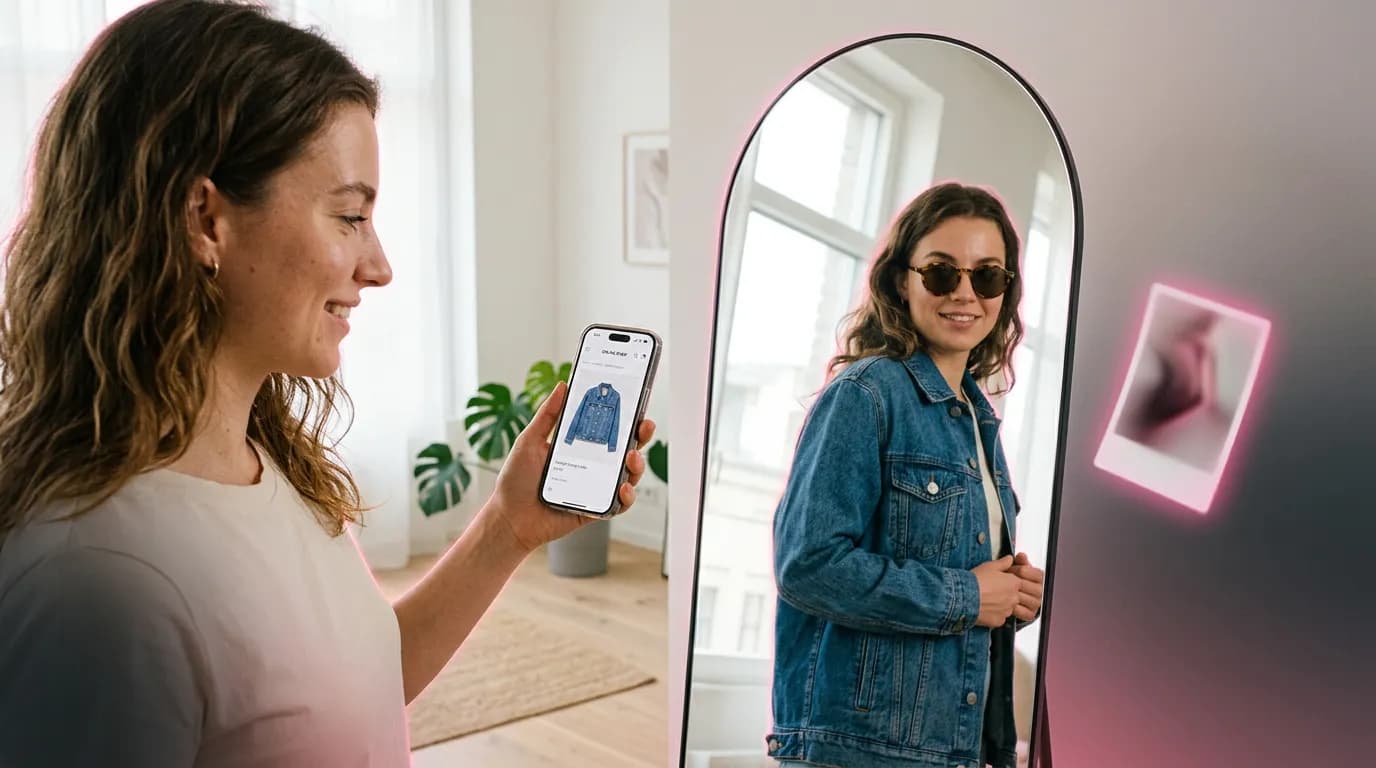
Buying clothes online means guessing how they'll look on you. A model's photo tells you about the model. Virtual Try-On on ImageGPT puts the item on your own photo, and you no longer need to save and crop product pictures first — paste the link to the product page and the site finds the main photo itself.
What it can do
- Product links: paste a link to the product page and it grabs the product photo. If a shop doesn't share photos by link, upload a photo or screenshot instead.
- More than clothes: shoes, bags, glasses and jewellery too.
- Up to four items at once, worn together as one outfit.
- Wishes in plain words, like “jacket open” or “sunglasses pushed up”.
- Remember my photo: next time, just add the item.
- The price doesn't depend on the number of items: 10 credits per try-on.
Example: a hoodie and sunglasses from two links
We used a waist-up test portrait of a bearded man in a grey T-shirt and two product links: a grey hoodie with a butterfly print and a pair of black sunglasses. Three try-ons: the hoodie on its own, the glasses on their own, and both together with the wish “hood down, sunglasses on”.




Two models do the work behind the scenes. A single piece of clothing with no wishes goes to FASHN 1.6, a model trained specifically on garments. Accessories, shoes, several items at once and try-ons with wishes go to Nano Banana 2, which sees your photo and all the items together. If FASHN can't handle a photo — a tight close-up, say — Nano Banana 2 takes over automatically. You don't have to choose.
What to prepare
- Your photo: front-facing, full-body or waist-up, well lit, one person in the frame.
- Full-body for shoes and trousers. If an item would fall outside the frame, the AI widens the shot a little, but a full-body photo is more reliable.
- Product links. You can paste the whole text a shop app shares — the site finds the link in it.
- For shops that don't share photos by link, a photo or screenshot showing the whole item.
Step by step
- Open Virtual Try-On in the Photo section.
- Upload your photo. If you've used Remember my photo before, skip this step and your last photo is used.
- Under Items, paste a product link and click Add, or upload a photo of the item.
- To build an outfit, add more items — up to four.
- Under What you're trying on, leave Auto or pick Top, Bottom, Full outfit, or Accessory or shoes.
- Add wishes if you like and click Try on. The result appears on screen and in your history.
Wish ideas
The wishes field takes up to 300 characters. Describe how to wear the item, not what it looks like — the colour and print come from the product photo.
hood down, sunglasses on
jacket open with the T-shirt showing underneath
sunglasses pushed up on the head, bag in the right hand
Good to know
- Try-on shows style, colour and how items go together, not fit. Check the size chart for that.
- Small text and logos on items can come out slightly off — look closely.
- If no photo is found at a link, the site tells you. Take a screenshot of the product page and upload it.
- You can untick Remember my photo, and delete the saved photo with Forget.
Ideas worth trying
- A whole outfit before you check out: top, trousers, shoes and a bag in one try-on.
- Two similar jackets from different shops, tried on one after the other, to compare colour and cut on you.
- Frames and sunglasses, which are the hardest thing to judge from a product photo.
- Pieces from your colour palette, if you've done a colour analysis.
Pricing
One try-on costs 10 credits whether it has one item or four. Credits are only charged for a finished result. New accounts get 6 free credits.
Paste a product link and see the item on you.
Try on clothesChoosing frames or sunglasses?
Glasses try-onTry everything from this article in minutes
All the models and tools from this article are in one place. You get 6 free credits after sign-up, and every price is shown before you run it.
Try on clothes