
ImageGPTImageGPT

Design

AI Business Card Maker

Enter your name, job title and contacts — AI proposes a business card design and shows it on a realistic mockup.

6 free credits on sign up

I

Business cards made with AI

Real outputs of the model: the request and what came out, with no retouching

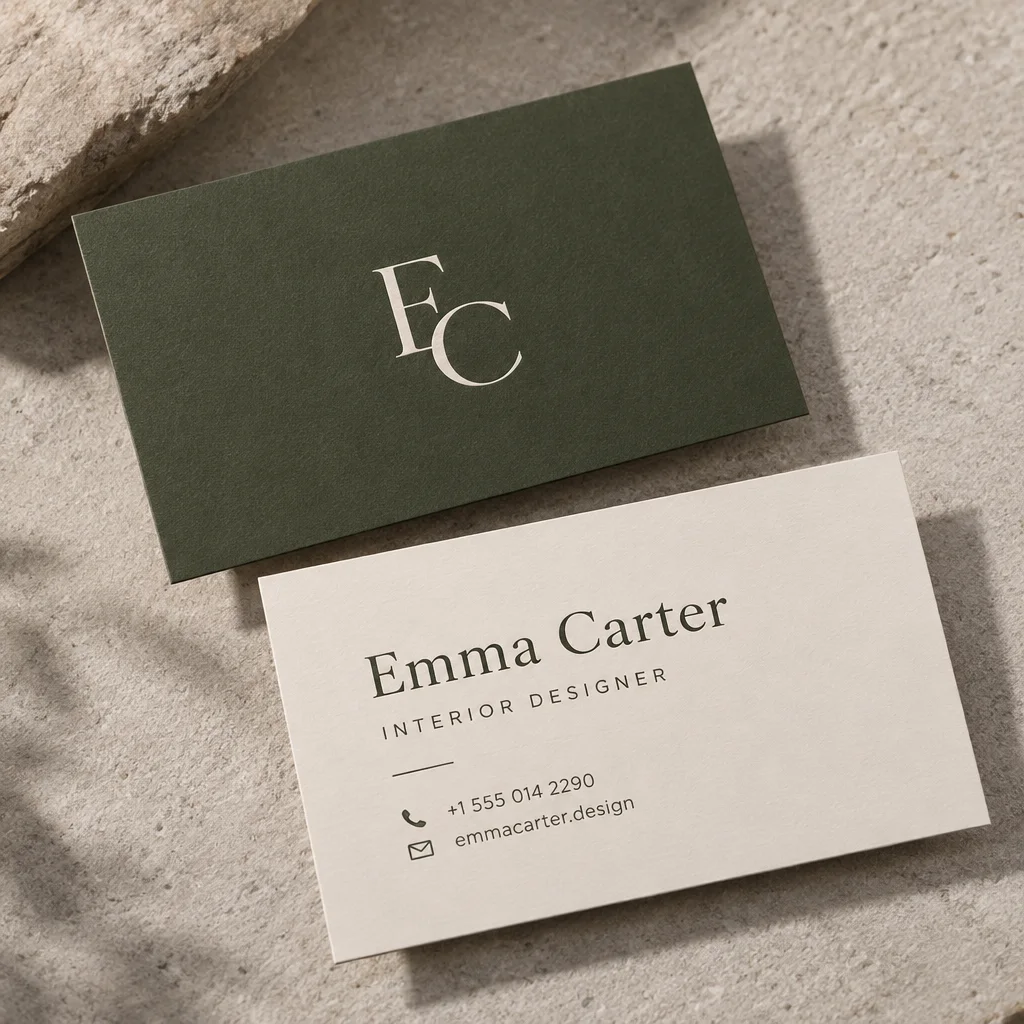
Business card for an interior designer

«Business card for an interior designer»

Business Card template · GPT Image 2.5

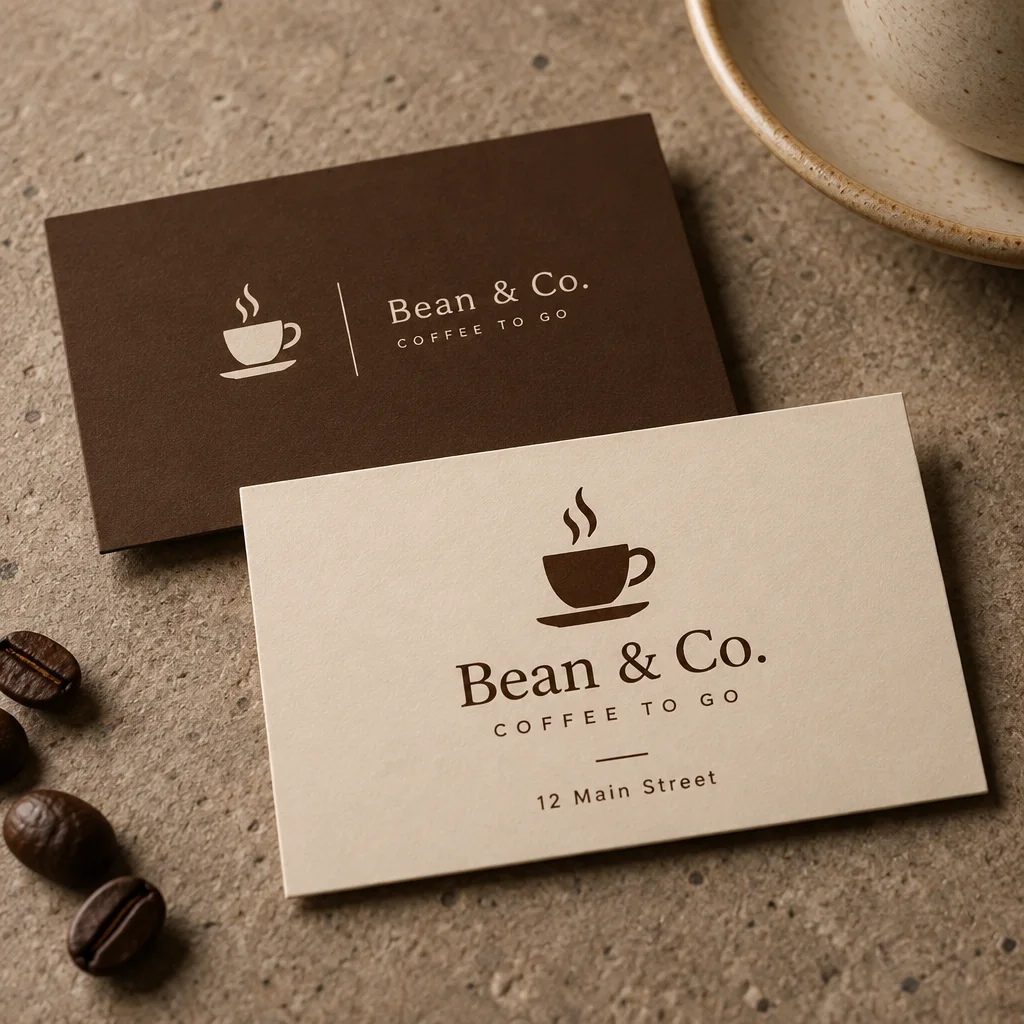
Business card for the Bean & Co. coffee shop

«Business card for the Bean & Co. coffee shop»

Business Card template · GPT Image 2.5

II

Business cards still matter for stylists, designers, lawyers, coffee shops and anyone who meets clients in person. The Business Card template helps you find a design fast: the AI draws a minimalist card with clean typography and a restrained two-tone palette and presents it as a photorealistic mockup — front and back on a textured surface.

Open the template and add your card text to the prompt — name, title, phone, website — plus a style wish: "warm brown tones, a coffee cup logo". The lettering is drawn by GPT Image 2.5, which handles short text well. Run it a few times with different colors and styles and you'll have a set of options in a couple of minutes.

The mockup is great for showing a client, a print shop or a designer, or for your portfolio and social media. For printing you'll need a file with exact dimensions and bleed — recreate the chosen design in a layout tool or hand the mockup to a designer as a brief. Need a logo for the card? Make one in the AI logo generator.

III

What the AI does

01

Your text

Name, title and contact details on the card

02

Realistic mockup

Front and back on a textured surface

03

Style in words

Colors, logo and brand mood

04

Lots of options

Run again and compare

IV

Who it's for

Freelancers and salons

A card for your studio or private practice

Cafés and shops

A card with your logo and address for guests

Professionals

A sharp card for a lawyer, doctor or consultant

Designers

Quick concepts to show a client

V

How to design a business card

01

Open the template

Business Card in the AI Design section

02

Add your text and style

Name, title, contacts and colors

03

Download the mockup

Ready in 15–40 seconds

VI

Business card ideas

See what you can create — try it yourself

Prompt

«Emma Clarke, interior designer, olive and white»

Result

A minimalist card with a monogram

Prompt

«Bean & Brew café, cup logo, brown tones»

Result

A café card with the address

Prompt

«Attorney, navy and gold»

Result

A classic card for a law practice

Prompt

«Nail artist, soft pink, thin font»

Result

A card for a beauty studio

VII

Pricing

Pay only for results — no subscription

All plans →
Model / operationCredits
  • Business Card template · one design3 cr.
  • A logo for the card6 cr.

Credit packs: 150 credits for $5, 350 credits for $12, 1250 credits for $35.

VIII

Business card FAQ

How do I make a business card with AI?+

Open the Business Card template, add your name, title, contact details and style wishes to the prompt and click Create. In 15–40 seconds you get a card design on a realistic mockup.

Can I send it straight to print?+

The result is a mockup — a photo of the card, not a print-ready file. A print shop needs exact dimensions and bleed, so recreate the design in a layout tool or give the mockup to a designer.

Does the AI get the text right?+

GPT Image 2.5 handles short text well. Always double-check phone numbers and addresses: if a digit comes out wrong, run the template again.

Can I add my own logo?+

The template draws a logo from your description. To create a standalone brand logo, use the AI logo generator.

How much does it cost?+

3 credits per design. New accounts get 6 free credits.

Try for free

Sign up for free and get 6 credits right away. No card required.