


ImageGPTImageGPT

Photo

Change Clothes in a Photo

Describe the outfit in words — AI changes the clothes while the face, pose and background stay exactly as they were.

6 free credits on sign up

I

Outfits before and after

Real outputs of the model: the request and what came out, with no retouching

«T-shirt → black tuxedo»

Photo Editor · Nano Banana 2

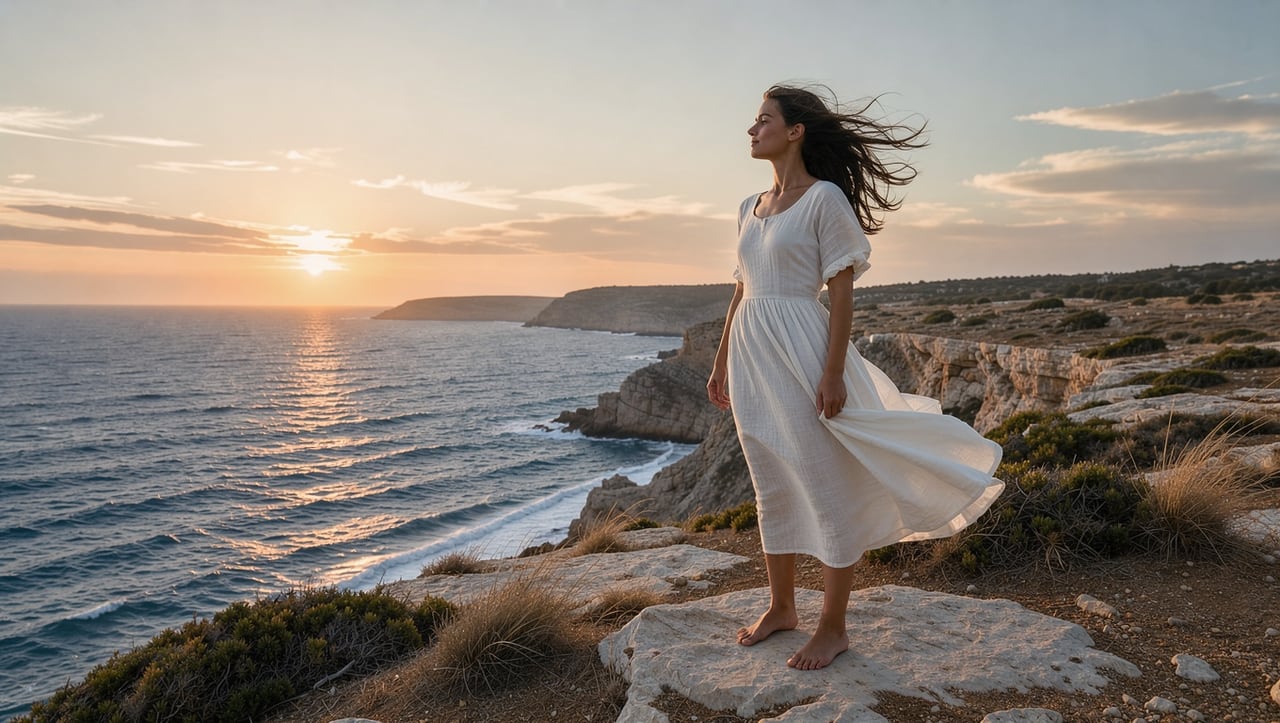
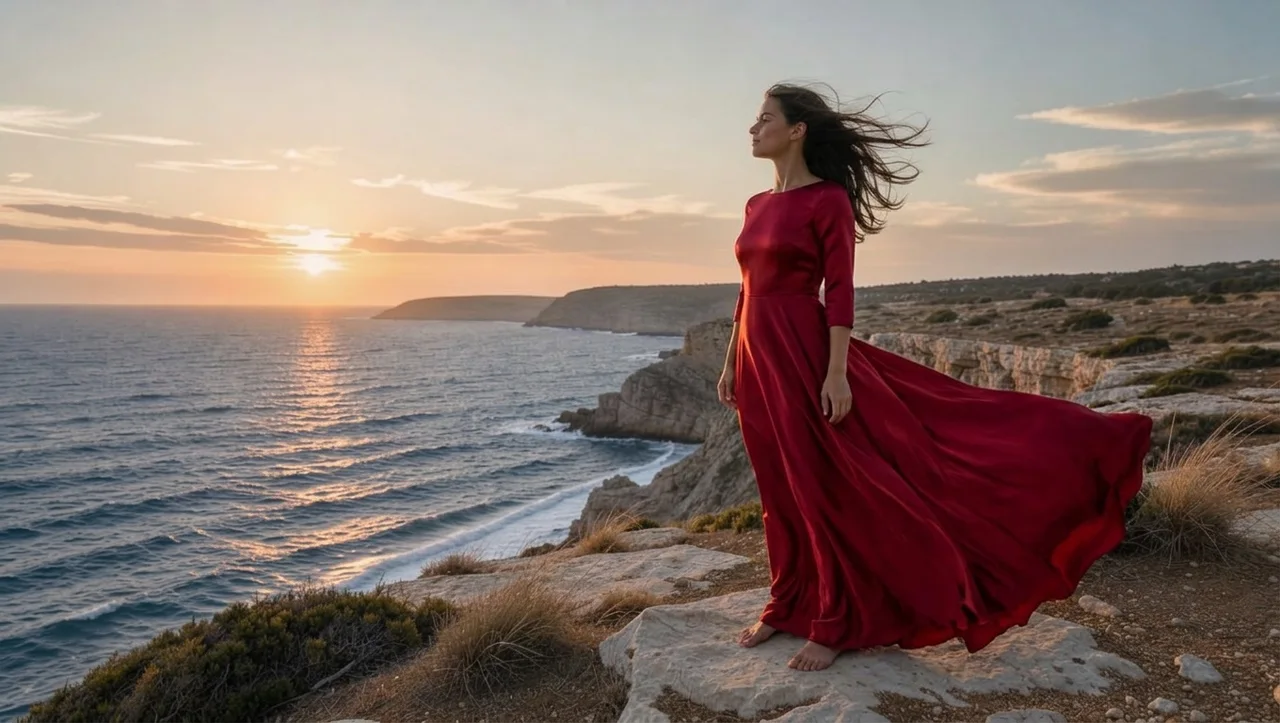
«White dress → red evening gown»

Photo Editor · Nano Banana 2

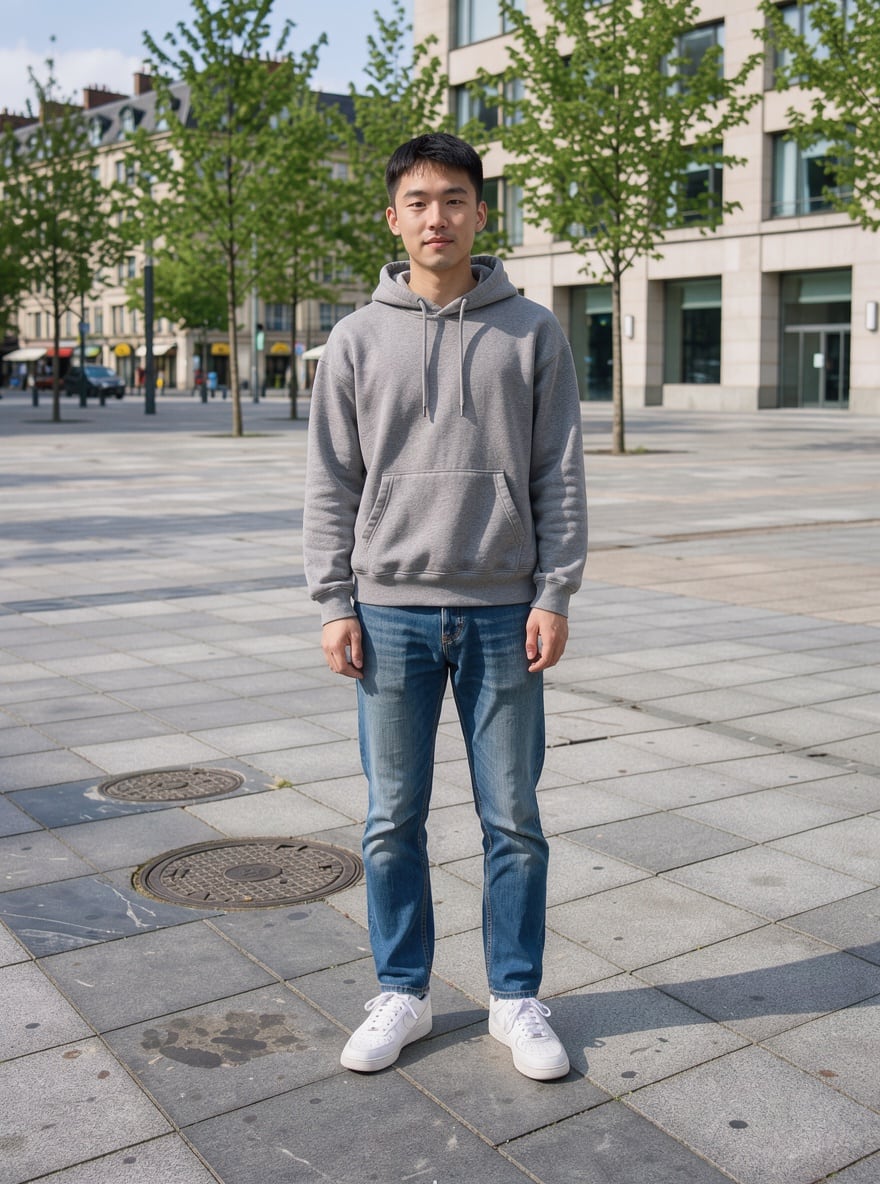
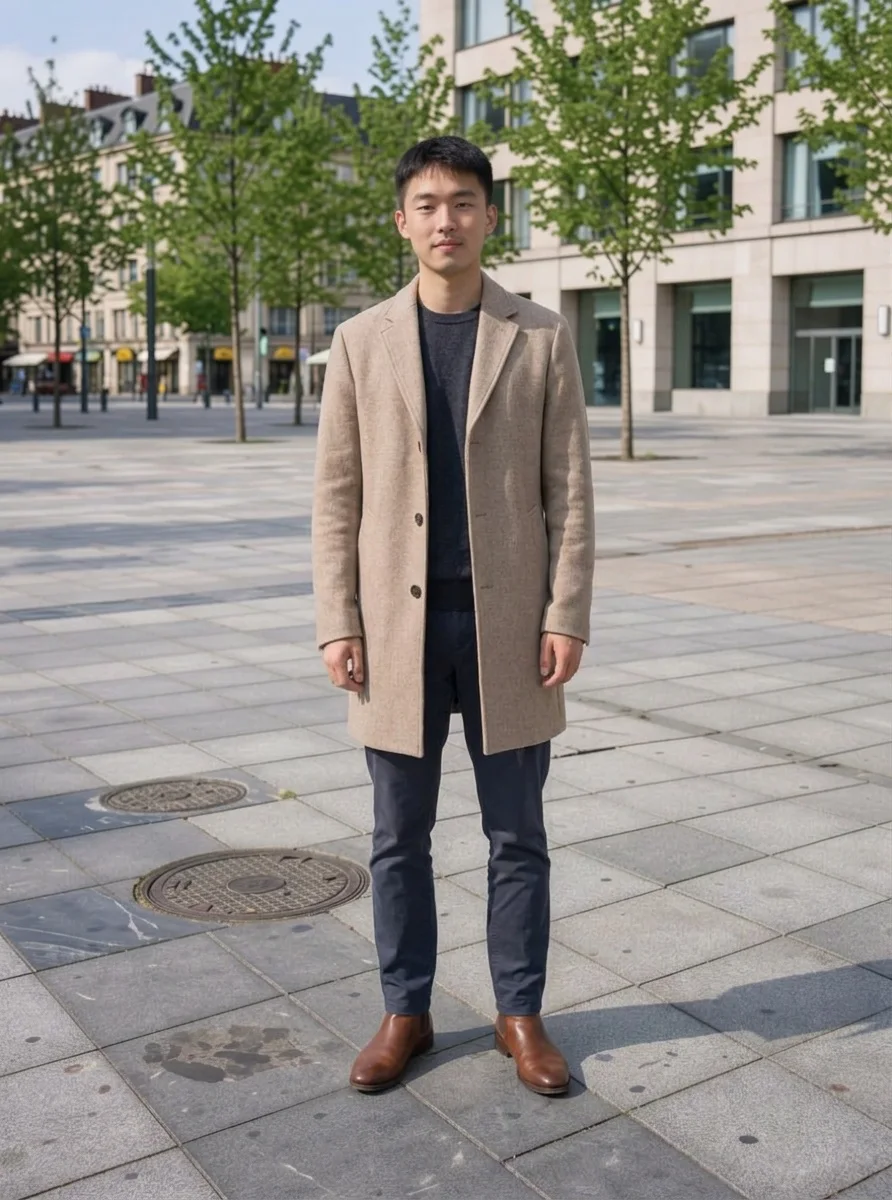
«Hoodie and jeans → wool coat and boots»

Photo Editor · Nano Banana 2

II

Changing someone's clothes in Photoshop takes a skilled retoucher and an hour of work. In the AI Photo Editor it takes one sentence: "dress him in a black tuxedo with a bow tie" or "replace the white dress with a red evening gown". The model draws the new outfit to fit the body — with folds, shadows and a natural drape — while the face, hairstyle, pose and background stay put.

Try on a look for a wedding or prom, put on a business suit for a résumé photo, dress up a character for a greeting card or see how a coat would look in another color. For people, Nano Banana 2 works best — it keeps faces the most accurately. Be specific about cut, color, fabric, shoes and accessories.

Have a photo of a specific item from a store? Then Virtual Try-On is the better fit: upload your photo and a picture of the garment, and the AI puts on that exact piece. Ready-made looks in one click — a business headshot, Old Money, streetwear — are in the photoshoot templates.

III

What the AI does

01

Outfit from a description

Cut, color, fabric, shoes and accessories

02

Same face and pose

Only the clothes change

03

Natural fit

Folds and shadows that follow the body

04

Item from another photo

Upload a garment photo as a second image

IV

Why people change outfits

Résumé and LinkedIn

A business suit instead of a T-shirt

Events

An evening gown or tuxedo for a card

Before you buy

See if a cut or color suits you

Social media

New looks without a new photoshoot

V

How to change clothes in a photo

01

Upload a photo

Full-body or waist-up works best

02

Describe the outfit

"Dress them in…" — cut, color and details

03

Download the result

Ready in 10–80 seconds

VI

Outfits to try

See what you can create — try it yourself

Prompt

«Dress him in a black tuxedo with a bow tie»

Result

A wedding or prom look

Prompt

«Replace the white dress with a red evening gown»

Result

The same shot in a new look

Prompt

«A beige coat and boots»

Result

A fall outfit for social media

Prompt

«A navy business suit with a white shirt»

Result

A résumé photo

VII

Pricing

Pay only for results — no subscription

All plans →
Model / operationCredits
  • GPT Image 2.5 · low quality2 cr.
  • Nano Banana 2 · editing10 cr.
  • Virtual Try-On of a specific item10 cr.

Credit packs: 150 credits for $5, 350 credits for $12, 1250 credits for $35.

VIII

Changing clothes FAQ

How do I change clothes in a photo?+

Open the AI Photo Editor, upload your photo and describe the outfit: "dress her in a navy suit with a white shirt". The AI changes the clothes while the face, pose and background stay the same.

Which model should I use?+

For people, Nano Banana 2 — it keeps faces best. Add "don't change the face, pose or background" to your prompt for a cleaner result.

Can I put on a specific item from a store?+

Yes. In the editor, upload your photo and the garment photo and write "put this jacket on the person". Or open Virtual Try-On, which is built for exactly that.

Can I change outfits for several people?+

Yes, say who wears what: "the man on the left in a tuxedo, the woman in an evening gown".

How much does it cost?+

From 2 credits with GPT Image 2.5 in fast mode, 10 with Nano Banana 2. Virtual Try-On of a specific item costs 10 credits.

Try for free

Sign up for free and get 6 credits right away. No card required.