
ImageGPTImageGPT

Photo

Change Photo Background with AI

Type the background you want — AI swaps it in while the person or product stays the same, lit to match the new scene.

6 free credits on sign up

I

Background change examples

Real outputs of the model: the request and what came out, with no retouching

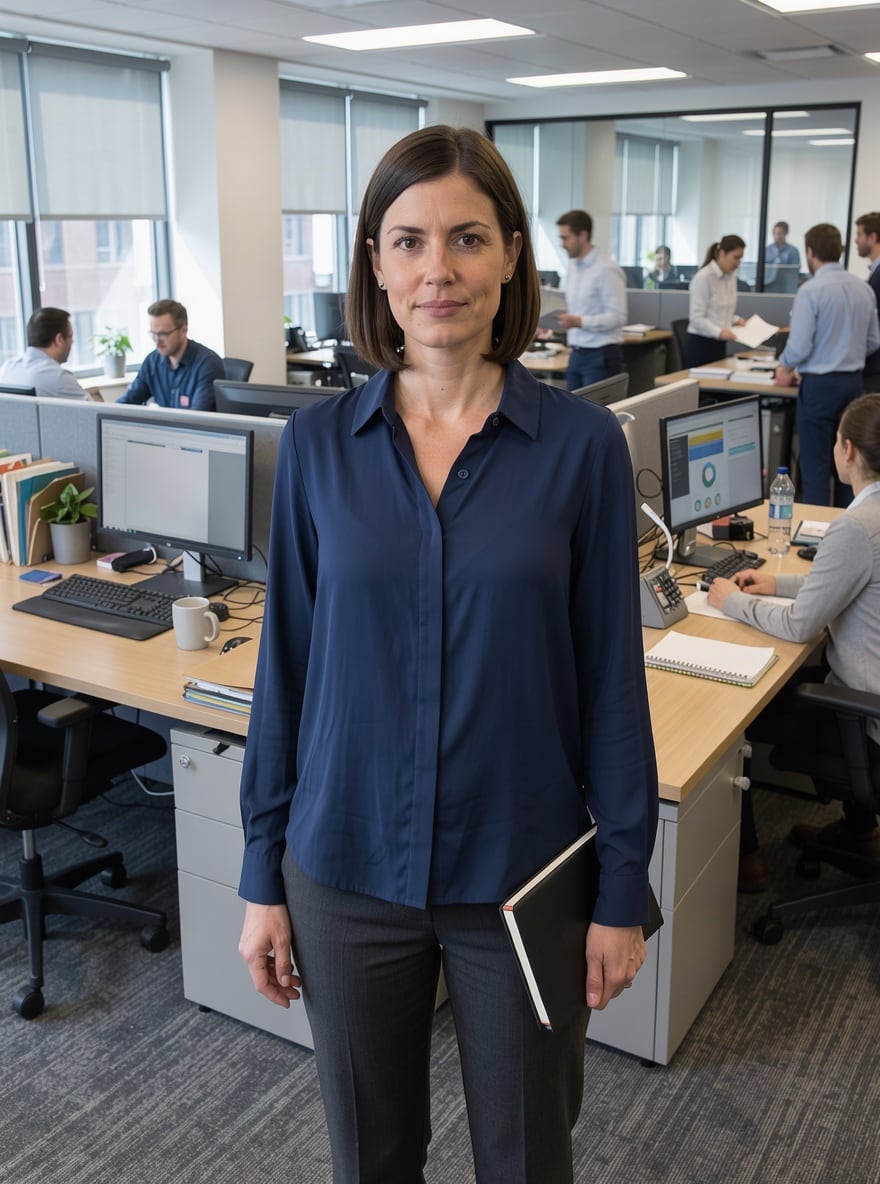
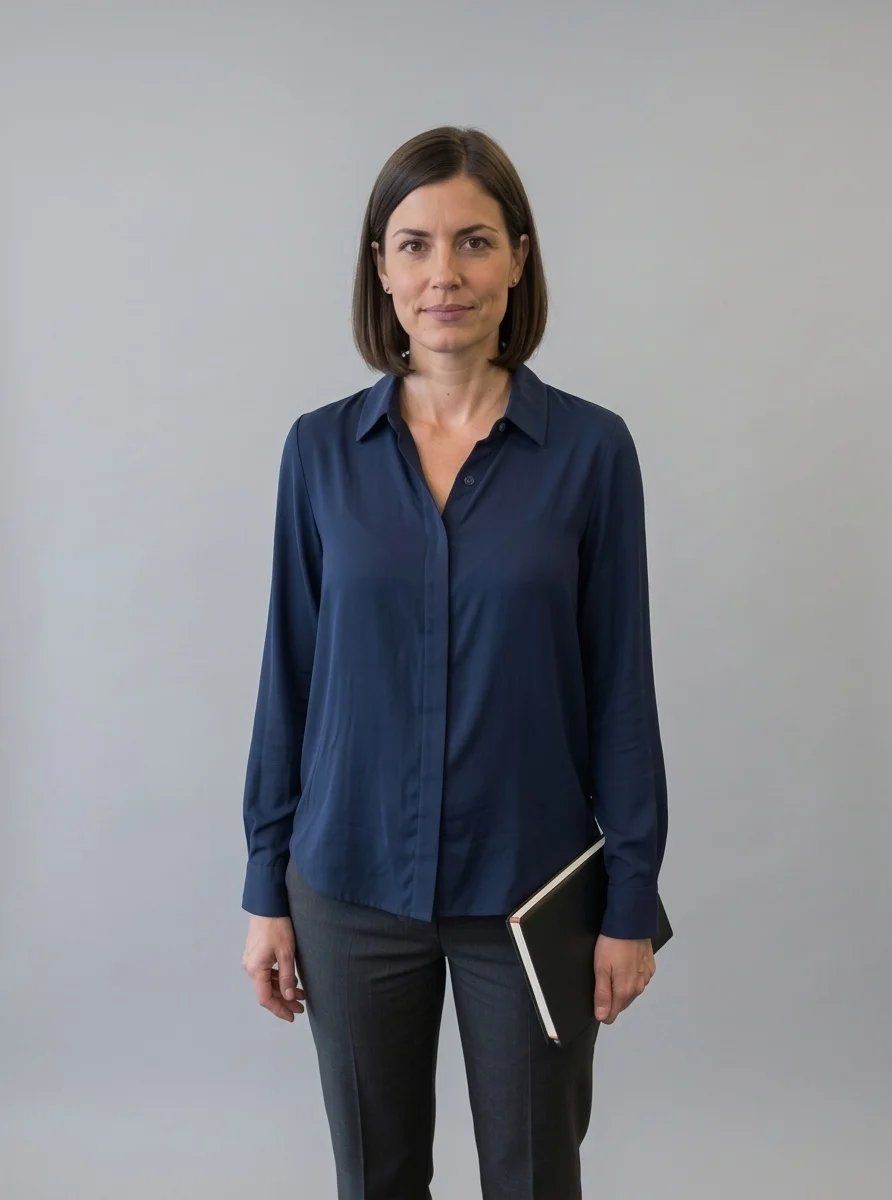
«Office background → grey studio backdrop»

Photo Editor · Nano Banana 2

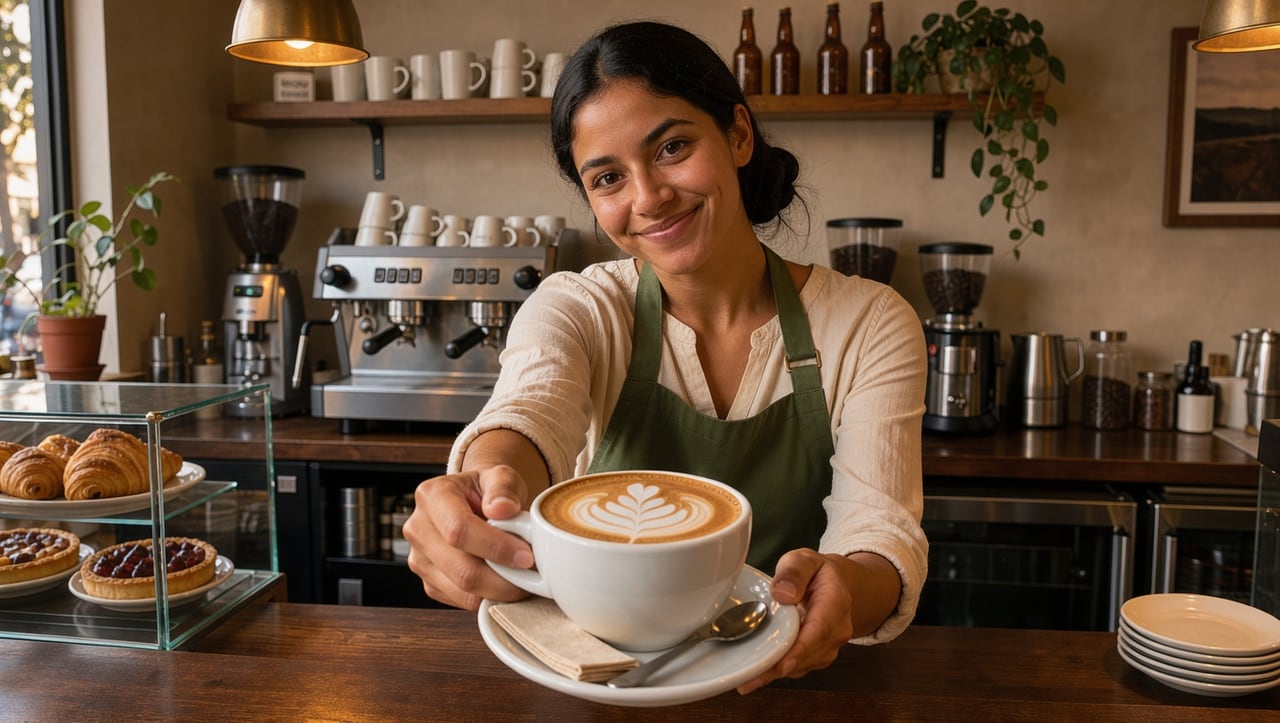
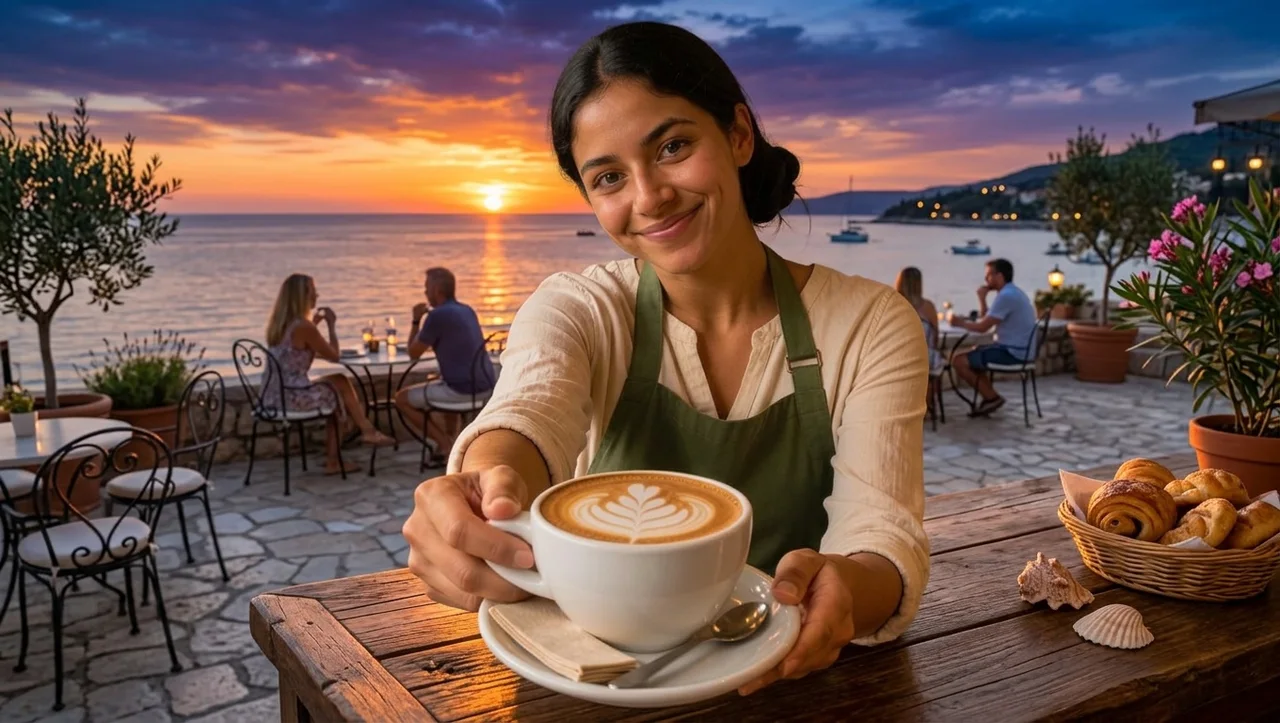
«Cafe → seaside terrace at sunset»

Photo Editor · Nano Banana 2

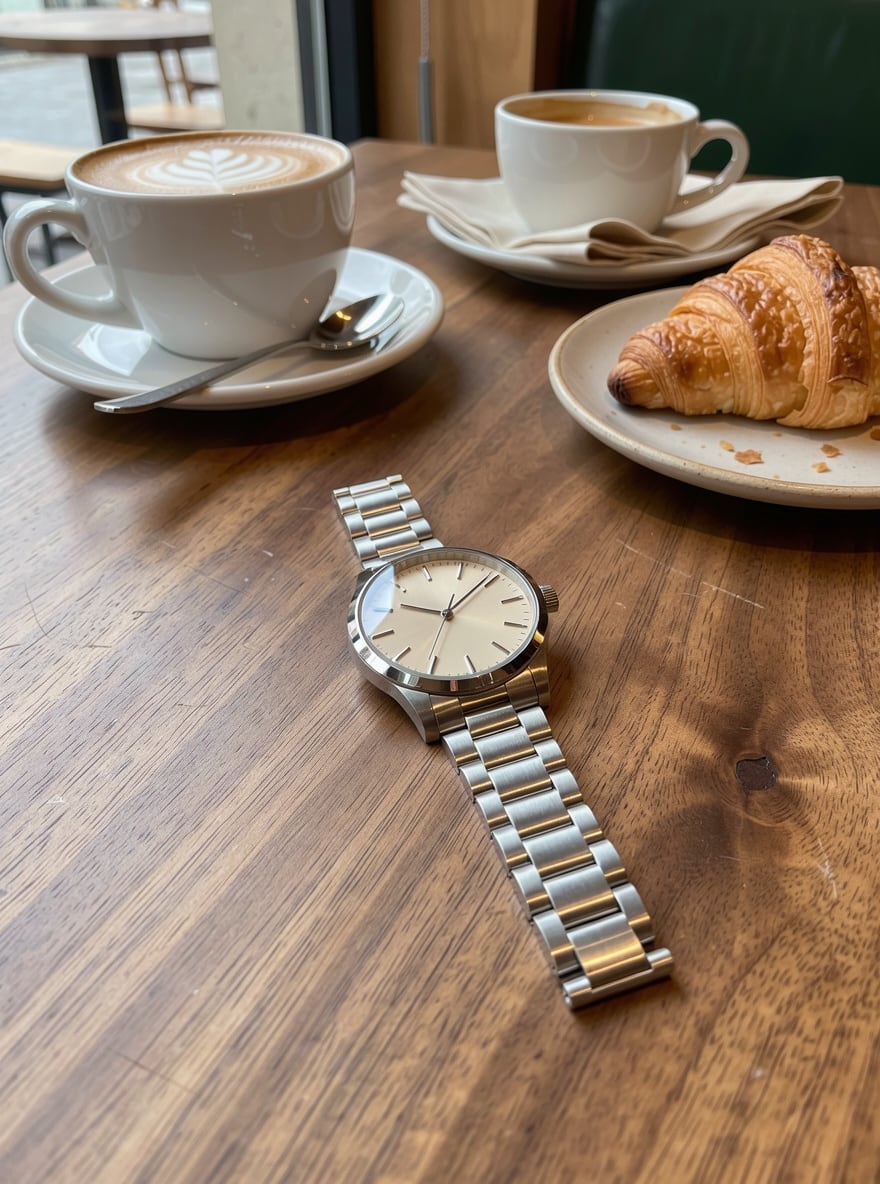
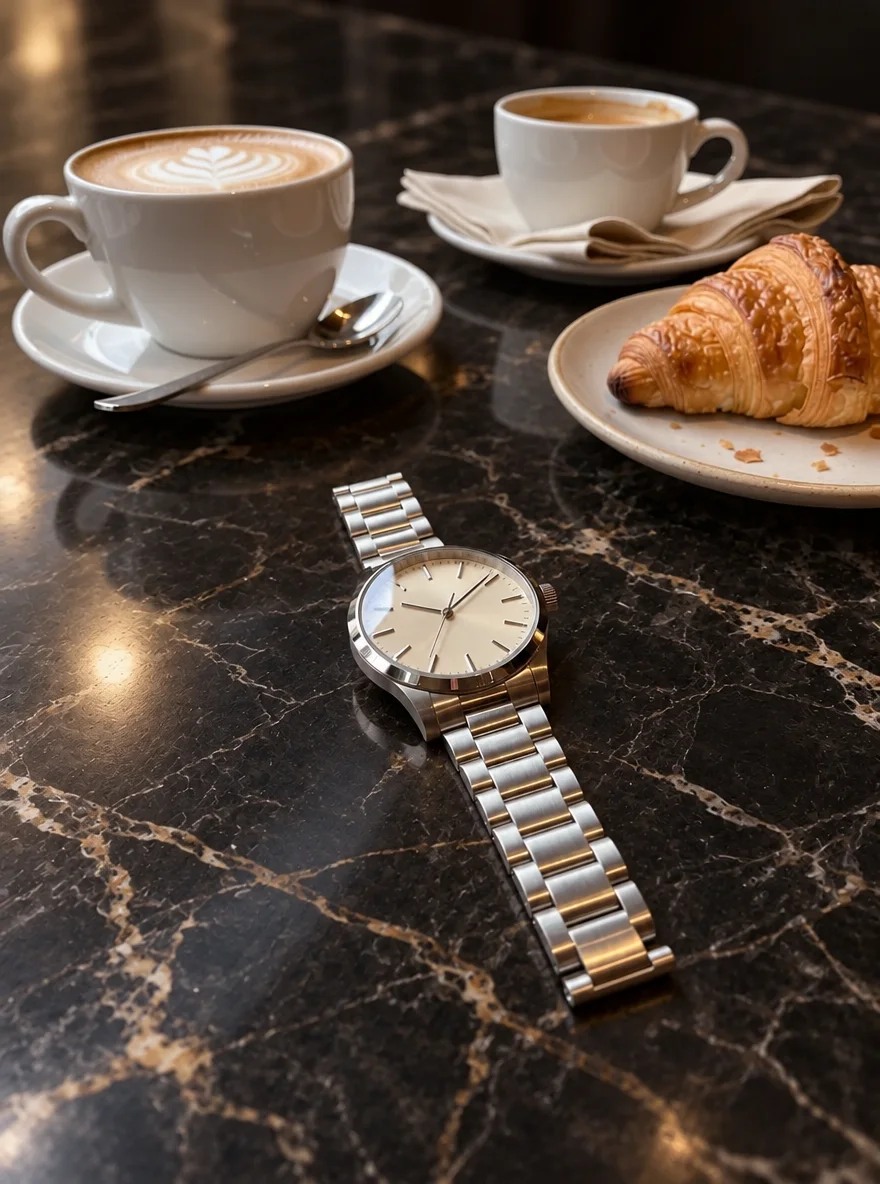
«Watch on a cafe table → dark marble»

Photo Editor · GPT Image 2.5

II

The classic way to change a background is to cut out the subject, drop in a new image and spend ages matching the light so nobody looks pasted in. AI does it all at once: you write "change the background to a seaside café terrace at sunset", and the model paints a new scene with the right perspective, adjusting light and shadows on the person to fit.

It works for anything: a plain studio backdrop for a résumé or ID-style photo, a beautiful landscape instead of a grey wall, an interior for a product shot, a festive scene for a greeting card. Be specific: place, time of day, weather, mood. Nano Banana 2 keeps faces best, and GPT Image 2.5 follows detailed descriptions precisely and leaves small product details alone.

Your original is never overwritten — every version is saved separately, so you can try several backgrounds and pick the best. Need a transparent PNG with no background at all, for a product listing or a sticker? Use Remove Background. To keep the background but soften it, use Blur Background.

III

Why the new background looks natural

01

Background in words

Describe the place, time of day and mood

02

Light that fits

Shadows and color on the subject adapt

03

Subject unchanged

Face, clothes and product stay the same

04

Try several

The original is kept — test different backgrounds

IV

Why people change backgrounds

Résumés and profiles

A studio backdrop instead of your kitchen

Products

Marble, wood or an interior for product photos

Social media

The sea, mountains or Paris without the trip

Cards

A festive scene for a greeting

V

How to change a photo background

01

Upload a photo

A person, product or pet

02

Describe the new background

"Change the background to…"

03

Download the result

Ready in 10–80 seconds

VI

Backgrounds you can create

See what you can create — try it yourself

Prompt

«Change the background to a light grey studio»

Result

A photo for a résumé or profile

Prompt

«Change the background to a summer seaside terrace at sunset»

Result

A social media shot

Prompt

«Change the background to dark marble with a highlight»

Result

A premium product photo

Prompt

«Change the background to a snowy forest with string lights»

Result

A holiday card

VII

Pricing

Pay only for results — no subscription

All plans →
Model / operationCredits
  • GPT Image 2.5 · low quality2 cr.
  • FLUX 3 Edit6 cr.
  • Nano Banana 2 · editing10 cr.

Credit packs: 150 credits for $5, 350 credits for $12, 1250 credits for $35.

VIII

Background change FAQ

How do I change the background of a photo online?+

Open the AI Photo Editor, upload your photo and write "change the background to…" — for example "a bright studio" or "a waterfront at night". The AI replaces the background and adjusts the lighting. No manual selection needed.

Will the face stay the same?+

Yes. Nano Banana 2 keeps faces best. Add "don't change the person" to your prompt so the model leaves everything but the background alone.

Can I get a white or transparent background?+

White, yes — just write "change the background to pure white". For a transparent PNG, use Remove Background: it cuts the subject out without redrawing it.

Can I use a background from another photo?+

Yes, upload both photos to the editor and write "put the person from the first photo onto the background from the second". You can add up to 10 images to one edit.

Does it work for product photos?+

Yes. For products with small label text, choose GPT Image 2.5 and check the text against the original before publishing.

How much does it cost?+

From 2 credits with GPT Image 2.5 in fast mode, 10 with Nano Banana 2. If a generation fails, your credits are refunded.

Try for free

Sign up for free and get 6 credits right away. No card required.