
ImageGPTImageGPT

Photo

Remove Text From Image

Captions, dates, meme text or stickers disappear, and the AI fills in the picture underneath as if they were never there.

6 free credits on sign up

I

Before and after: real results

Real outputs of the model: the request and what came out, with no retouching

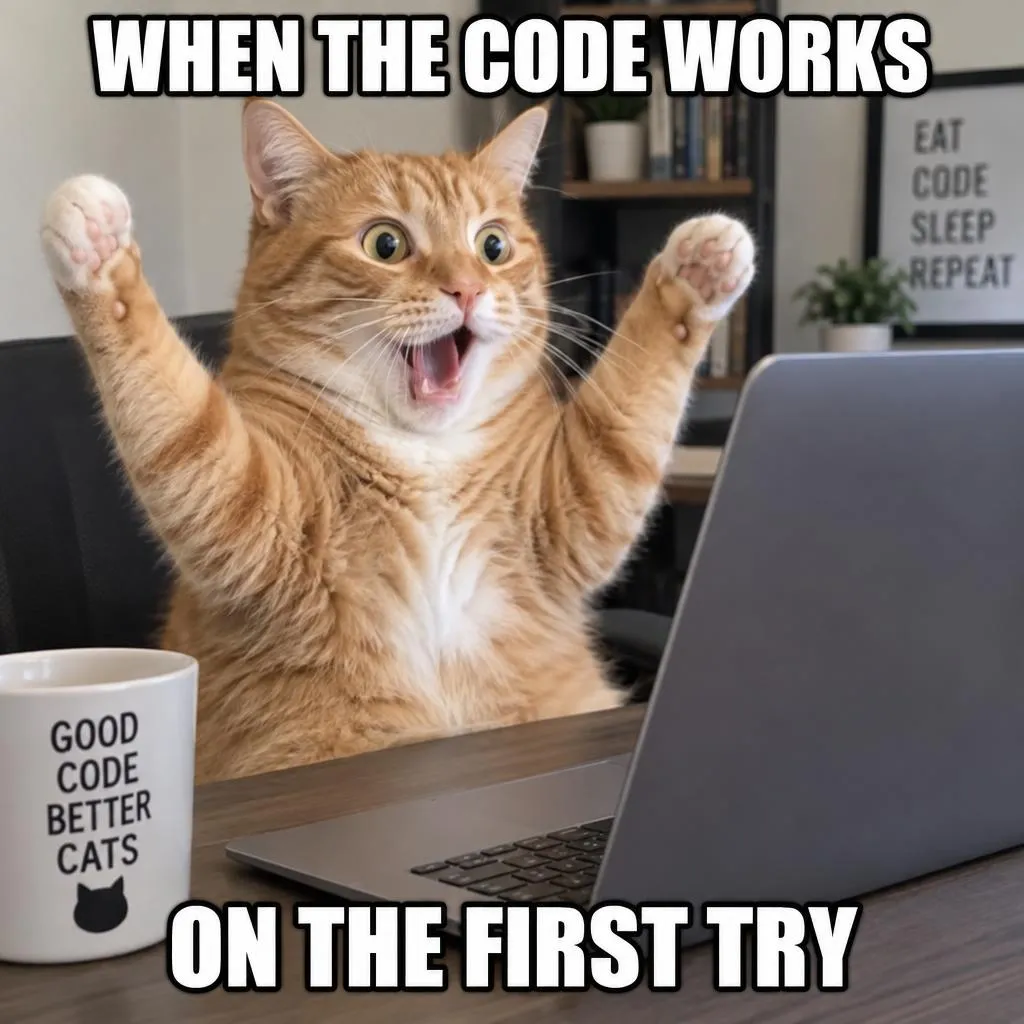
«A meme with top and bottom captions»

FLUX 3 Klein · original size kept

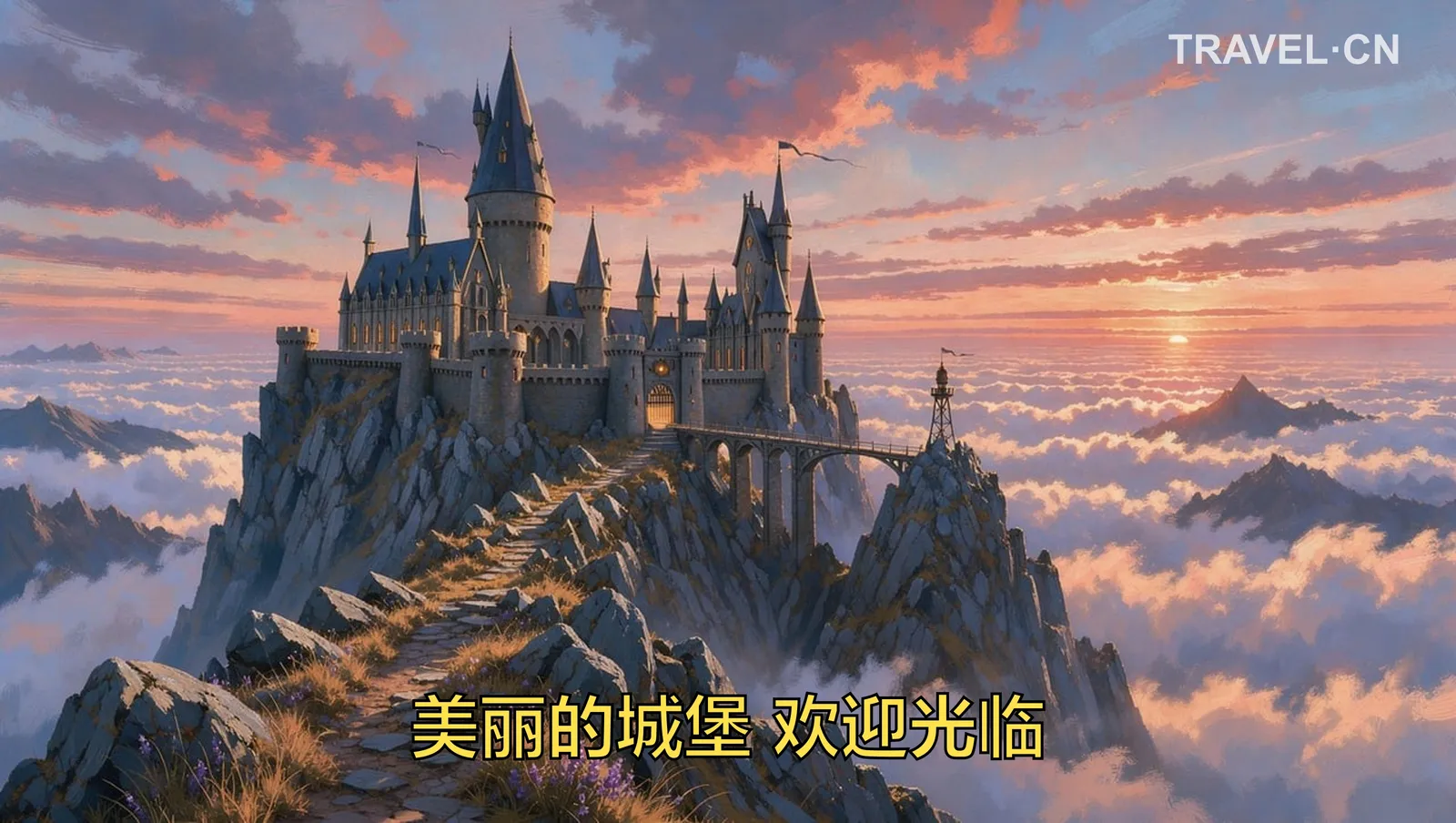
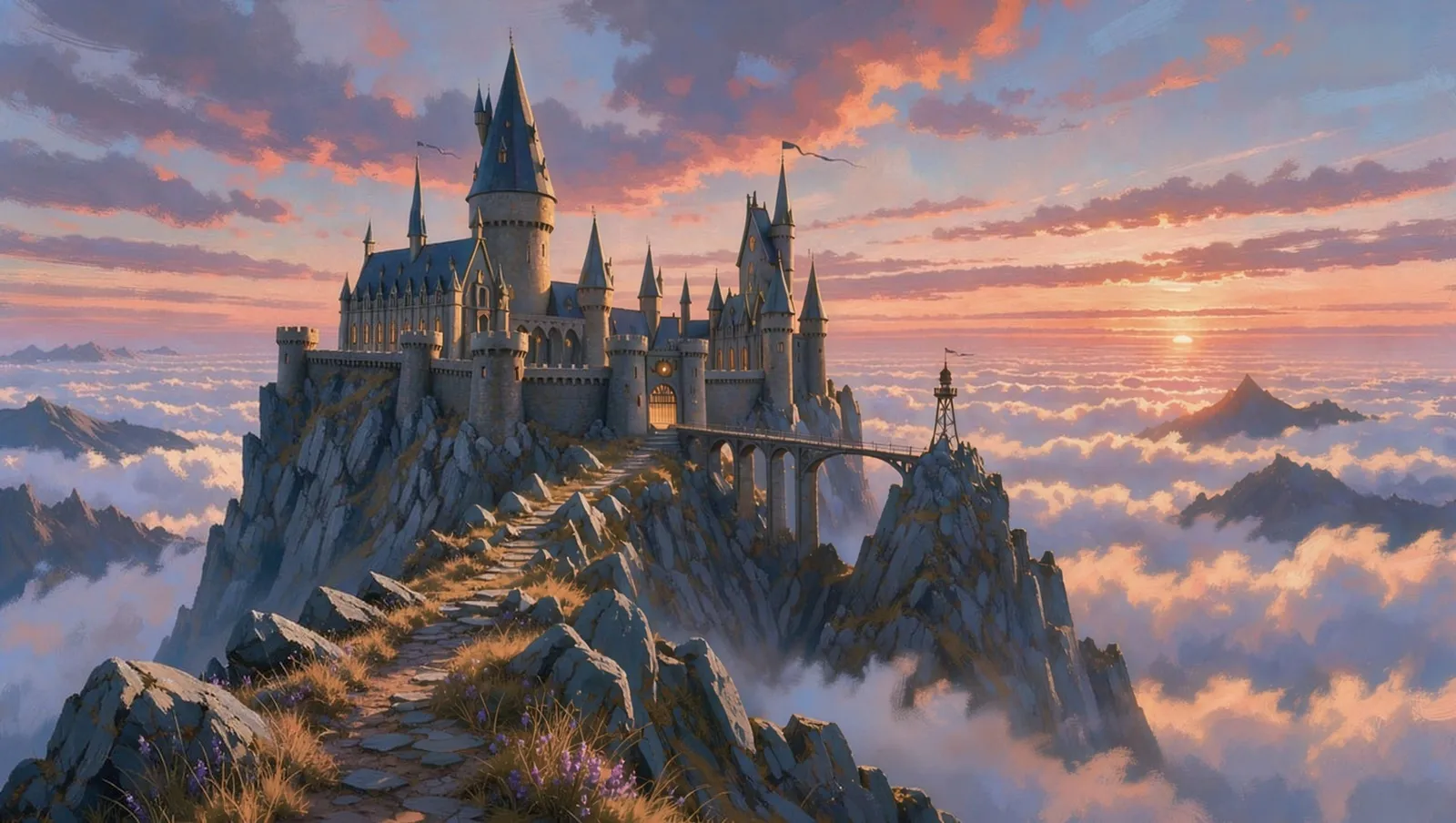
«A landscape with a subtitle and a site name»

FLUX 3 Klein · original size kept

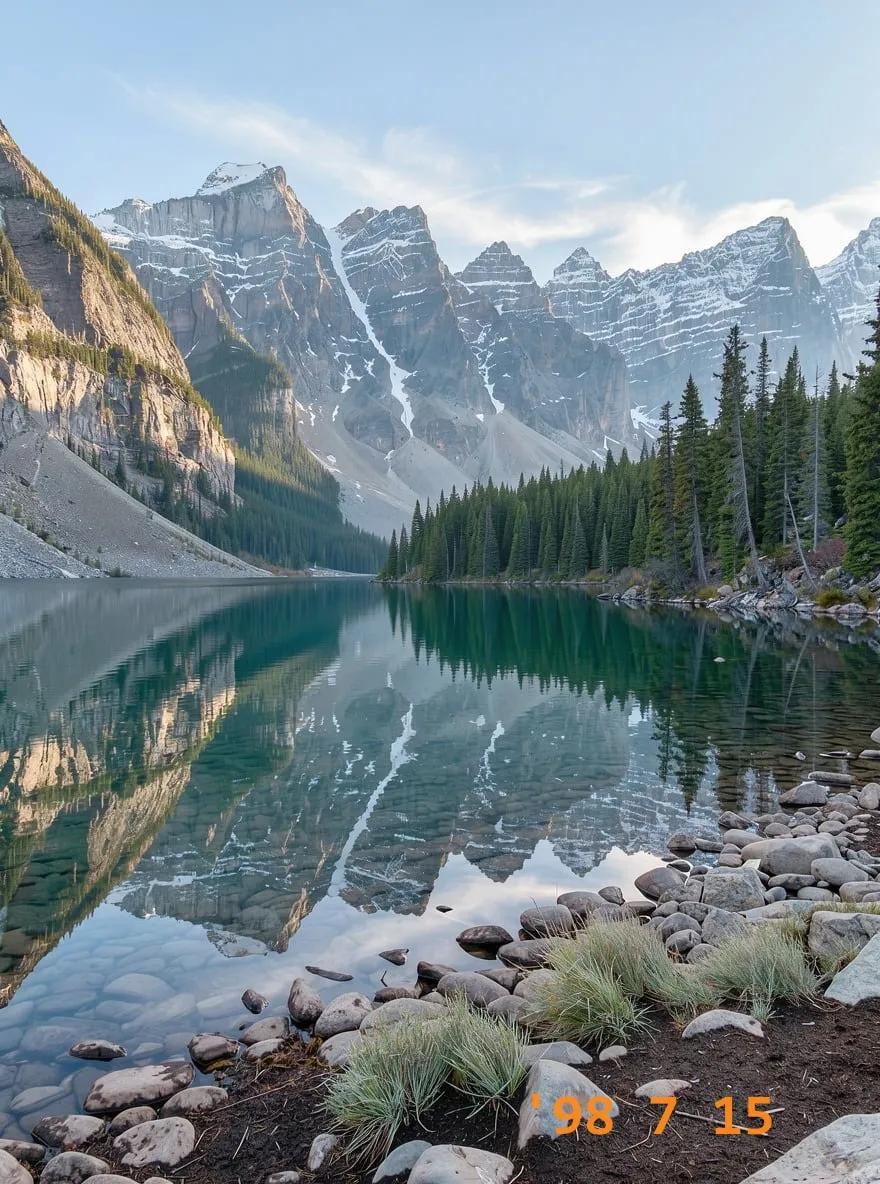
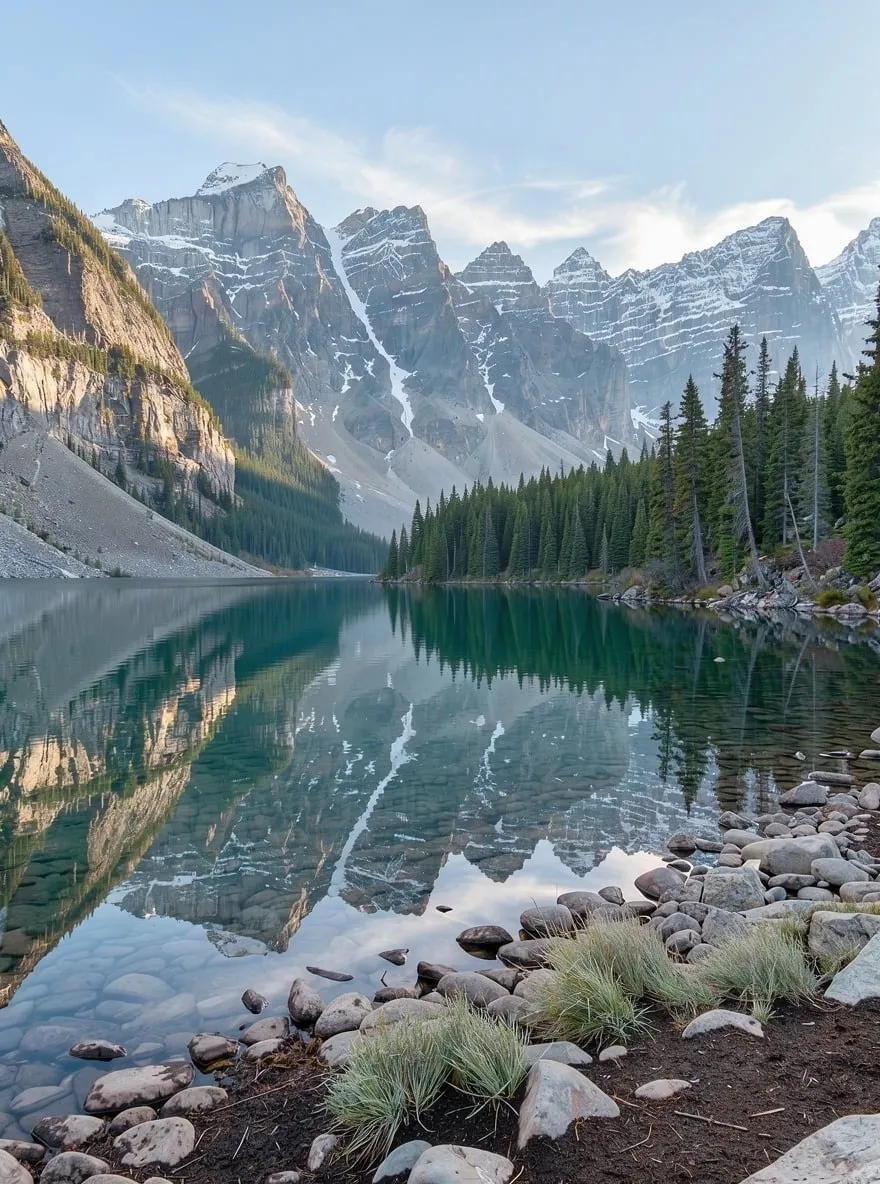
«A lake photo with a camera date stamp»

FLUX 3 Klein · original size kept

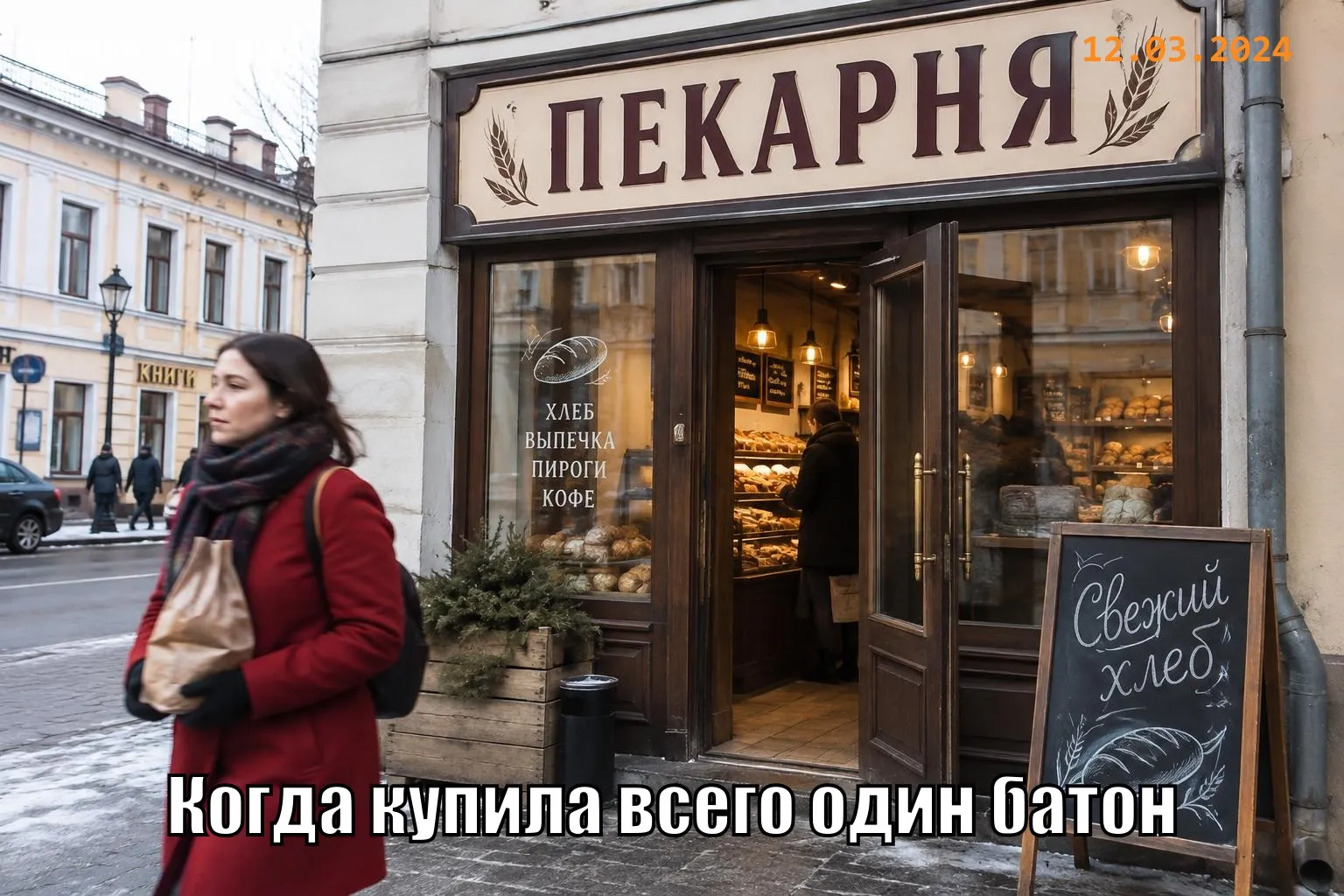
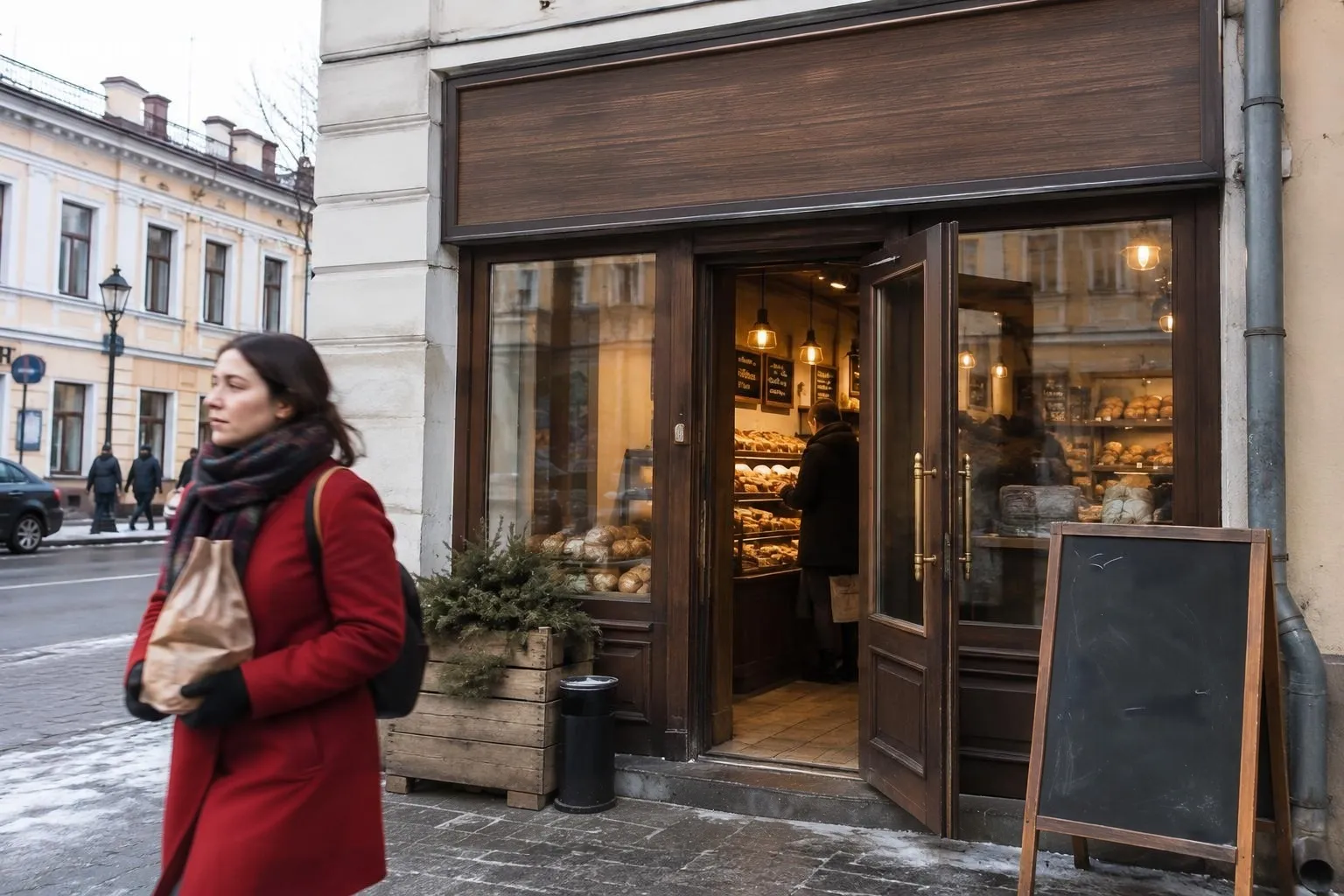
«“Also remove text in the scene”: caption, sign and chalkboard»

FLUX 3 Klein · original size kept

II

Sometimes you just need the picture without the words: a blank meme template, a family photo without the app caption, a landscape without the orange camera date, a slide image without someone else's slogan. That used to mean ten minutes with a clone stamp; now it's one click.

Upload a photo and press “Remove text”. By default the AI removes what was added on top of the photo: captions, meme text, date stamps, usernames, logos and semi-transparent overlays. Text that's physically in the scene — shop signs, posters, labels, clothing prints — stays put. Need a completely clean frame, like a blank storefront for your own mockup? Turn on “Also remove text in the scene” and the lettering goes while the surfaces stay natural.

Use the “Anything else to remove” field to point at something specific: “the sticker in the top left corner”, “the channel logo at the bottom”. FLUX 3 Klein by Black Forest Labs does the edit, and the result is blended back into your original file: size, aspect ratio and everything the text didn't cover stay exactly the same. For your own photos and images you have the rights to.

III

What text removal can do

01

One click

The AI finds the text itself

02

“Everything” mode

Also signs, labels and posters in the scene

03

Original size

No cropping, no downscaling

04

Only the text changes

Everything else keeps its pixels

05

Point at extras in words

“The sticker in the top left”

06

Two versions

Keep the cleaner one

IV

When it helps

Meme templates

A clean image for your own caption

Family photos

No app captions or stickers

Camera date stamps

Those orange digits in the corner

Blank signs

A storefront without its name for your mockup

V

How to remove text from an image

01

Upload a photo

Yours, or one you have the rights to

02

Choose what to remove

Overlaid text only, or scene text too

03

Download the clean photo

At the original size

VI

Text you can remove

See what you can create — try it yourself

Prompt

«Cat meme with “WHEN THE CODE WORKS”»

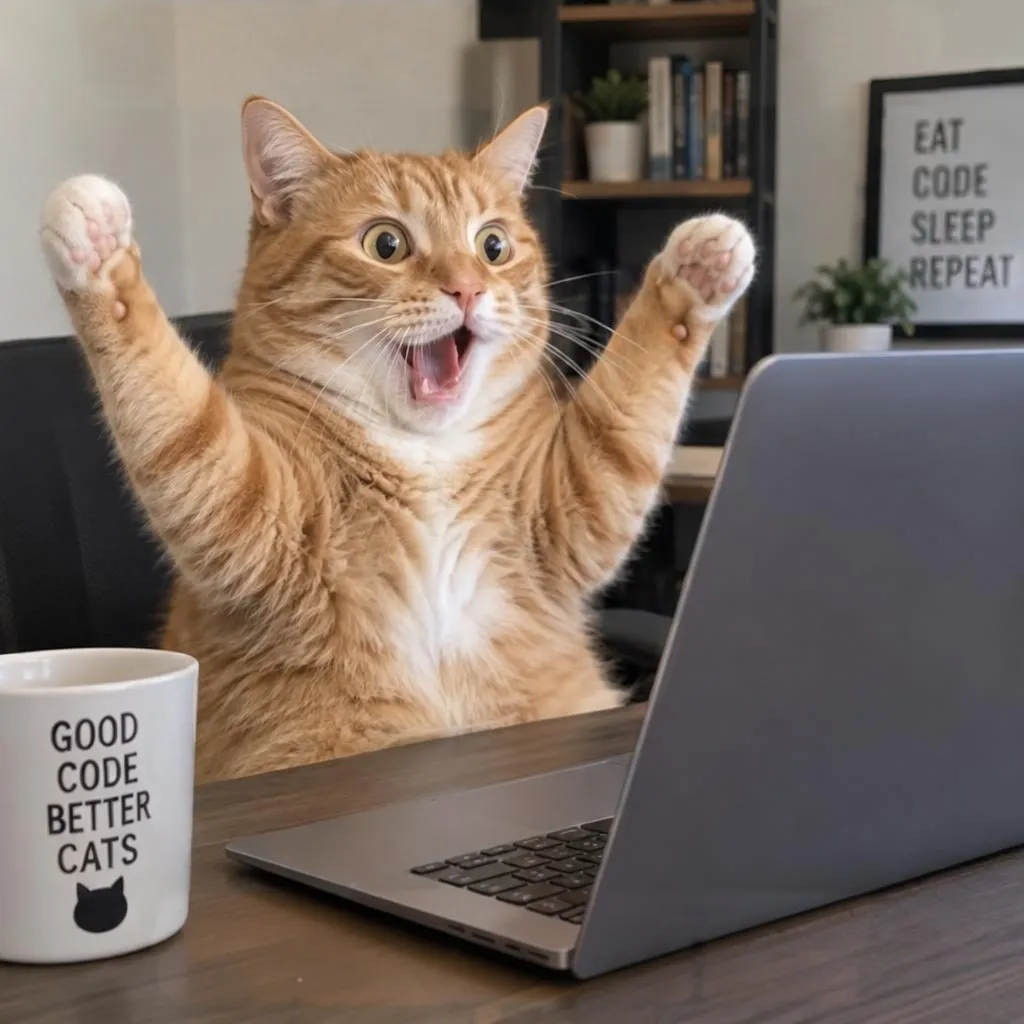
Result

The same cat, ready for a new caption

Prompt

«Lake photo with “'98 7 15” in the corner»

Result

Date gone, stones and grass filled in

Prompt

«Street photo · default mode»

Result

Caption removed, the shop sign stays

Prompt

«Same photo · “Also remove text in the scene”»

Result

A blank sign and a clean chalkboard

VII

Pricing

Pay only for results — no subscription

All plans →
Model / operationCredits
  • One run3 cr.
  • Two versions in one run6 cr.

Credit packs: 150 credits for $5, 350 credits for $12, 1250 credits for $35.

VIII

Remove text from image FAQ

What gets removed by default?+

Only what's laid over the photo: captions, meme text, date stamps, usernames, logos and semi-transparent text. Text that's part of the scene — shop signs, labels, clothing prints, license plates — stays.

How do I remove signs too?+

Turn on “Also remove text in the scene”. The AI erases the lettering on signs, boards, posters, packaging and screens and leaves the surfaces clean.

Will the rest of the photo change?+

No. The result is blended into your original only where the text was, so faces, colors, sharpness and size stay the same — up to 4096 pixels on the long side.

Can I remove watermarks from other people's photos?+

No. The tool is for your own photos and images you have the rights to: your shots with a camera date stamp, old photos with captions, images you've licensed. Don't use it to strip creators' signatures or copyright marks from someone else's work.

How much does it cost?+

3 credits per run, or two versions at once for 6 credits. If it fails, the credits are refunded.

Try for free

Sign up for free and get 6 credits right away. No card required.