
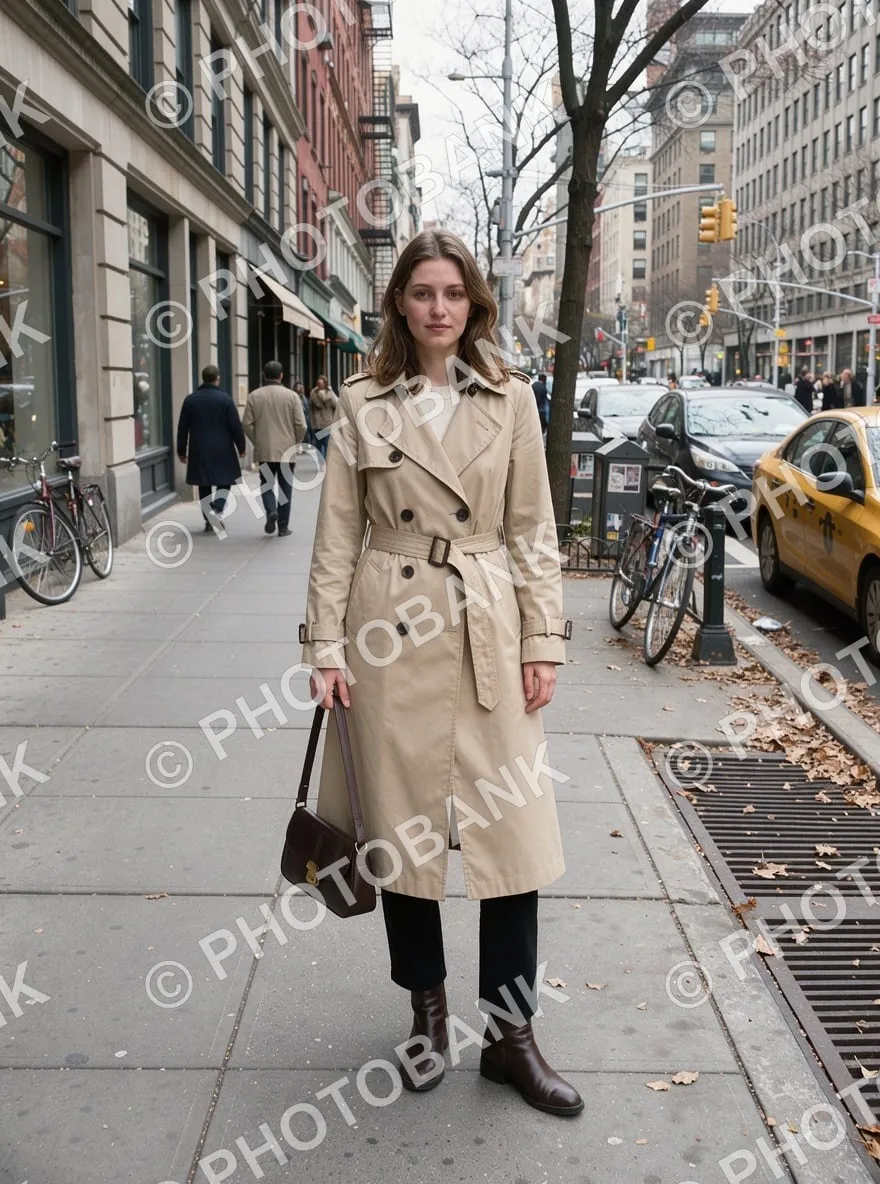
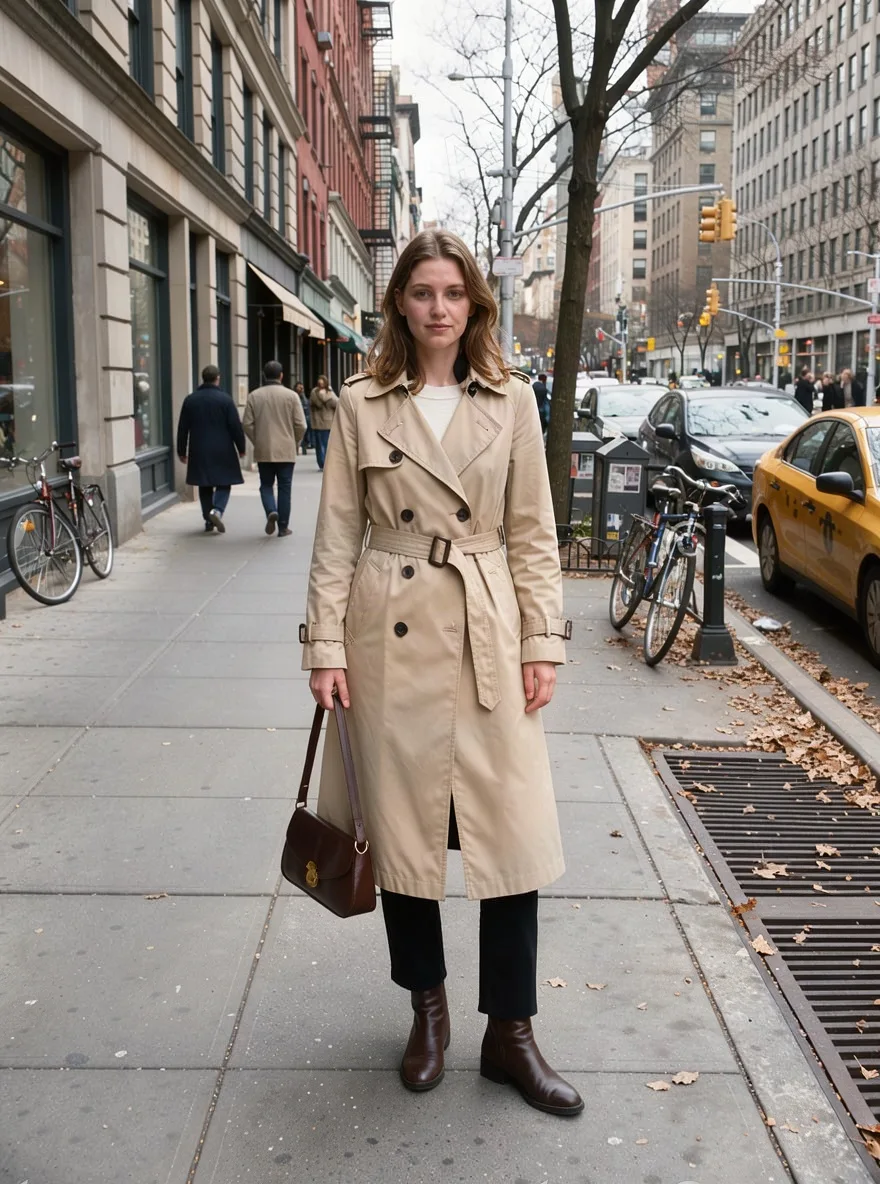
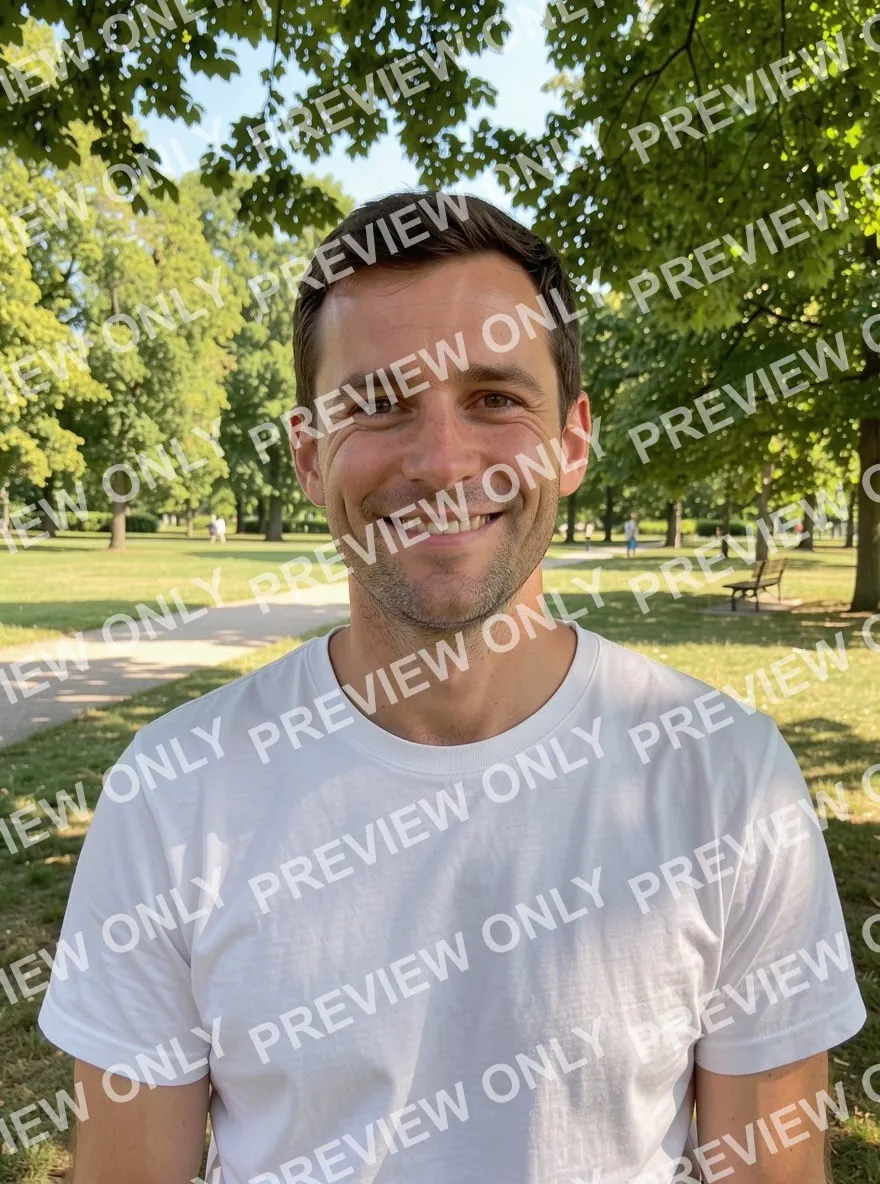
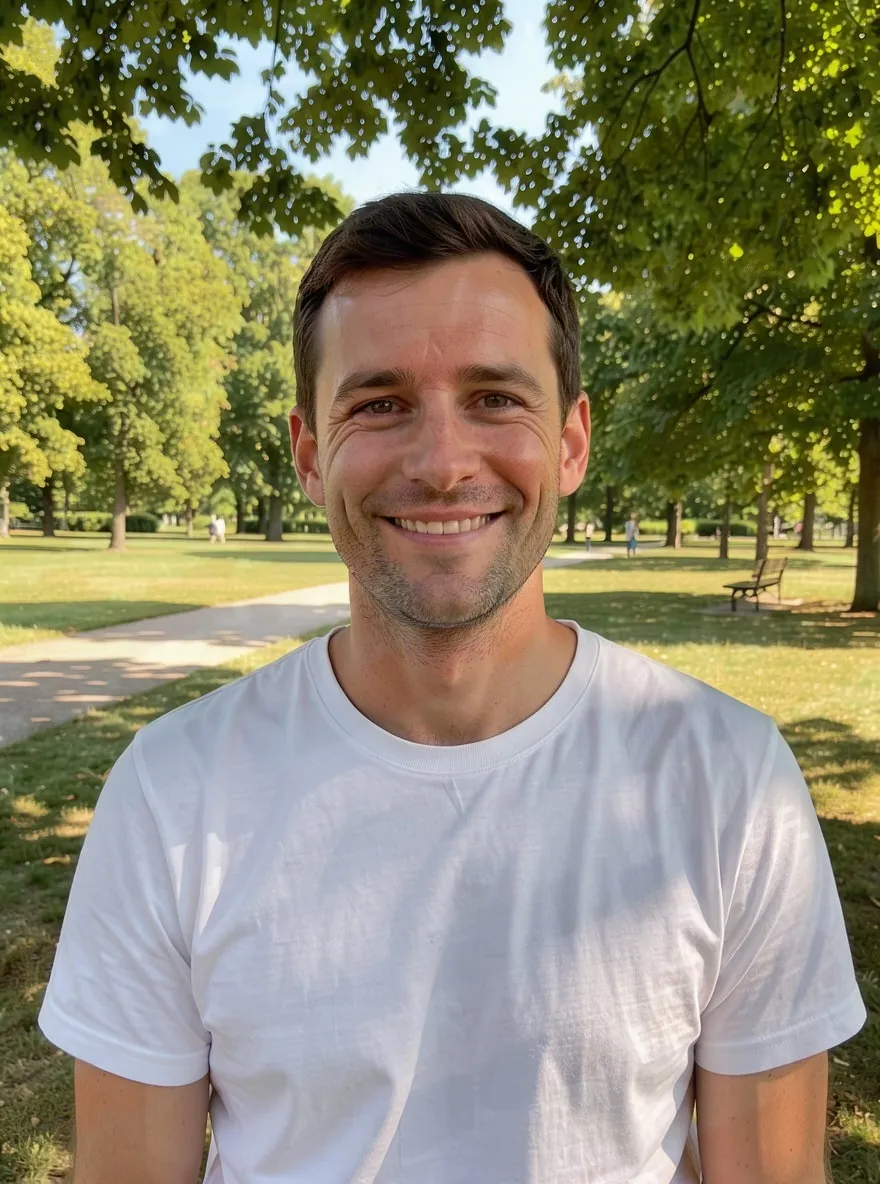
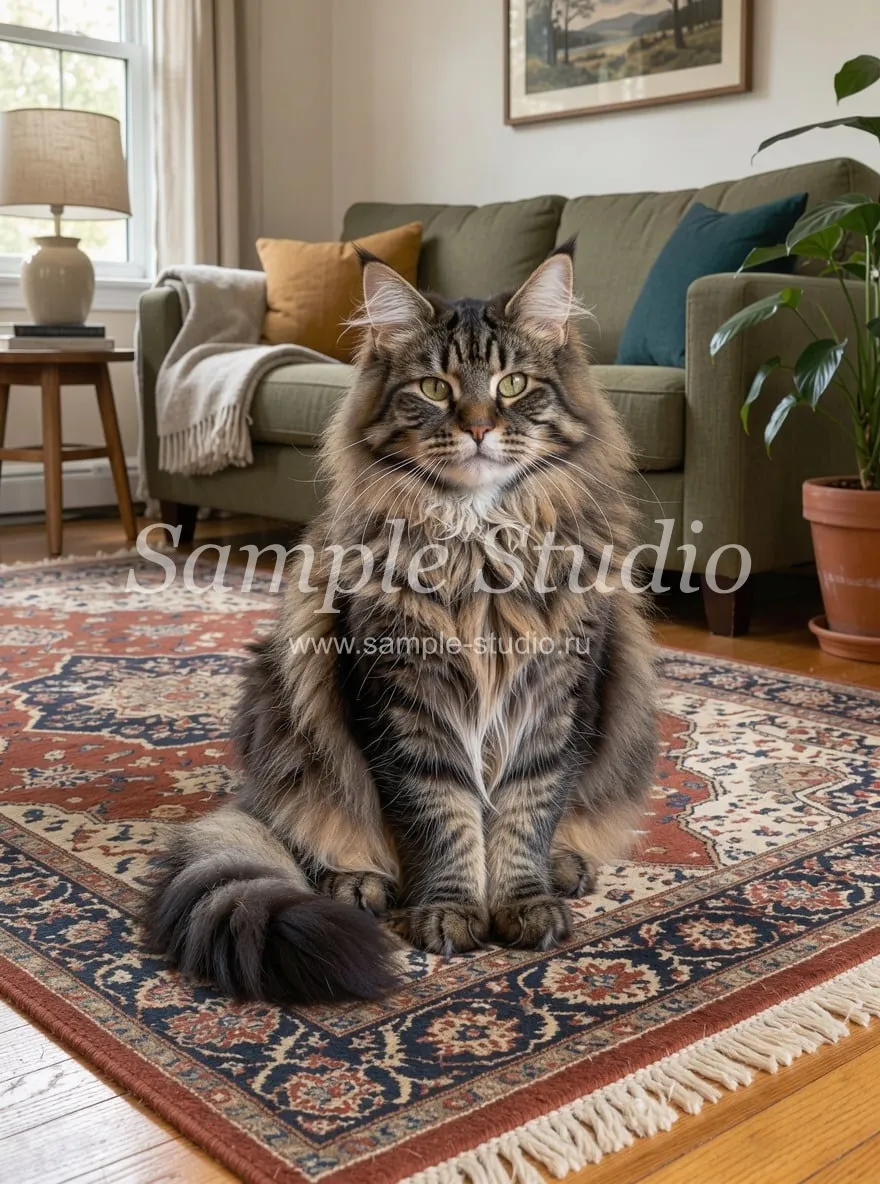
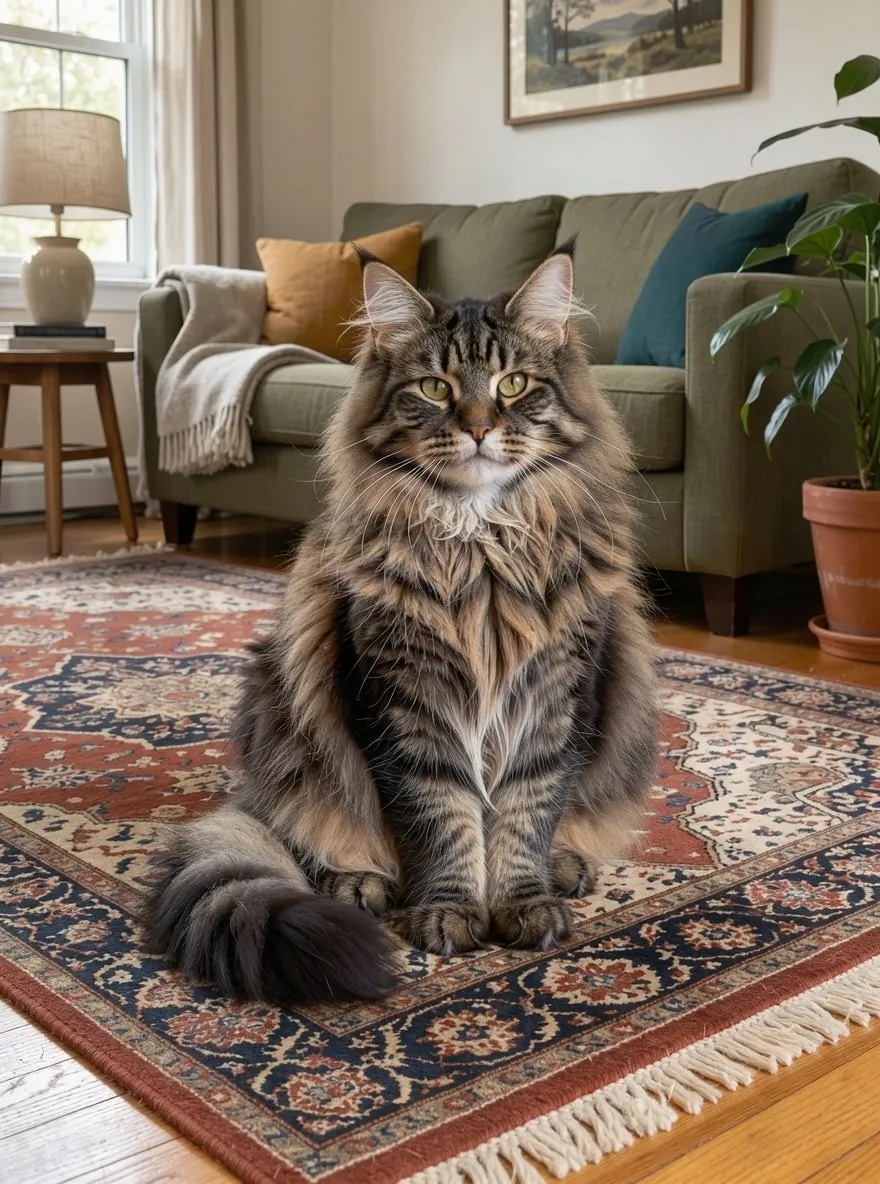
It happens: a photo of yours ends up with a mark you don't want. A preview with text across it from a shoot you paid for, an old studio logo on your own pictures, a camera date, a username from an account you deleted. Brushing that out by hand is slow, especially when the text is tiled across the whole frame.
Upload the photo and press “Remove text”. The AI finds text and graphics laid over the photo — semi-transparent overlays, logos, dates, signatures — and rebuilds what was underneath: skin, fabric, grass, pavement. Text that's actually in the scene, like signs, labels and clothing prints, stays by default; turn on “Also remove text in the scene” to clear that too.
FLUX 3 Klein by Black Forest Labs does the edit. The changes are then blended back into your original file: wherever there was no mark, the pixels are untouched, and size and aspect ratio match the original, up to 4096 pixels on the long side. For a single spot there's a link to the brush in the photo editor. Use it only on your own photos and images you have the rights to.