How to Add Sound Effects and Music to a Silent Video with AI
We took a silent clip from Luma Ray 3.2 and gave it sound twice — once with effects the AI picked from the picture, once with a music track written to its exact length.
Contents
Some of the best-looking AI video comes out completely silent. Luma Ray 3.2 is a good example: great camera work, beautiful light, and not a single sound. The same goes for screen recordings, old generations and phone footage where the audio was unusable. Silence makes even a good shot feel unfinished.
Add Sound to Video fixes that without touching the picture. Sound effects mode uses Mirelo SFX 2.0, which watches the footage and generates sounds that match what's happening on screen. Music mode uses ElevenLabs Music, which writes a track timed to your clip. Below, both modes run on the same five-second clip so you can compare.
The starting point: a silent Luma Ray 3.2 clip
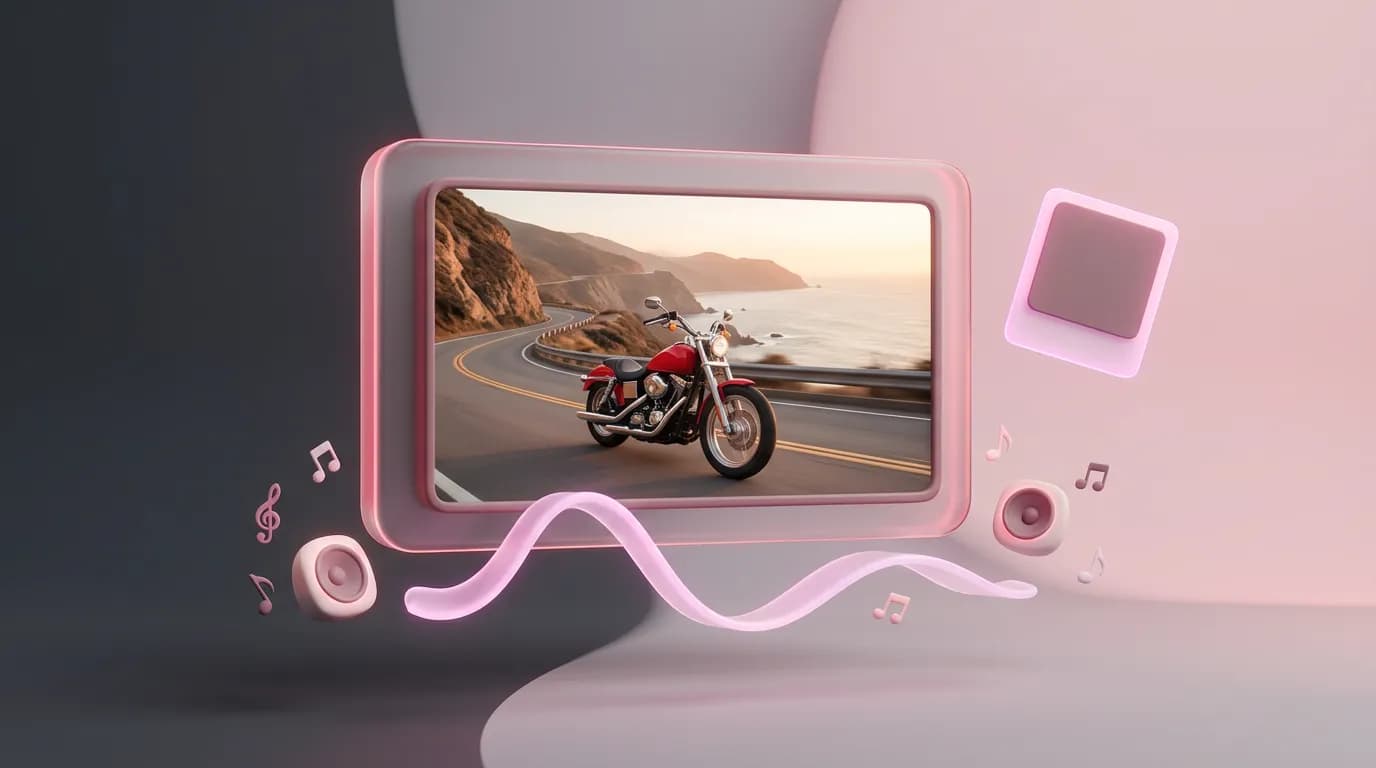
We generated this clip in the video generator with Luma Ray 3.2, text to video, 5 seconds at 720p. In the model list Luma is marked as silent — it doesn't produce an audio track at all.
A vintage red motorcycle rides along a winding coastal road at golden hour, waves crashing against the rocky cliffs below, seagulls gliding past; low tracking shot following the bike, warm cinematic light.
Sound effects: audio that follows the picture
Mirelo SFX 2.0 looks at the frames and builds a soundtrack of effects around the action and the setting. You don't need a prompt — this example was made without one. A prompt is useful for things the camera can't show, like distant thunder or a busy café off screen.
Music: a score cut to the clip
ElevenLabs Music watches the whole clip and composes a track that runs exactly as long as it does. The prompt sets the genre, mood and instruments; leave it empty and the model picks a style from the footage. For this one we asked for energetic guitar rock for a road trip.
energetic guitar rock for a road trip
What you need
- A clip between 1 and 60 seconds long, up to 70 MB.
- A finished edit. The tool adds audio but never changes the picture, so trim and cut first.
- A decision about speech: if people talk in the clip, you can keep their voices.
- Optionally, a prompt describing the sounds or the music you want.
Step by step
- Open Add Sound to Video in the Video section. If a model in the video generator makes silent clips, there's a link to the tool right under its settings.
- Upload your clip.
- Under What to add, choose Sound effects or Music. Each option shows its price for your clip.
- Add a prompt if you have something specific in mind.
- For effects, leave Keep speech from the clip on if anyone talks. For music, Keep the original sound under the music keeps the clip's own audio and dips the music whenever that audio gets loud.
- Click Add sound. The finished MP4 shows up on screen and in your history, ready to download.
Prompt ideas
For sound effects, describe what's off screen or what should stand out:
distant thunder and rain on a tin roof
a busy coffee shop, cups clinking, quiet chatter
For music, name a genre, a mood and a couple of instruments:
calm lo-fi with soft piano
Effects or music?
| Mode | Model | Best for |
|---|---|---|
| Sound effects | Mirelo SFX 2.0 | Action and atmosphere: vehicles, nature, streets, sports — footage that should sound like it was filmed |
| Music | ElevenLabs Music | Ads, Reels and Shorts, slideshows, showreels — anywhere you want a soundtrack rather than ambience |
You can stack them: add effects first, upload the result again, then add music with Keep the original sound under the music switched on.
Pricing
| Clip length | Sound effects | Music |
|---|---|---|
| 5 seconds | 10 credits | 4 credits |
| 15 seconds | 29 credits | 10 credits |
| 60 seconds | 113 credits | 38 credits |
The price depends on the clip's length and shows on the button before you start. If something goes wrong, the credits come back.
Upload a clip and choose what it needs: effects matched to the picture, or a music score.
Add sound to a videoTry everything from this article in minutes
All the models and tools from this article are in one place. You get 6 free credits after sign-up, and every price is shown before you run it.
Add sound to a video