How to Make a Passport-Style Photo at Home with AI (and When Not To)
We turned two ordinary selfies into a 2×2 inch and a 35×45 mm photo with print sheets. Here's how, and where an AI-made photo is fine — and where it isn't.
Contents
Document photos are fussy: the right size, a plain background, the head at a set height, even light, no shadows. Getting all of that from a phone selfie in your living room is hard, so ID Photo on ImageGPT does the fiddly part for you and gives you a file to print.
One thing first. The U.S. State Department says passport photos must not be digitally altered or enhanced, and other passport offices have similar rules. An AI-made photo regenerates the image, so for a passport or visa application, check the official requirements — or simply take a plain photo against a white wall and use the tool only to check framing. For work badges, gym cards, student IDs, membership cards and online forms, an AI photo is usually just fine.
What you get
- Five sizes: 2×2 in (US passport and visa, India), 35×45 mm (UK, EU, Schengen), 30×40 mm, 33×48 mm (China visa) and 50×70 mm (Canada passport).
- A white, light grey or light blue background.
- Your own clothes, or Formal: a dark jacket and a light shirt.
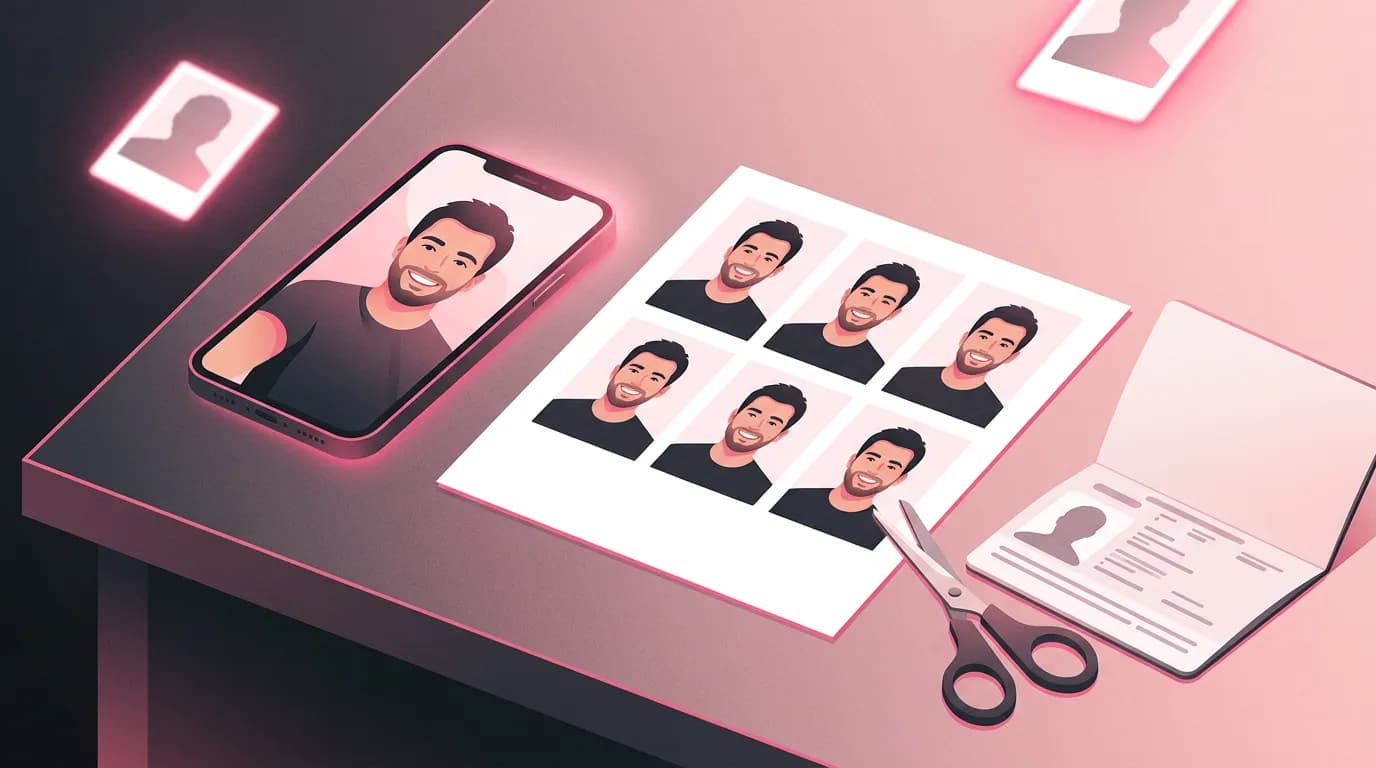
- A photo in the exact size at 600 dpi, plus a 4×6 in (10×15 cm) sheet with copies and cut lines for a photo shop.
Example: two selfies, two sizes
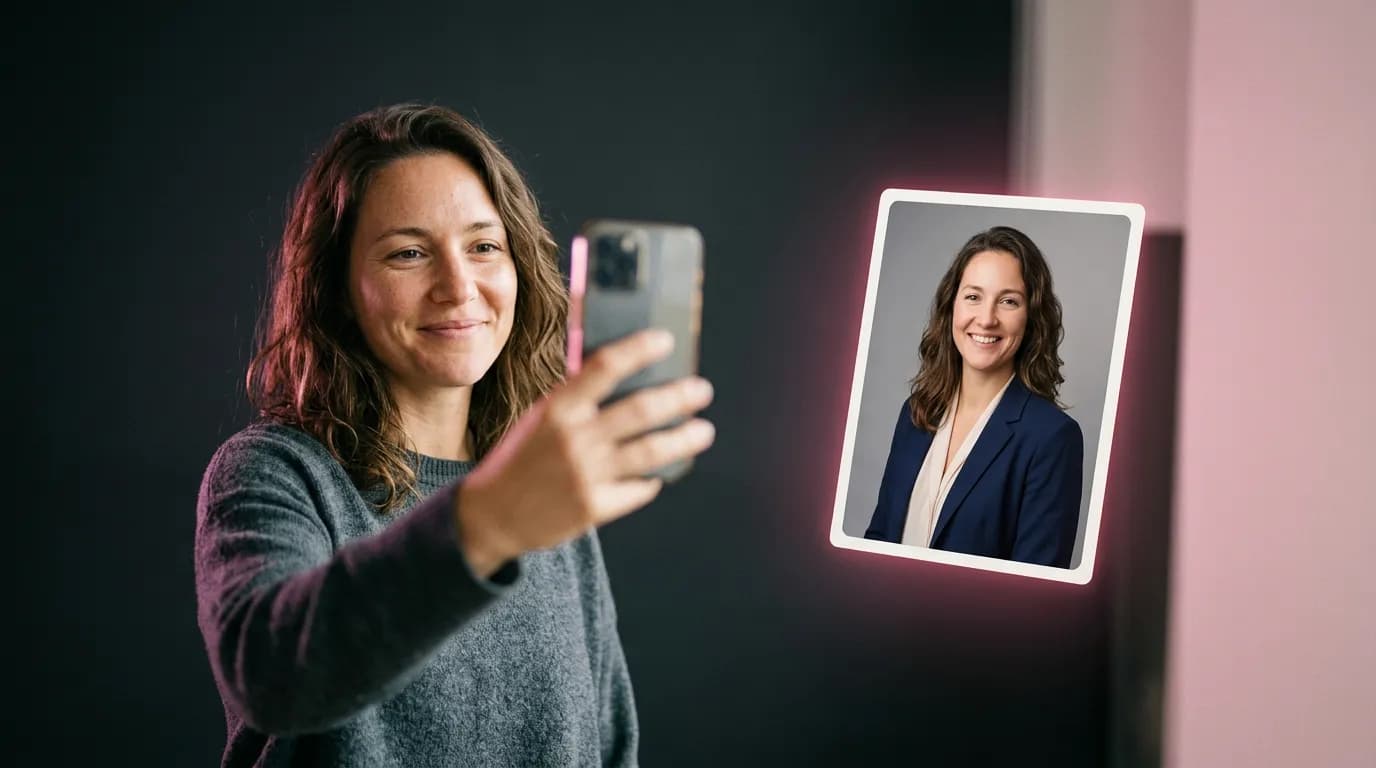
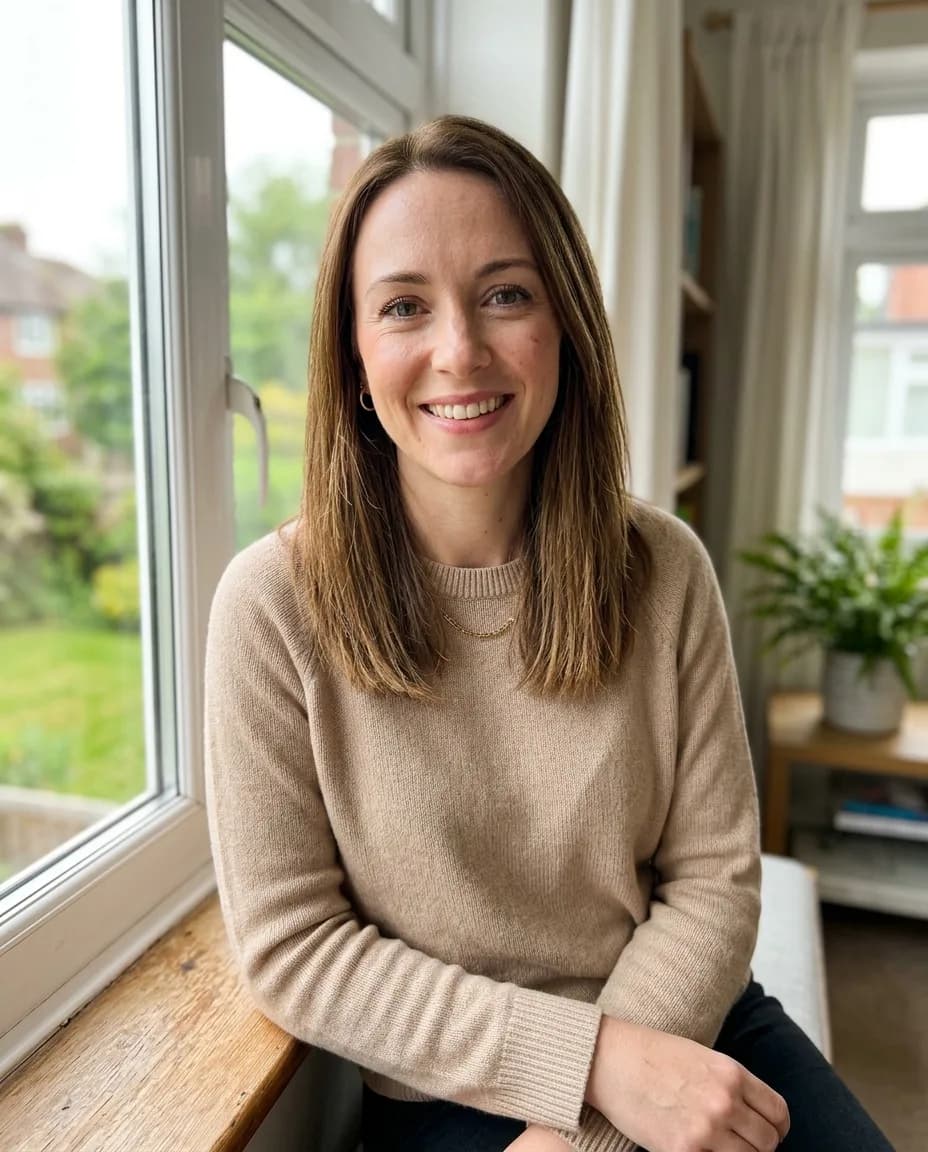
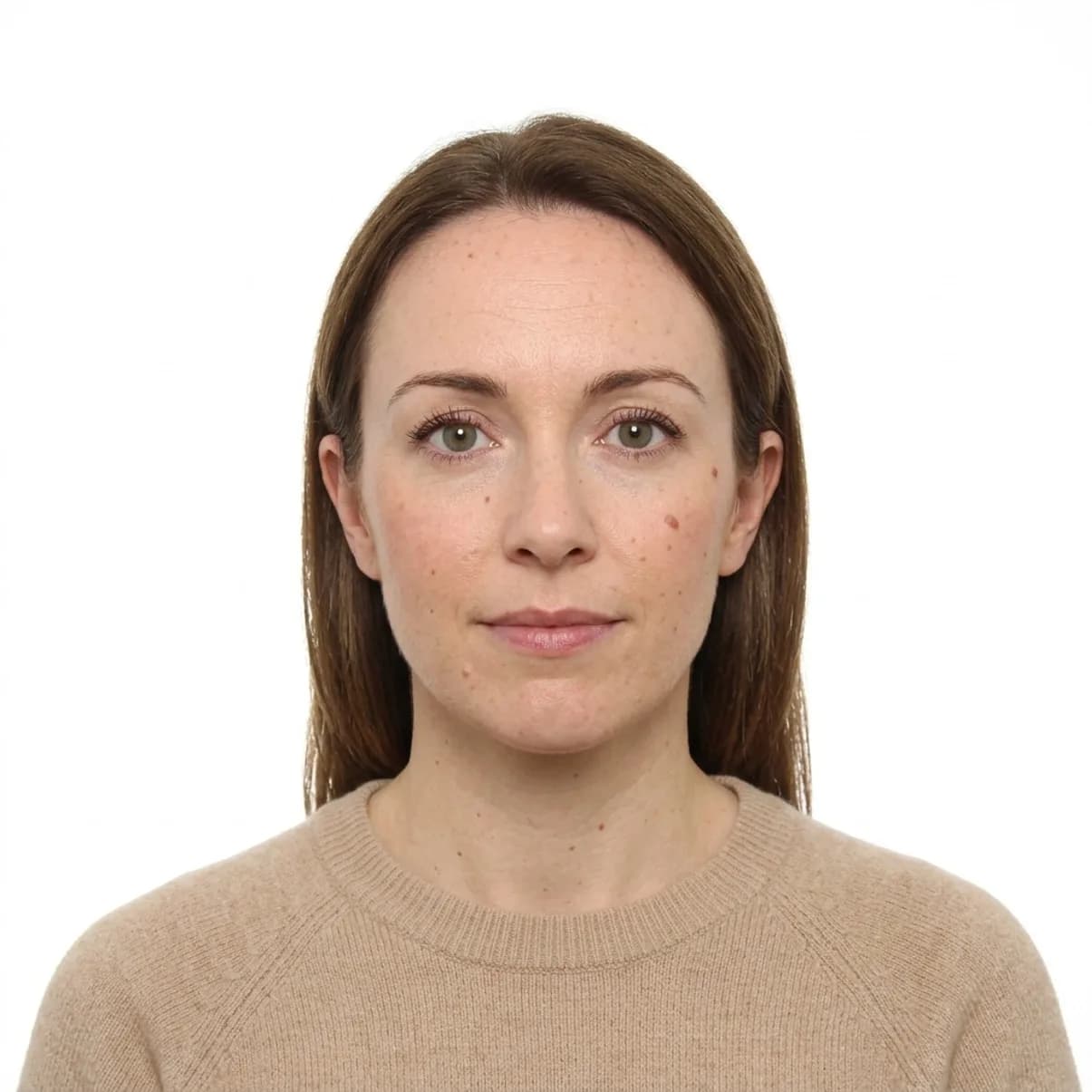
For a 2×2 inch photo we used a selfie of a woman sitting by a window, smiling, in a beige sweater. Settings: 2×2 in, White background, My own clothes. The result is front-facing with a neutral expression and even light; her moles and skin texture are still there, because the model is told not to retouch the face.
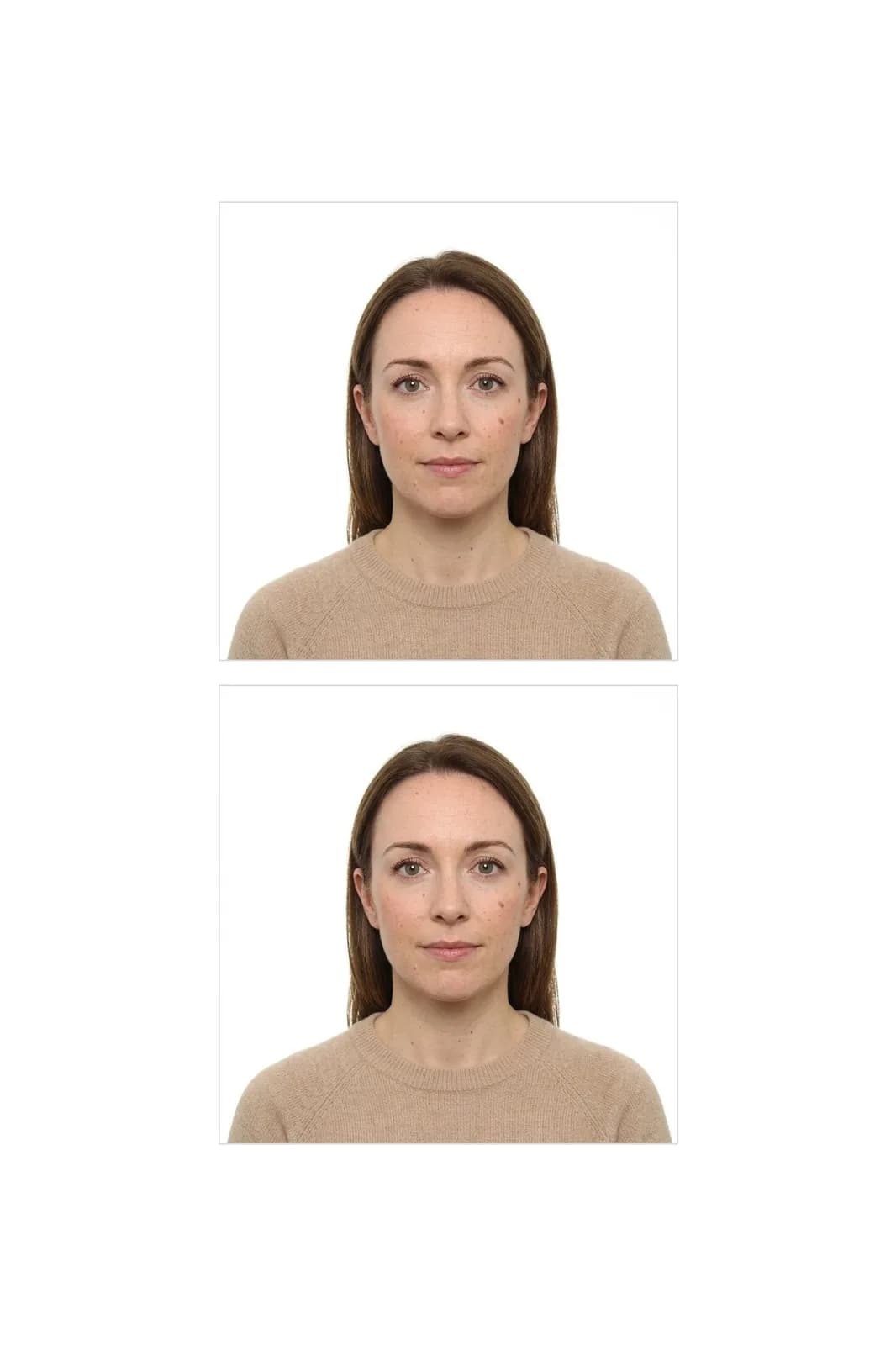
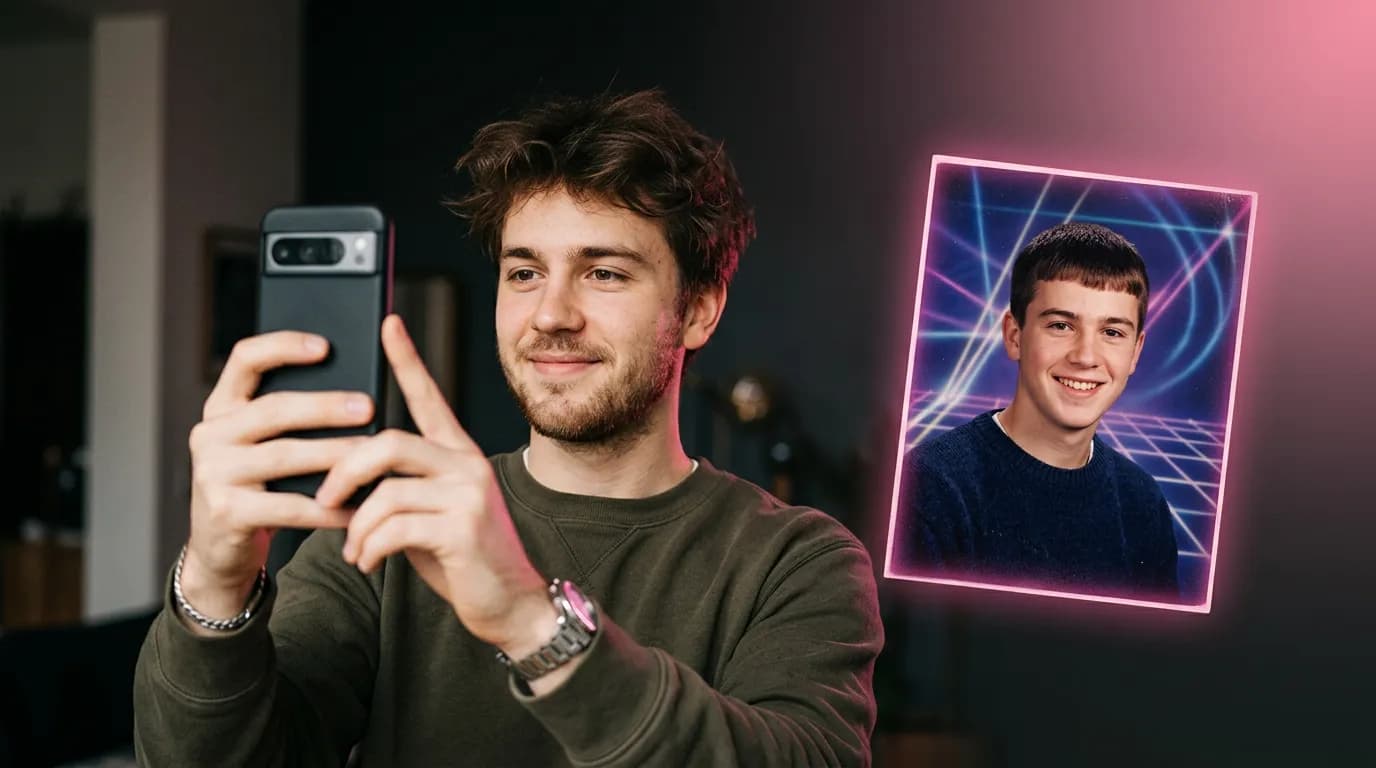
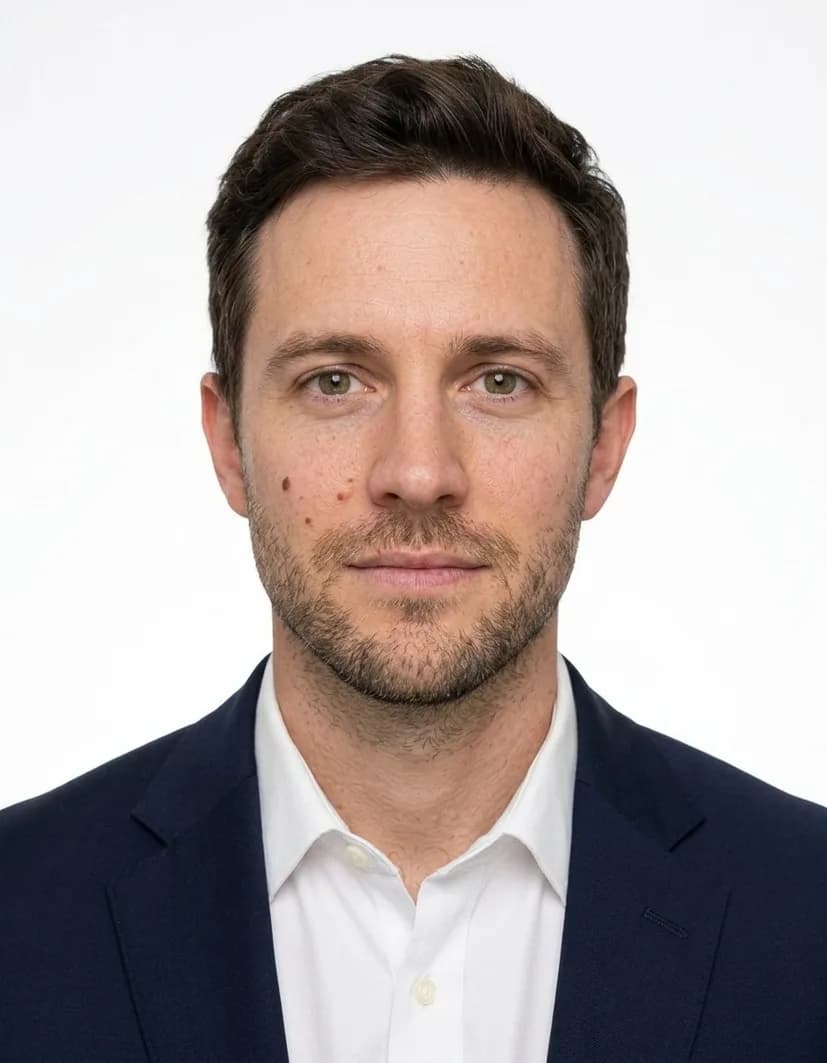
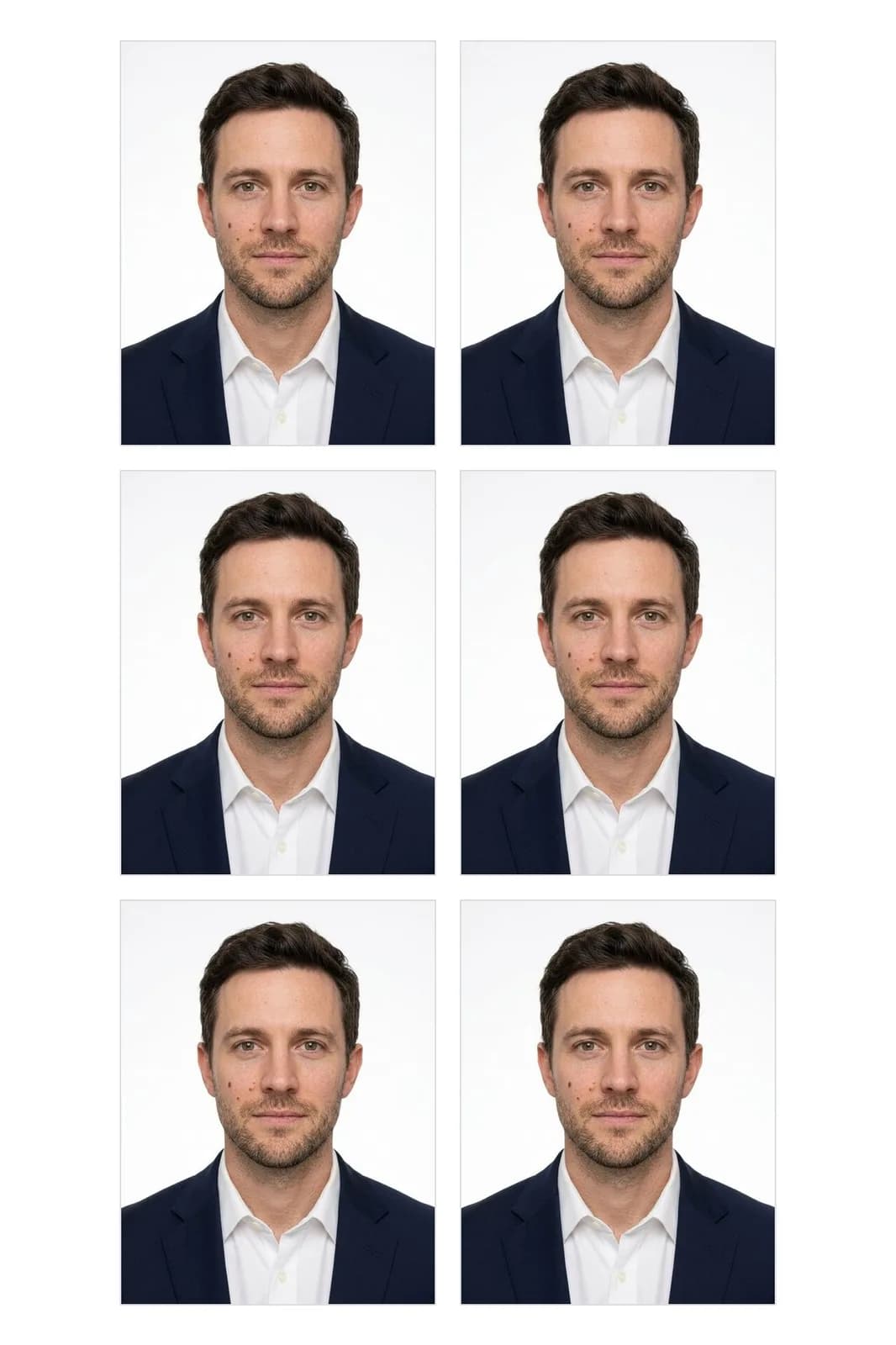
For 35×45 mm we used a man in a grey T-shirt in front of bookshelves and picked Formal clothes. Smaller photos fit more copies — this sheet has six.

How to take the selfie
- Face the camera, with your whole head and shoulders in the frame.
- Use soft daylight from a window in front of you, not behind you.
- Take off glasses and hats, and keep hair off your face.
- Hold the phone at eye level or ask someone to take the photo — arm's-length selfies distort the face.
Before you print: a quick checklist
Whatever the photo is for, most offices reject the same handful of problems. Look at the result with these in mind:
- Eyes open and clearly visible, no glare, no hair over the eyebrows.
- A neutral expression or a natural closed-mouth smile, depending on the rules for your document.
- No shadows on the face or behind the head.
- The whole head, from the top of the hair to the chin, inside the frame, with some space around it.
- The background is plain and even, with nothing behind you.
If something is off — say, the hairline is cut off because the selfie was too tight — take a new selfie with more space around your head and run it again.
Step by step
- Open ID Photo in the Photo section and upload your selfie.
- Under Size, pick the document format.
- Choose a background and whether to keep your clothes or switch to Formal.
- Click Make ID photo. You'll get the exact-size photo and the print sheet; both are saved in your history.
- Download the sheet and print it at 4×6 in at any photo kiosk or shop, then cut along the lines.
Pricing
One run costs 10 credits and gives you both files. If it fails, the credits come back. New accounts get 6 free credits.
Turn a selfie into an ID photo with a print sheet.
Make an ID photoAll supported sizes and backgrounds.
Passport photo makerTry everything from this article in minutes
All the models and tools from this article are in one place. You get 6 free credits after sign-up, and every price is shown before you run it.
Make an ID photo