Try Nail Designs on Your Own Hand with AI: Chrome, Cat-Eye, French and Holiday Nail Ideas
Saved a hundred nail pics but can't picture them on your hands? We tried French, cat-eye and floral nails on real hand photos, copied a design from a picture and made idea boards.
Contents
Your camera roll is full of nail inspo, but a design that looks perfect on a hand model can look completely different on yours: different nail beds, different finger length, different skin tone. Booking a full set and hoping for the best is an expensive way to find out.
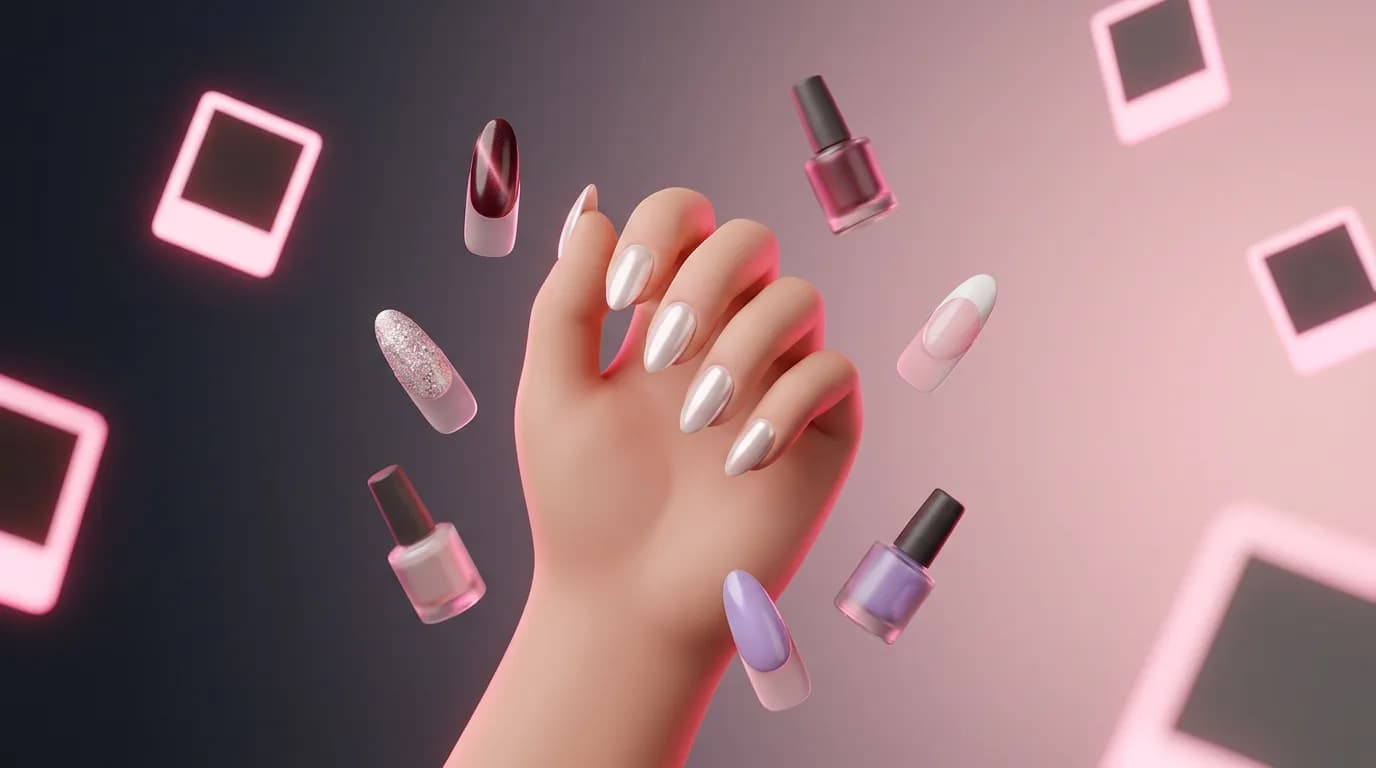
AI Nail Art Try-On on ImageGPT paints the design onto a photo of your own hand. It runs on Nano Banana 2 and changes only the nails — your fingers, skin, rings, bracelets, sleeves and background stay exactly as they are. And if you don't know what you want yet, there's a mode that makes nail idea boards without any photo.
Example: a French manicure on a real hand
We uploaded a photo of a hand with pink almond nails on black fabric, chose French and asked for two variants. The old polish was replaced with a sheer pink base and crisp white tips. The two variants differ slightly, so you can compare shades in a single run.
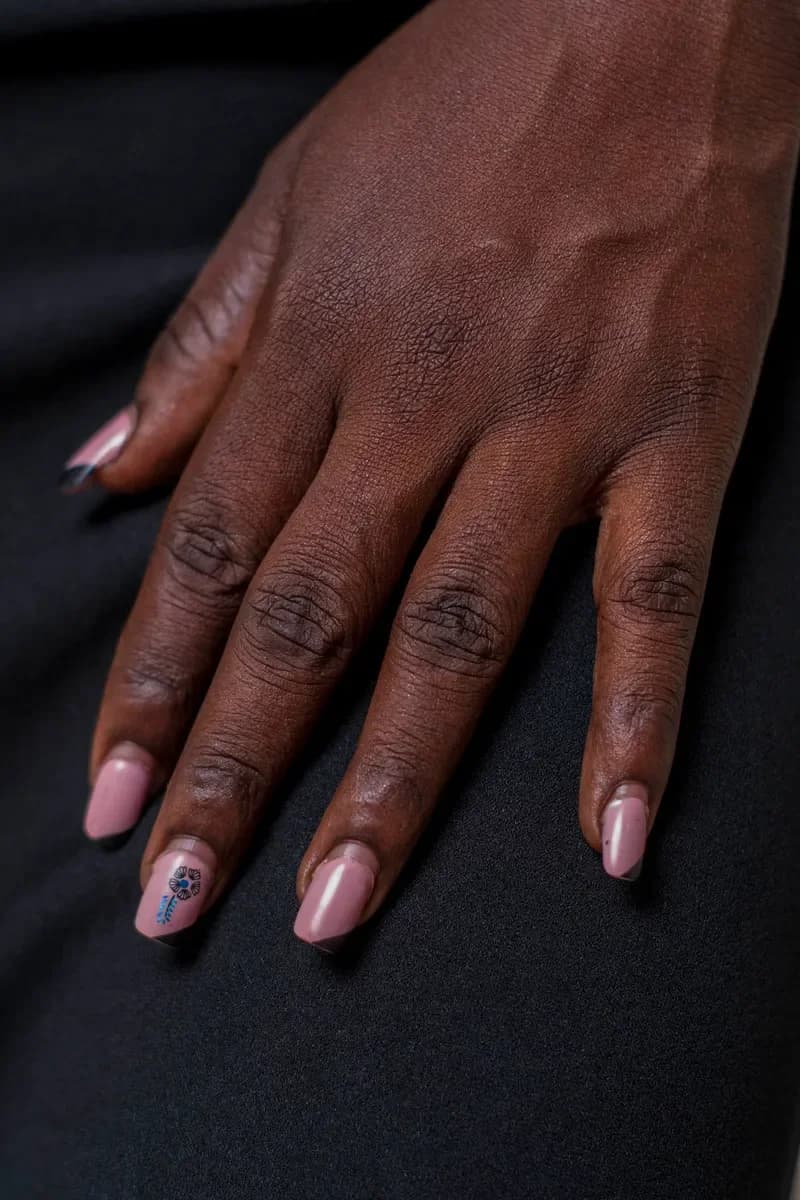
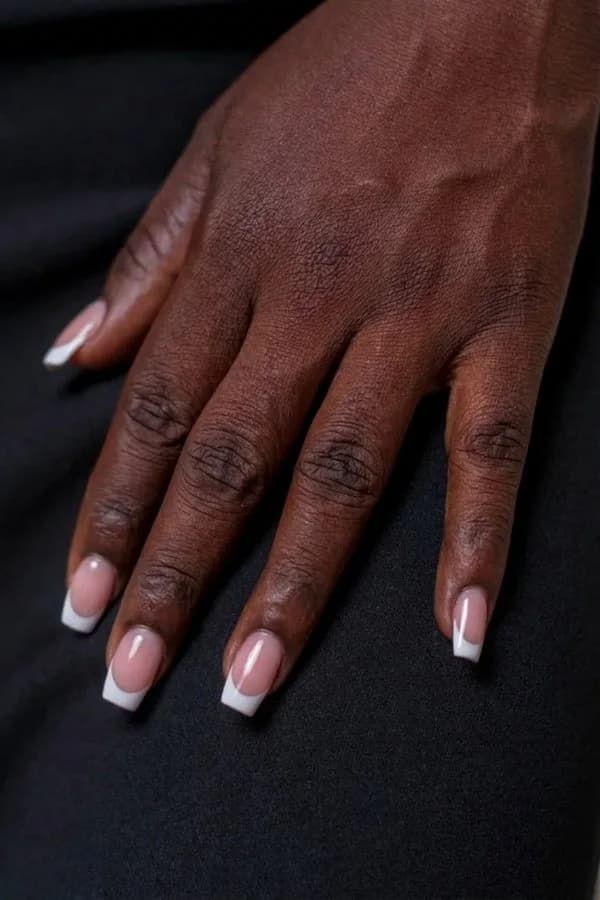
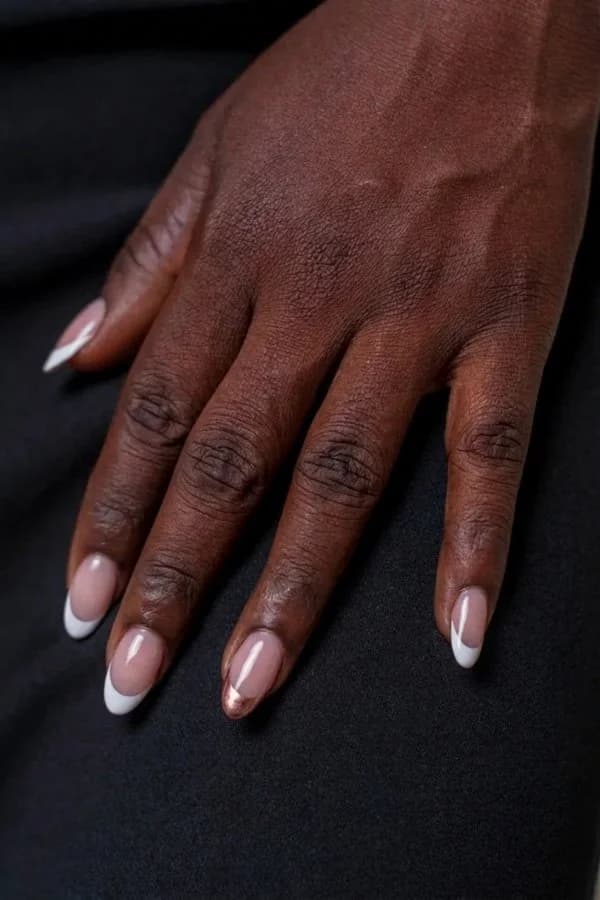
What you can pick
- Design: French, Nude, Solid color, Chrome, Ombre, Cat eye, Glitter, Marble, Flowers, Minimalist, plus New Year, Autumn, Spring and Summer themes. Or My own — describe it in words.
- Main color: milky, beige, pink, red, burgundy, black, white, lavender, blue, emerald or gold — or let the design decide.
- Shape: almond, oval, square, squoval, round, coffin or stiletto, or keep yours.
- Length: short, medium or long, or keep yours.
- Wishes in up to 200 characters: an accent nail, a matte finish, a tiny motif.
- Up to four variants per run; each one varies the shade or the accent nails.
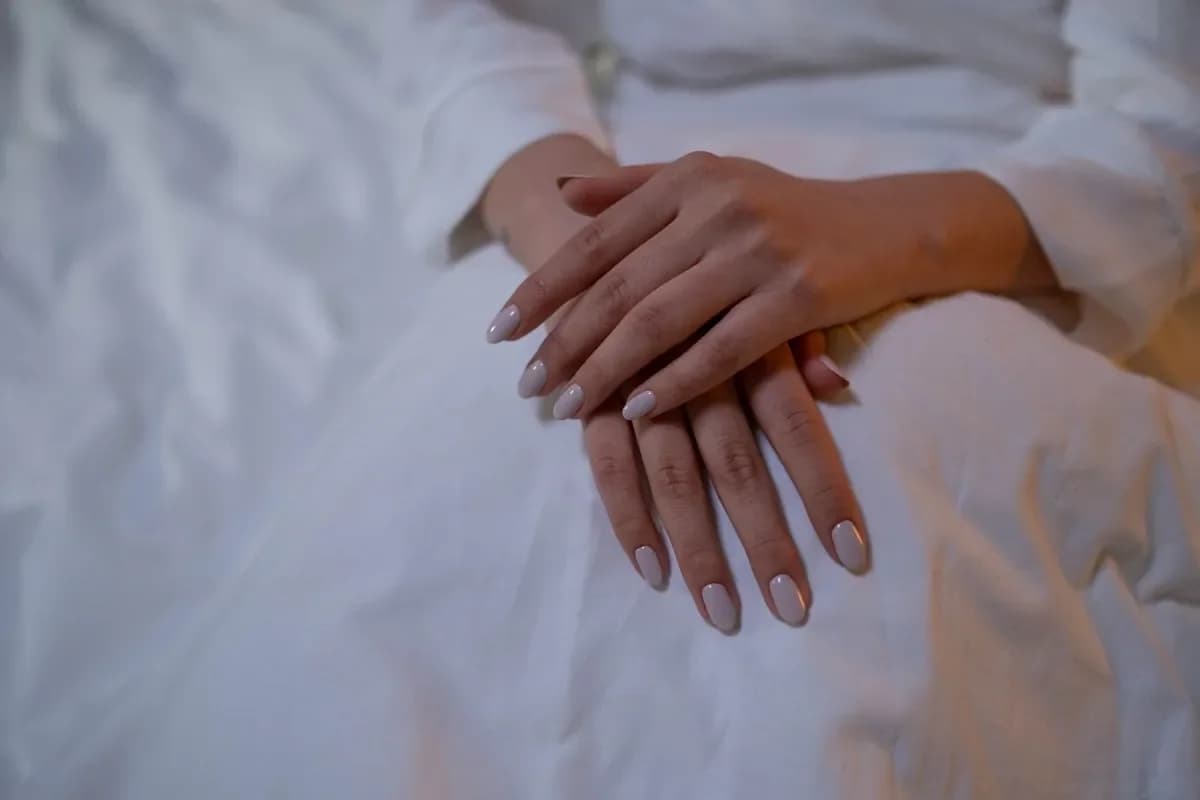
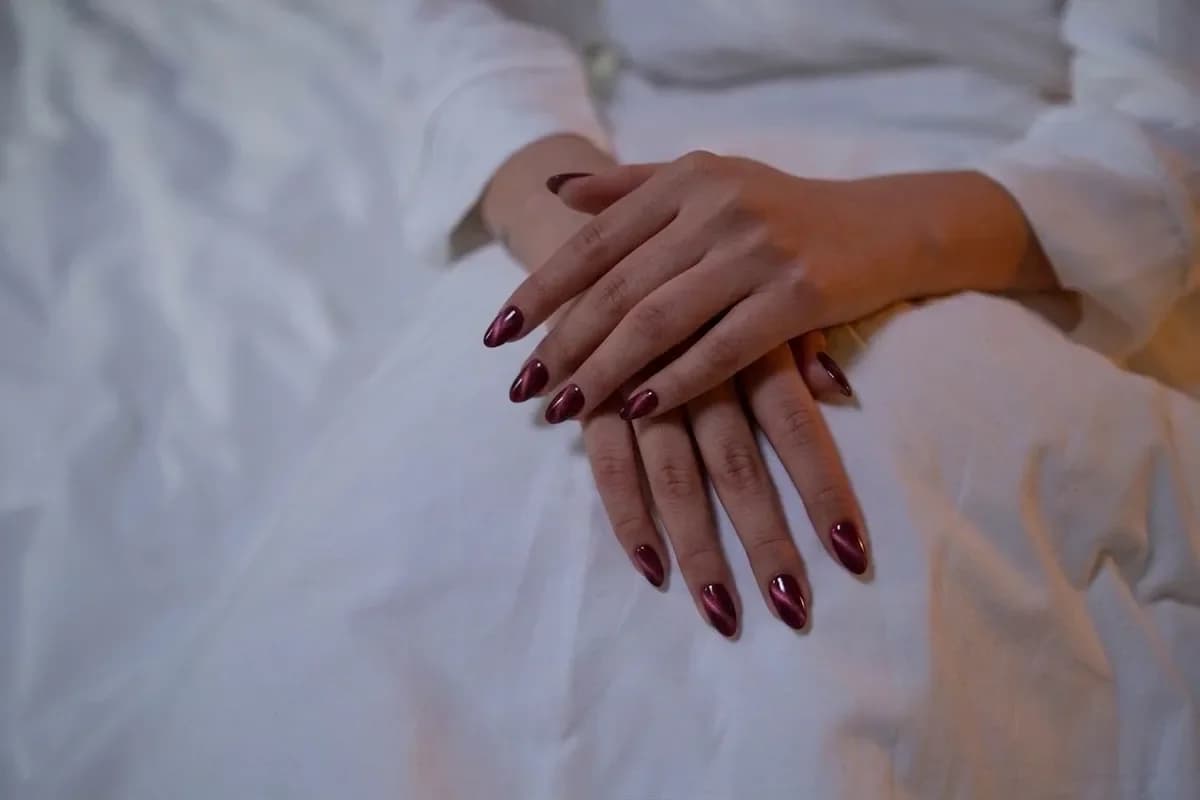
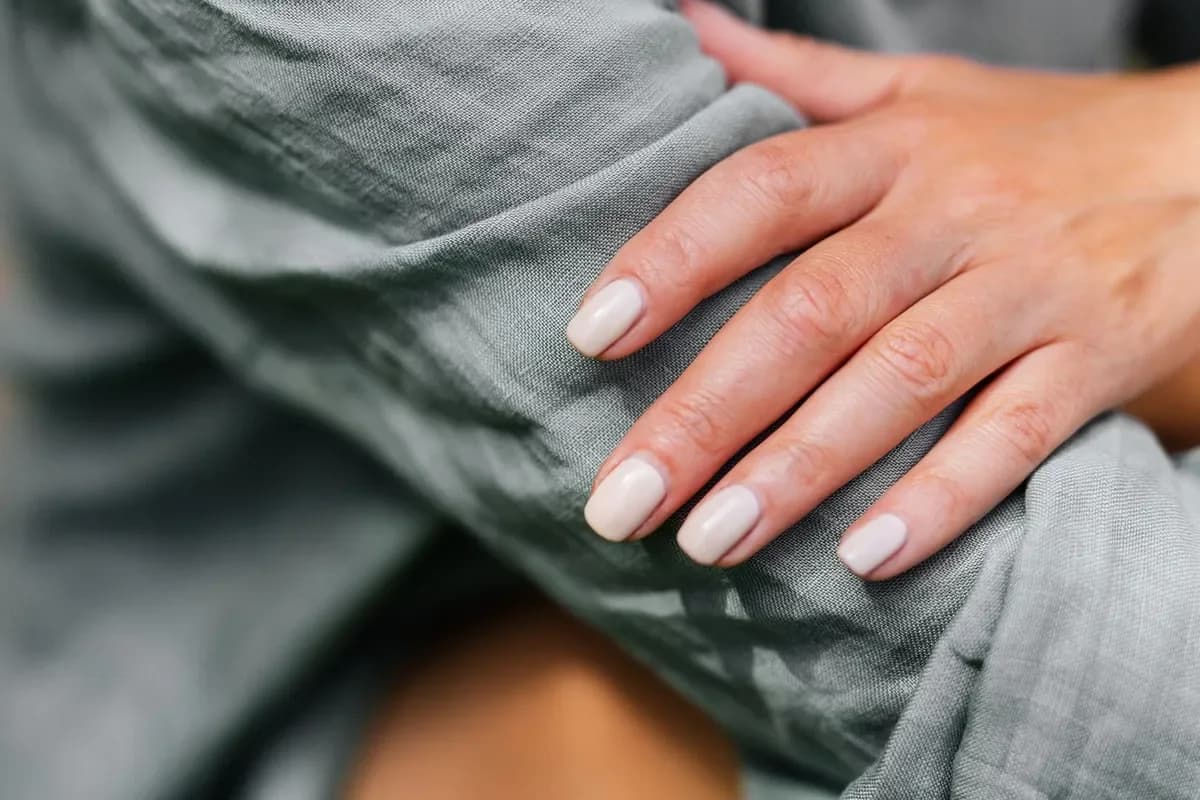
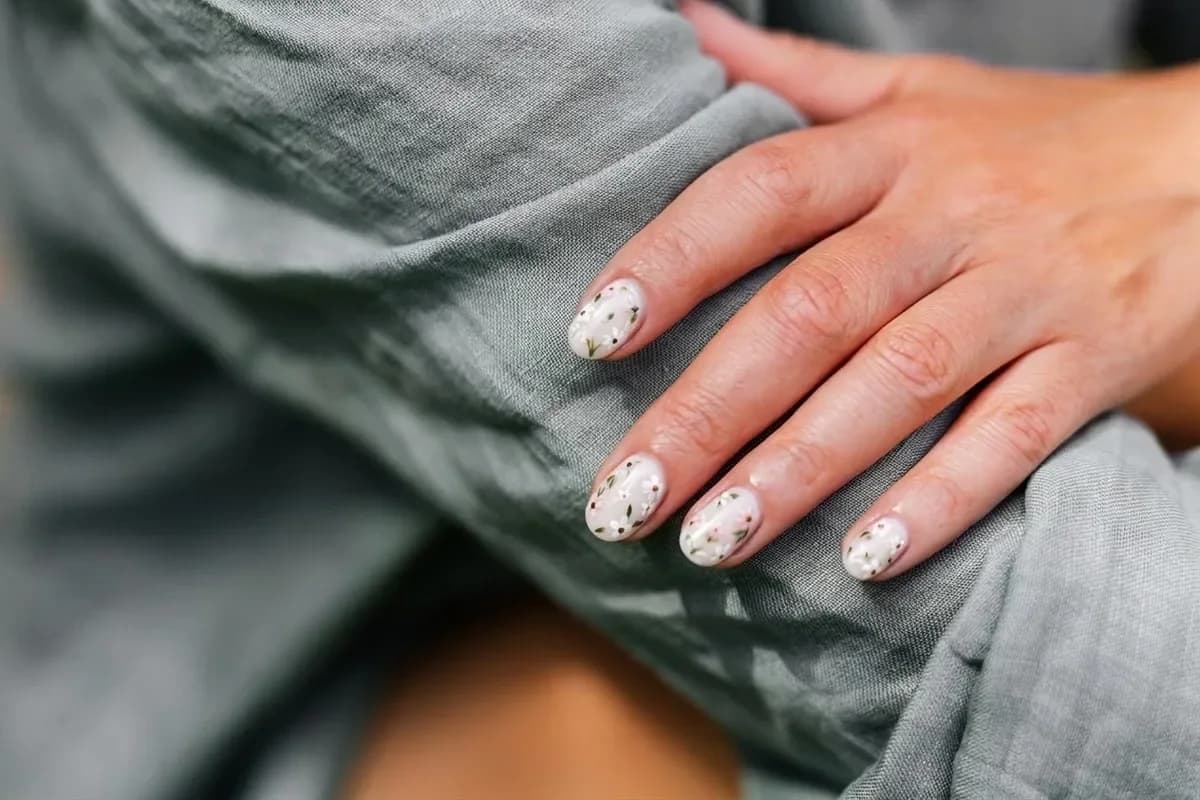
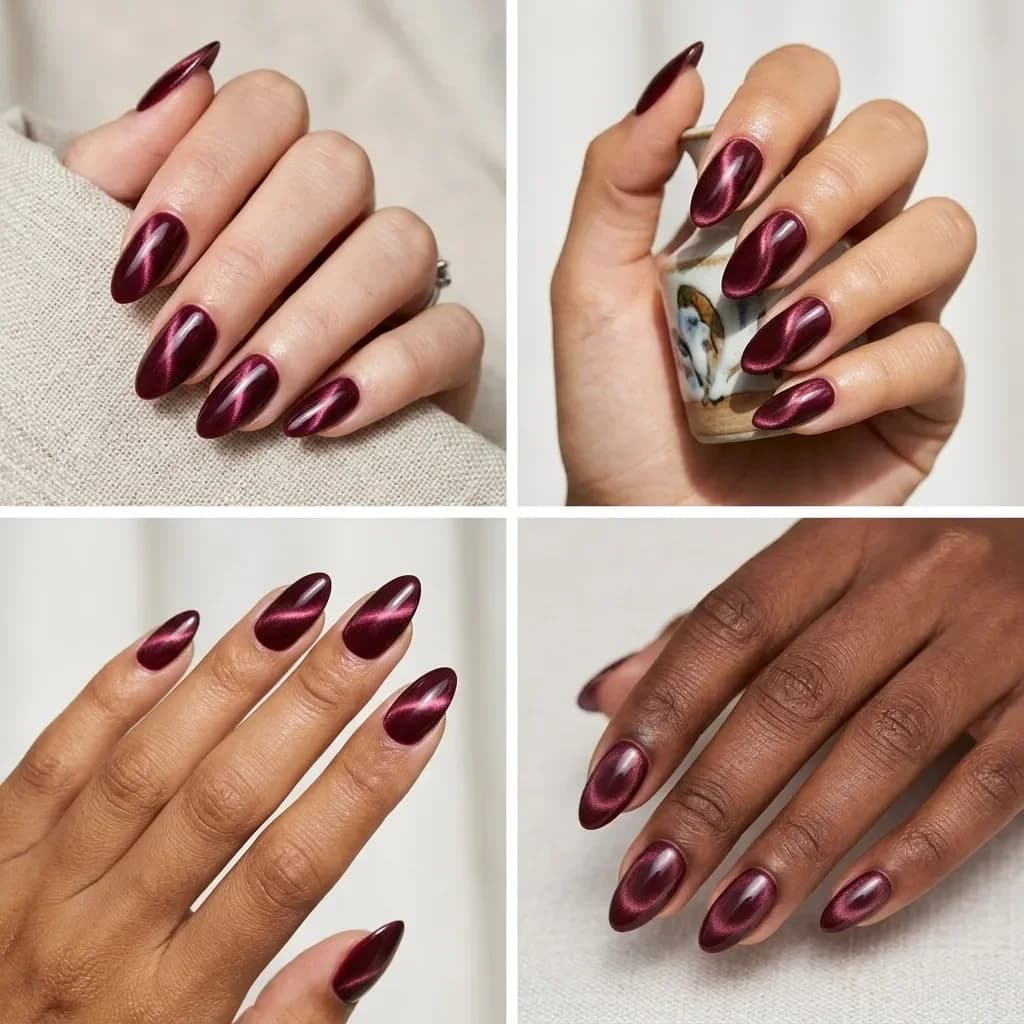
Cat-eye nails — the magnetic polish with a band of velvety shimmer — and mirror chrome are two designs that are hard to imagine from a flat photo, because the effect depends on light. The try-on draws the reflections to match the light in your photo, which gives you a much better idea of how they'll look on you.
Copy a design from a photo
Found a set you love on social media? Upload it under Design to copy. The AI repeats its colors, finish, pattern and accent nails on your hand. You don't need to pick a design or color then, but you can still set shape and length and add wishes.
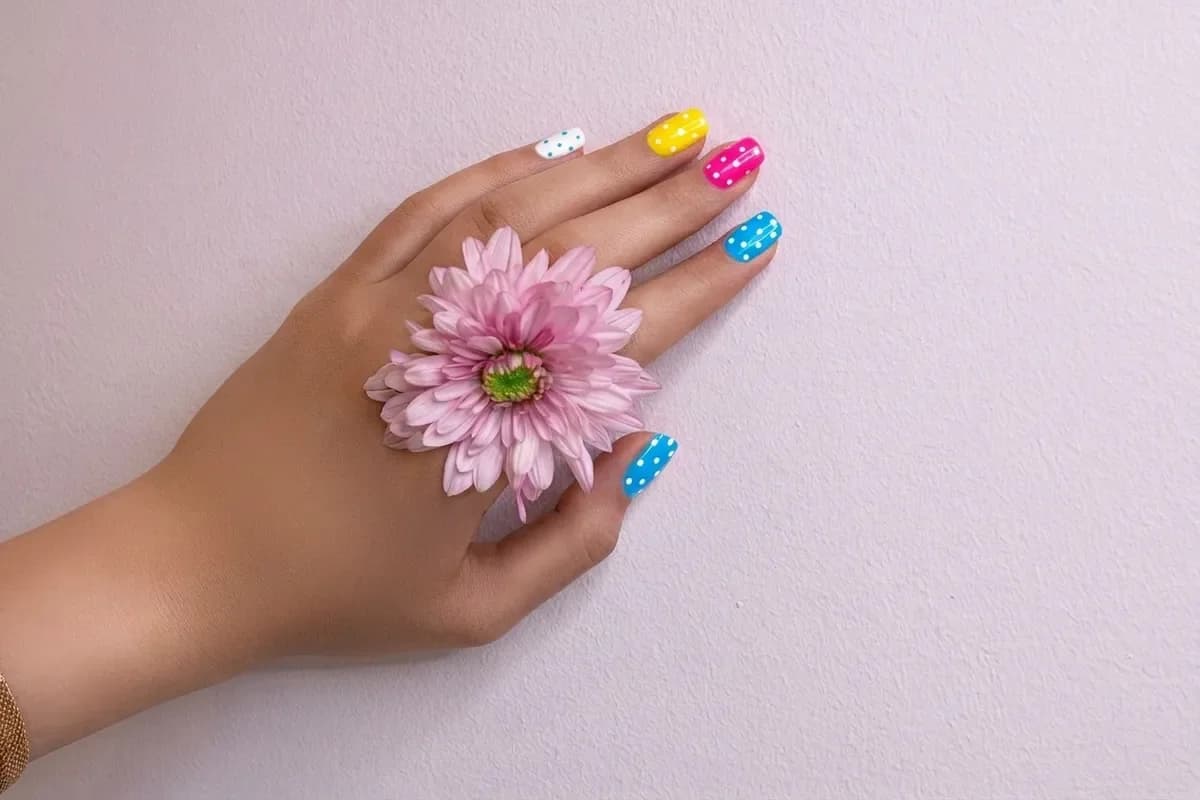
Nail ideas without a photo
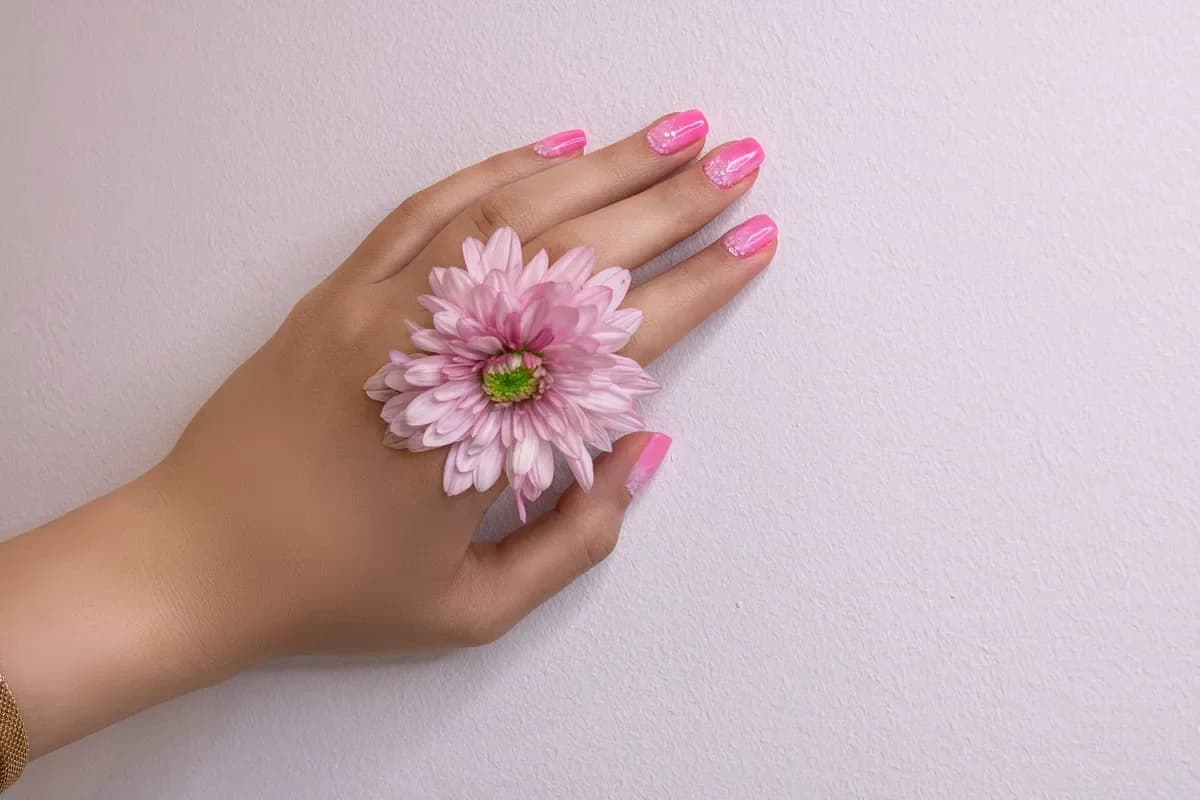
Switch to Design ideas and skip the hand photo. Each picture is a 2×2 moodboard of four designs on one theme, shown on hands with a range of skin tones. Pick a design as the theme and, if you like, a color, shape and length. Order four pictures and you get up to 16 different designs to screenshot for your nail tech.
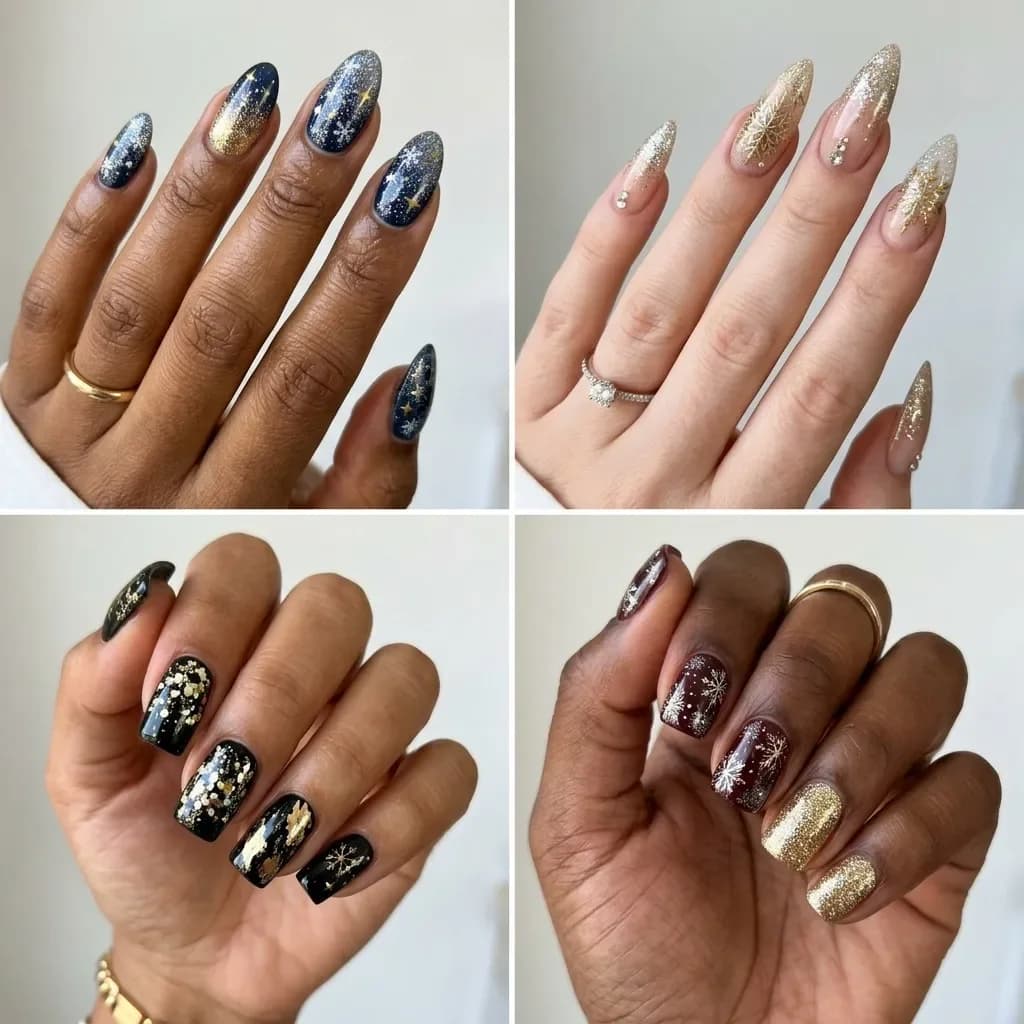
With the holidays coming, the New Year theme is a quick way to plan party nails: sparkles, tiny snowflakes and gold or silver accents on one or two nails.
What hand photo works best
- All nails fully visible, not covered by other fingers or objects.
- Soft daylight, no harsh flash.
- Existing polish is fine — it gets replaced.
Step by step
- Open AI Nail Art Try-On in the Photo section.
- Keep Try on my hand and upload a photo of your hand, or switch to Design ideas.
- Choose a design and a main color, or upload a design to copy.
- Set shape and length, or keep yours.
- Add wishes if you like, pick the number of variants and click Show my manicure.
Wishes to try
accent nail with tiny hearts, matte finish
milky base with a thin gold line at the cuticle on every nail
glossy forest green, gold foil on the ring fingers
Pricing
Each picture — a try-on or an idea board — costs 10 credits. Four variants in one run cost 40 credits. If a picture fails, its credits come back. New accounts get 6 free credits.
Upload a photo of your hand and see the manicure on you.
Try on nailsAll designs, shapes and colors in one place.
Nail art try-onTry everything from this article in minutes
All the models and tools from this article are in one place. You get 6 free credits after sign-up, and every price is shown before you run it.
Try on nails