How to Fix Closed Eyes, Acne and Harsh Shadows in a Photo with AI — No Photoshop
Someone always blinks in the group shot. We opened closed eyes, cleared skin, lifted harsh sun shadows and whitened teeth on real photos — here's how and what to tick.
Contents
The best shot from the wedding is the one where your aunt blinked. The perfect vacation selfie has a breakout front and center. The patio portrait has a baseball-cap shadow cutting across your face. Fixing any of this in Photoshop takes layers, masks and practice, and beauty-filter apps tend to smear your skin into plastic.
AI Photo Retouch on ImageGPT works more like a checklist. You tick what's wrong — closed eyes, acne, wrinkles, shadows, teeth — and the photo comes back fixed, in the same framing and size you uploaded. It runs on Google's Nano Banana 2 and is told that likeness comes first: face shape, features, eye color, skin tone, moles, freckles, hair and makeup all stay yours.
Example: a blink, fixed
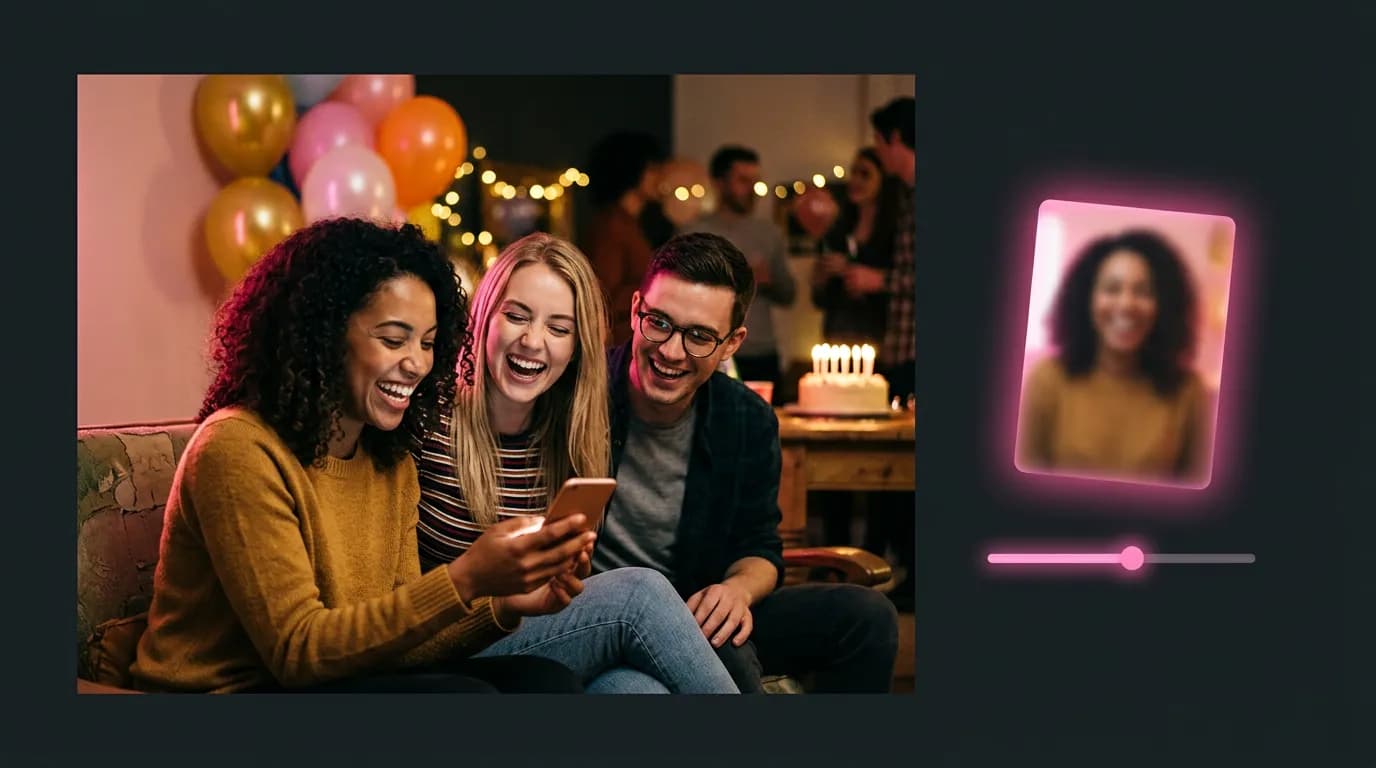
We uploaded a portrait of a woman who laughed and shut her eyes, ticked Open closed eyes and Clear skin and acne, and asked for two variants. Both came back with open brown eyes matching her lids and lashes, looking at the camera. Her smile, curls, hand and tank top didn't change.
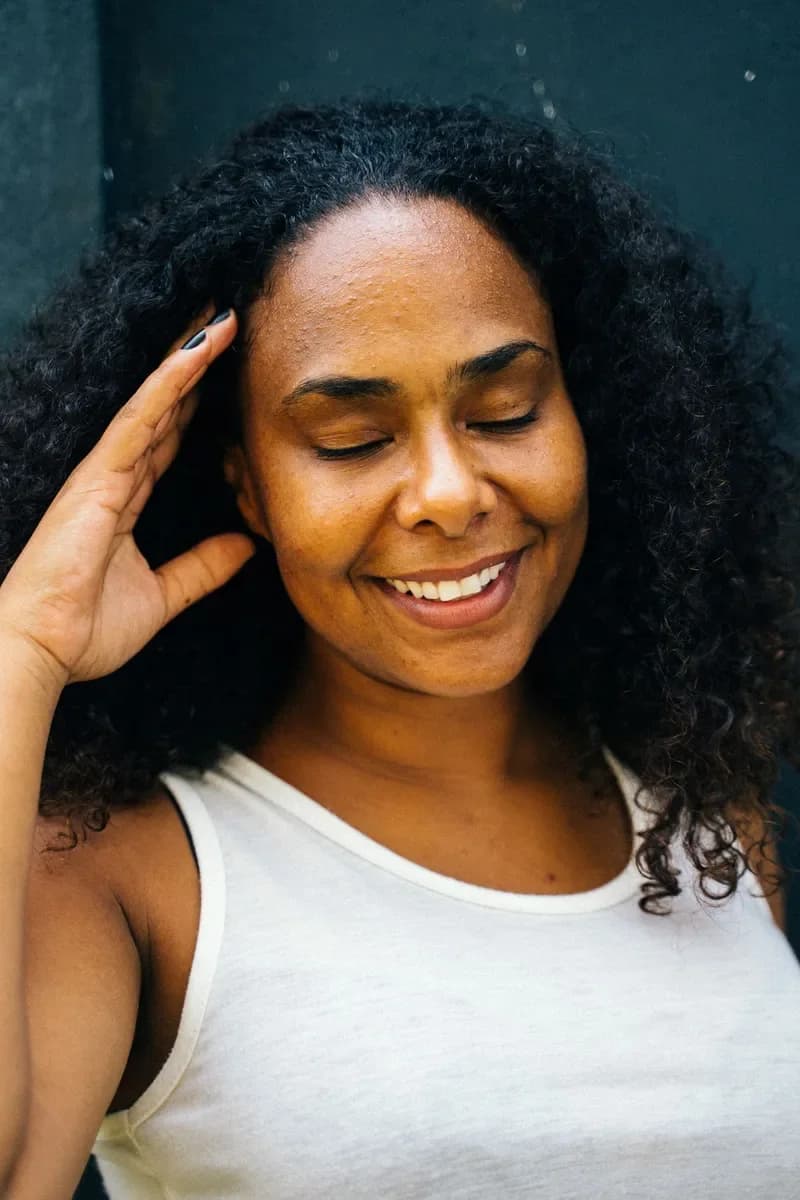
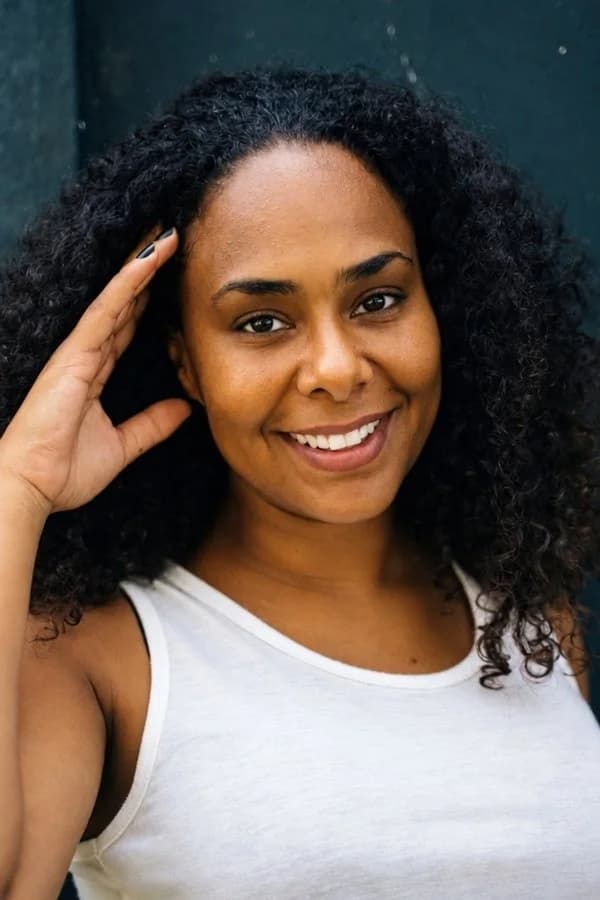
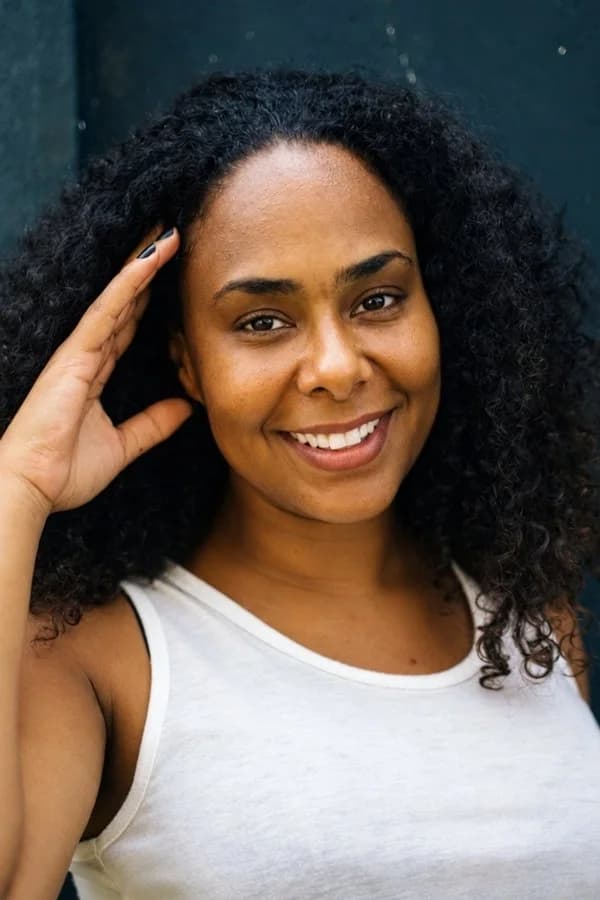
Nine fixes you can combine
- Open closed eyes — rebuilds blinking or half-closed eyes in that person's eye shape and color. Eyes that are already open are left alone.
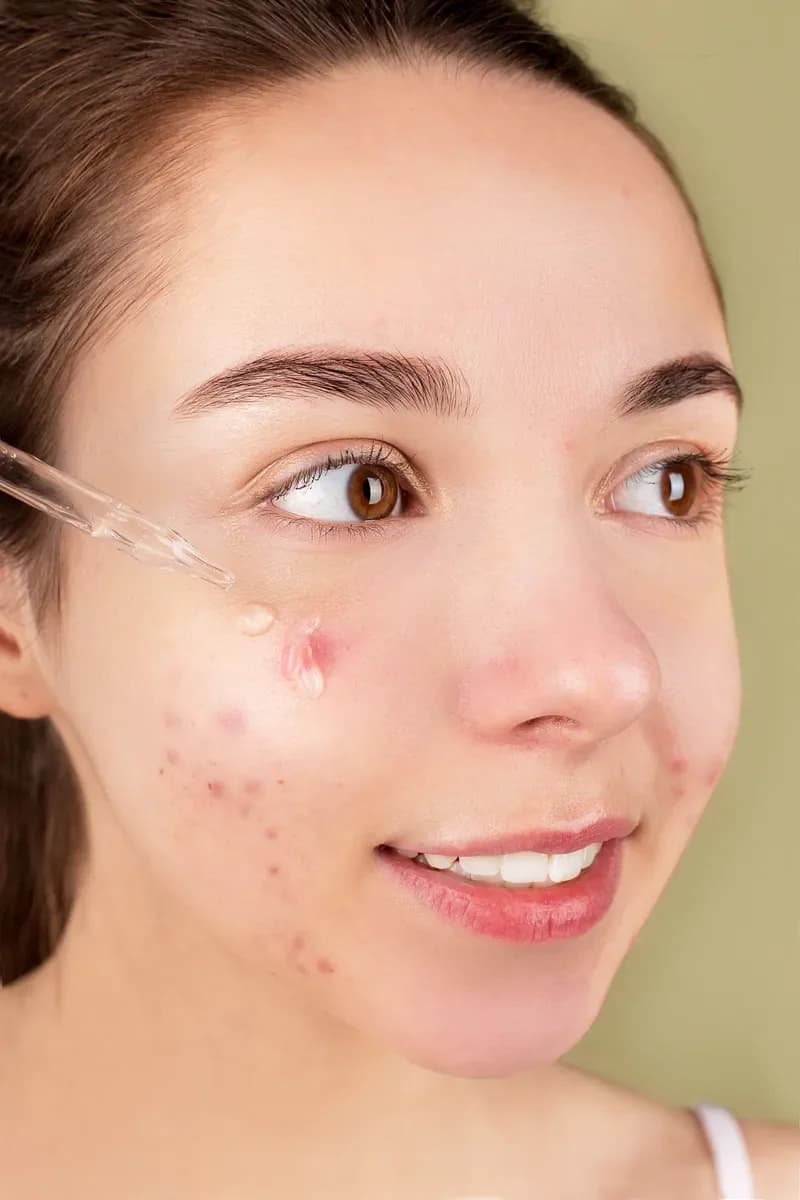
- Clear skin and acne — removes pimples, redness, blotches and small scars and evens out the tone, while keeping pores, freckles and moles.
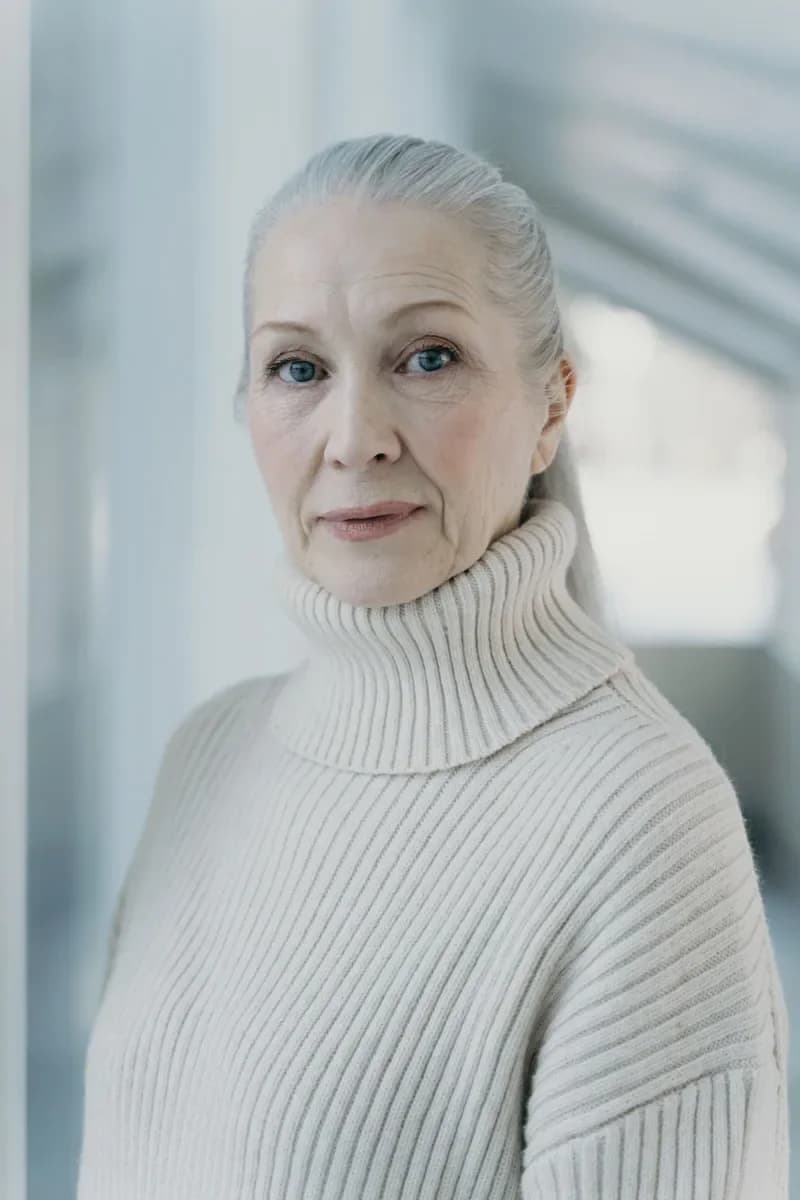
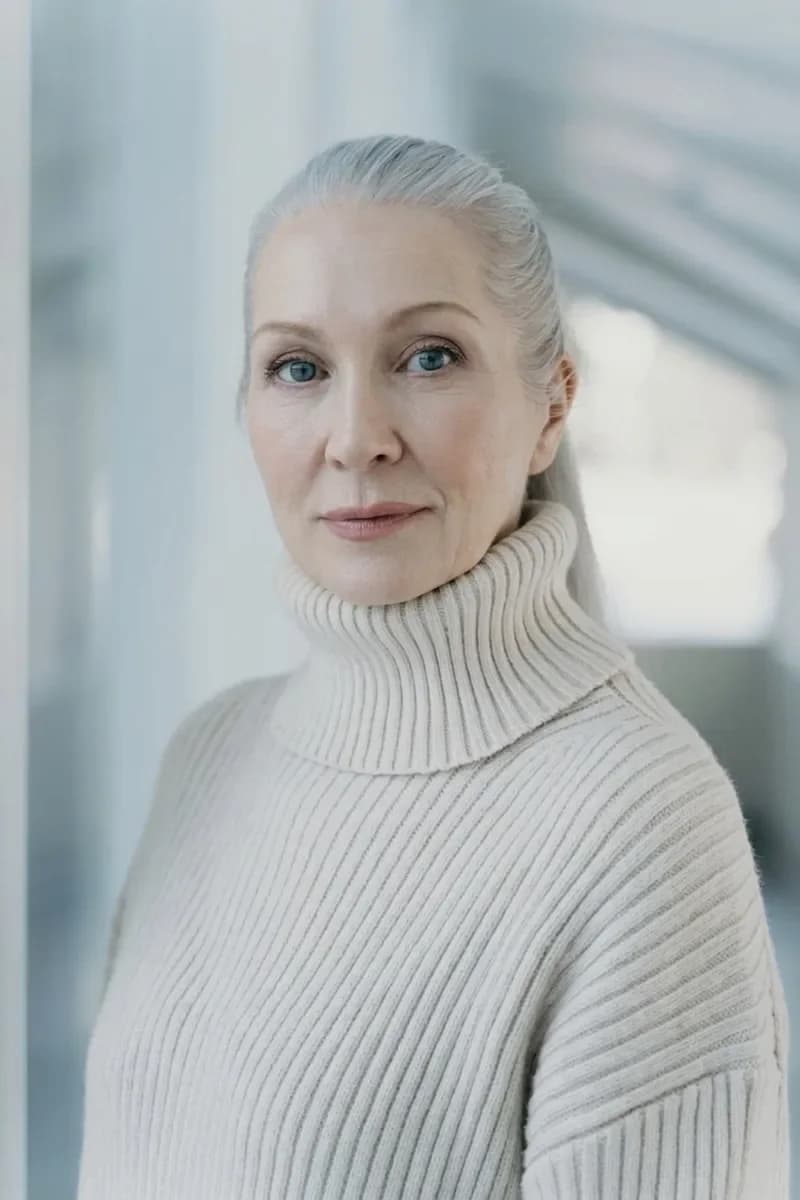
- Soften wrinkles — forehead lines, crow's feet, under-eye bags and smile lines, without changing your age group.
- Remove harsh shadows — lifts shadows from the sun, a cap or leaves as if a photographer held up a big reflector. The background light stays as it was.
- Whiten teeth — a natural ivory, not blue-white. The shape and gaps of every tooth stay the same.
- Add a smile — a relaxed, genuine smile that reaches the eyes, not a cheesy grin.
- Face the camera — turns the head and eyes toward the lens; the body pose stays.
- Slimmer — a slightly slimmer face and, if visible, waist and arms, without warping the background.
- Look younger — roughly 3, 5–7 or 10 years younger depending on strength, still clearly the same person.
Tick as many as you need. They're all applied in one pass for the price of one photo.
Skin, shadows and wrinkles
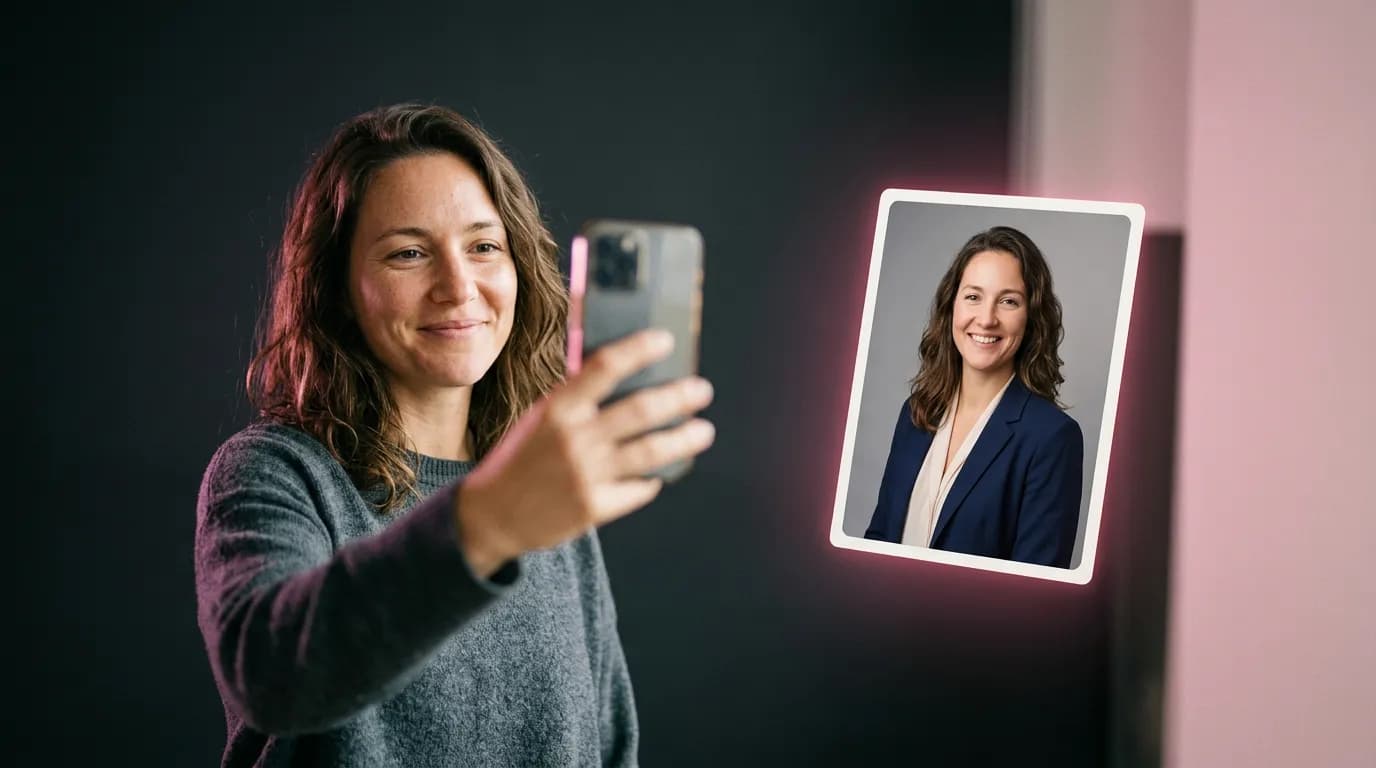
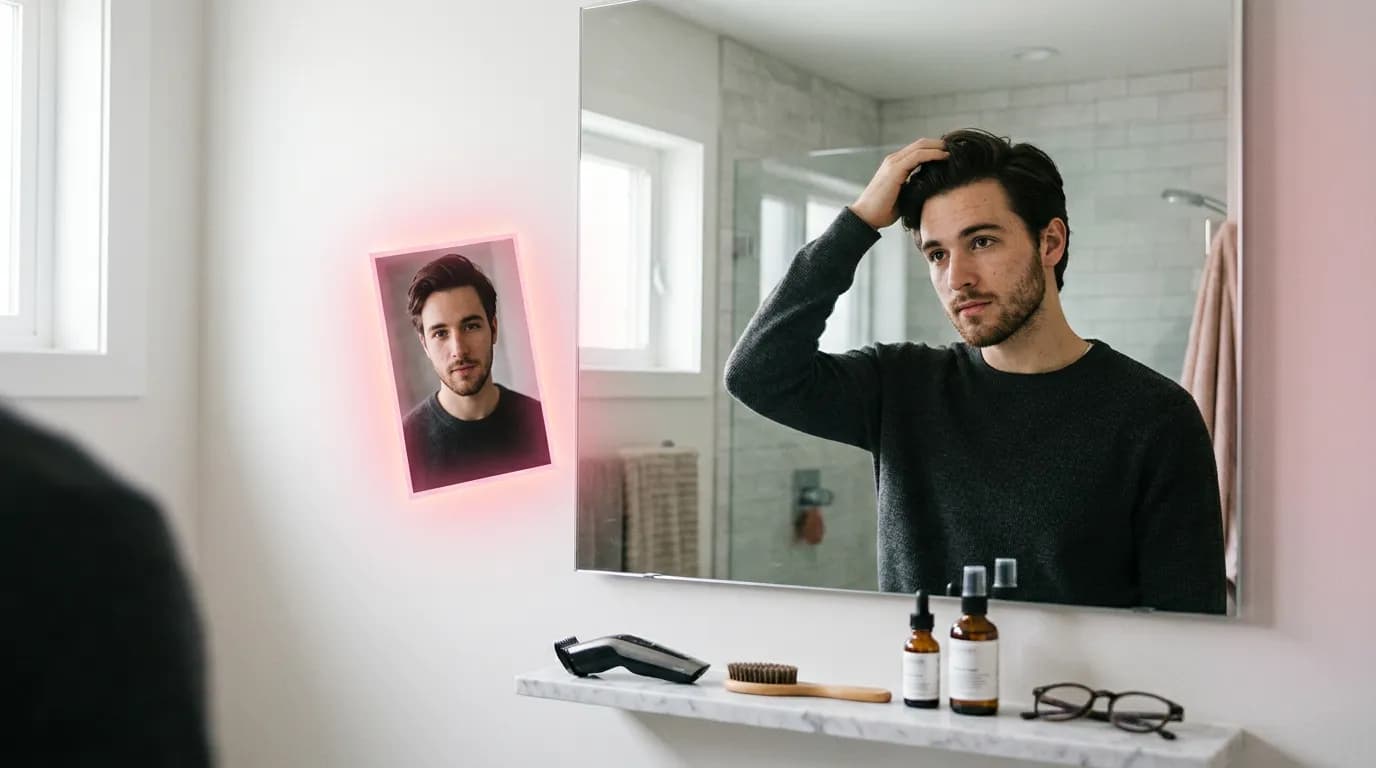
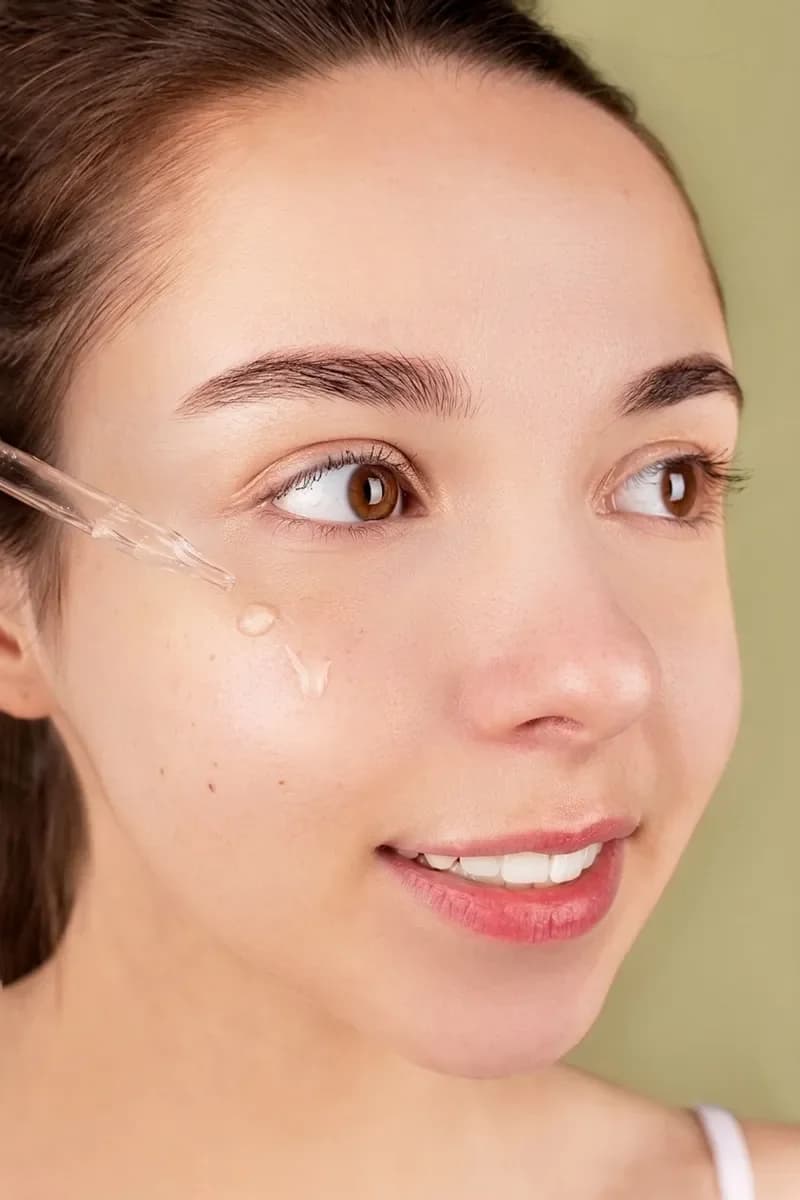
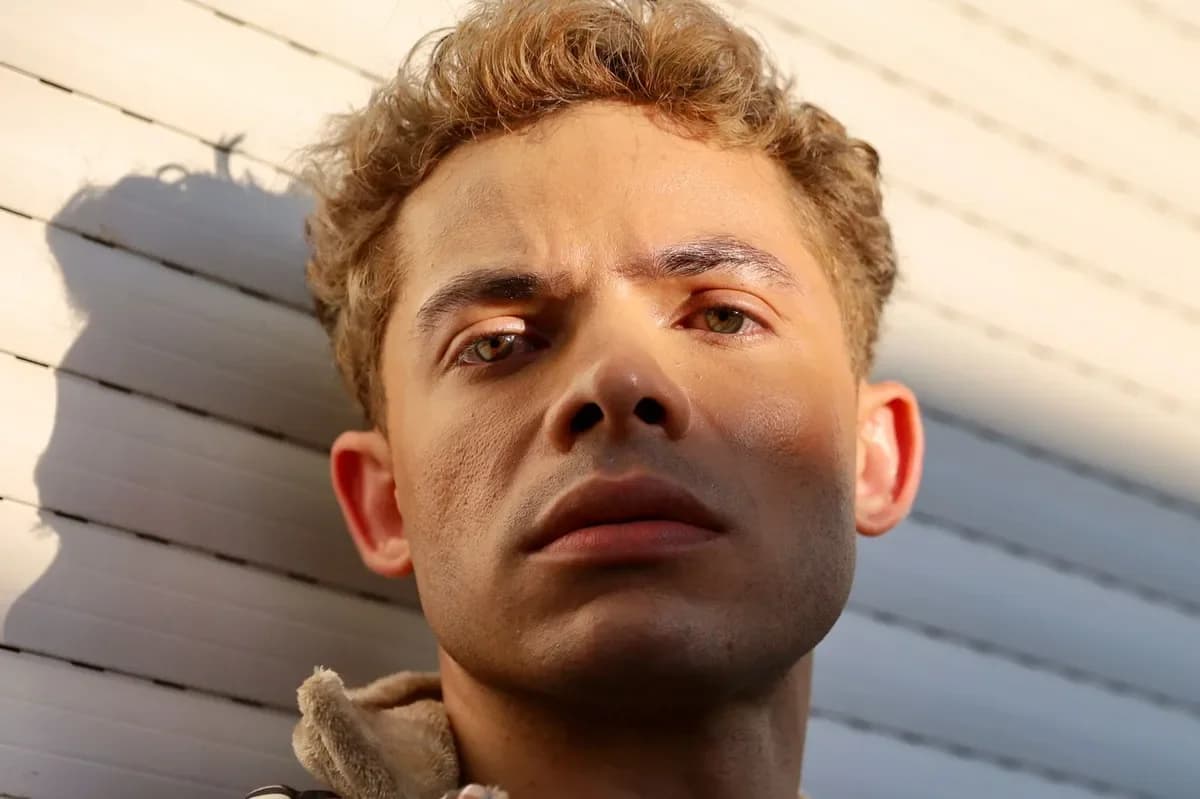
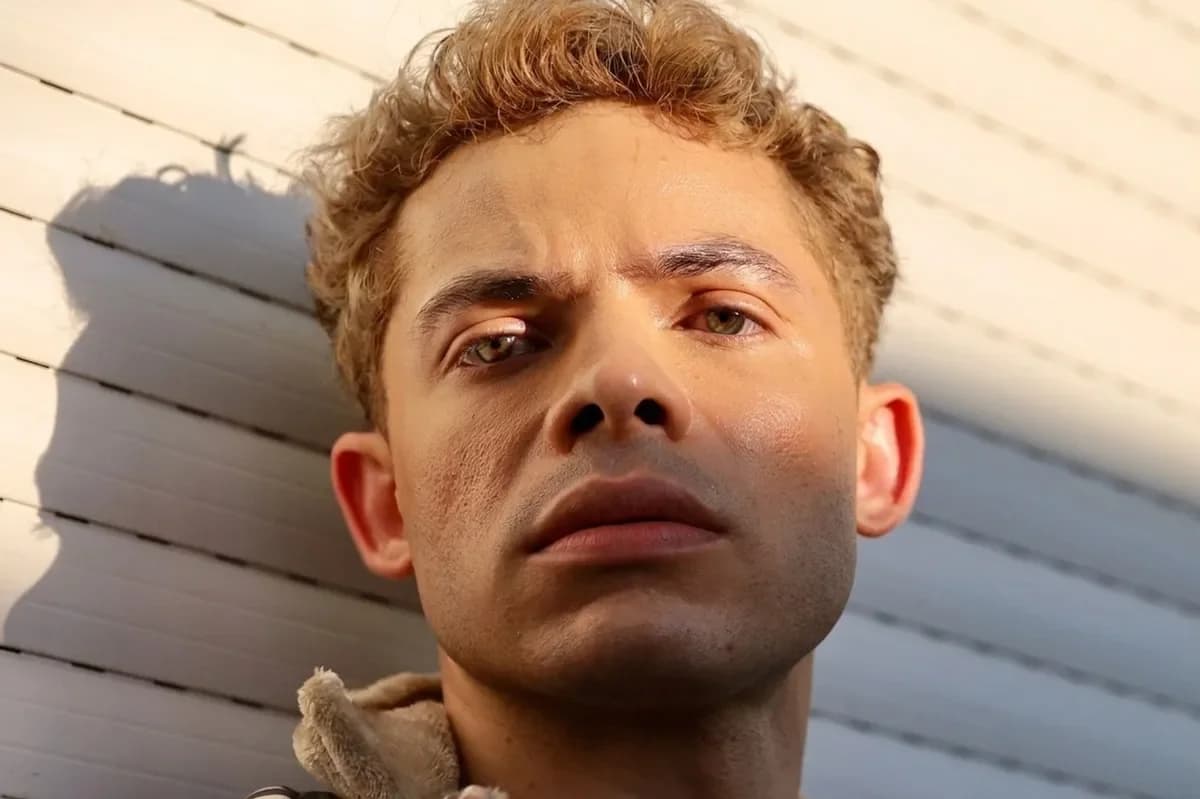
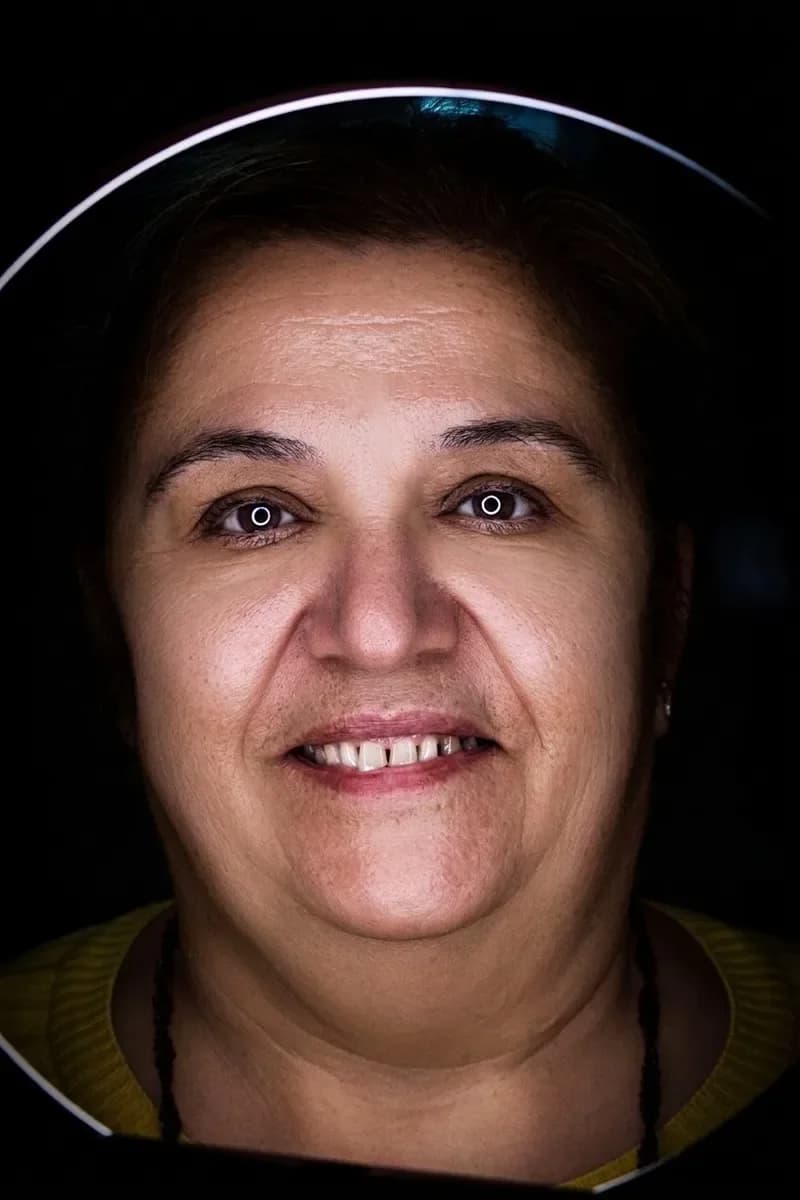
Here's Clear skin and acne on Strong for a young woman with a breakout on her cheek, and Remove harsh shadows on a man shot in midday sun. Notice that the shadow on the wall behind him is still there — only the light on his face changed.
Group photos
By default, every person in the photo gets the same fixes. Here three friends at a café table got Add a smile and Whiten teeth together. To retouch only one person, say who in the note — “only the woman on the left”, “just the guy in glasses”.


What photo works best
- Faces clearly visible — the bigger the face in the frame, the cleaner the fix.
- No heavy beauty filter on the original; it has already blurred the skin.
- On a group photo, decide how you'll describe the person you want edited.
Step by step
- Open AI Photo Retouch in the Photo section and upload your photo.
- Under What to fix, tick one or more fixes.
- Pick a strength: Barely noticeable, Natural or Strong. It shows up for skin, wrinkles, shadows, teeth, slimming and looking younger.
- Optionally add a note of up to 200 characters.
- Choose one or two variants and click Retouch photo. Results appear on screen and in your history.
Notes that work
only the woman on the left; keep my freckles
just the man in glasses, leave everyone else as is
keep the mole above my lip
Pricing
One retouched photo costs 10 credits, however many fixes you tick. Two variants in one run cost 20 credits. If a photo fails, its credits come back. New accounts get 6 free credits.
Upload a photo and tick what to fix.
Retouch a photoSomeone blinked? More on fixing closed eyes in photos.
Open eyes in a photoTry everything from this article in minutes
All the models and tools from this article are in one place. You get 6 free credits after sign-up, and every price is shown before you run it.
Retouch a photo