
ImageGPTImageGPT

Photo

Whiten Teeth in a Photo

A brighter smile in your photo — a natural ivory white, not paper-white veneers.

6 free credits on sign up

I

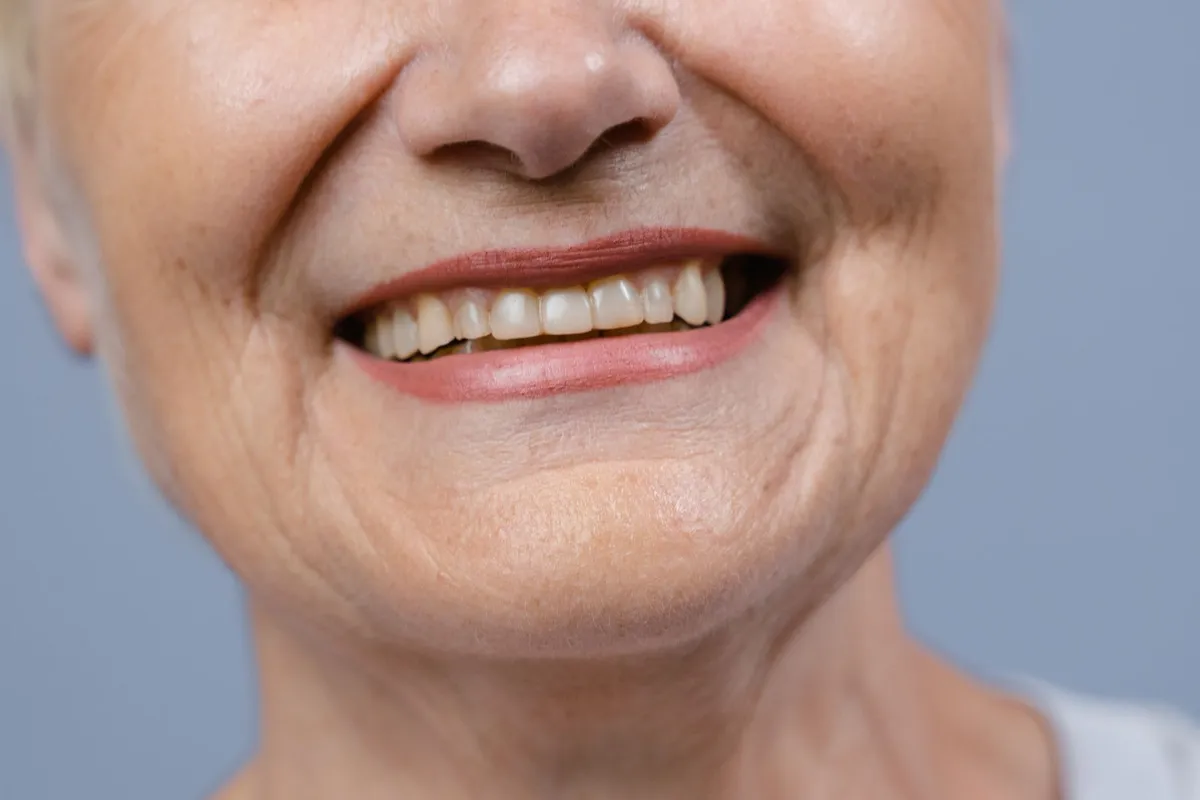
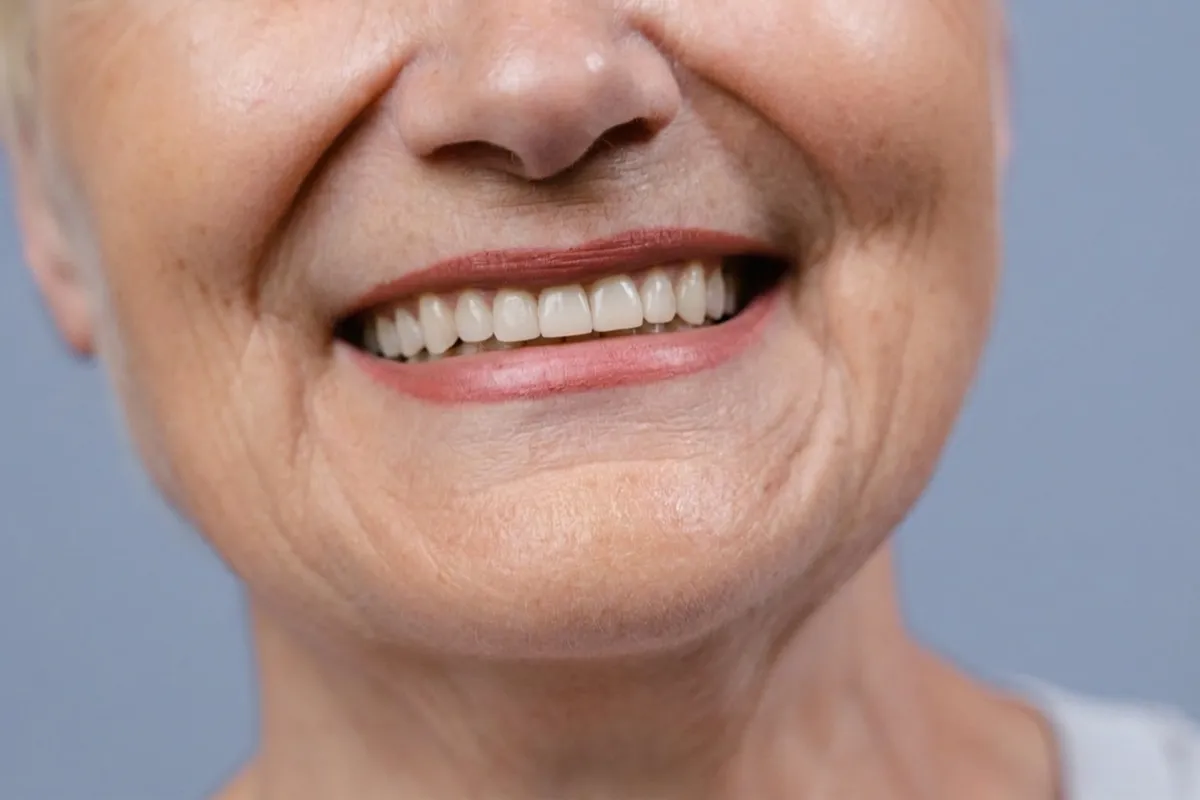
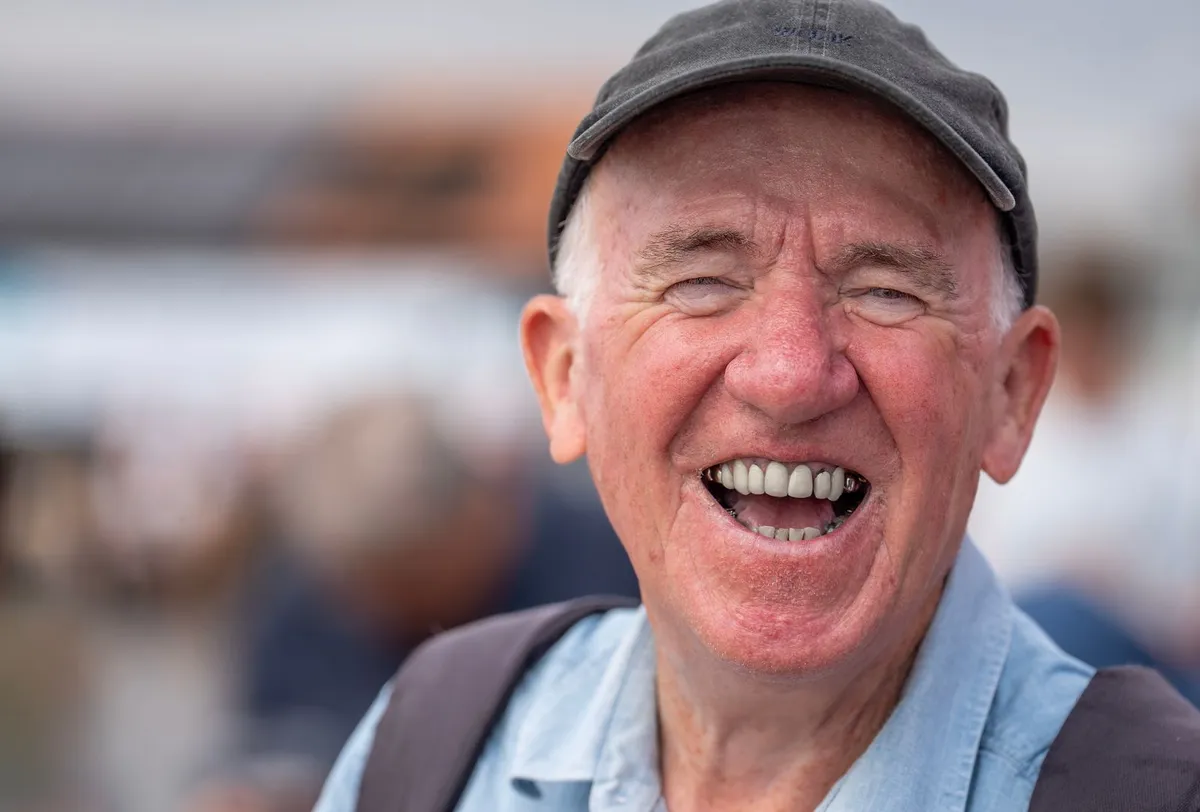
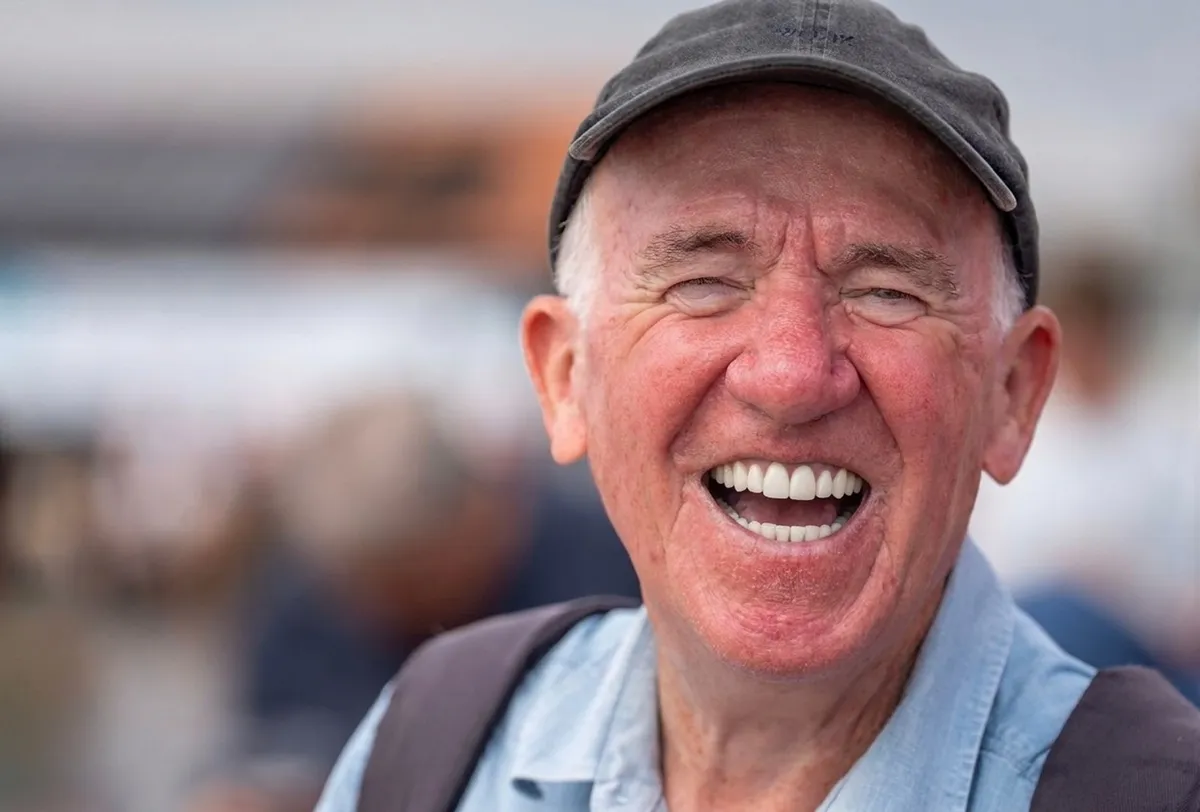
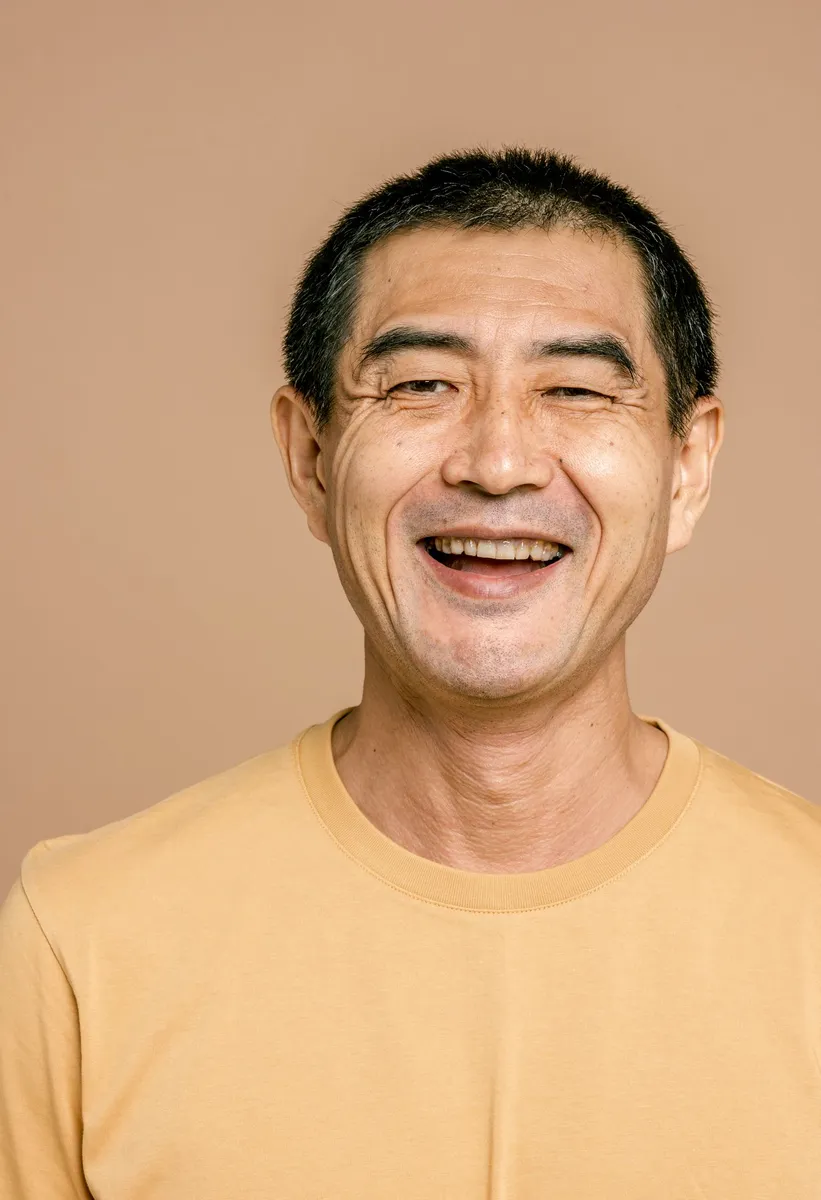
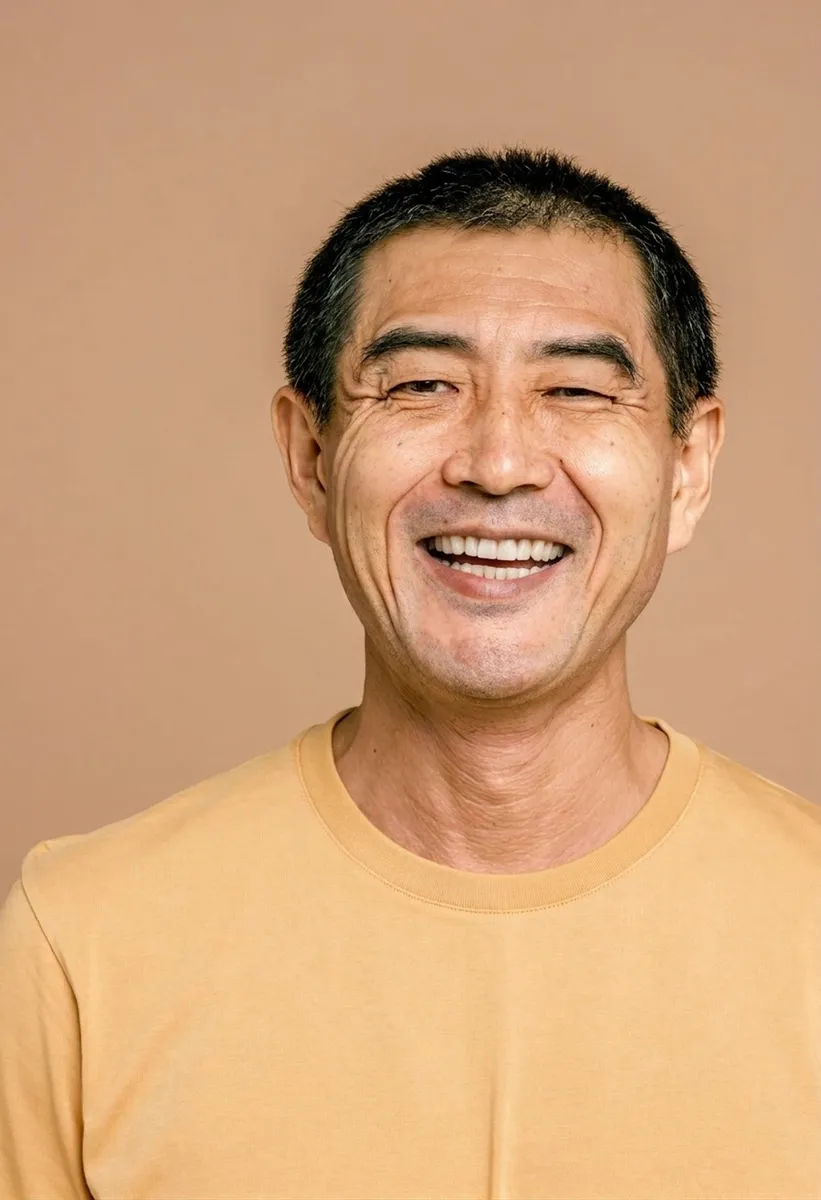
Teeth before and after

Real outputs of the model: the request and what came out, with no retouching

«Whiten teeth · natural»

Nano Banana 2 · retouch

«Whiten teeth · strong»

Nano Banana 2 · retouch

«Whiten teeth · natural»

Nano Banana 2 · retouch

II

Warm indoor light, coffee and a phone camera make a smile look yellow in photos, even when it isn't. Whitening in a photo editor usually ends up bluish or unnaturally bright. Here the AI picks the shade for you.

Upload a photo — Whiten teeth is already ticked. Google's Nano Banana 2 makes the visible teeth cleaner and whiter, to a healthy ivory rather than a blue or paper white. The shape, size, gaps and position of every tooth stay exactly as they are, and it never adds teeth where none are visible. Choose how white with the strength: Barely noticeable, Natural or Strong.

Whitening pairs well with other fixes: add a smile if you look too serious, or clear the skin and lift shadows. On a group photo everyone's teeth get whiter — or only the person you name in the note.

III

What the AI can do

01

Natural white

Healthy ivory, no blue tint

02

Same teeth

Shape, size, gaps and position kept

03

Three strengths

Barely noticeable, natural or strong

04

Add a smile

If you look too serious

05

Group photos

Everyone or just one person

06

Same framing

Face, background and colors untouched

IV

Who it's for

Profile pictures

A bright smile without the yellow cast

Wedding photos

Your best smile on the big day

Headshots

A polished look for work

Social media

No warm tint from indoor lights

V

How to whiten teeth in a photo

01

Upload a smiling photo

Whiten teeth is already ticked

02

Pick the strength

How much whiter

03

Download

The same shot with a brighter smile

VI

What you can do

See what you can create — try it yourself

Prompt

«Smile under warm indoor light»

Result

Whiter teeth, skin tone unchanged

Prompt

«Wedding portrait · Strong»

Result

A bright but believable smile

Prompt

«Serious photo · Add a smile + Whiten teeth»

Result

A warm smile with white teeth

Prompt

«Group photo · note "only me, in the middle"»

Result

Whiter teeth for the person in the middle

VII

Pricing

Pay only for results — no subscription

All plans →
Model / operationCredits
  • One retouched photo, any fixes combined10 cr.
  • Two retouch variants in one run20 cr.

Credit packs: 150 credits for $5, 350 credits for $12, 1250 credits for $35.

VIII

Teeth whitening photo FAQ

Will my teeth look fake?+

The AI whitens to a healthy ivory, not to paper white or a bluish tint. If you want it even subtler, choose Barely noticeable.

Will the shape of my teeth change?+

No. The shape, size, gaps and position of every tooth stay as in the photo, and no teeth are added where none are visible.

What if I'm not smiling in the photo?+

Also tick Add a smile — the AI gives you a natural, warm smile with your own lips and teeth.

Will I still look like me?+

Likeness is the first rule: face shape, features, eye color, skin tone, hairstyle and makeup stay the same, and only what you ticked changes. The framing, background, clothes and colors of the photo stay as they were. If the result feels too strong, switch the strength to Barely noticeable or Natural.

How much does it cost?+

10 credits per photo, however many fixes you tick. Two variants in one run cost 20 credits. If a photo fails, its credits are refunded.

Try for free

Sign up for free and get 6 credits right away. No card required.