
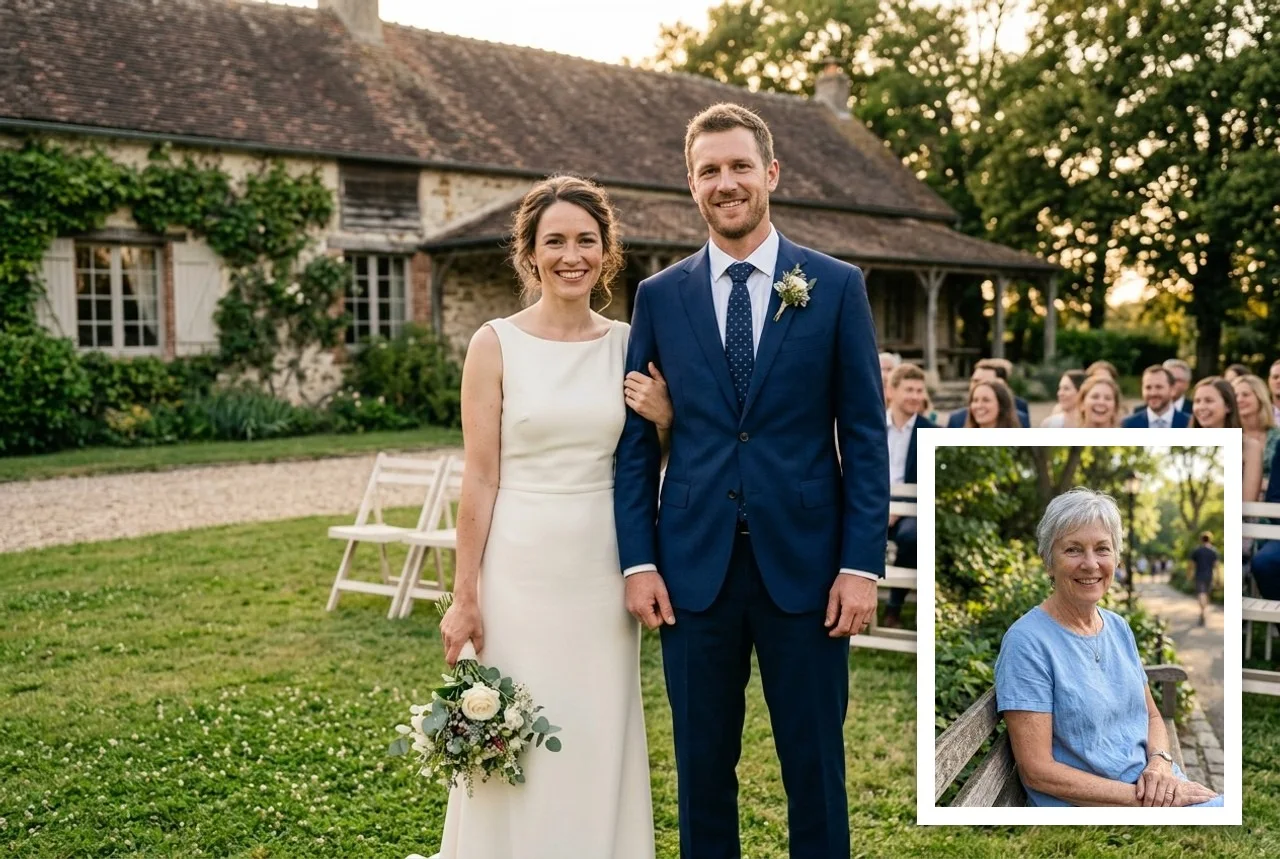
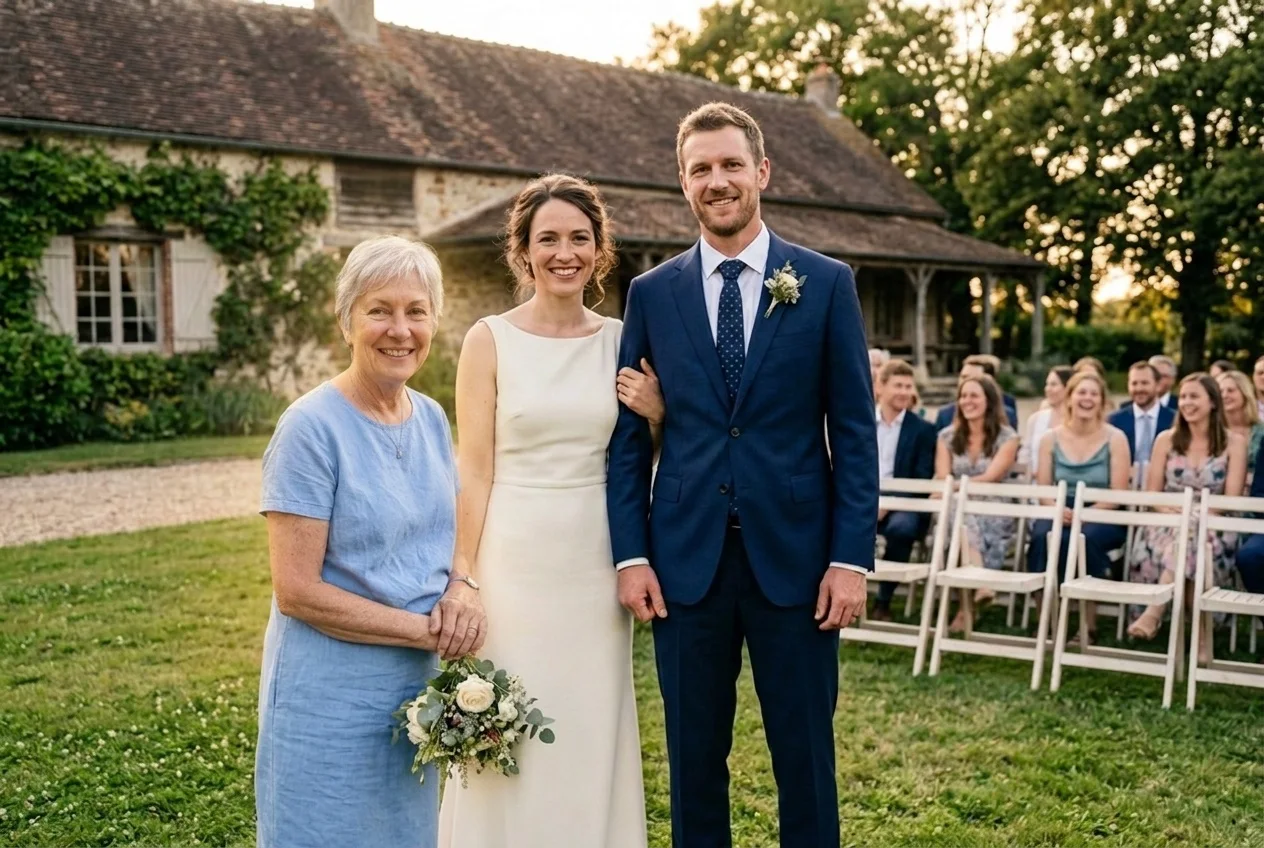
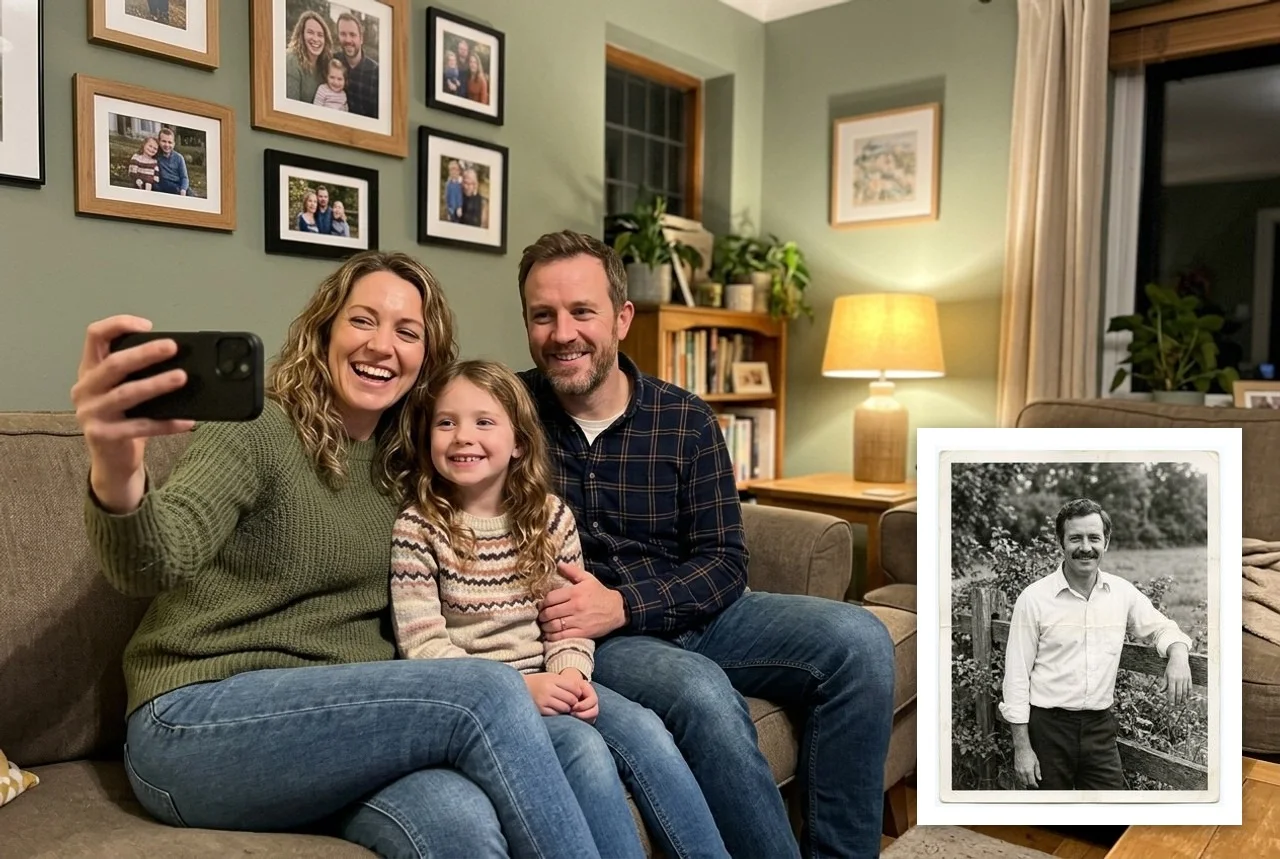
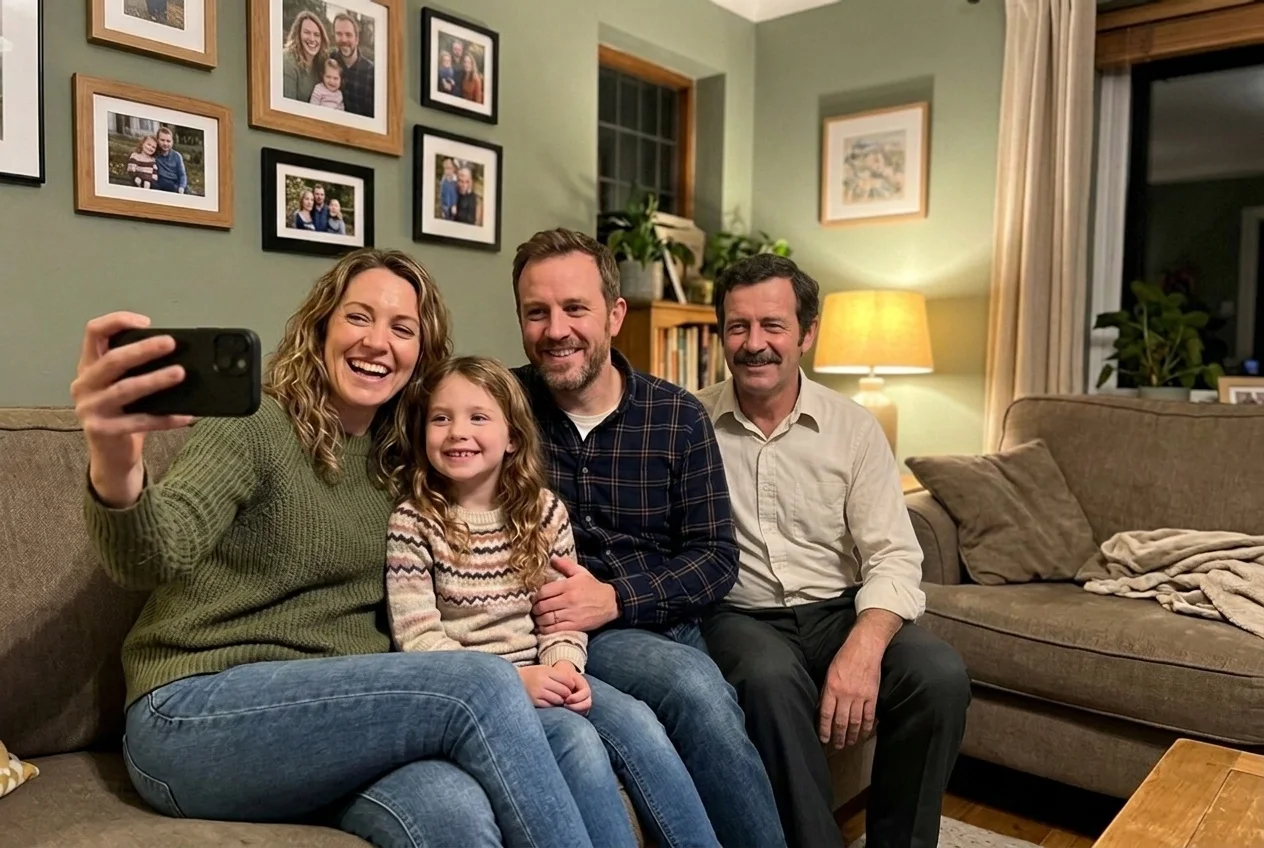
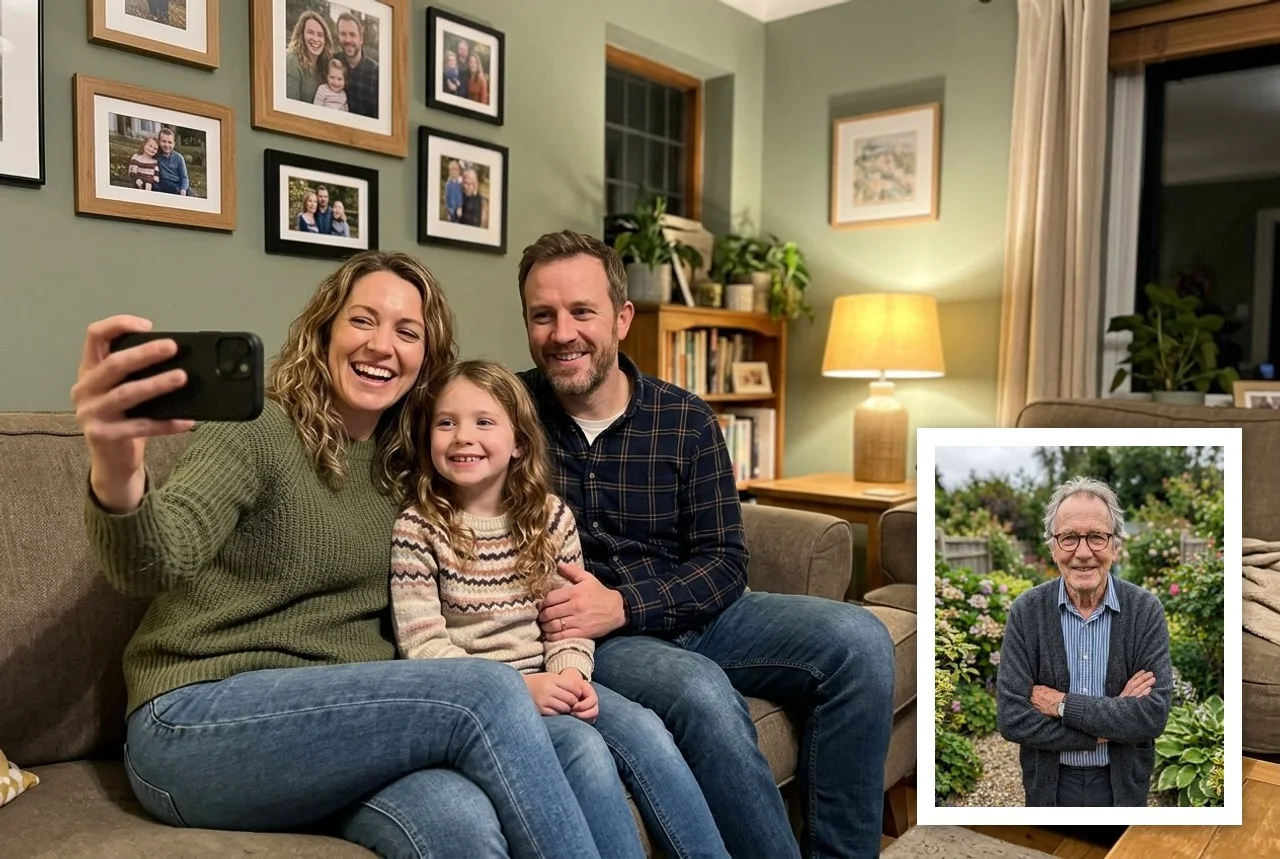
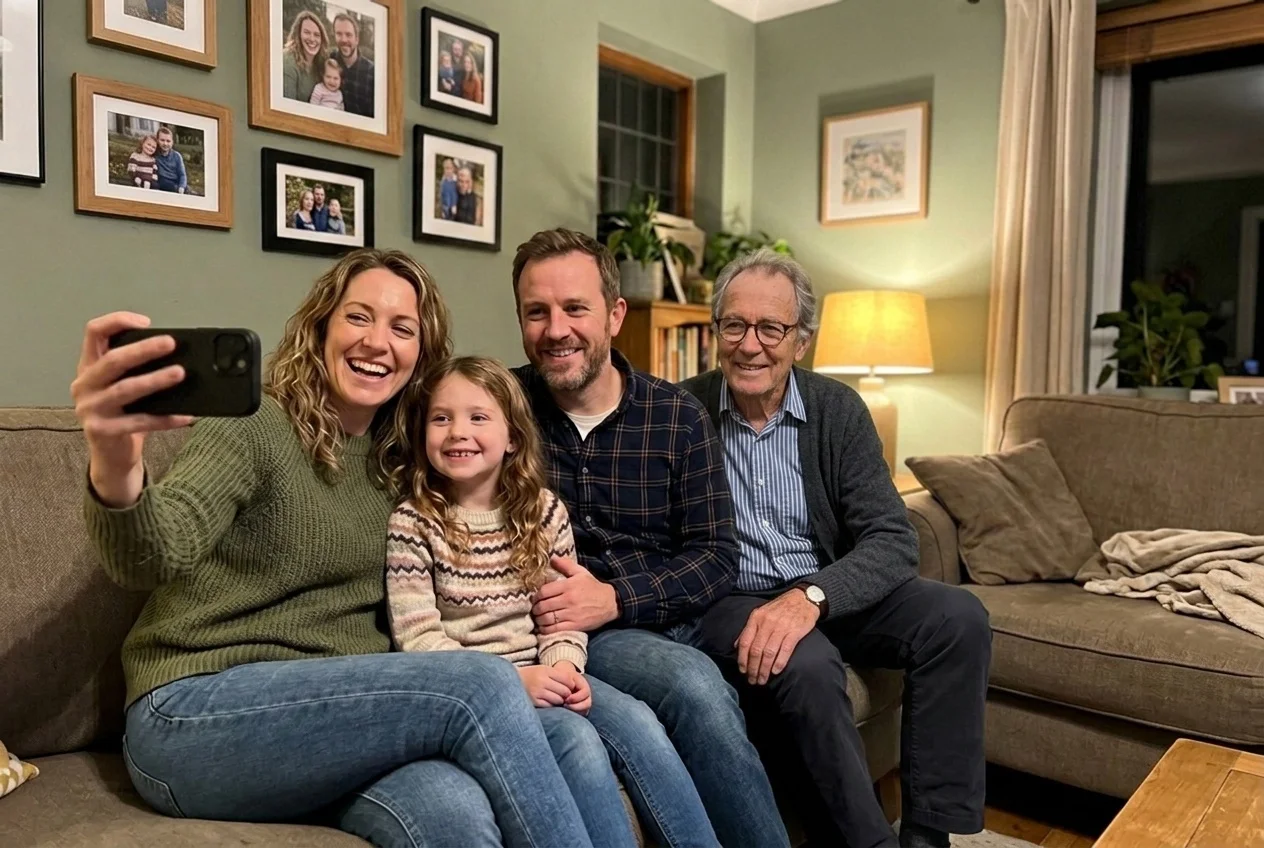
A wedding without Grandma, the first photo of a new baby that Dad never got to hold, a family reunion with one empty place. Photo editors can add a person to a picture, but it takes skill and hours of work to make it look real rather than cut out and pasted in.
Upload two photos: the one you want to add your loved one to — a family, wedding or group picture — and a photo of them on their own with the face clearly visible. It can be an old print, black-and-white or a little worn. Choose where they should be: where they fit best, on the left or right, in the middle or standing behind the group, and add a wish in your own words, such as “next to the bride, holding her hand” or “in his favourite grey suit”.
The AI keeps your photo as it is — the same people, faces, poses, background and colours — and adds your loved one with their own face, at the right size for where they stand, lit like everyone else, with shadows on the ground and on the people next to them. An old black-and-white portrait comes back in natural colour, as if it had been taken by the same camera. By default they look simply present, as if they had been there. For a memorial print you can pick a soft warm light around them instead: gentle and dignified, with no wings, halos or ghost effects.
Standard quality uses Nano Banana 2. Best quality uses Nano Banana Pro, which blends in old, small or black-and-white portraits more naturally. Make one or two variants and keep the one that feels right. It works just as well for someone who is alive but couldn't make it: a friend abroad on the wedding day, or a relative who missed the reunion.