



A good deck starts with a plan, not with slides. So the AI does not dump a finished file you then have to fight with. Type a topic in one line, paste notes, an article or a report, upload a Word document, a PDF or a .txt file, or give it your own list of slide titles. Choose how many slides you need (3 to 30), what the deck is for — school, university, a lecture, a pitch, a product or a work report — and how much text goes on each slide.
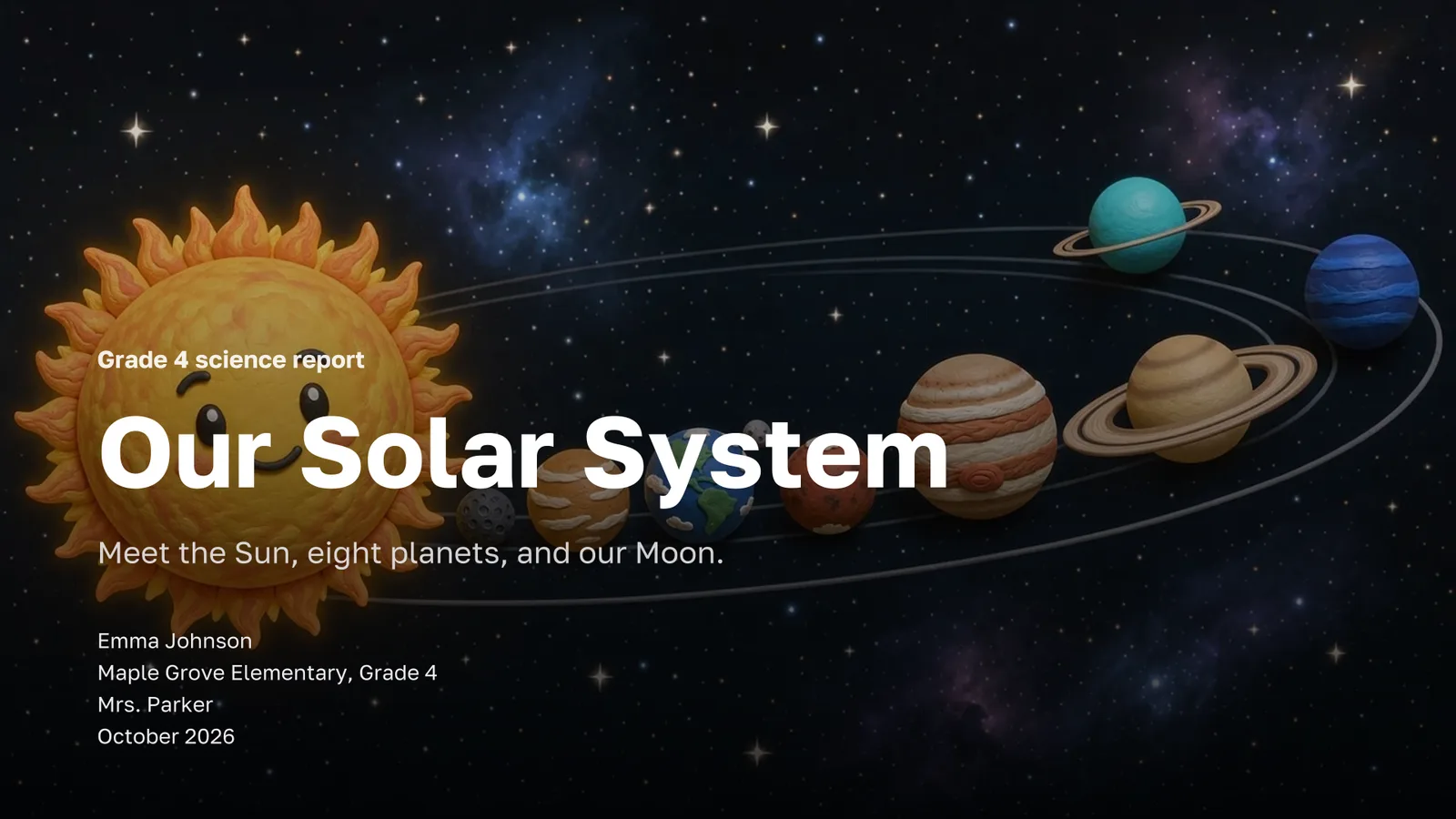
In a few seconds you get a free outline: a title and a few points for every slide. Reword it, drag slides into order, delete what you do not need or ask for a rework in plain words. For school and university decks you can fill in the title slide with your name, class, teacher and date.
Then pick the look. Fifteen themes, from Corporate Navy to Bright School, Space and Vintage, are previewed on your own cover. Pictures can be photos, illustrations or 3D at Economy, Standard or Premium quality, and you can add a background music track. The price is shown before anything is written, and pictures that fail are refunded.
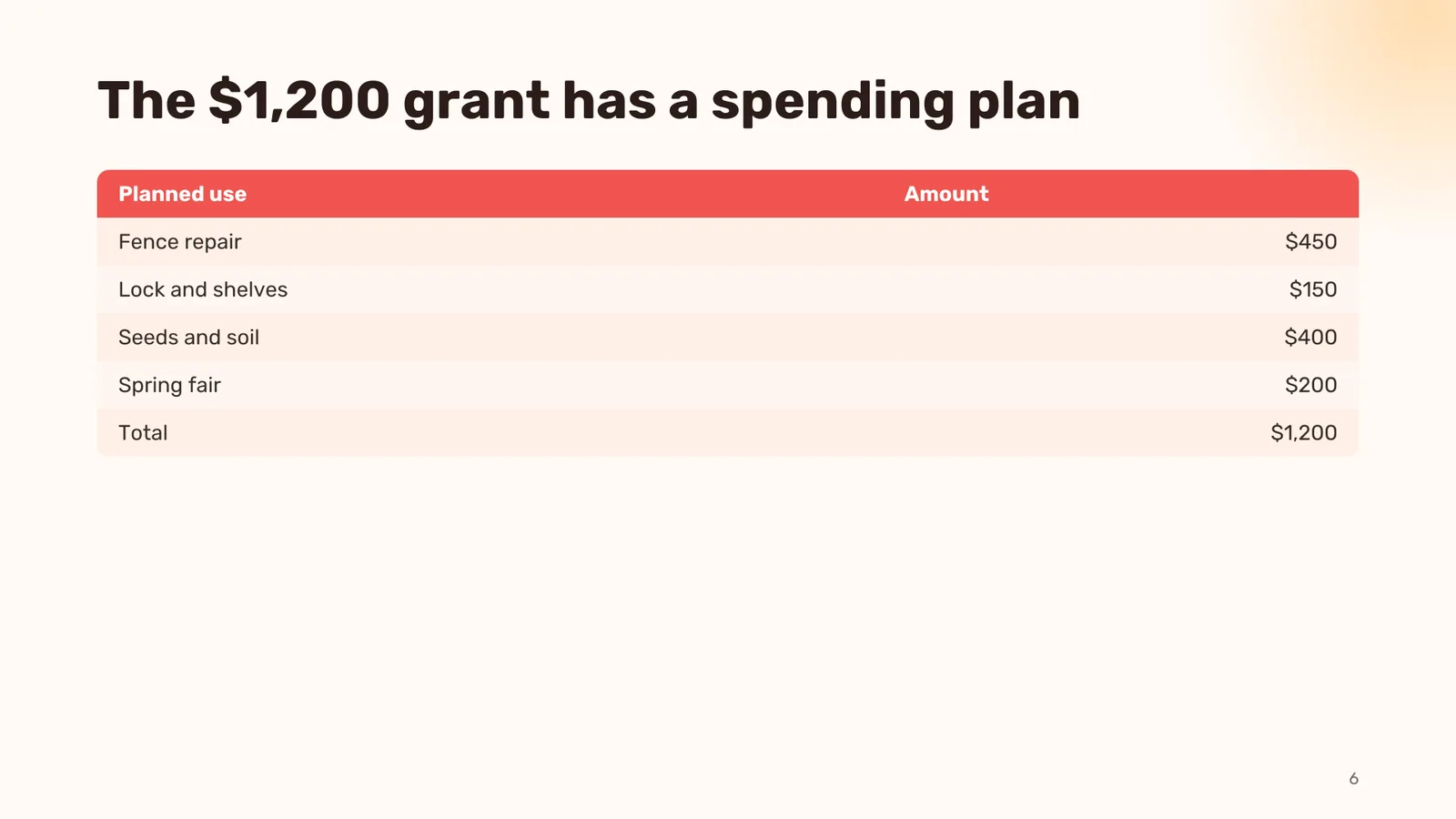
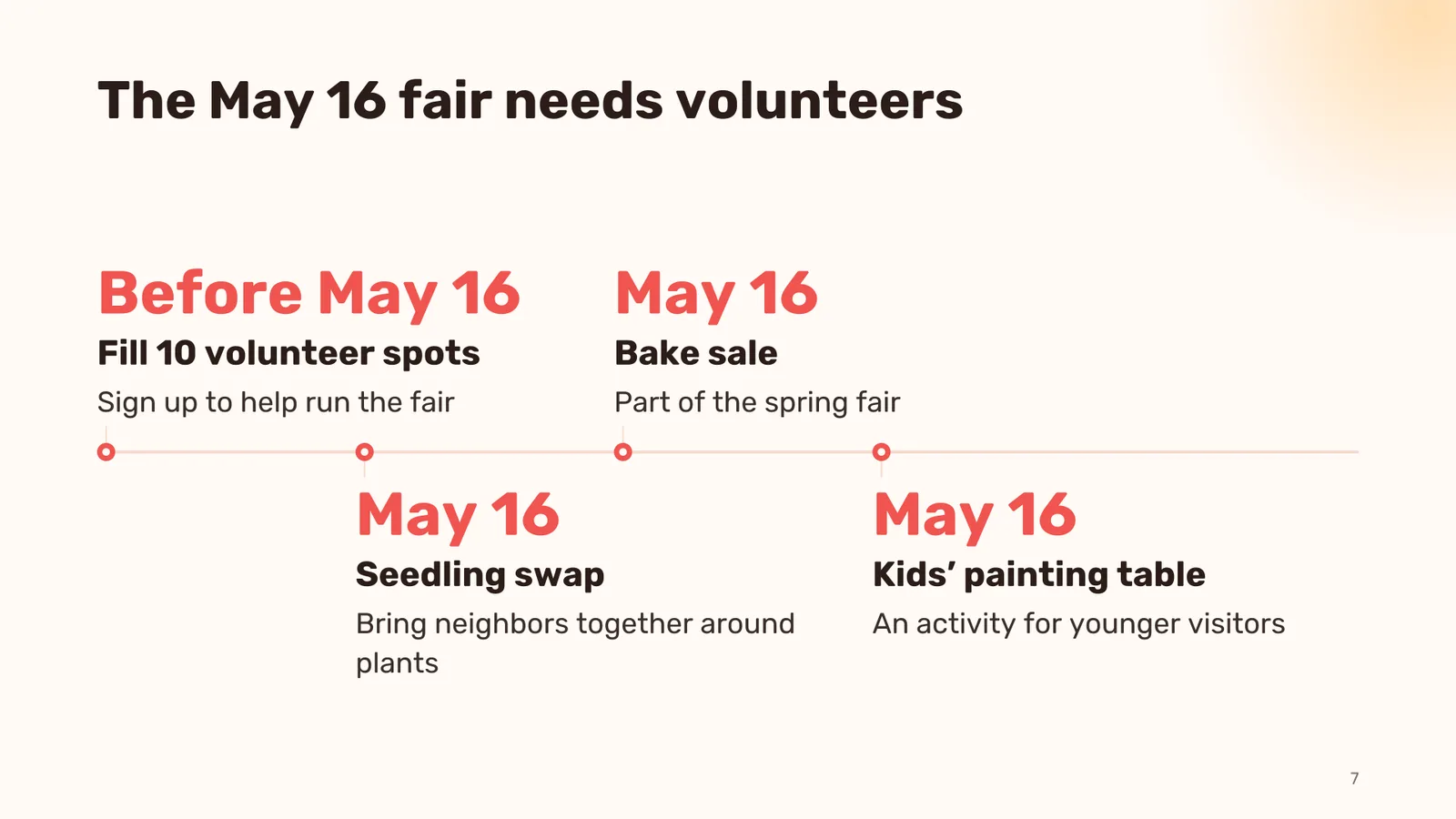
The AI writes the slides one by one, picks a layout for each — bullets, key numbers, a timeline, steps, a comparison, a table, a chart — and trims the text so it fits. Every content slide gets speaker notes. In the editor you change text right on the slide, and AI buttons make a slide shorter, add detail or split it in two. Present the finished deck full screen, download it as PowerPoint or PDF, or send a link.