How to Make a Fantasy Map for D&D, Your Novel or Your Worldbuilding Project with AI
A desert empire, a pirate island, a dungeon under a castle and a walled river city — each from a sentence or two. Here's how the types, styles and labels work.
Contents
Every campaign needs a map sooner or later. Your players want to know where the next town is, your novel needs a frontispiece, and your worldbuilding doc is starting to contradict itself about which river flows where. Drawing one by hand takes evenings; learning a map-making app takes a few more.
Fantasy Map Generator on ImageGPT draws a map from a plain description. Give it your own place names or let AI invent them, then fine-tune the labels in a free editor. Maps are drawn by GPT Image 2.5 in a wide 3:2 format.
Five map types
| Type | What's on it | Good for |
|---|---|---|
| Continent | Coastlines, mountain ranges, forests, rivers, lakes, seas with islands | The whole world of a campaign or book |
| Island | An island or archipelago, bays, cliffs, hills, small settlements | Pirate adventures, treasure maps |
| Kingdom | Borders and provinces, a capital, towns and castles linked by roads | Political maps and faction play |
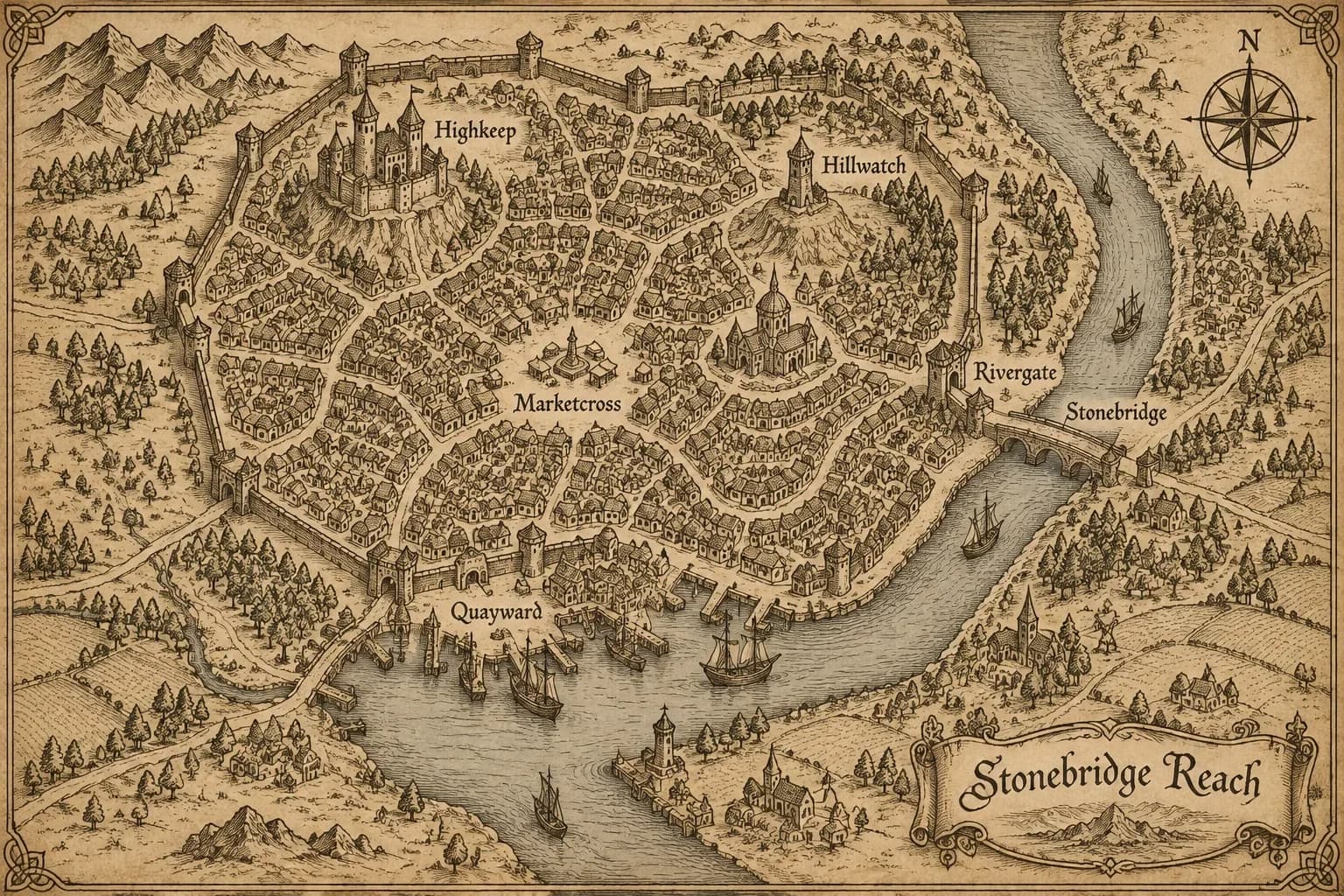
| City | Walls and gates, districts, a castle, a market square, temples, a river with bridges, a harbor | Urban adventures and heists |
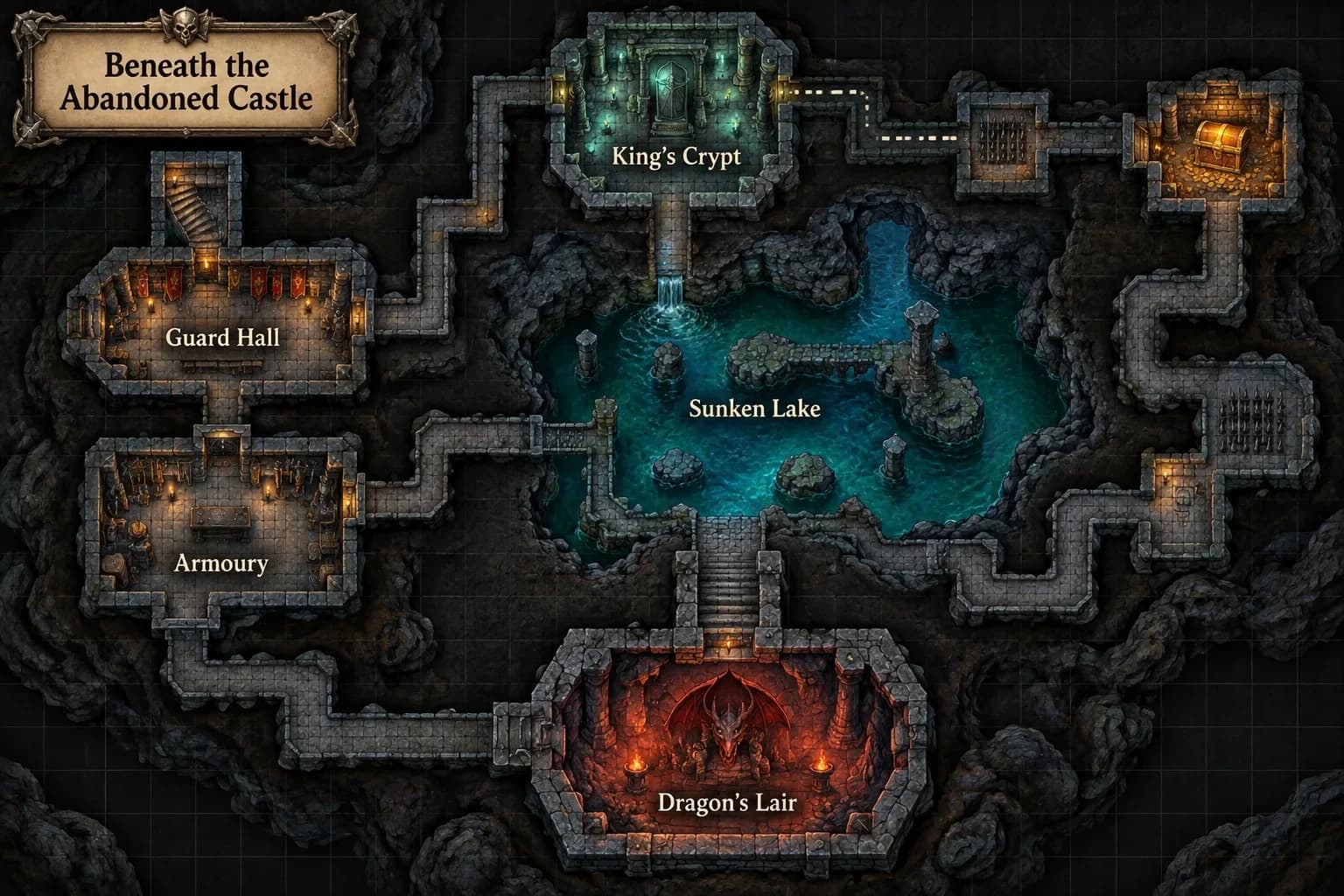
| Dungeon | Rooms and corridors on a faint grid, doors, stairs, a hidden passage, traps, a treasure room, a boss lair | Session prep and one-shots |
Four styles
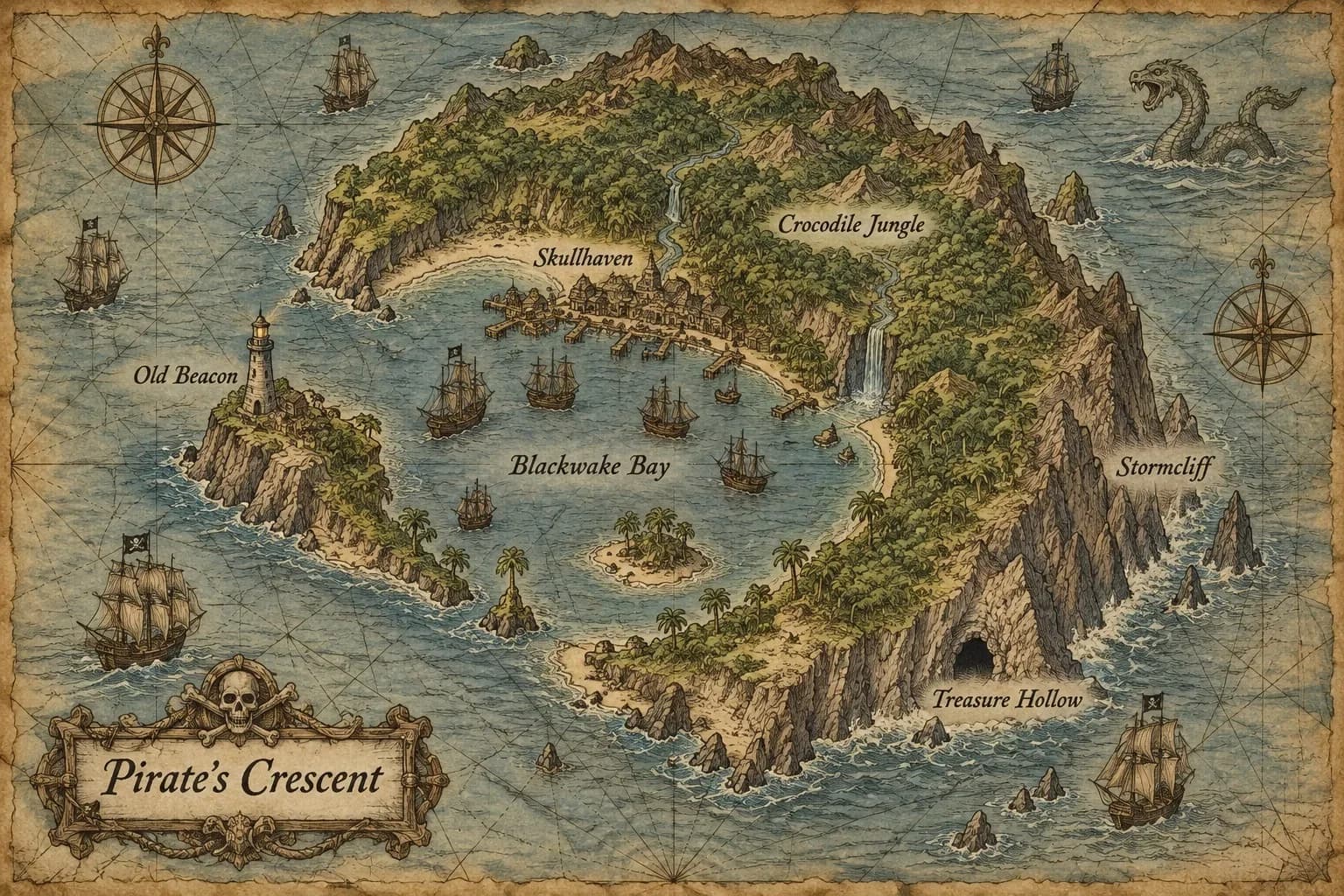
Ink on parchment is the Tolkien look: black and sepia ink, little peaks for mountains, tiny trees for forests, a compass rose and calligraphy labels. Colour atlas is painted and bright, with green lowlands, snowy peaks, a compass and a scale bar. Old sea chart has faded paper, rhumb lines, ships and a sea serpent. Game map is saturated and slightly 3D with bold labels, like a video game world map.
Your names, AI names or no names
Type up to eight names in Place names, separated by commas, and AI writes them on the map exactly as spelled. Leave the field empty and it invents six names that fit your world, plus a title for the map. Want to letter it yourself? Turn off Names on the map and you get a clean map without a single letter.
The free label editor
After a map is drawn, Add your own labels appears in the settings with a Label map 1 button. The editor opens with your names — or the AI's — ready to drag into place. It works best on a clean map: turn names off before you generate, then place them yourself.
- + Label adds a new place.
- Font: Book, Bold or Modern.
- Colour: Ink, White or Gold; size and CAPS per label.
- Drag labels with your finger or mouse, then Download map — free.
Step by step
- Open Fantasy Map Generator.
- Describe your world in Your world, up to 400 characters: the overall shape, the terrain, the key places and where they sit.
- Pick a map type and a style.
- Type your place names or leave the field empty.
- Choose whether you want names on the map, pick one or two variants and click Create map.
- Open Add your own labels if you want to adjust names, then download.
World descriptions to try
Good descriptions say where things are — in the north, in the middle, along the coast. List the places that must be on the map and let AI fill in the rest.
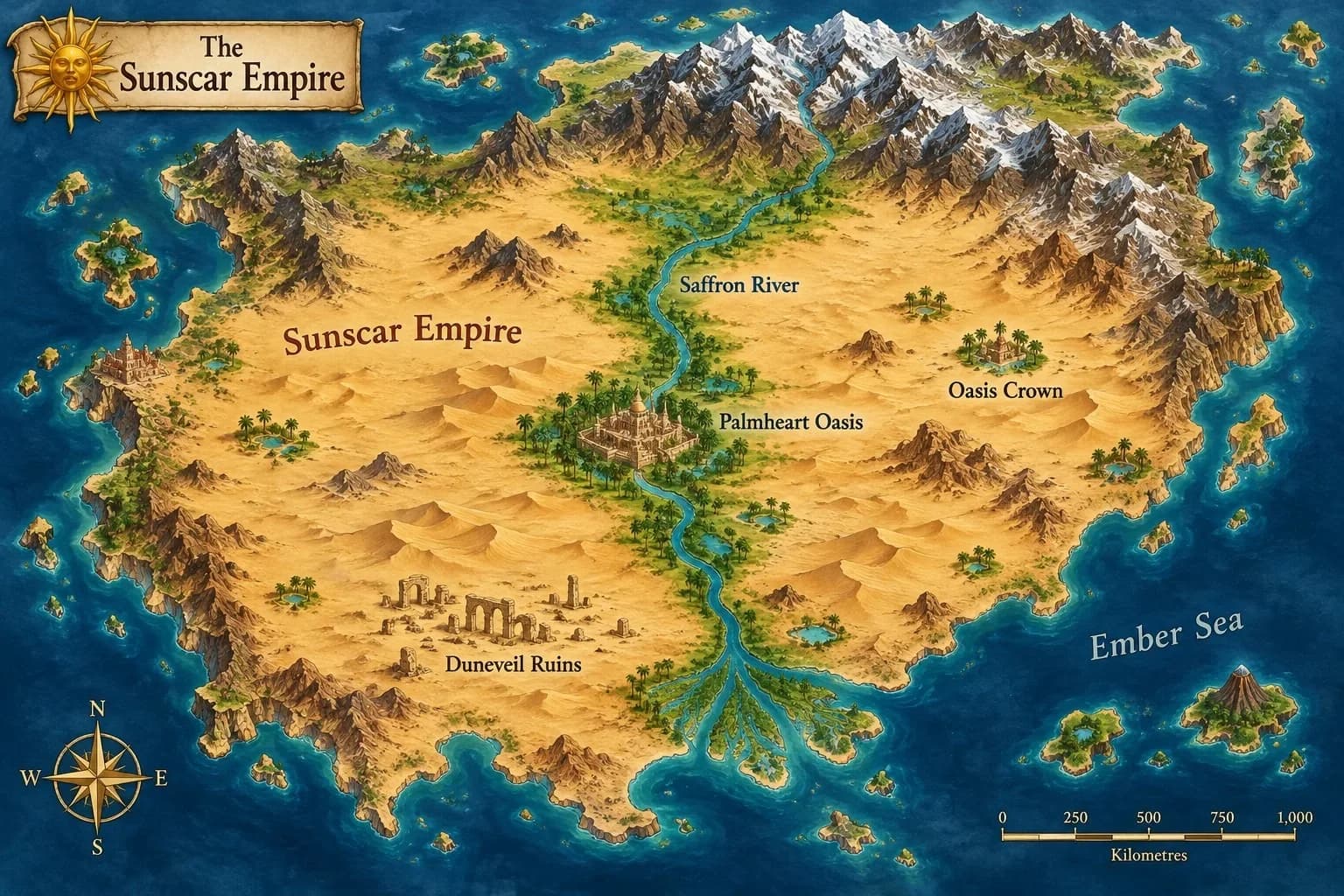
a desert empire split by a great river, an oasis capital in the middle, lost ruins in the southwest, mountains in the north
a crescent pirate island with a sheltered bay full of ships, a lighthouse on the point and a treasure cave in the cliffs
a walled river city: a stone bridge, a market square, a castle on a hill and a harbor on the south side
Tips for DMs and writers
- Start a campaign with a continent or kingdom map, then make a city or dungeon for each location as the party gets there.
- For dungeons, type your own room names so the map matches your notes. If you run it on the table with minis, check that the drawn grid fits your scale.
- For a novel, Ink on parchment works well as a frontispiece and survives black-and-white printing.
- AI sometimes adds details you didn't ask for, like an extra river or bridge. If accuracy matters, keep the description short and name the key places explicitly.
- For player handouts, a clean map that you label in the editor as the party discovers places keeps spoilers off the table.
Pricing
6 credits per map, 12 credits for two variants. The label editor is free. If a map fails, the credits are returned automatically. New accounts get 6 free credits.
Describe your world in a sentence or two and get a map with mountains, rivers and names.
Make a mapAll styles, examples and FAQs.
Fantasy Map GeneratorTry everything from this article in minutes
All the models and tools from this article are in one place. You get 6 free credits after sign-up, and every price is shown before you run it.
Make a map