Turn a Photo into Anime with AI: Styles, Prompts and a Face That Still Looks Like You
A selfie can become an anime portrait without a drawing tablet. Pick one style, lock your face in the prompt, and skip costumes from shows you do not own.
Contents
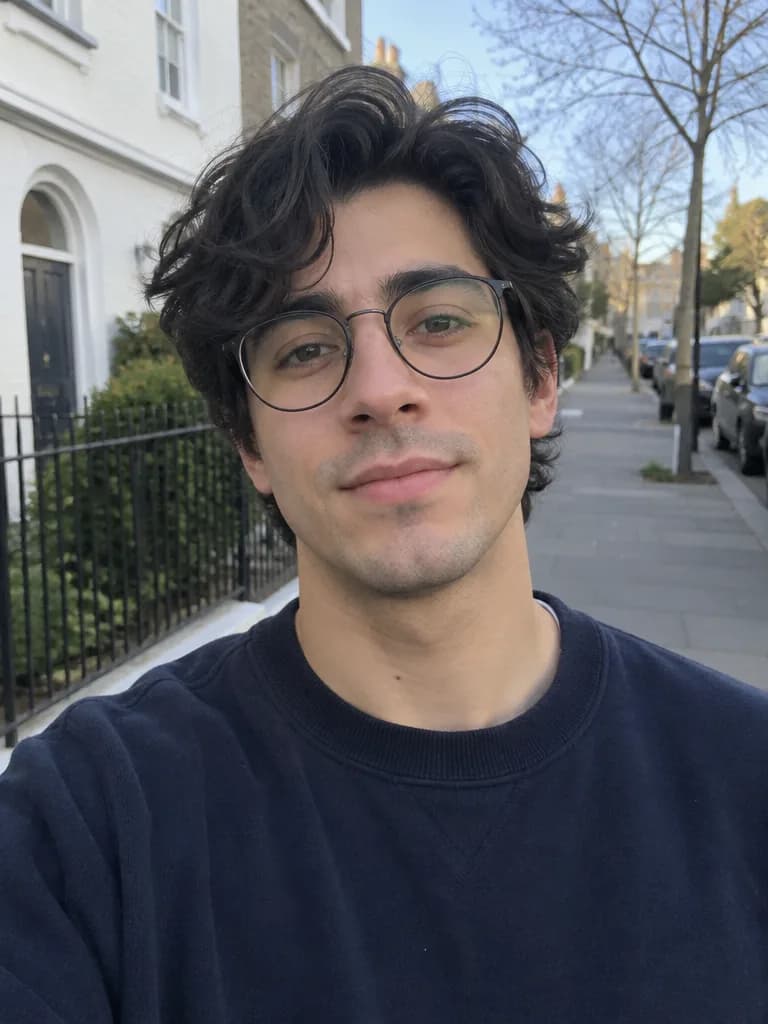
People search “turn a photo into anime” when they want a profile picture, a story avatar or a character sheet that still reads as them. A full illustration commission takes days. An edit takes a clear selfie and one style choice. The model redraws lines, eyes and background. It keeps your identity only if the prompt says the face is not allowed to drift.
Which photo to upload
- Face large in the frame, front view or a slight three-quarter angle.
- Daylight, even light, no sunglasses and no hand over the mouth.
- One person. A group becomes a crowd of new faces.
- Hair visible. Bangs and length are what the next frames will copy.
Pick one style and stay there
“Anime” is not one look. Mixing a glossy modern series, 1990s ink and a soft watercolor in the same prompt gives you a third thing that matches none of them. Choose one and name the drawing, not a copyrighted show.
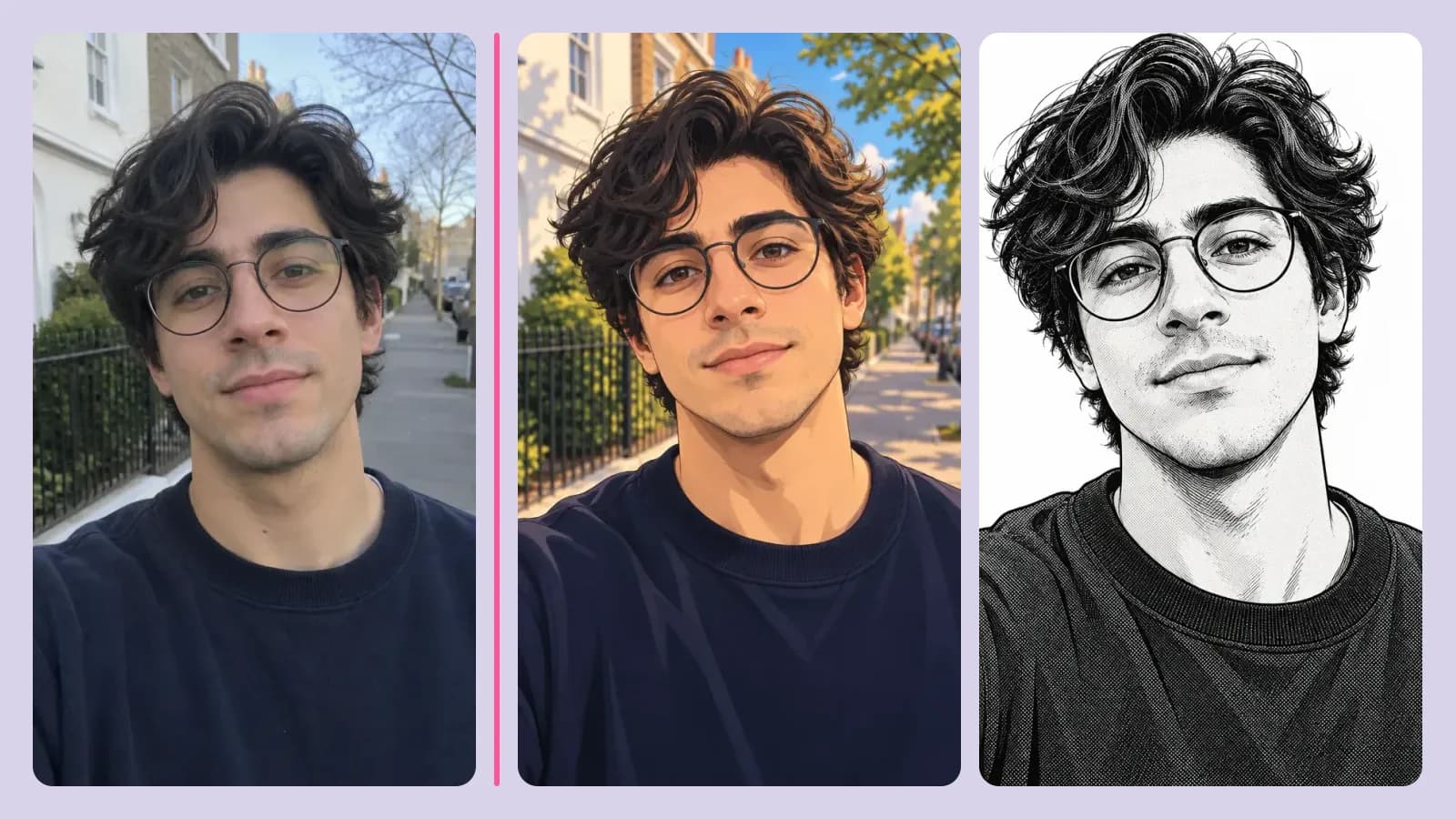
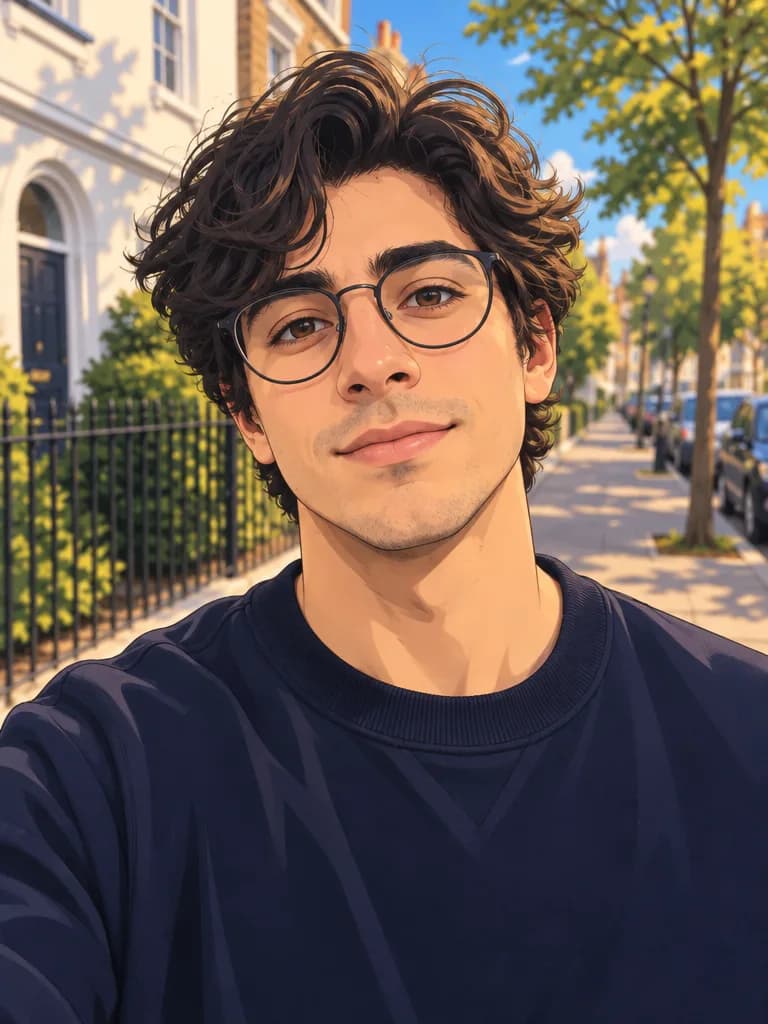
- Clean color anime: crisp line, large expressive eyes, simple cinematic background.
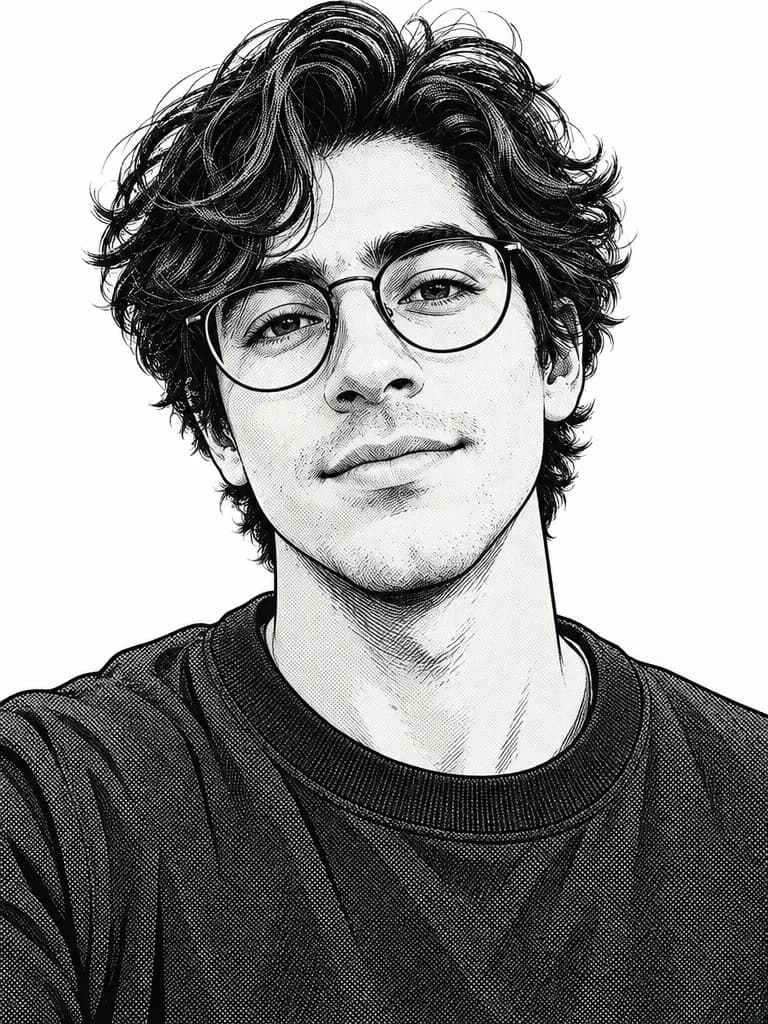
- Black-and-white manga: ink, screentone, no color at all.
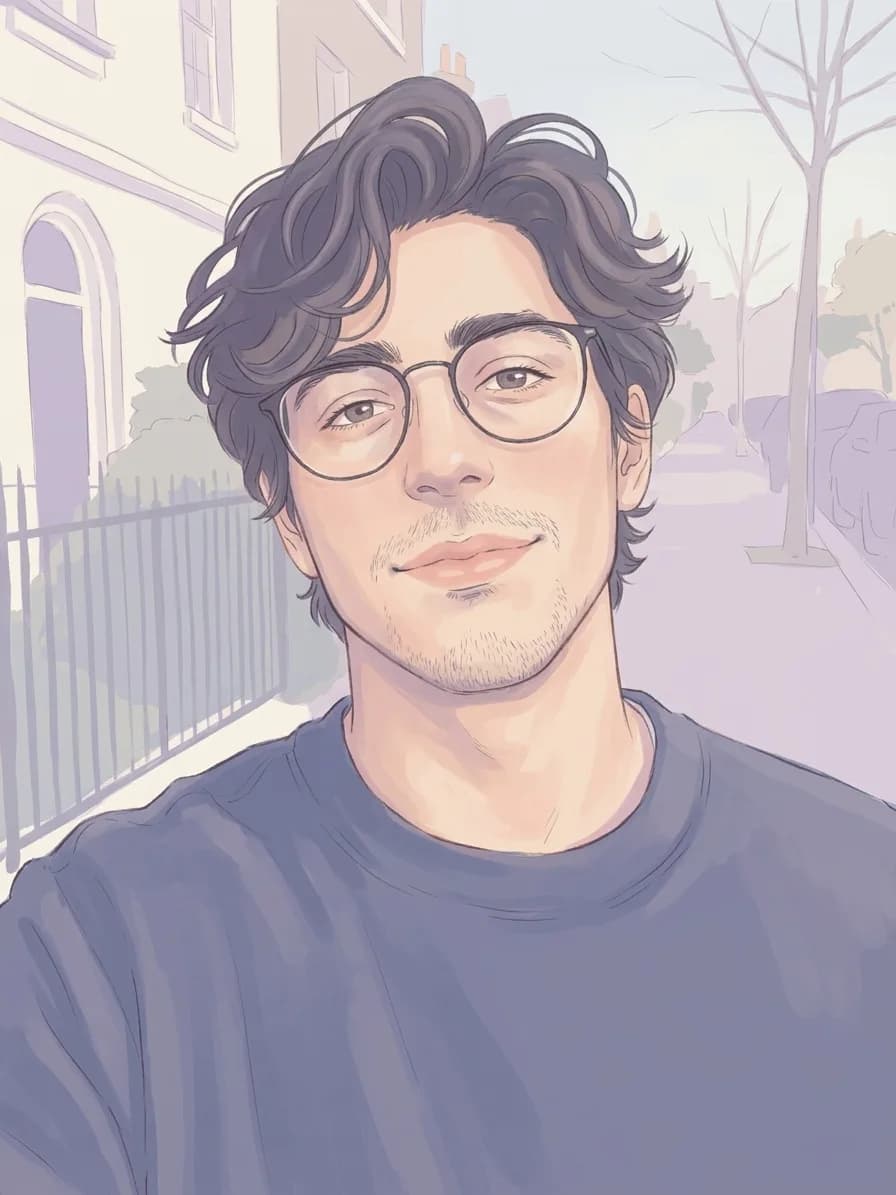
- Soft painted anime: muted pastels, gentle light, quiet background.
- Chibi: big head, small body, only if you want a sticker rather than a portrait.
Template first, prompt if you need a variant
The Anime template is the short path: it turns the photo into a vivid illustration and is written to keep facial features while it changes line and color. Upload the selfie, generate two or three versions and keep the one you would still recognize on a video call. For manga ink or a softer palette, open the photo editor and paste a prompt that changes only the rendering.
Turn the photo into a vivid high-quality anime illustration: clean line art, expressive eyes, rich color, simple cinematic background. Keep the person's facial features, gender, age and hair color recognizable
Redraw as an original black-and-white manga character: ink lines, screentone shadows, plain background, no color. Keep the face recognizable. Do not copy a costume from an existing series
Soft painted anime portrait: muted pastel palette, gentle daylight, quiet background, delicate line. Do not change face shape, age or identity
What usually goes wrong
- The face becomes a generic pretty character. Add “preserve facial features one-to-one” and run it again.
- The prompt names a famous series. Describe line, palette and clothes instead, and the likeness holds more often.
- You ask for a full-body scene from a tiny headshot. Start with head and shoulders, then a second edit for the pose.
- Text in the background turns into scribbles. Ask for no lettering.
A second frame from the same face
When the first portrait looks like you, stop uploading new selfies. Use that image as the next input and change only the pose or the background. Repeat the same hair, the same clothes and the same line style in the prompt. A new selfie plus a new style is how a “set” turns into three different people. If you need a full body, say so in a separate edit and ask for the same outfit, not a new costume.
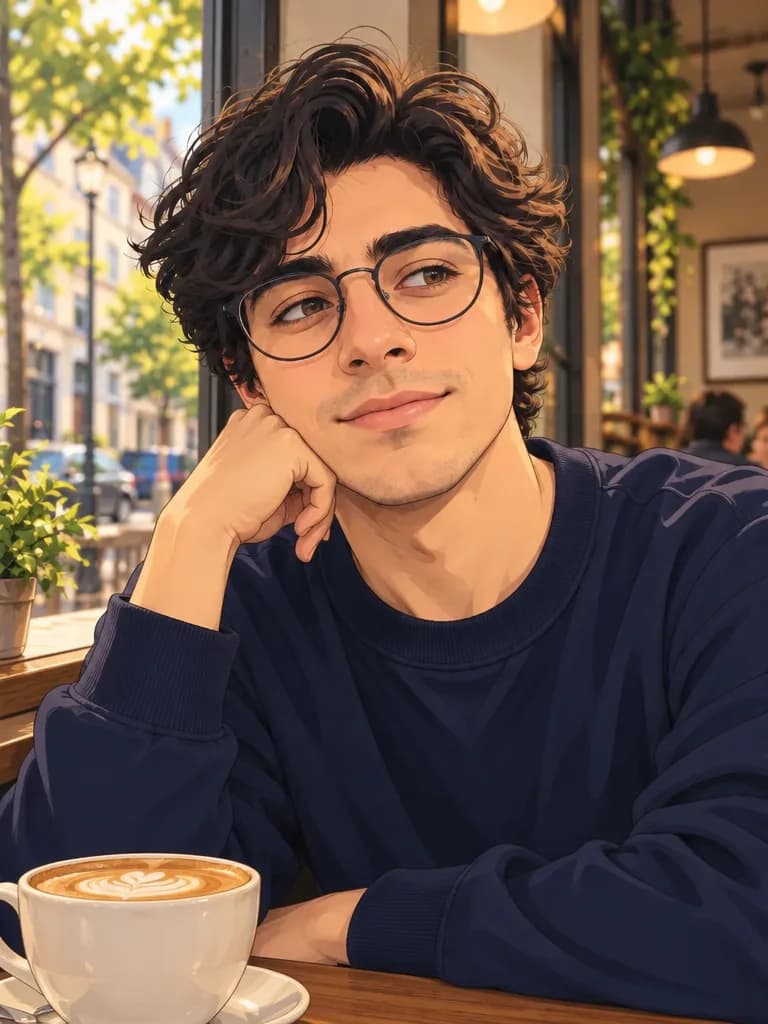
Where the picture belongs
- A profile photo or a story avatar, cropped so the face stays large.
- A character reference you can show a friend before you commission a longer piece.
- A print for a wall or a card, after you upscale the file so the lines stay sharp.
- Not a substitute for an official ID photo, and not a drawing of someone else’s copyrighted hero.
Compare the winner with the selfie before you post it. Eyes, age and hair color should still match. If the picture only looks good because the face became narrower or younger, throw it out and run the same prompt again. Do not upload someone else’s photo to try a style without their say-so. And keep the prompt free of a show title: describe the line and the clothes, then stop.
Upload a selfie to the Anime template and keep the frame that still looks like you.
Open the Anime templateA photo from a template costs 3 credits, and you get 6 free credits when you sign up.
Try everything from this article in minutes
All the models and tools from this article are in one place. You get 6 free credits after sign-up, and every price is shown before you run it.
Turn photo into anime