
ImageGPTImageGPT

Video

Extract a Frame from Video

A full-resolution still from your clip, as JPG or PNG.

A real result

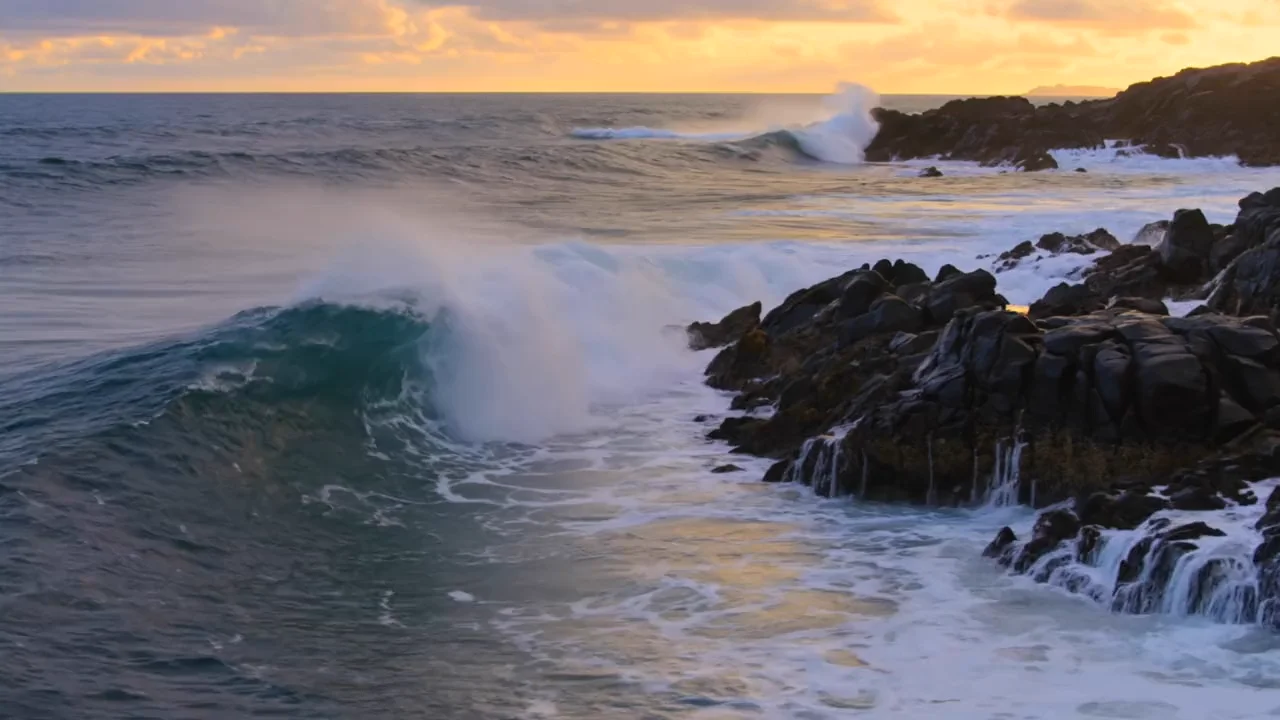
After

Source: a Kling sample clip. The first frame, saved at the full 1280×720.

I

Screenshots lose sharpness and catch the player around the picture. Here the frame comes straight from the video, at the resolution it was shot in.

Find the moment on the filmstrip or in the player; arrow keys step by 0.1 s, or by a second with Shift. Choose JPG for a small file or PNG for no compression, and hit “Save frame”.

II

How it works

  1. 01

    Add your video

    The player and filmstrip open

  2. 02

    Find the moment

    To a tenth of a second

  3. 03

    Save the frame

    JPG or PNG at full resolution

III

Good to know

Full resolution

Sharper than a screenshot

JPG or PNG

Small or lossless

Runs in your browser

The file stays on your device; the server steps in only when the browser can't

Free, no sign-up

No watermark, no subscription

IV

FAQ

Why is my frame blurry?+

The frame is exactly what the video holds at that moment. If the camera was moving, try a neighbouring frame where the motion pauses, or run the still through the AI photo enhancer.

Is it free?+

Yes. No sign-up, no subscription, no watermark. In the browser, files up to 1 GB. When the server is needed: without an account, up to 100 MB, 10-minute videos and 60-minute audio; signed in, up to 500 MB, 30-minute videos and 3 hours of audio.

Where do my files go?+

Files are processed right in your browser and never uploaded. If the browser can't handle one (a rare format, a very large file or an old browser), it goes to our server instead and is deleted about an hour after it's ready.