How to Convert HEIC to JPG: iPhone Photos for Windows, Android and Upload Forms
We converted three HEIC photos to JPG in the browser, checked what decides the size of the JPG, and took one from 7 MB down to 520 KB for an upload form.
Contents
You copy a batch of photos off your iPhone onto a work laptop, and instead of pictures you get a folder of .HEIC files that won't open. Windows wants an extra extension for them. The online form for your apartment application only takes JPG or PNG. The print kiosk at the drugstore shrugs. Your friend on Android gets a file their gallery app doesn't recognize.
Converters & compressors on ImageGPT turns HEIC into ordinary JPG right in your browser. The photos aren't uploaded anywhere, there's no sign-up and no watermark, and you can drop in a whole batch and download it as one ZIP.
Why your iPhone saves HEIC
HEIC packs the same picture into fewer bytes than JPG, so your phone fits more photos in the same storage. That's great inside Apple's world and a nuisance everywhere else. JPG is older and less efficient, but every device, app and website on earth opens it.
Will the JPG be bigger or smaller?
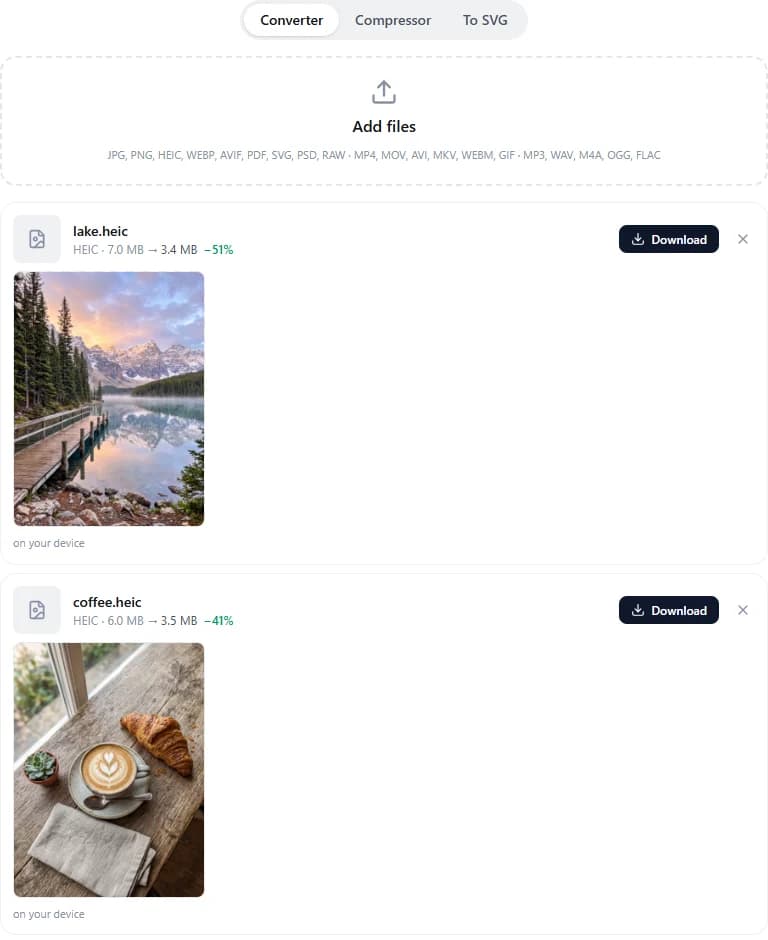
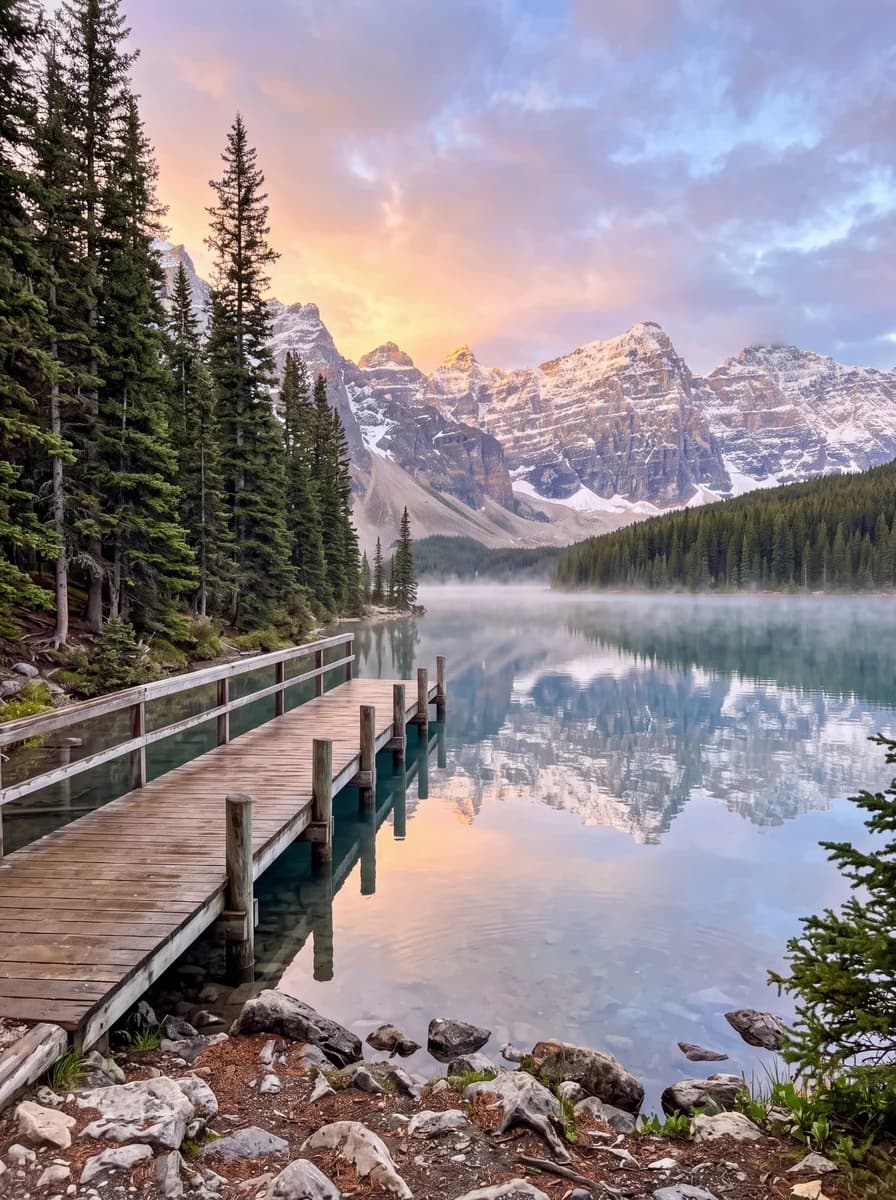
It depends on how hard the HEIC was compressed. For the test we generated three photos with AI (a mountain lake, a cappuccino with a croissant and an old cobblestone street, 17 megapixels each at 3584 × 4800) and saved them as real HEIC files at high quality. They were 7.0, 6.0 and 6.5 MB, and at 90% JPG quality (the default) they came out at 3.4, 3.5 and 3.9 MB.
It can go the other way too. HEIC compresses more efficiently than JPG, so when the original was squeezed harder, the JPG ends up larger: the same lake saved as a heavily compressed 1.4 MB HEIC became a 2.6 MB JPG. Either way you're not losing anything you can see; at 90% the JPG looks the same as the original.
If you need a small file, cap the size. The lake shot with the long side set to 1920 px and quality at 85% is 520 KB instead of 7.0 MB. That's plenty for a form, a website or a chat.
Before you start
- The HEIC photos, copied off the iPhone by cable, downloaded from iCloud or received as files.
- A decision about metadata: date, camera model and location. By default it's removed.
- The requirements of wherever the photo is going, such as a limit in megabytes or a size in pixels.
Step by step
- Open Converters & compressors, or go straight to the HEIC to JPG page where the tool is built in.
- Drag the photos into the box, choose them from your device or paste with Ctrl+V. Up to 50 files at a time.
- Check that Convert to says JPG; the converter picks it for HEIC on its own. Adjust Quality and Size if you want.
- Click Convert. Each photo shows its size before and after.
- Download the files one by one or all at once with Download all (ZIP).
Settings worth knowing
- Quality: 40 to 100%. 90% is right almost every time; 80% is noticeably lighter and still looks good.
- Size: Original, or a long side of 3840, 2560, 1920, 1280, 800 or 512 px. Proportions are kept and photos are never upscaled.
- Keep EXIF copies the date, camera and location into the JPG. With it on, the photo is processed on our server and deleted about an hour later.
- EXIF rotation is applied to the pixels, so nothing ends up sideways.
- Besides JPG, HEIC converts to PNG (lossless, but heavier), WEBP, AVIF or PDF, and several photos can go into one PDF.
Hitting an upload limit
If a form says "max 1 MB", switch to the Compressor tab instead. Choose Target size and the limit: 100 KB, 200 KB, 500 KB, 1 MB or 2 MB. HEIC becomes JPG on the way, and the compressor finds the right quality and, if it has to, lowers the resolution. The Compress Images page has more on this.
Live Photos and iPhone videos
The still image comes from the HEIC. The moving part of a Live Photo, like any iPhone video, is a separate MOV file, and the same tool converts it to MP4 or GIF or compresses it for sharing.
Or ask the Assistant
You don't even have to open the converter. Attach the photos in a chat with the ImageGPT Assistant and say what you want; it converts them right away, for free. For example:
convert this photo to jpg
make this photo under 1 MB
Shooting JPG from the start
If HEIC keeps getting in your way, go to Settings → Camera → Formats on the iPhone and choose Most Compatible. New photos will be JPG and take up more space on the phone. Photos you've already taken stay HEIC, which is what the converter is for.
Pricing
Free, no sign-up, no watermark. The browser handles photos up to 150 MB, and without an account you can send files up to 100 MB to the server.
Add your iPhone photos and get plain JPGs.
HEIC to JPGQuestions about quality, EXIF and Live Photos are answered on the converter page.
HEIC to JPG converterTry everything from this article in minutes
All the models and tools from this article are in one place. You get 6 free credits after sign-up, and every price is shown before you run it.
HEIC to JPG