How to Make a Presentation with AI: From a Topic or Your Notes to an Editable PowerPoint
We built a 4th grade science report from one line and a garden committee update from raw meeting notes. Here is how the outline, the themes, the editor and the PowerPoint export work.
Contents
A science report due Monday, a quarterly update, a two-minute pitch at a neighborhood meeting: most slide decks get built the night before, and most of that night goes into layout, not ideas. The Presentations tool in ImageGPT splits the job differently. You give it a topic or your own notes, it drafts an outline for free, you fix the outline, pick a design, and only then does it write the slides and draw the pictures. The result opens in an editor, plays as a slideshow in the browser and downloads as an editable PowerPoint file or a PDF.
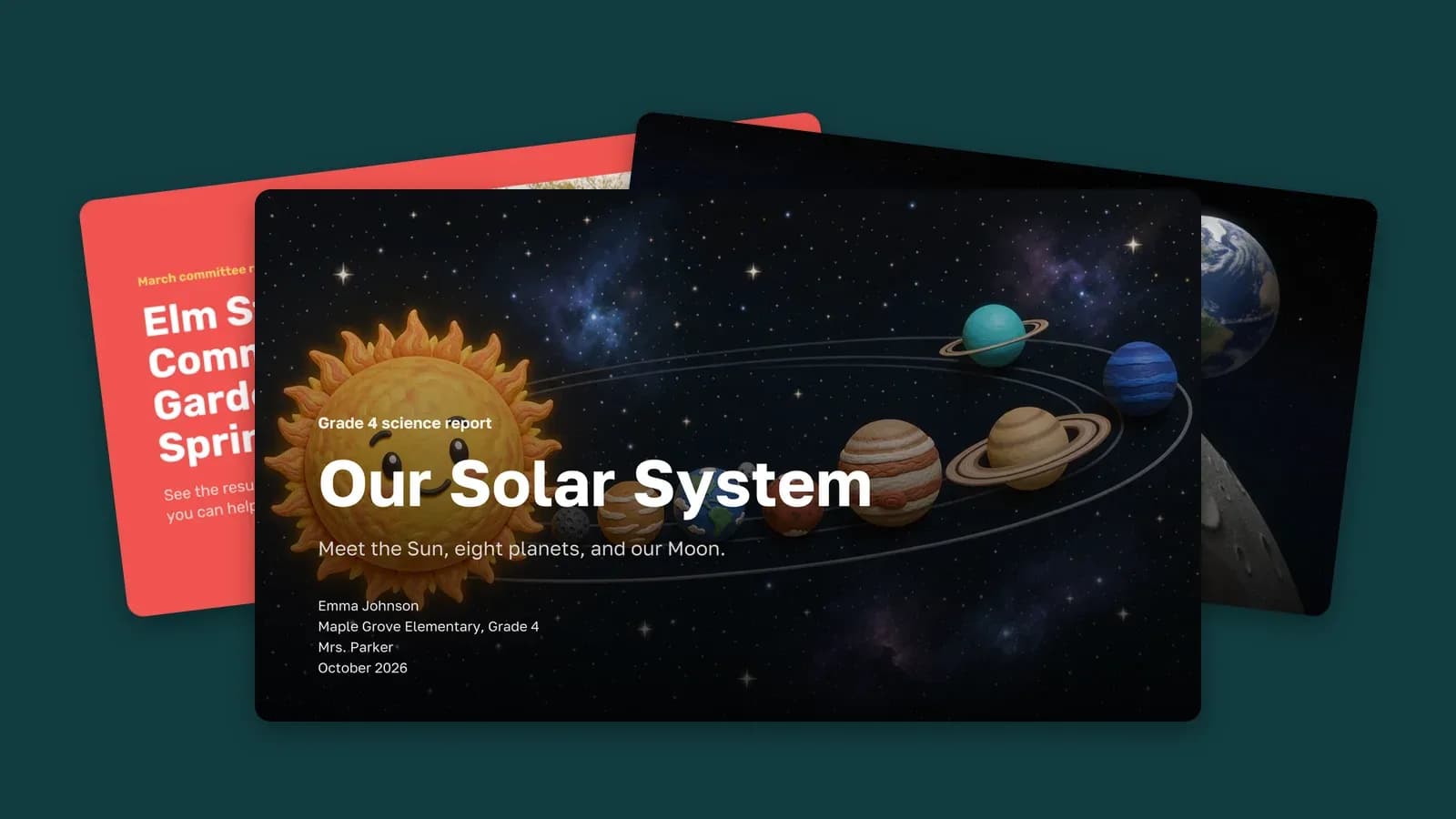
For this post we made two real decks: a Grade 4 report on the solar system from a single line, and a community garden update written from messy meeting notes. Every slide below is what the tool produced, with no manual layout.
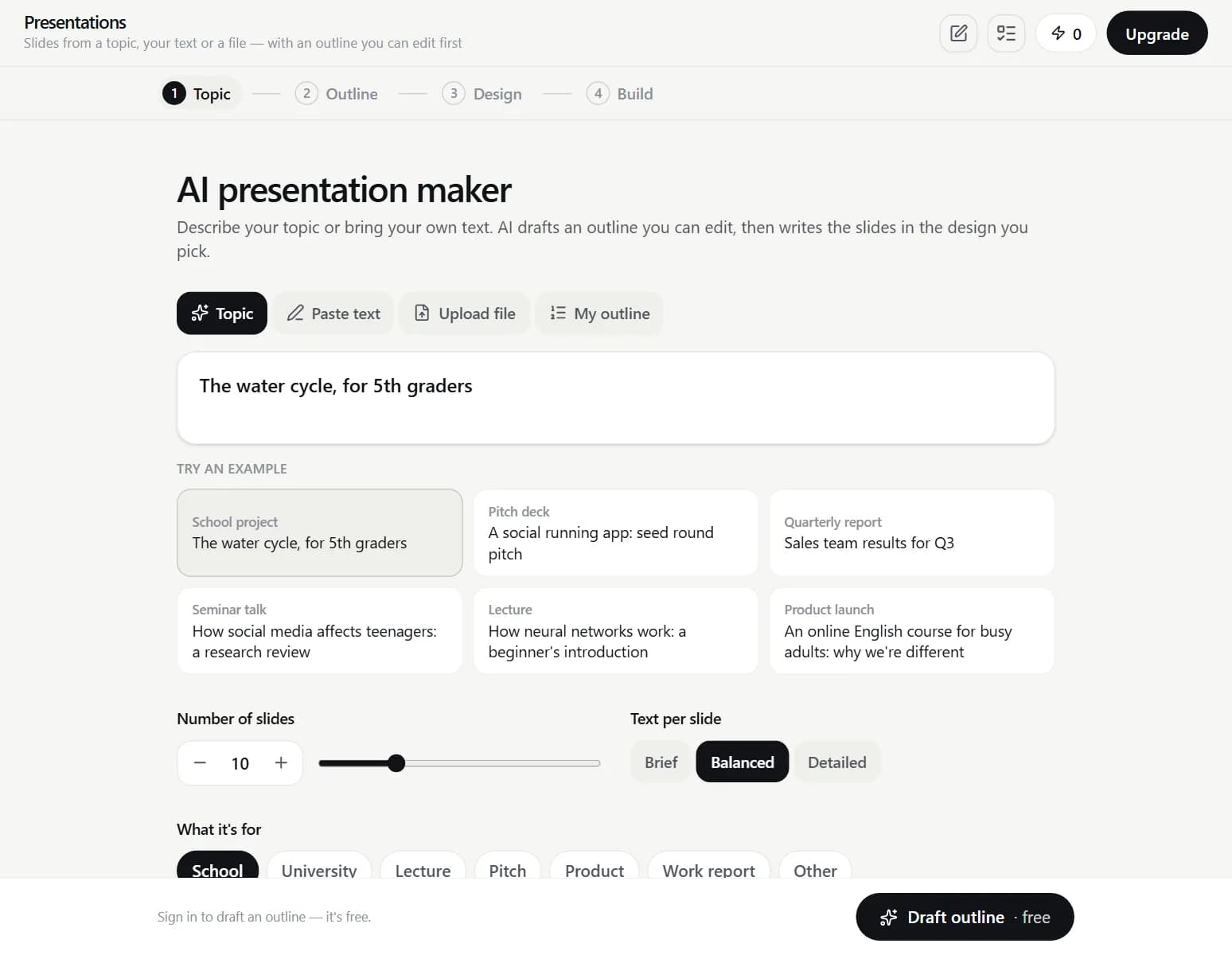
Start from a topic or from your own notes
There are four ways in. Topic is a single line, and the AI plans the content on its own. Paste text takes notes, an article or a script, up to 60,000 characters. Upload file reads a Word document, a PDF or a .txt file up to 15 MB. My outline takes your slide titles, one per line. If the numbers matter — a budget, a sales report, survey results — paste the source. The AI then lays out your text instead of filling gaps with numbers it made up.
Step by step
- Open Presentations and choose Topic, Paste text, Upload file or My outline.
- Set the number of slides (3 to 30), how much text goes on each one (Brief, Balanced or Detailed) and what the deck is for: School, University, Lecture, Pitch, Product, Work report or Other. For school and university you can fill in the title slide: your name, class, teacher and date.
- Click Draft outline. It is free. Edit titles and points, drag slides into order, delete or add slides, or ask it to Rework the outline in your own words.
- In Design, pick one of 15 themes, each shown on your own cover. Pick pictures (Photos, Illustrations, 3D or No pictures) and a quality tier: Economy, Standard or Premium. Add background music if you want it. The total price appears before you start.
- Click Create. Slides appear one at a time and pictures finish in the editor. You can close the tab: the deck finishes on the server and waits in My Generations.
Example: a Grade 4 science report
We typed the topic and one line of guidance, set eight slides, the School purpose, the Space theme and 3D pictures at Standard quality, and filled in the title slide with a made-up student and teacher.
Our Solar System: a 4th grade science report Simple words for 9-10 year olds. The Sun, the eight planets in order, the Moon, fun facts and a short quiz at the end.
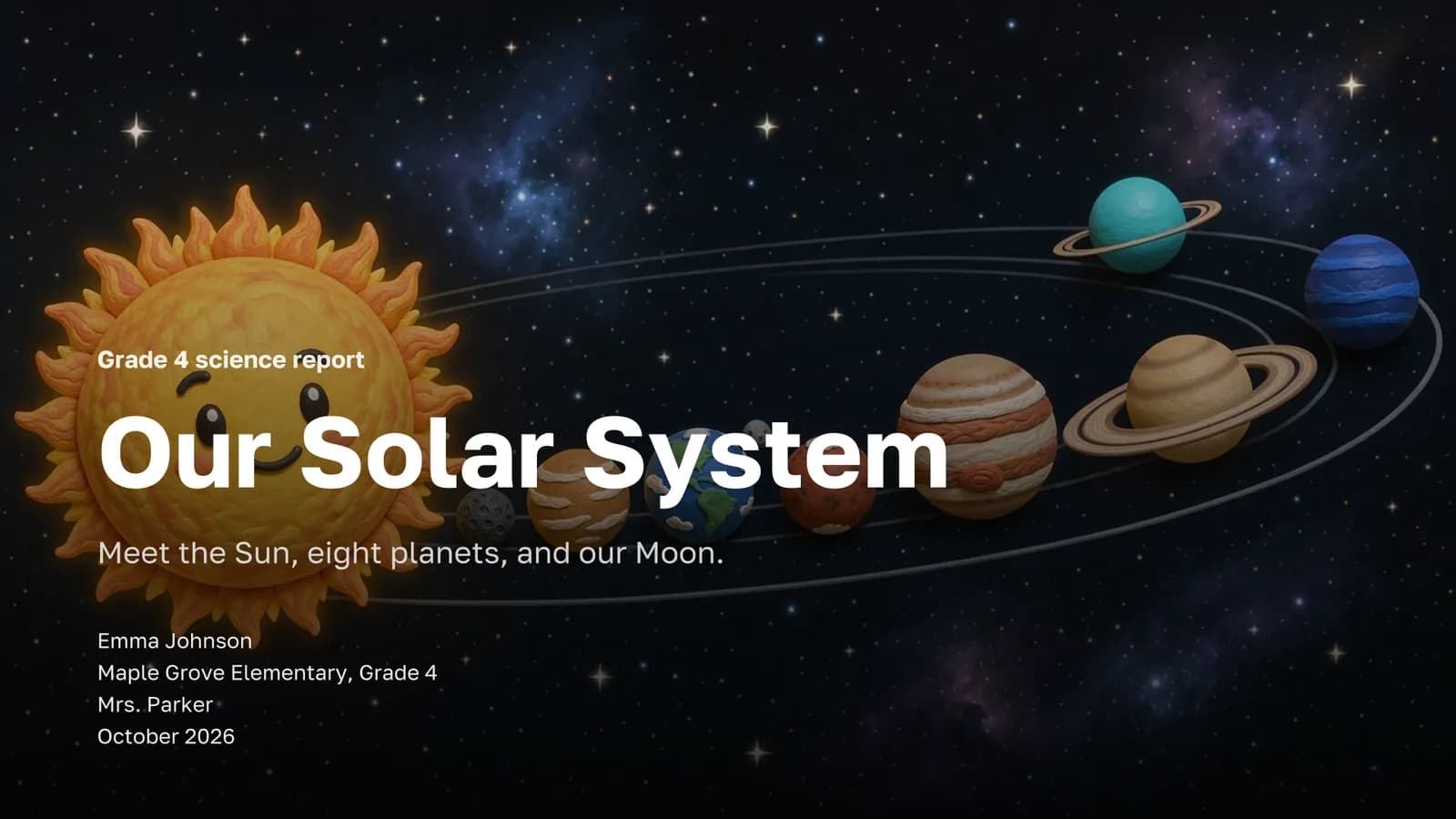
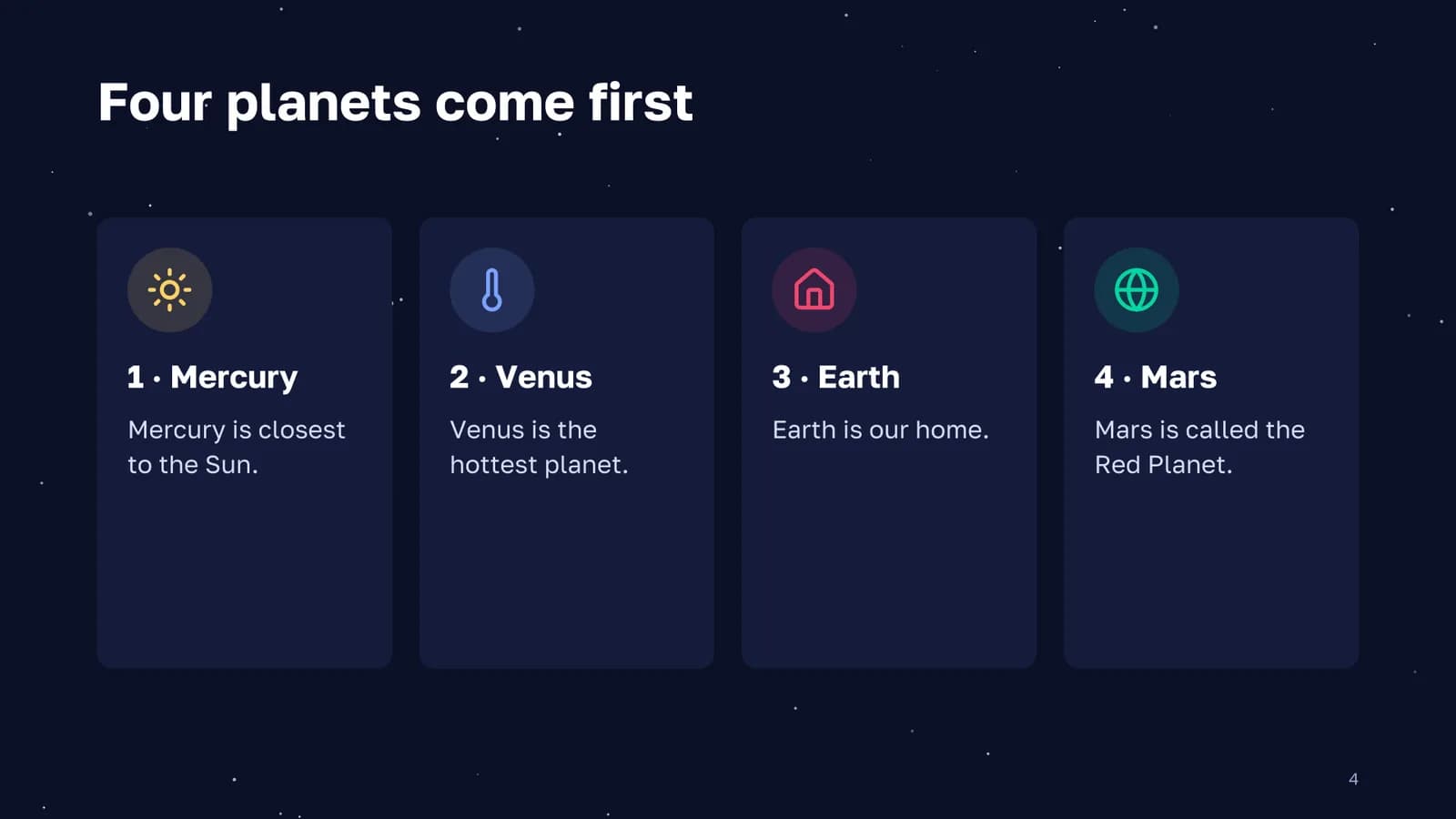
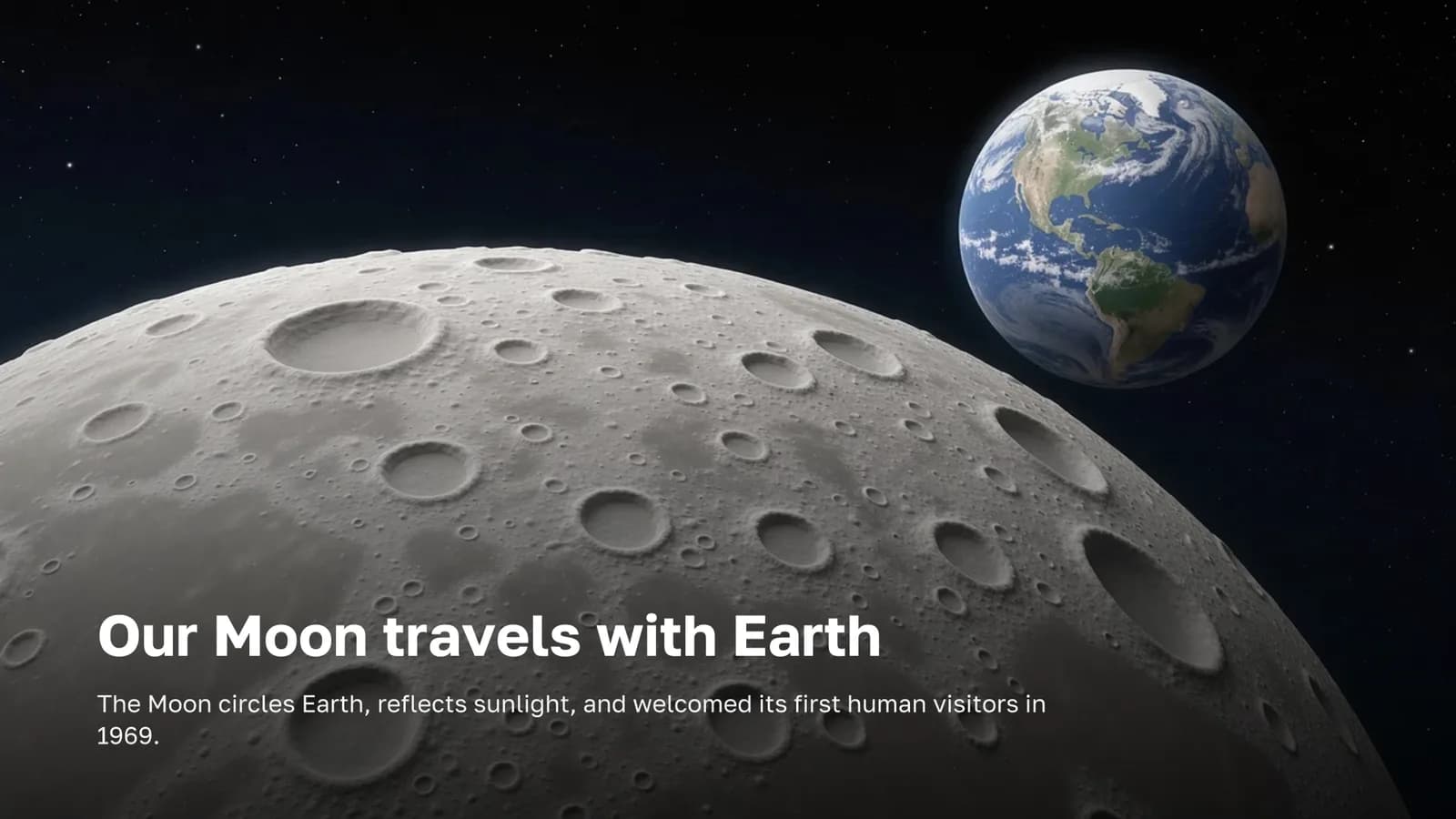
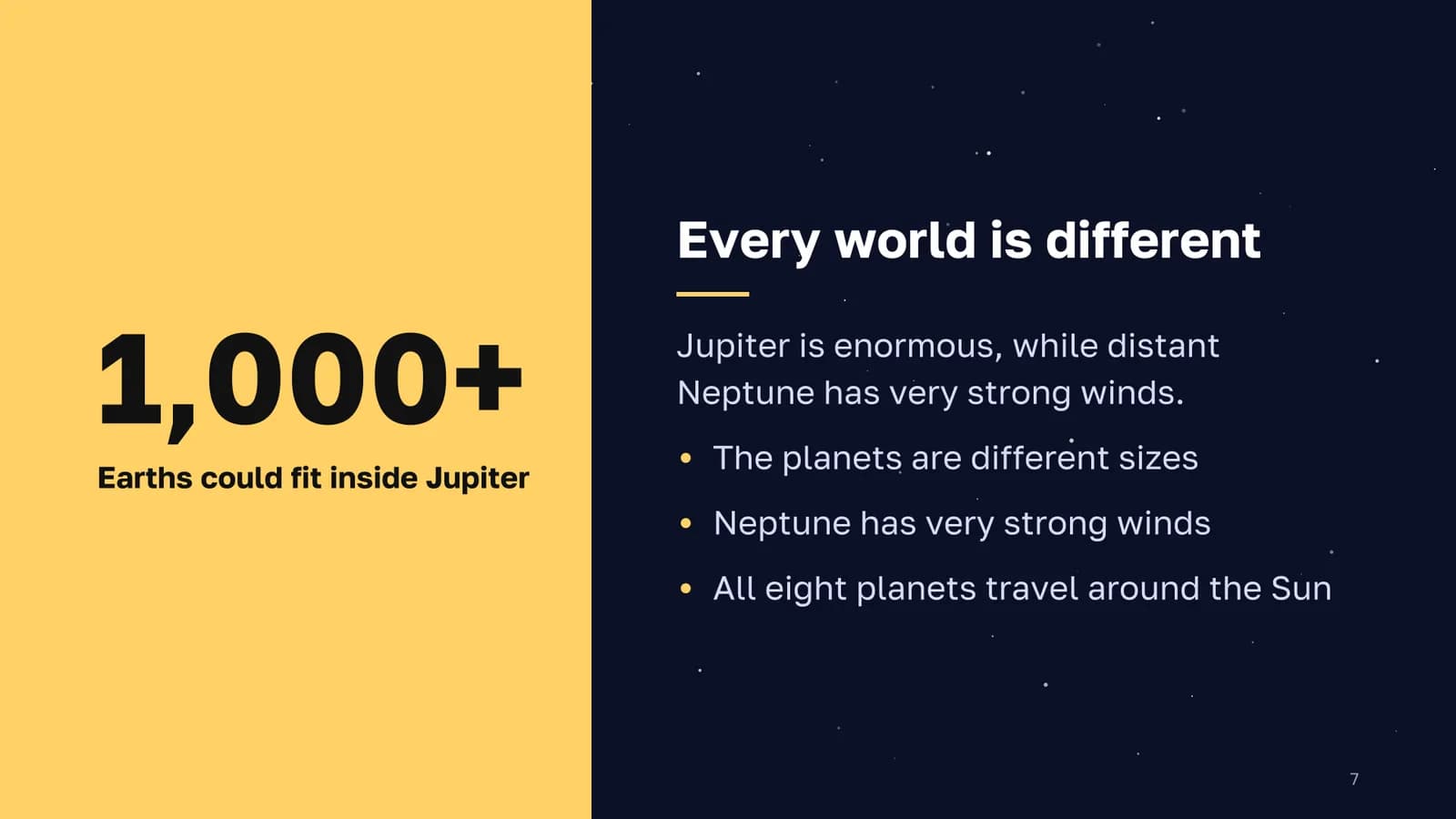
The quote before Create said up to four pictures. The AI drew three, and only those three were charged. It also wrote speaker notes for every content slide, so the student has something to read from while presenting.
Example: a deck from raw meeting notes
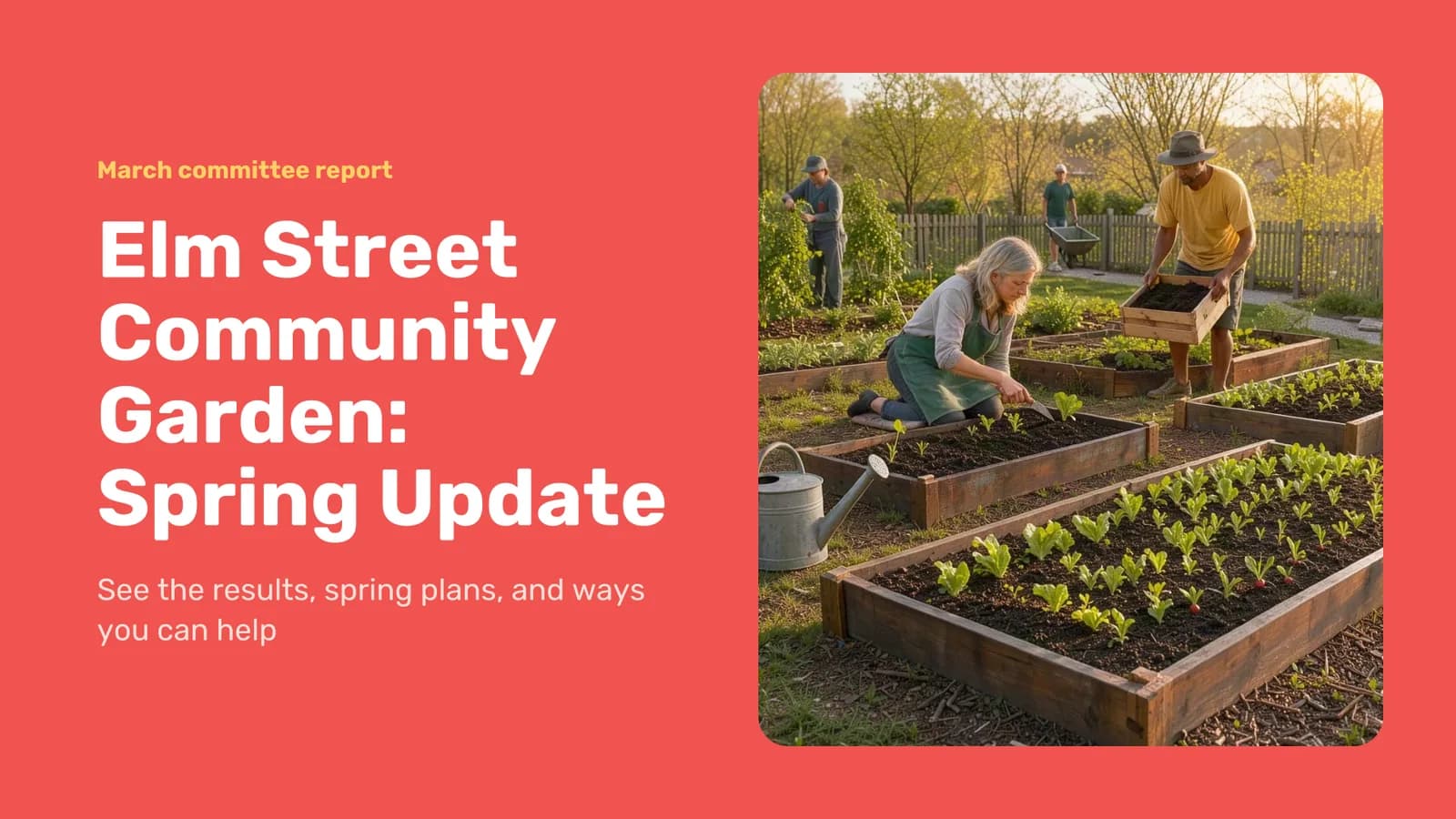
The second deck started from notes a garden committee might jot down after a meeting. We used Paste text, eight slides, the Work report purpose, a friendly tone, the Sunset theme and one Economy photo. This is the whole input:
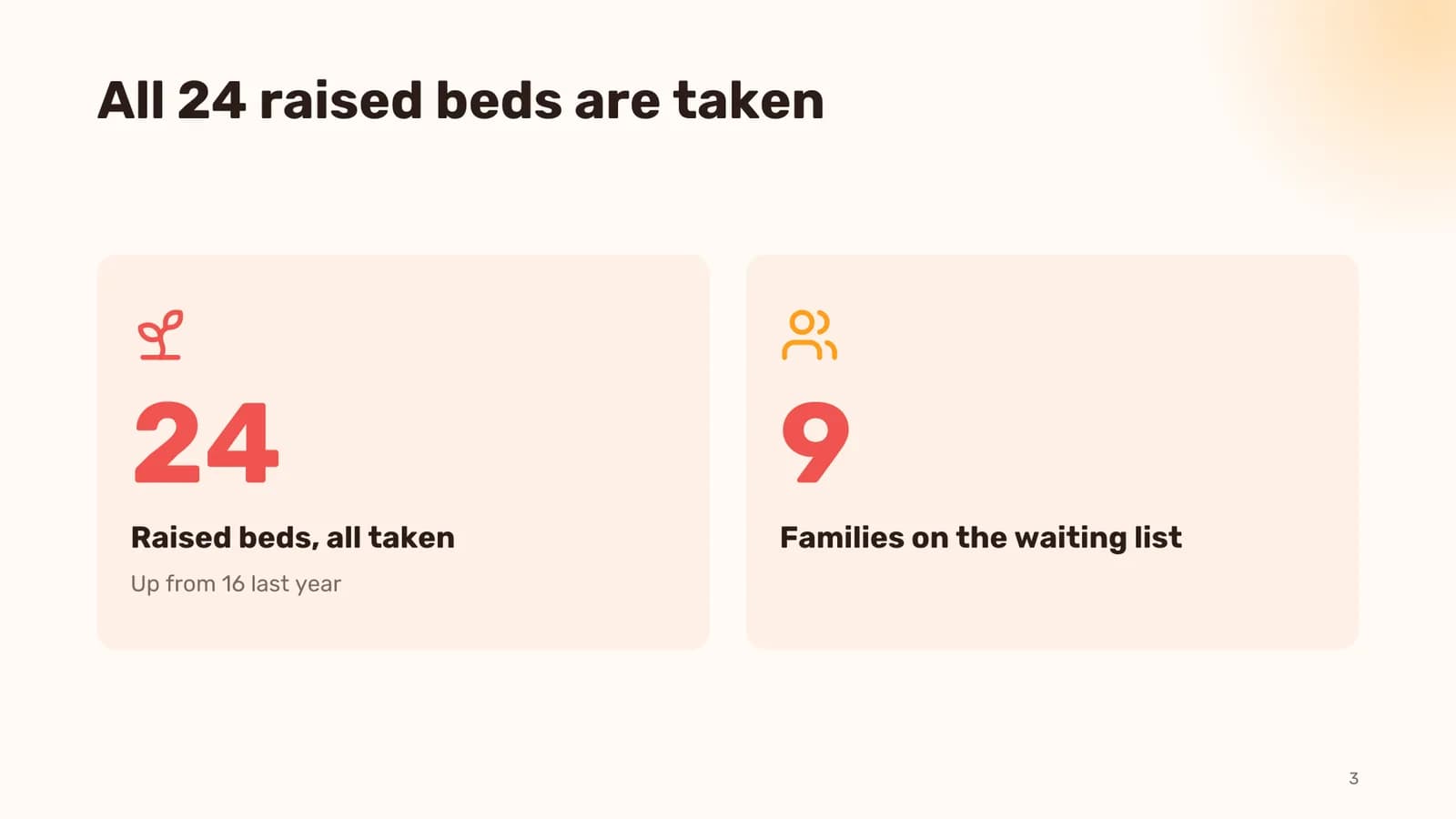
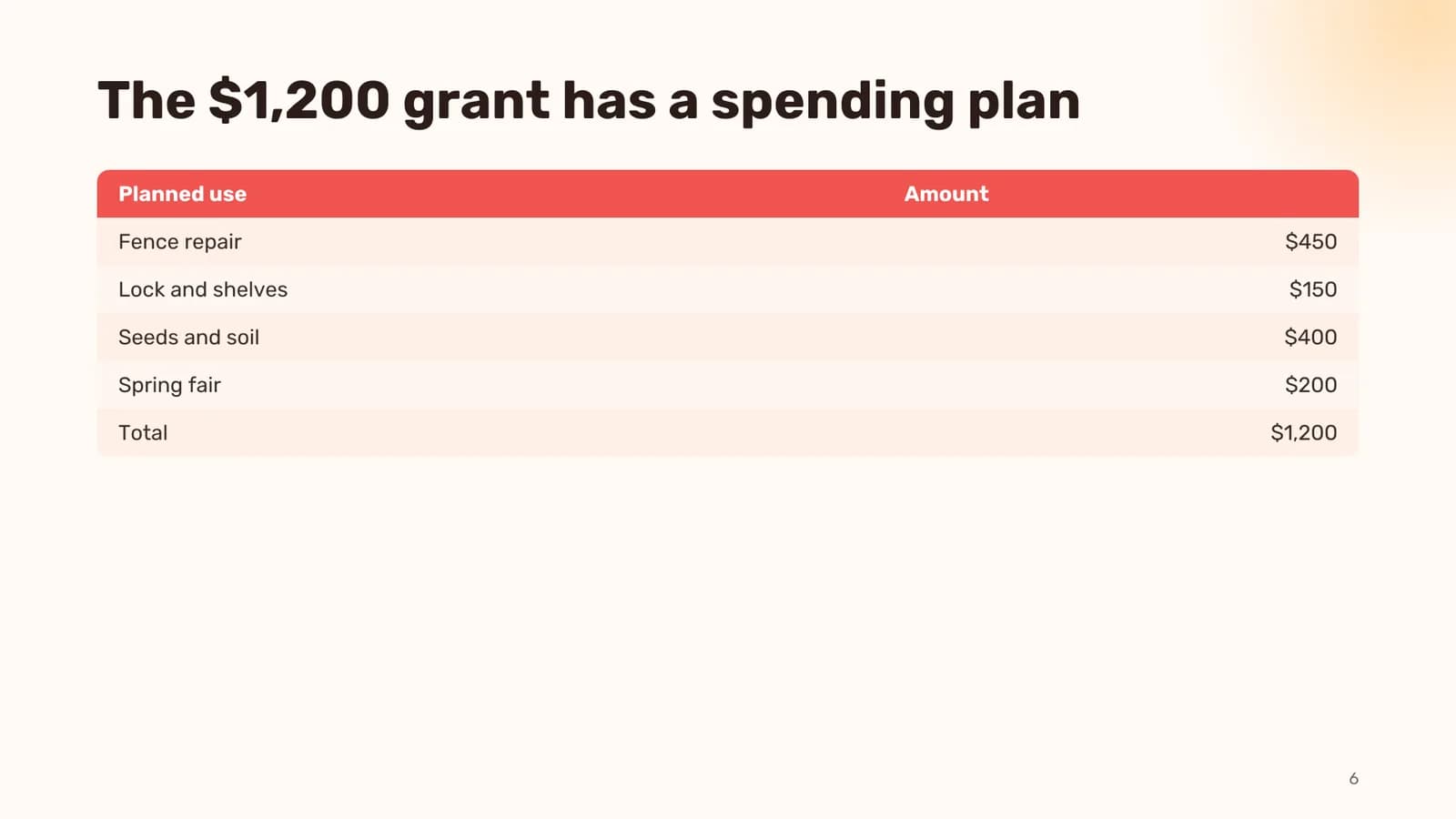
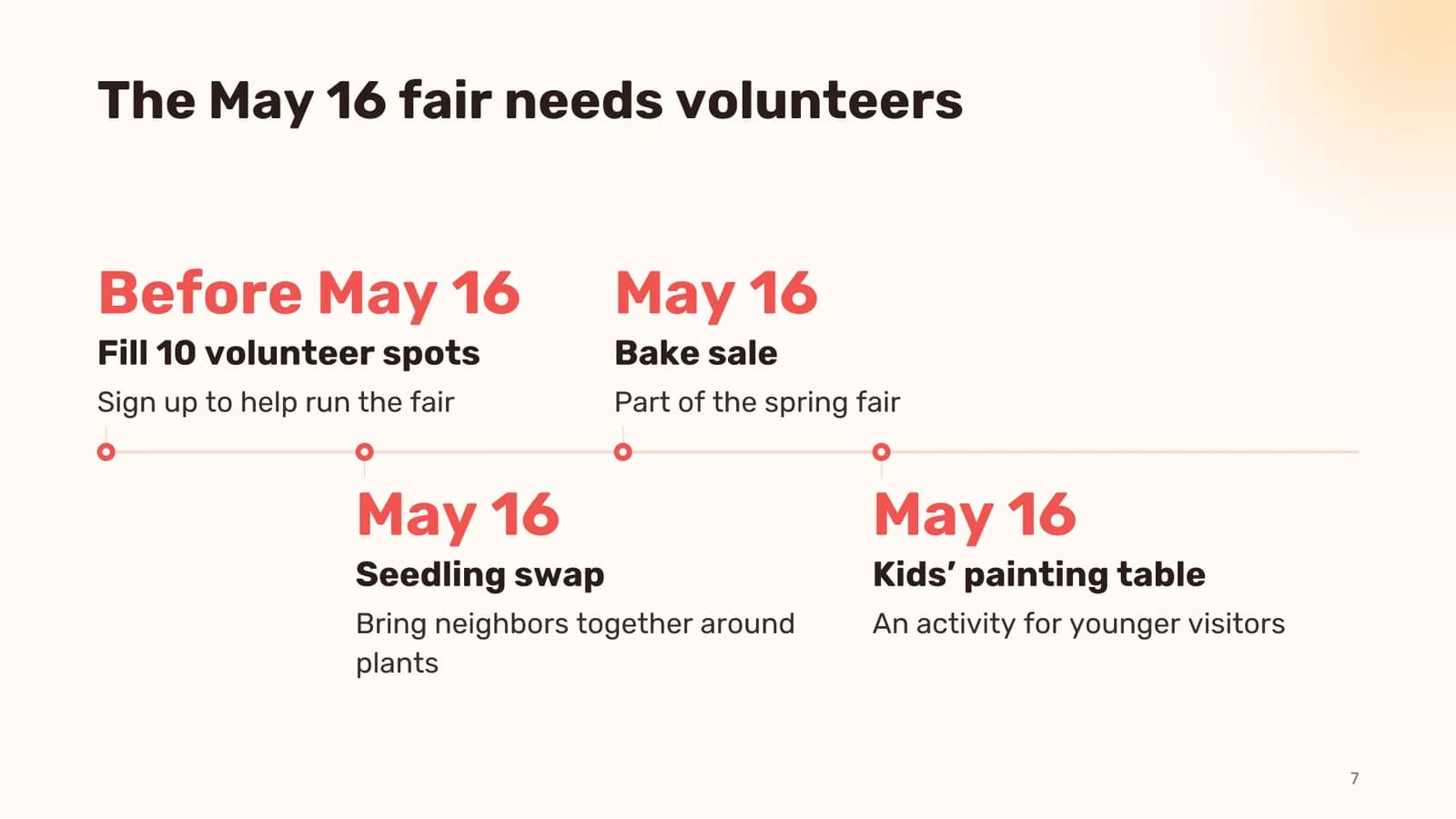
Notes from the garden committee meeting, March. - We now have 24 raised beds, up from 16 last year. All 24 are taken, 9 families on the waiting list. - New this year: a rainwater tank (donated by the hardware store on 5th) and a compost corner. Volunteers turn the compost every Saturday. - Kids' bed: the after-school club from Lincoln Elementary will plant sunflowers and beans in April. - Problems: the north fence is broken, tools keep disappearing from the shed. Proposal: a combination lock and a sign-out sheet. - Budget: $1,200 from the city small grants program. Planned spend: fence repair $450, lock and shelves $150, seeds and soil $400, spring fair $200. - Spring fair on May 16: seedling swap, bake sale, kids' painting table. Need 10 volunteers. - Ask for the neighborhood: sign up to volunteer, donate tools, spread the word about the waiting list.
What you can change in the editor
- Click any text on a slide and type. Titles, points, numbers and table cells are all editable in place.
- Switch a slide's layout from the side panel. There are 19 of them, from bullets and two columns to a timeline, a comparison, a table and a chart.
- Redraw a picture from your own description, Upload one, or pick from My works. Drag the frame to choose which part of the picture shows.
- Rewrite one slide with AI: Shorter, More detail, Add an example, Split in two, or Your request in plain words.
- Drag slides into order, duplicate or delete them, add new ones. Change the theme for the whole deck at once. Undo, redo and Versions take you back.
- Edit the speaker notes and add, swap or remove the background music.
Presenting, downloading and sharing
Present opens a full-screen slideshow in the browser: arrow keys move between slides, F toggles full screen, N shows your speaker notes and M plays the music. Download gives you three formats: PowerPoint (.pptx, editable, with the speaker notes and the music inside), PDF for printing and email, and a PNG of the current slide. Share turns on a public link: anyone with it can watch and download the deck without signing up, only you can edit it, and turning the link off makes it stop working.
Ask the assistant instead
The chat assistant on the website can do the same job. Describe the deck and it shows the free outline as a card where you can edit slides, pick a theme and pictures and see the price. It asks a question only when it cannot guess something essential, like who the talk is for. After you click Create, open the deck in the editor or download the PPTX right from the chat. Later, in the same chat, you can ask for another theme or a rewrite of one slide.
Make an 8-slide presentation about the water cycle for 5th graders
Switch it to a dark theme and make slide 3 shorter
What it costs
| What | Credits |
|---|---|
| Outline | Free, as many reworks as you like |
| Slide text, 10 slides | 10 |
| Slide text, 20 slides | 20 |
| Picture, Economy (FLUX 3 Klein) | 2 each |
| Picture, Standard (FLUX 3) | 6 each |
| Picture, Premium (Nano Banana 2) | 10 each |
| Background music | 13 |
| AI rewrite of one slide | 1 |
| Present, download, share | Free |
Pictures go on the cover and roughly half of the slides. The price shown before you start is a ceiling: if fewer pictures are needed you pay less, and any picture that fails is refunded. You get 6 free credits when you sign up.
Describe your topic or paste your notes. The outline is free and you see the price before anything is written.
Make a presentationTry everything from this article in minutes
All the models and tools from this article are in one place. You get 6 free credits after sign-up, and every price is shown before you run it.
Make a presentation