How to Make Karaoke from Any Song: Instrumental and Lyric Video with Word-by-Word Highlight
Can't find your track in any karaoke catalogue? Upload the song and AI removes the vocals, times every word and renders a lyric video that fills in as you sing. Here's the result and every setting.
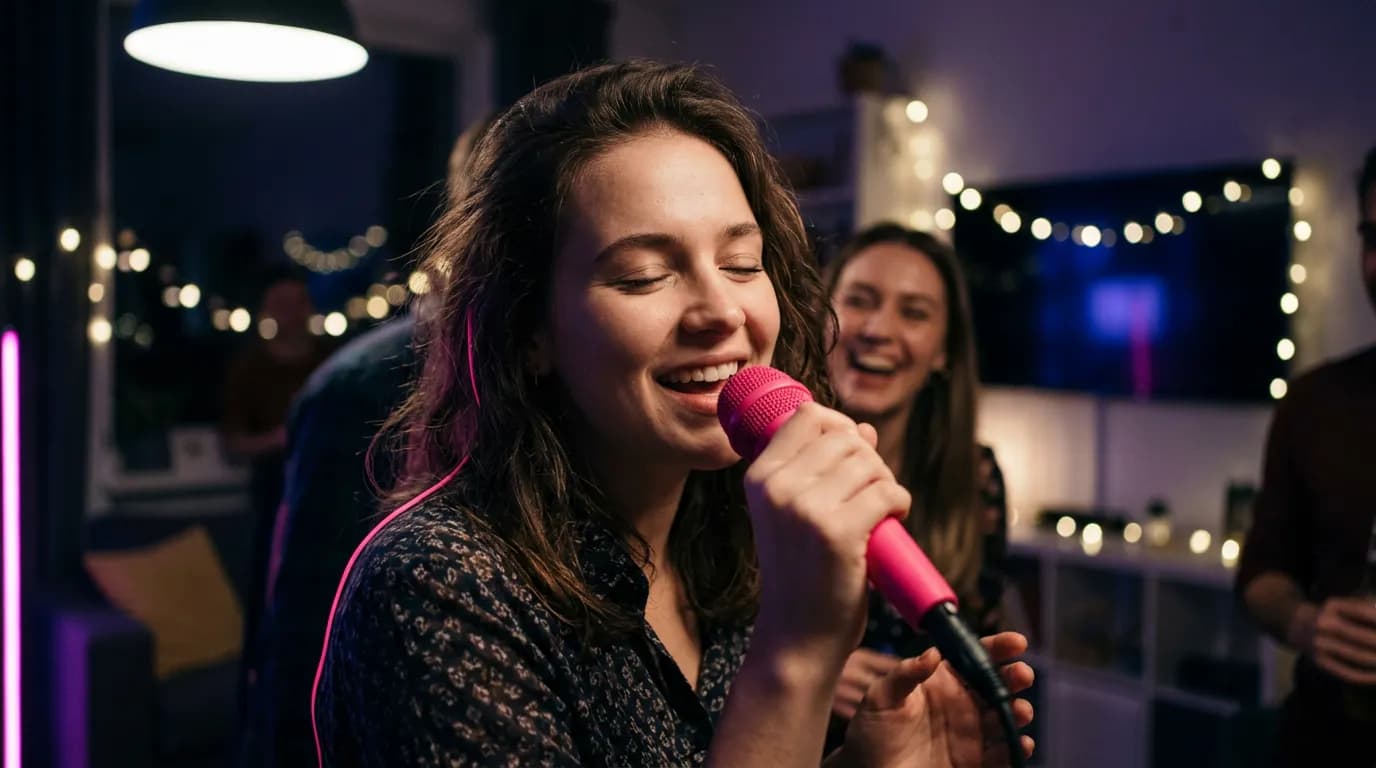
Karaoke tracks for chart hits are easy to find. For your band's demo, a song you wrote, a school anthem or a track you made with AI, they basically don't exist. The Karaoke Maker builds one for you: it strips the vocals, times every word and renders a video where each line fills with colour as it's sung.
What you get
“Stay a Little Longer” is an acoustic ballad written by MiniMax Music, the song model on ImageGPT. We turned it into two karaoke videos: a vertical one for Reels and Shorts on an AI-drawn sunny kitchen, and a widescreen one for YouTube or a TV on a gradient.
The song title sits on screen during the intro. Three dots count you in before the first line and after every instrumental break, the next line is always visible underneath, and the current one fills in exactly as each word is sung.
What you need
- The song: an audio file or a video up to 7 minutes. Upload an MP4 or MOV and the audio is pulled out automatically — the footage can even become the background.
- The lyrics, if you have them. Without them the AI transcribes the song; with them pasted in, there are no misheard words.
- For your own background, a picture. Or describe one and let the AI draw it.
Step by step
- Open Karaoke Maker under Audio and upload the song.
- If you have the lyrics, paste them into “Lyrics (optional)” and they'll be lined up with the recording.
- Click “Make instrumental and lyrics”. Demucs splits the vocals from the music and ElevenLabs Scribe timestamps every word. At this point you can already grab the Instrumental MP3 and an LRC file.
- Review “Lyrics by line”. Each line here is one line on screen: fix a word or move a line break and the timing follows.
- Pick a format — “16:9 · YouTube, TV” or “9:16 · Reels, Shorts, TikTok” — and a background: Gradient, My image, AI image or Blurred video.
- If singing without help is hard, set Guide vocal to Quiet or Louder to keep the original voice under the instrumental. Change the Title card text if you like.
- Click Make video and download your karaoke.
What you can download
- An MP4 karaoke video with the title card and word-by-word highlight.
- The instrumental as an MP3 — for rehearsals or a live performance.
- Timed lyrics as LRC, which karaoke players and many music apps can read.
Need drums, bass and the rest as separate tracks, not just vocals and backing? Below the instrumental there's a “Split into stems” link.
Limits worth knowing
- Songs in almost any language can be transcribed, but the video currently shows Latin and Cyrillic text only. For other scripts you still get the instrumental and the LRC.
- The mobile app makes the whole karaoke in one go, with no review step. To fix the lyrics before the video, use the tool on the website.
- If you plan to post the video publicly, use your own songs or ones you have the rights to.
Pricing
You pay in two steps: the instrumental and lyrics when they're made, the video when you render it. The video costs the same for any song length, a little more with an AI background. Prices are shown before you start, and failed jobs are refunded.
| Song | Credits |
|---|---|
| 3 minutes | 22 |
| 3 minutes with an AI background | 28 |
| 4 minutes | 28 |
Upload a song and get the instrumental, timed lyrics and a karaoke video with highlighted words.
Make karaokeTry everything from this article in minutes
All the models and tools from this article are in one place. You get 6 free credits after sign-up, and every price is shown before you run it.
Make karaoke