
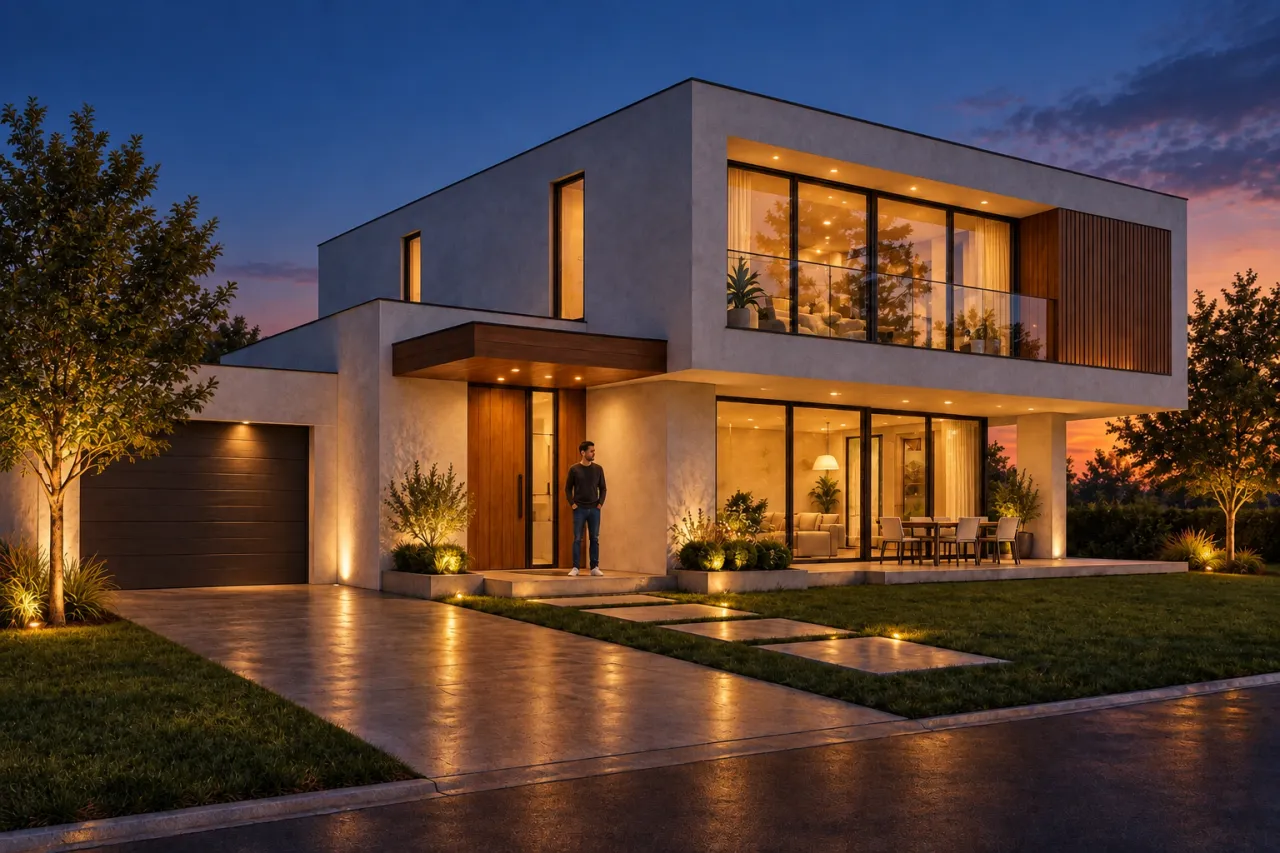
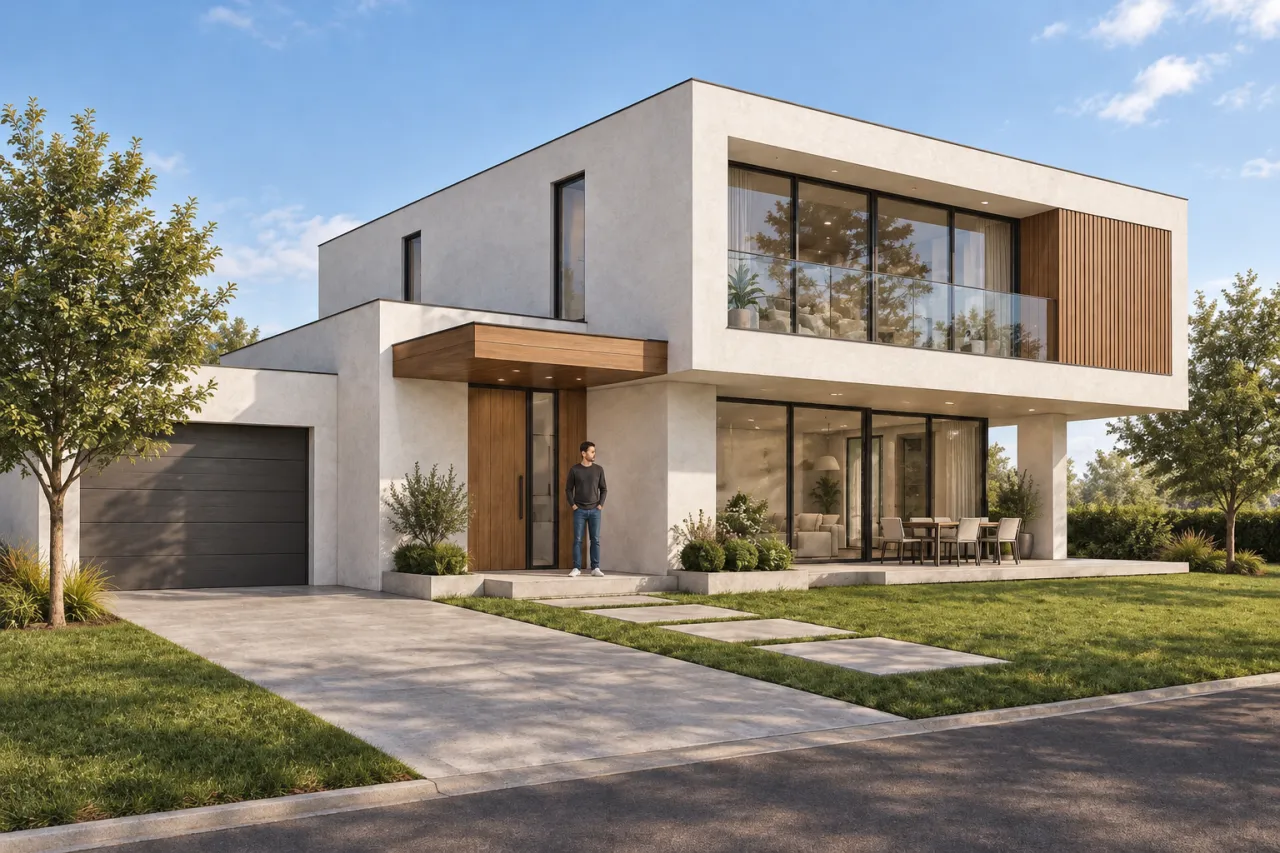
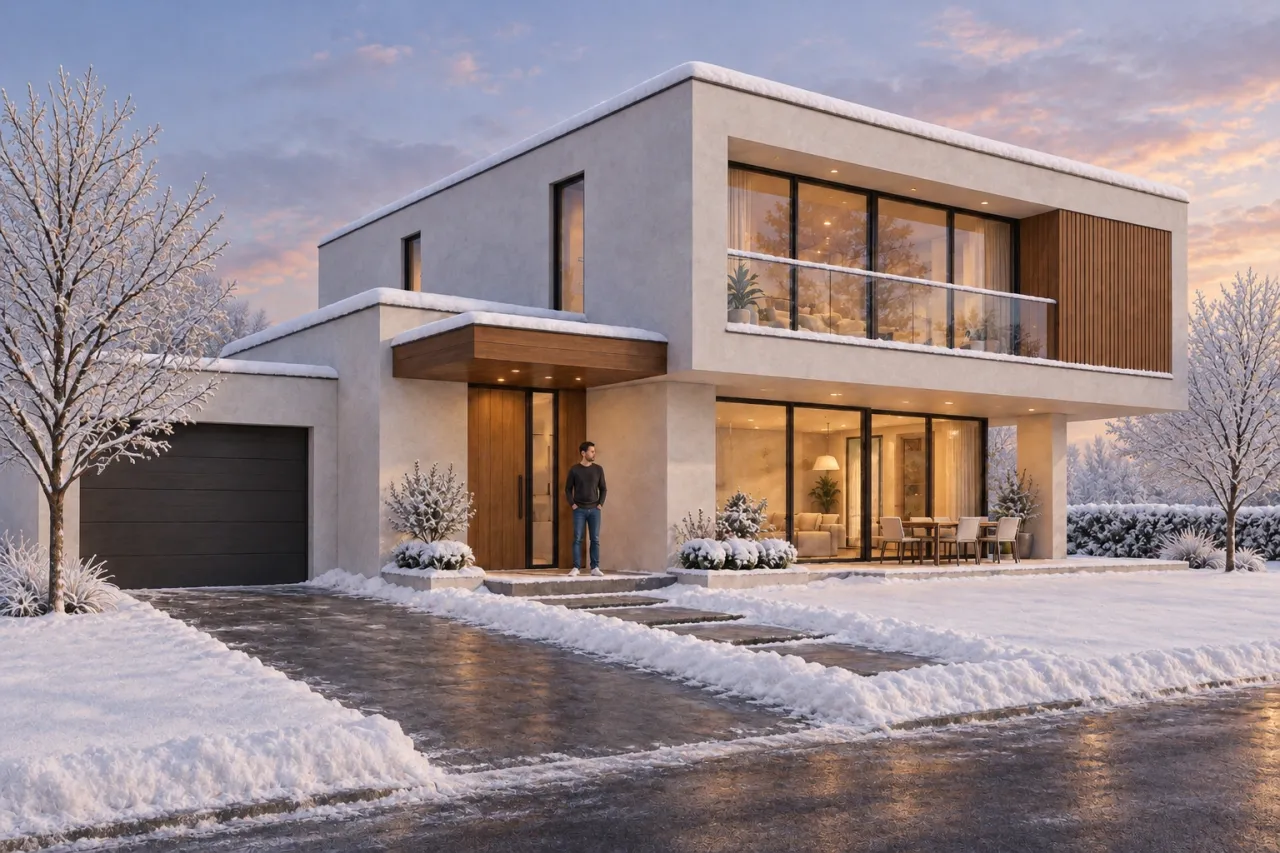
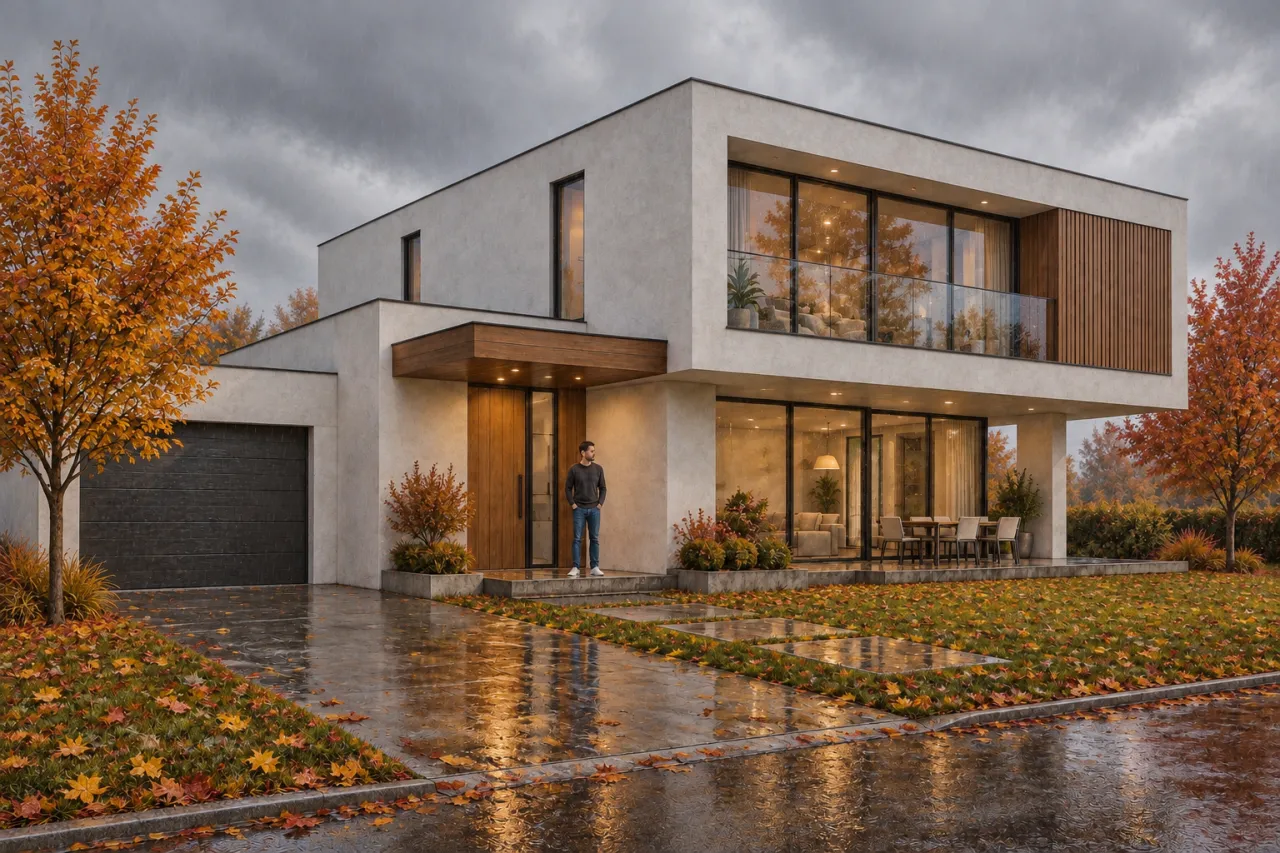
A dusk view with warm light in the windows sells a project better than a daytime one, and a winter view shows how the building looks for much of the year. But each of those images is a separate lighting setup and a new render in the engine.
Upload a finished render or a photo of the building to Time of day and season and choose what to change. Light: day, golden hour, overcast, dusk or night — evening options switch on window light, facade, path and garden lighting, and add reflections on glass and paving. Season: spring, summer, autumn, or winter with snow on the roof and cleared paths. Weather: clear, cloudy, rain with wet paving and puddles, fog or snowfall.
The architecture, every window and door, materials, landscaping, camera and framing stay as they were; only light, shadows, sky, reflections and plants change. Refine it in words: "warm light in the windows, facade lighting, wet paving". For a whole project, upload a batch of up to 30 views — they all get the same time of day.