
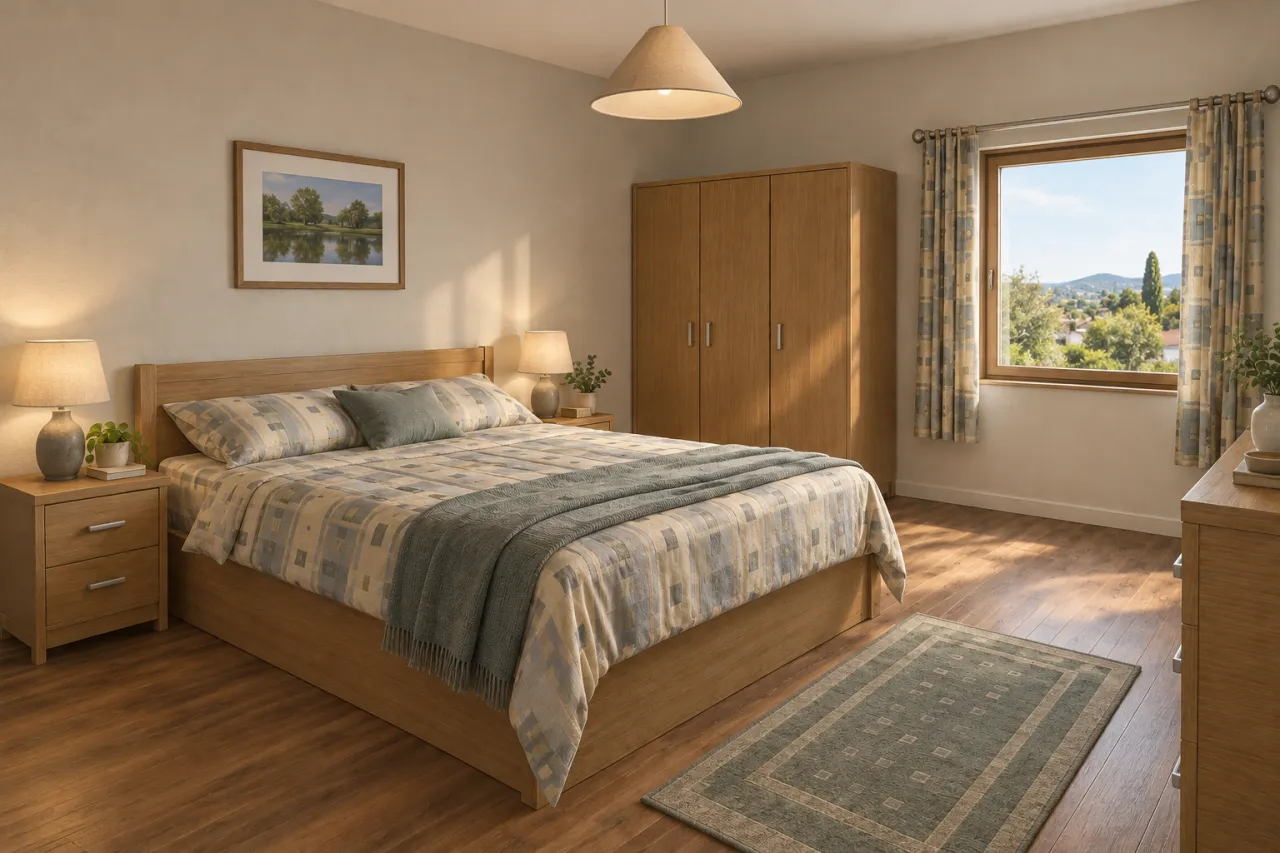
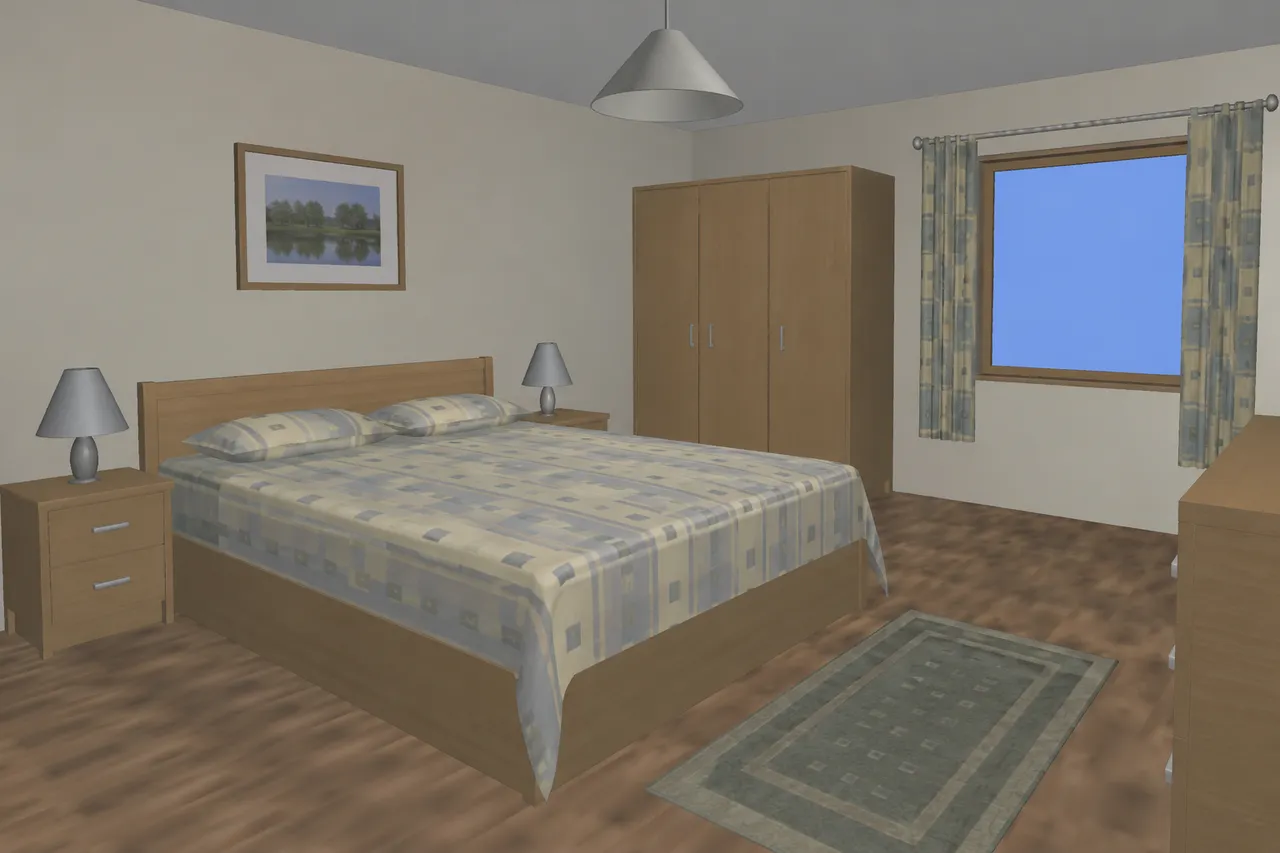
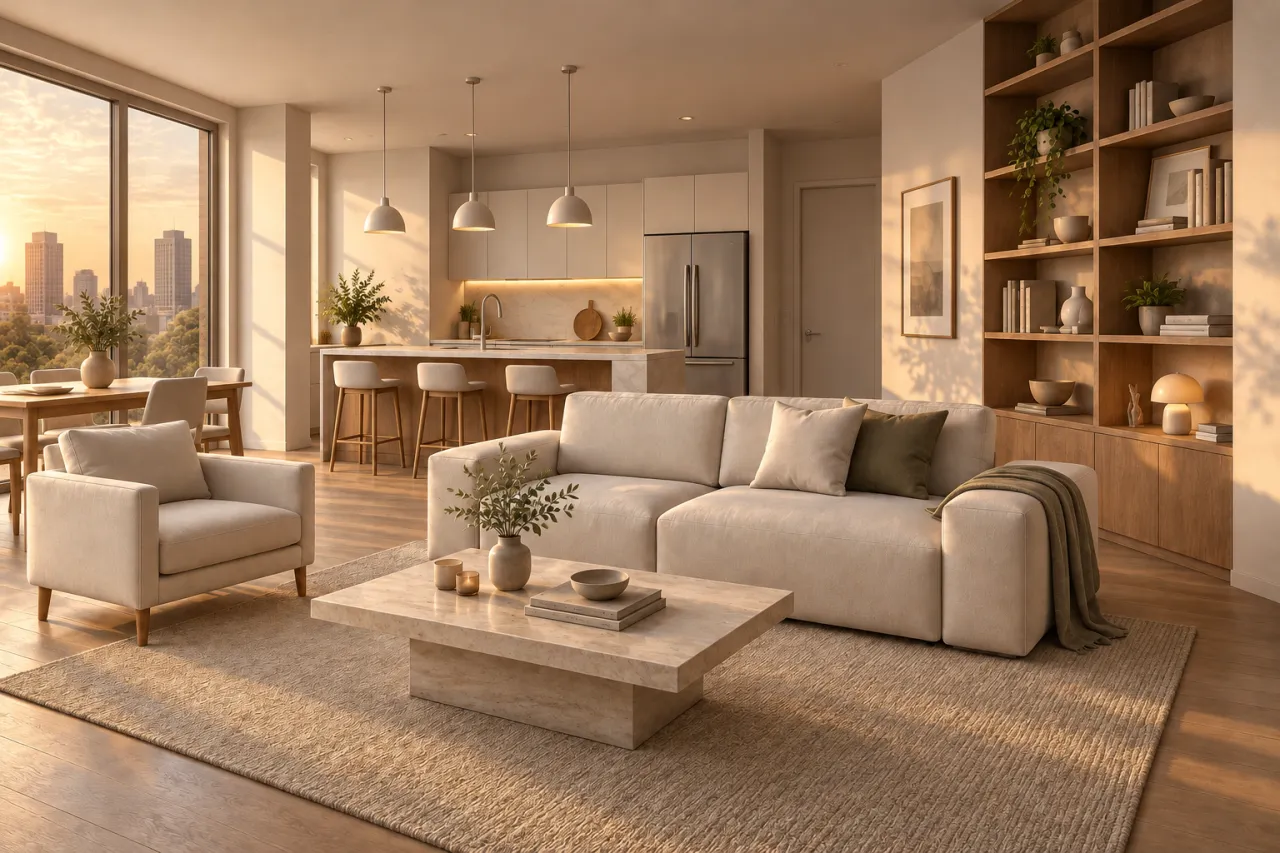
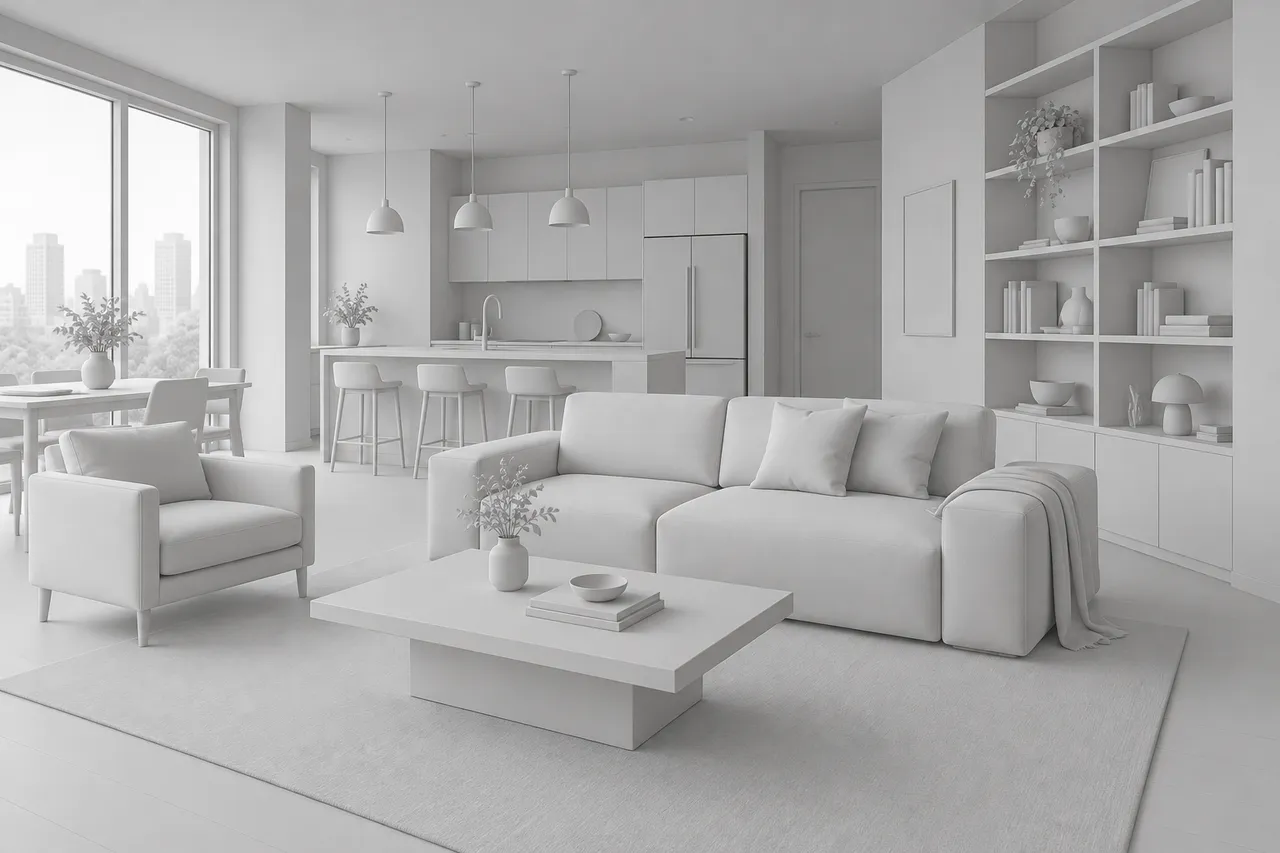
Renders look CGI for familiar reasons: flat or patchy light, plastic materials, tiling textures, no bounce light or soft shadows, an empty backdrop outside the window. Fixing that in the engine means hours of tweaking and re-rendering. The AI does it from the finished image in about a minute.
Upload your render and choose Enhance a render. The AI keeps the geometry and composition — walls, windows, furniture, camera — and fixes what gives CGI away: natural light with bounce and soft shadows, material texture and subtle wear, believable glass, textiles with real creases, real plants and a real view outside. Closeness to the source decides how far it goes: Exact changes only materials and light, Balanced adds fitting details such as fixtures and decor, Freer lets it push the mood.
You can change light and season in the same pass, for example turning a daytime render into golden hour. If you have several views, upload a batch of up to 30: they are all processed with the same settings and read as one project. Turn on 4K delivery for boards and big screens.