
ImageGPTImageGPT

QR codes

Free QR code generator

Links, Wi-Fi, contact cards, email, phone, SMS, locations, Telegram and WhatsApp — in your colours, with your logo.

I

Choose what the code should hold, fill in the fields and your QR code appears instantly. Recolour it, round off the modules and corners, put a logo in the middle and add a frame with a call to action like “Scan me”. Download a PNG at the size you need, an SVG for print at any size, or a PDF.

The codes are static: the data is stored in the code itself. They never expire, there's no subscription to keep paying, and they keep working whatever happens to our site.

Every change is checked with a scanner. If a pale colour or a large logo might make the code hard to read, you'll see a warning.
II

Real results

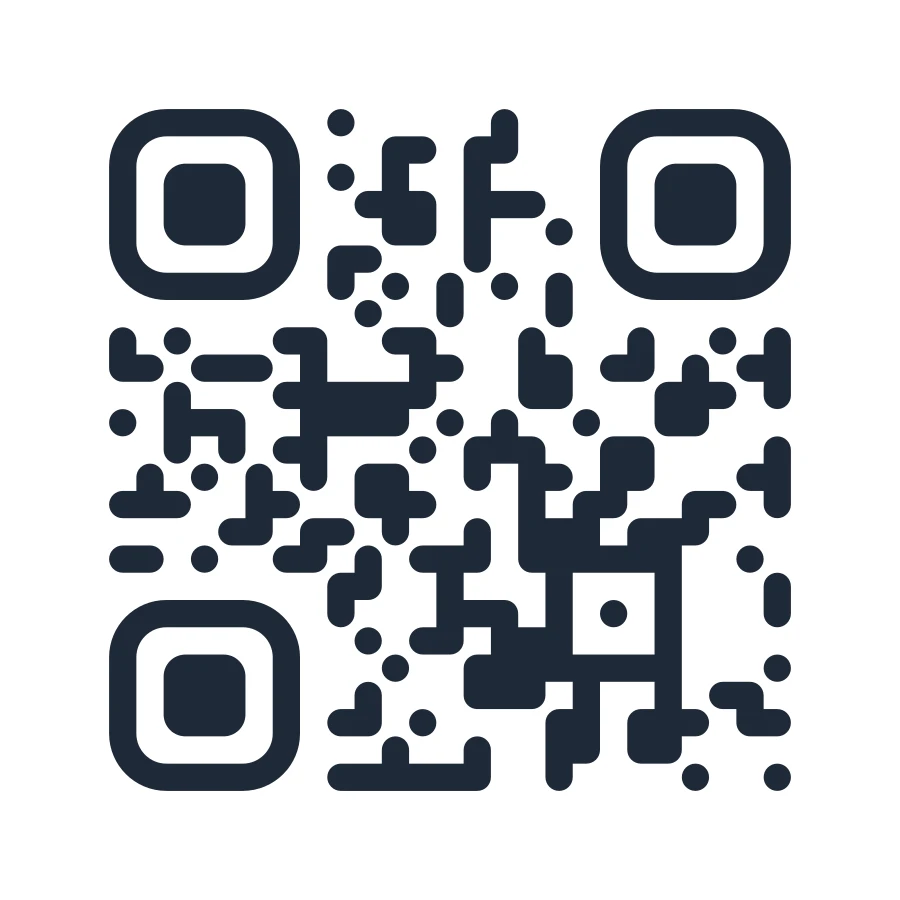
QR code with rounded modules
A link with rounded modules and corners. Scanner-checked.
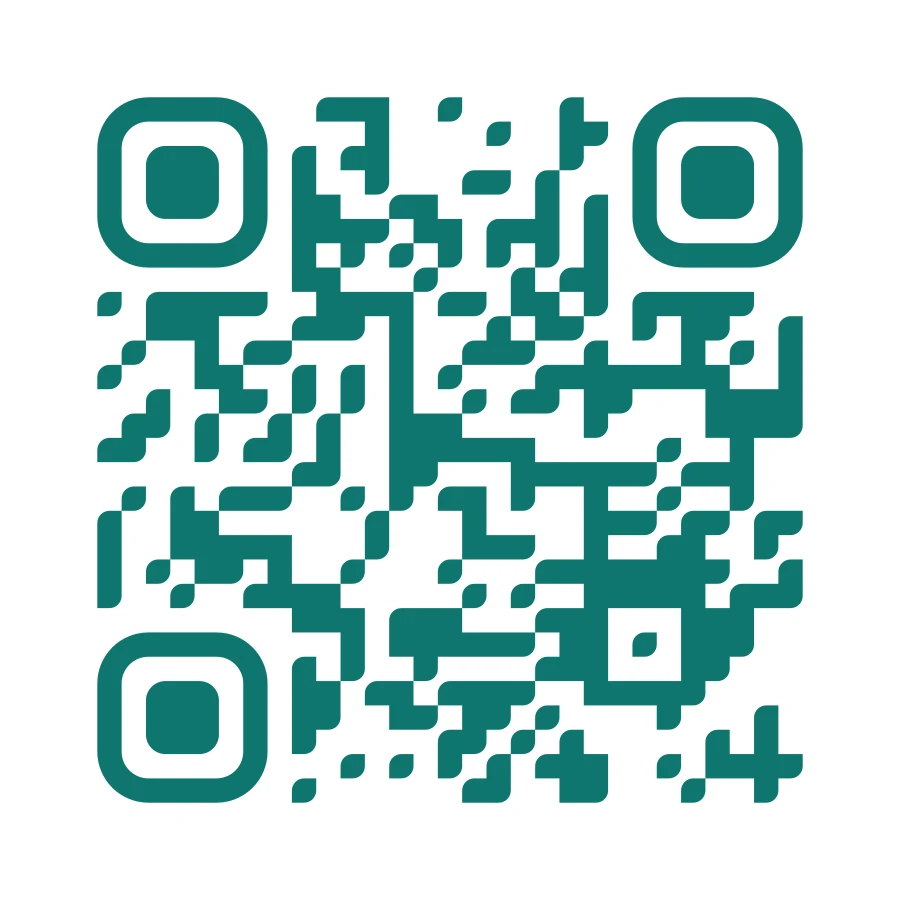
Teal Wi-Fi QR code
Wi-Fi for the Cafe_Guest network, leaf-shaped modules. Phones join without typing the password.

III

How it works

  1. 01

    Pick a type

    Link, text, Wi-Fi, contact card, email, phone, SMS, location, Telegram or WhatsApp.

  2. 02

    Style it

    Colours, module and corner shapes, logo, frame with a caption, error correction level.

  3. 03

    Download

    PNG up to 4096 px, SVG or PDF — no watermark.

IV

Good to know

Free, no watermark

No sign-up, no limit on how many you make, and no logo of ours on the result.

Never expires

Static codes don't route through anyone's server, so there's nothing to switch off.

SVG for print

A vector stays sharp on a business card and on a banner.

Scanner check

The tool reads its own output and warns you if something's off.

V

FAQ

Will my QR code stop working?+

No. The data lives in the code itself, so it works without our site and has no expiry date.

Can I add a logo?+

Yes, upload an image and it goes in the centre. Error correction goes up to at least Q automatically so the code still scans under the logo.

What size should I print it?+

Use the SVG or PDF for print. Keep the code at least about 2 × 2 cm (0.8 in) on paper.

Can I make an artistic QR code?+

Yes — the AI art tab paints a picture around your code and checks that it scans.