
ImageGPTImageGPT

Wi-Fi QR code

Wi-Fi QR code generator

Guests point their phone camera at the code and join your network without typing the password.

I

Enter the network name and password, pick the security type, and you get a QR code that iPhone and Android cameras understand. Print it for a café table, an office, an Airbnb or next to your router at home.

The password only goes into the code itself and isn't sent anywhere: the code is built in your browser.
II

Real results

Wi-Fi QR code
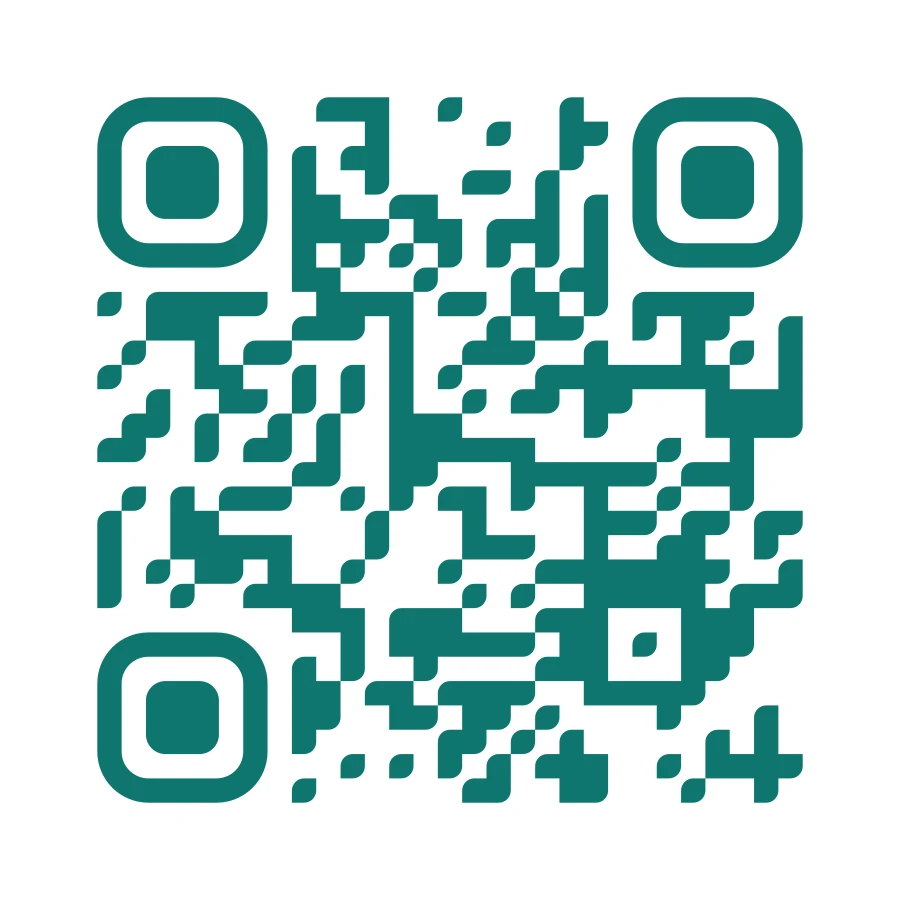
The Cafe_Guest network with a WPA password. Scanner-checked.

III

How it works

  1. 01

    Enter your network

    Network name (SSID), password and security: WPA/WPA2, WEP or none.

  2. 02

    Style it

    Colours, your logo, a frame saying “Free Wi-Fi”.

  3. 03

    Print it

    Download a PDF or SVG and put it on the table or by the door.

IV

Good to know

Your password stays local

The code is put together on your device; we never see your network details.

Hidden networks

There's an option for a network that doesn't broadcast its name.

Free, no watermark

No sign-up, no limit on how many you make, and no logo of ours on the result.

V

FAQ

How do I connect to Wi-Fi with a QR code?+

Open the phone camera and point it at the code; a prompt to join the network appears. Some older Android phones need a scanner app.

What if I change my Wi-Fi password?+

The old code stops working because the password is stored in it. Make a new one.

Is it safe?+

Anyone who scans the code can read the password. That's fine for a guest network; for a work network, set up a separate guest one.