
ImageGPTImageGPT

For agents

AI Real Estate Photo Editing

Phone photos of a property turn bright and clean — while the property itself stays exactly as it is.

6 free credits on sign up

I

Before and after

Real outputs of the model: the request and what came out, with no retouching

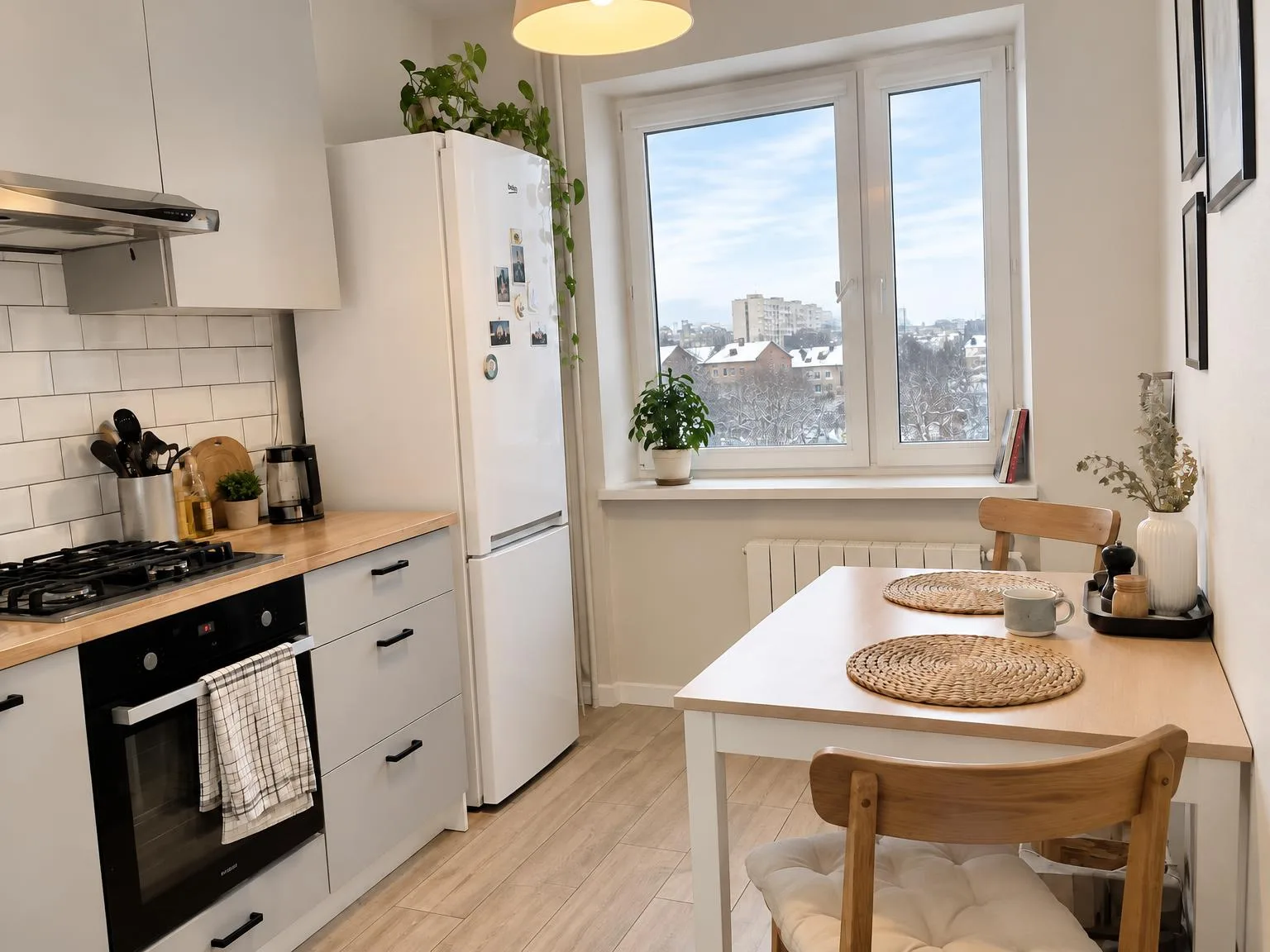
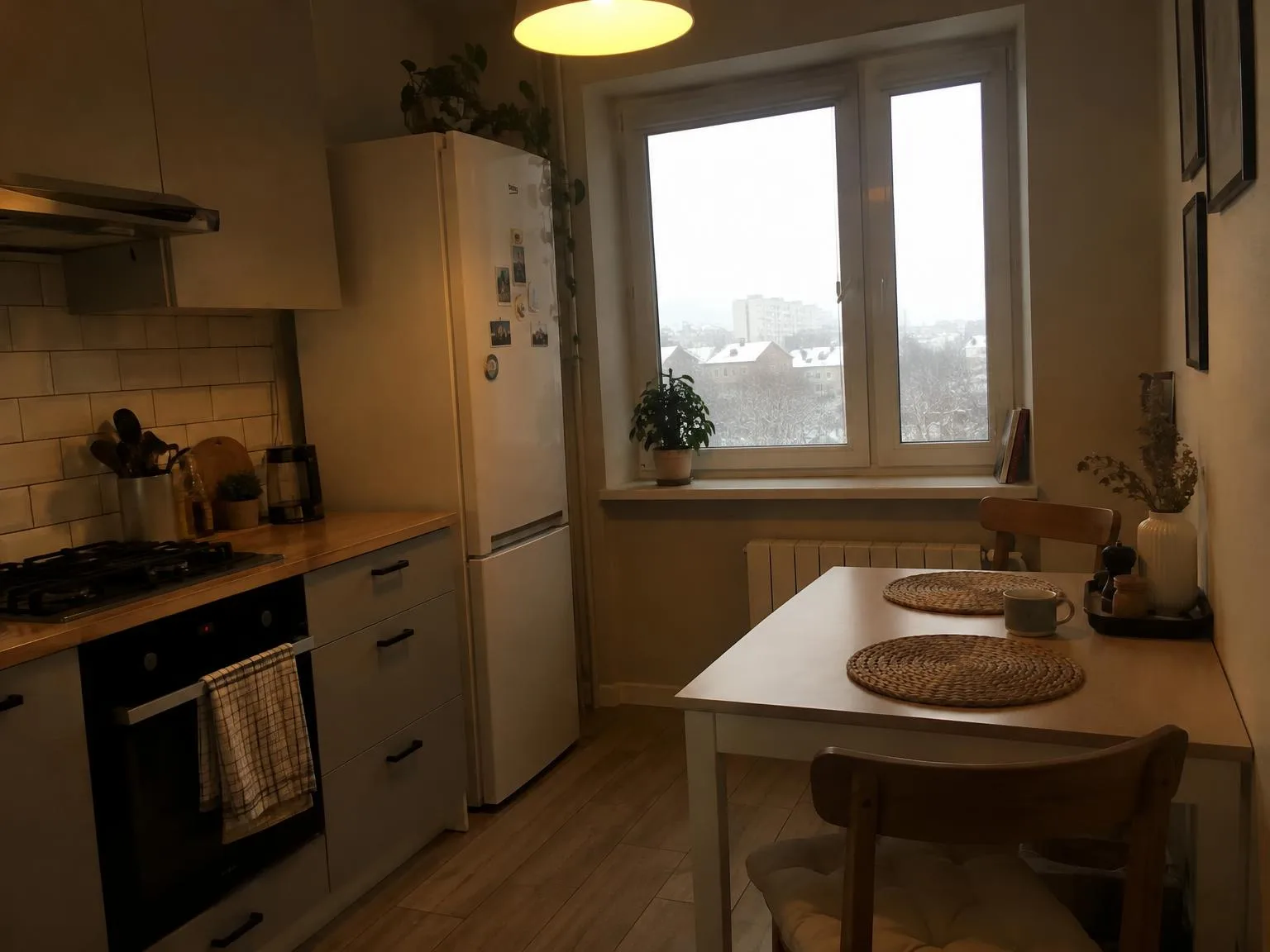
Dark yellow-tinted kitchen → bright, window view keptBeforeBeforeAfter

«Dark yellow-tinted kitchen → bright, window view kept»

Listing photo · Enhance · GPT Image 2.5

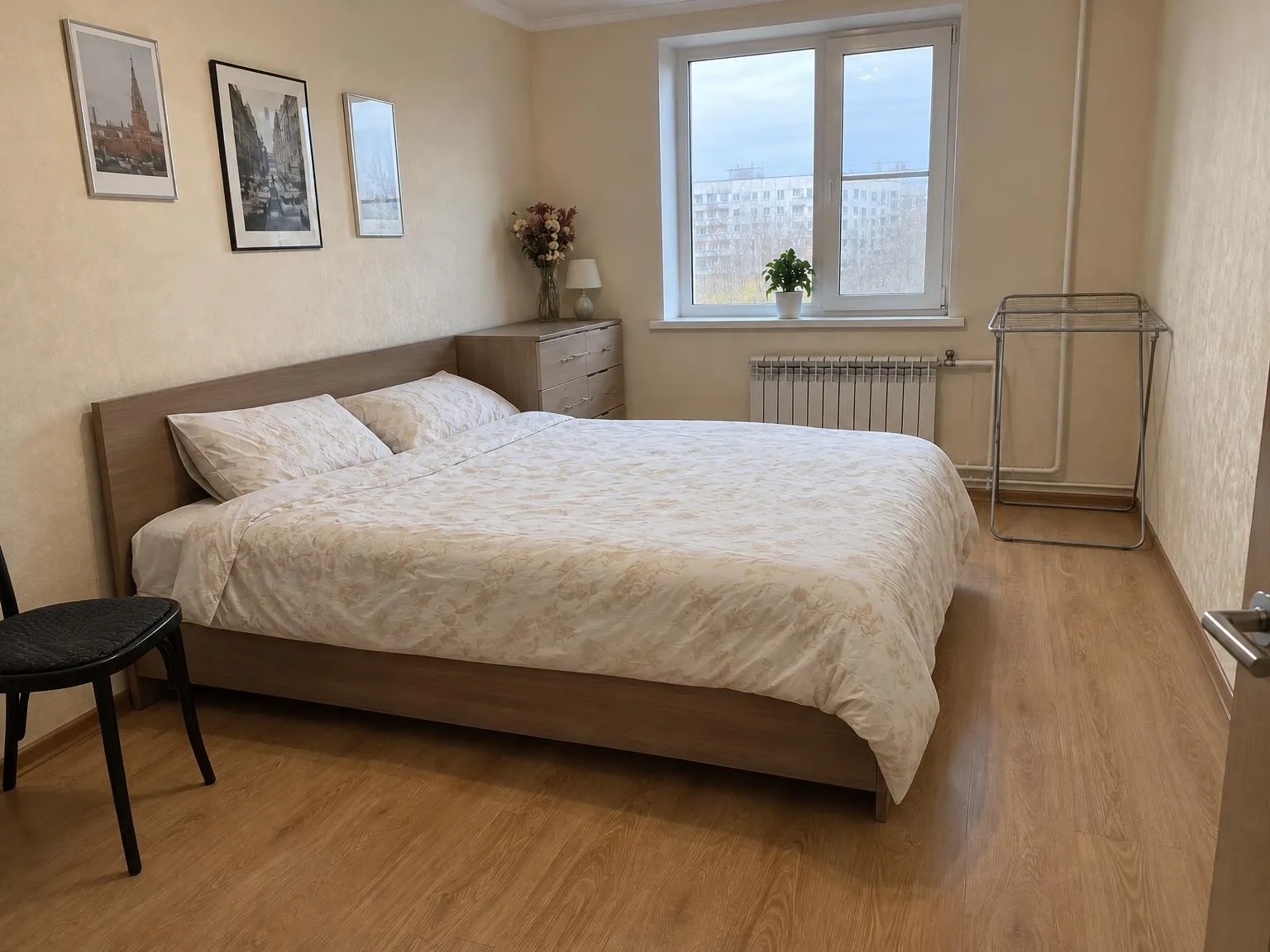
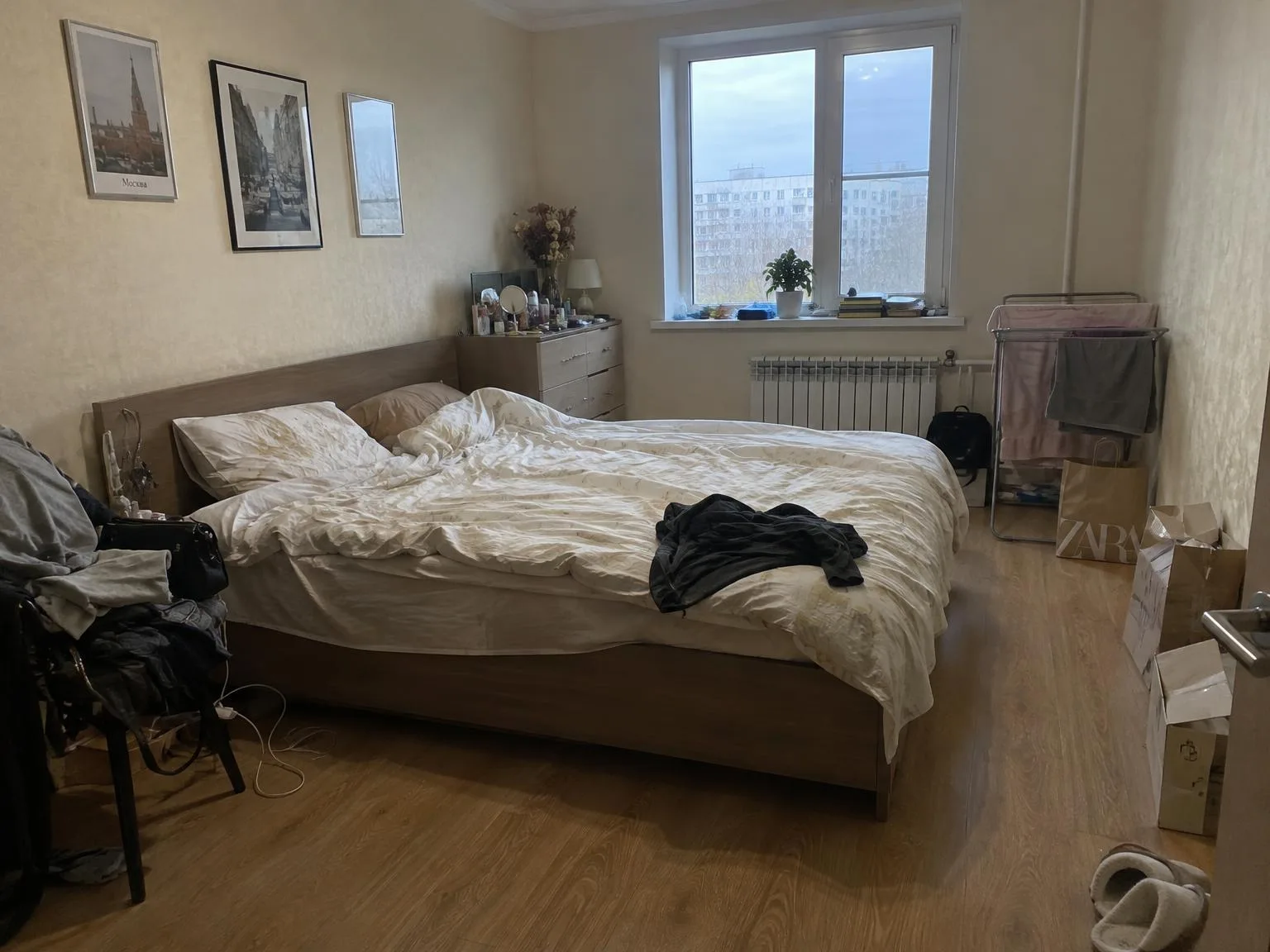
Bedroom with clothes and boxes → same room, clutter goneBeforeBeforeAfter

«Bedroom with clothes and boxes → same room, clutter gone»

Listing photo · Declutter · GPT Image 2.5

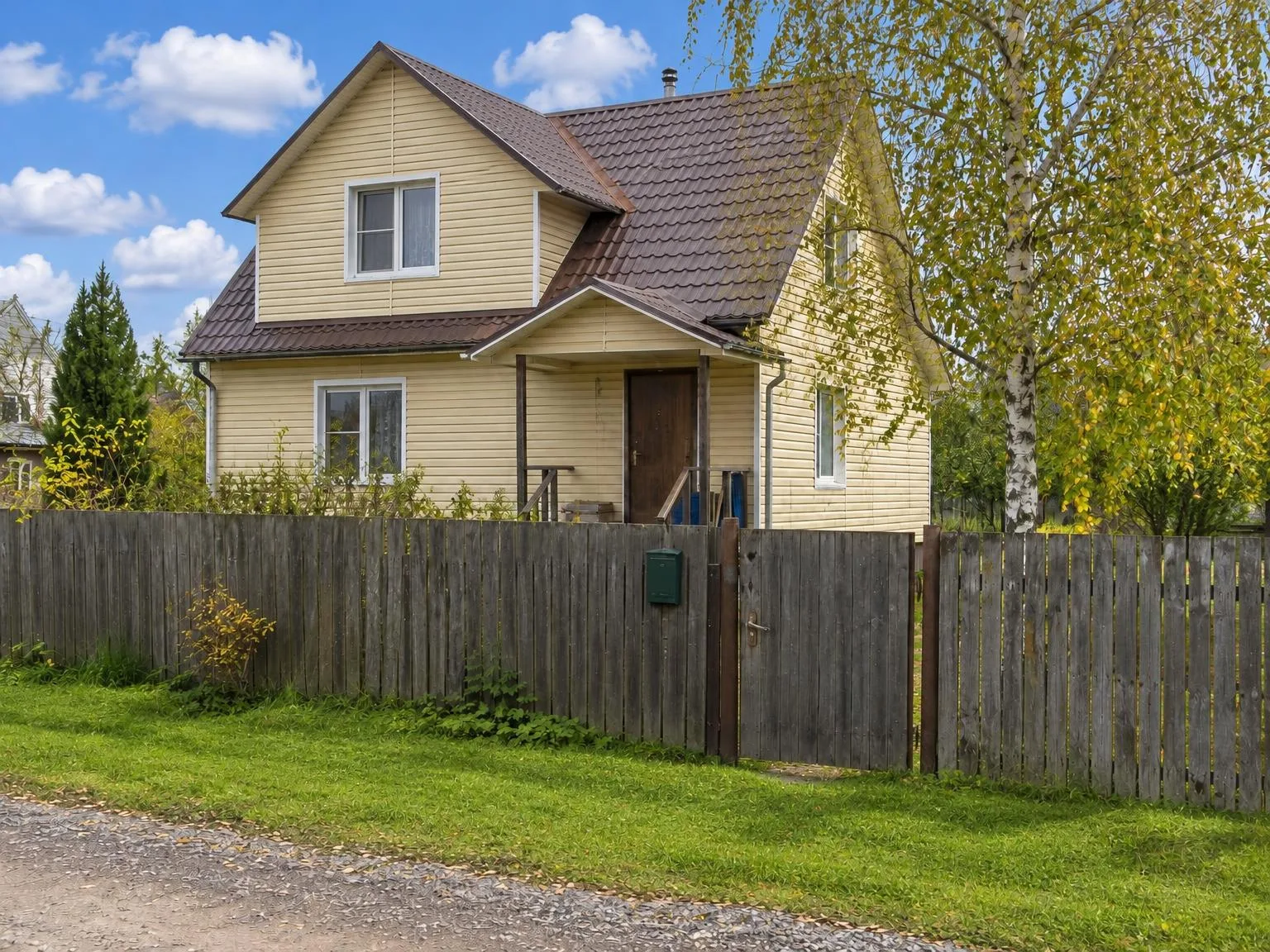
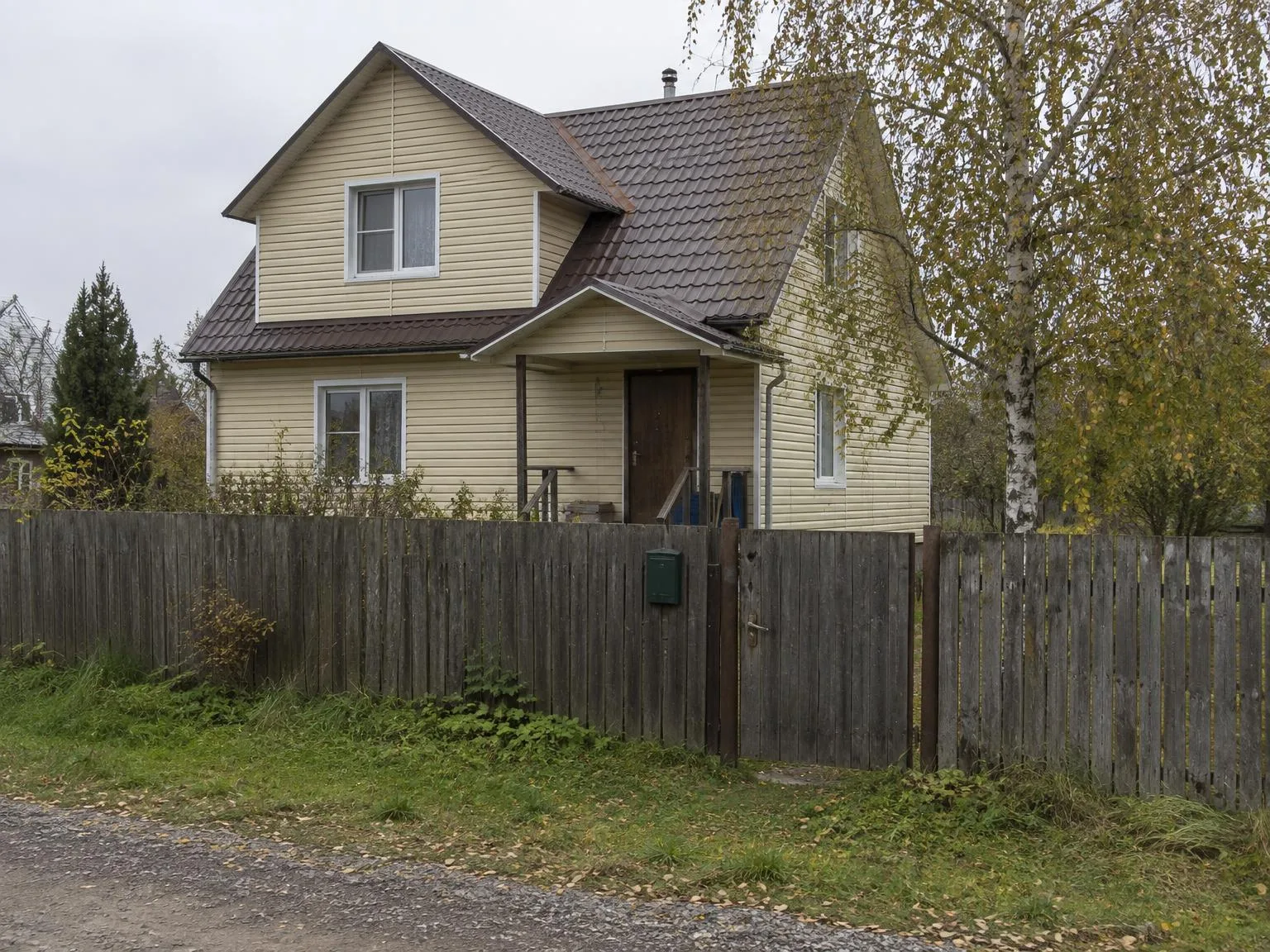
House under a grey sky → blue sky, house unchangedBeforeBeforeAfter

«House under a grey sky → blue sky, house unchanged»

Listing photo · Blue sky · GPT Image 2.5

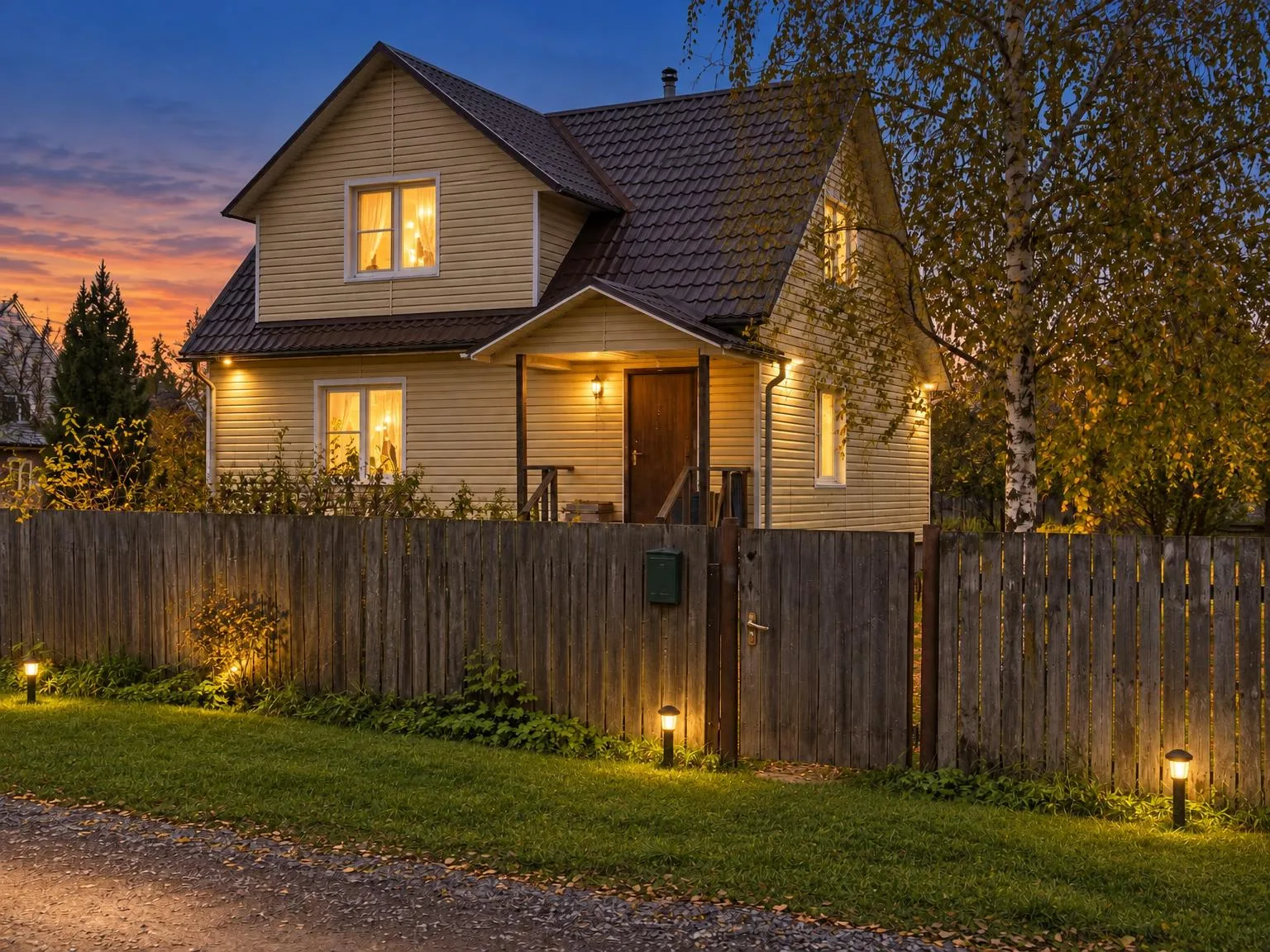
Daytime exterior → dusk with glowing windowsBeforeBeforeAfter

«Daytime exterior → dusk with glowing windows»

Listing photo · Twilight · GPT Image 2.5

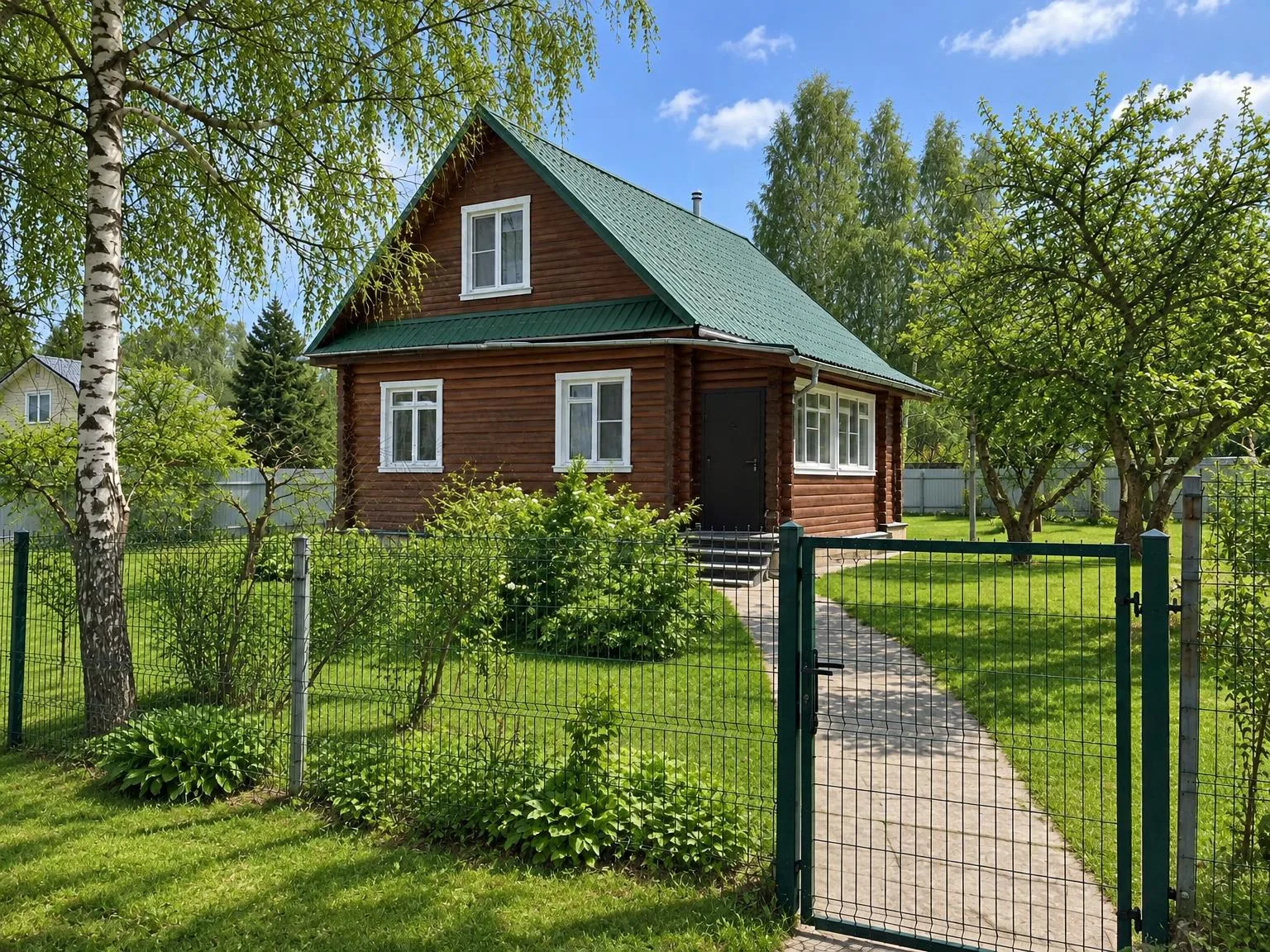
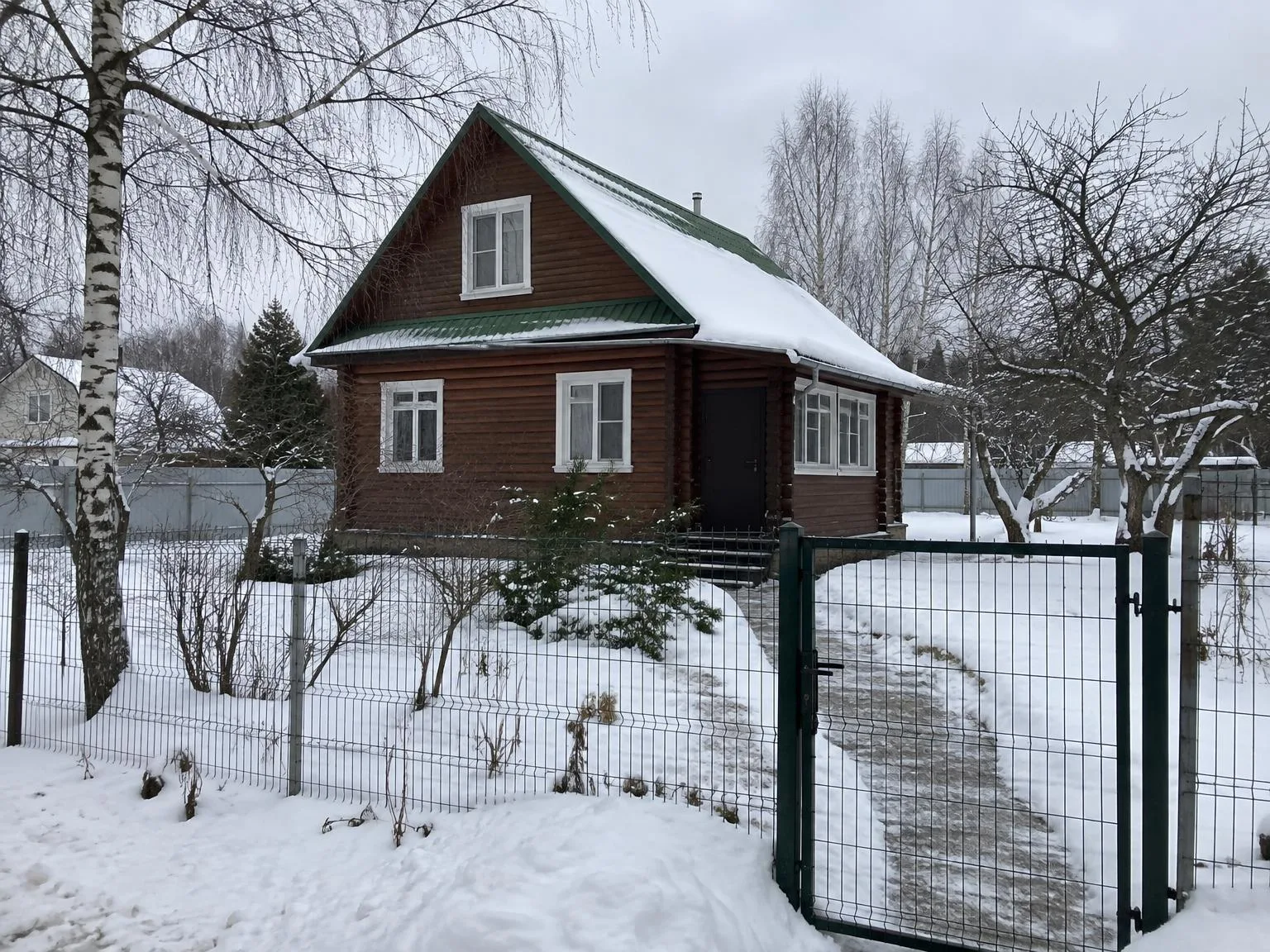
House in winter → the same house in summerBeforeBeforeAfter

«House in winter → the same house in summer»

Listing photo · Summer view · GPT Image 2.5

II

Buyers scroll past dark, yellow-tinted listing photos with blown-out windows and grey skies. Hiring a photographer and an editor for every listing isn't always possible, especially for rentals and lower-priced homes.

This tool does an editor's job in about a minute. Enhance opens up dark corners, neutralises colour casts and straightens verticals while keeping the window view. Blue sky swaps a dull sky for a clear, cloudy or sunset one. Declutter removes clothes, boxes, dishes and cables but leaves the furniture. Twilight turns a daytime exterior into a dusk shot with glowing windows, and Summer view shows a house photographed in winter with green trees and lawn.

Honesty is built in: the model is told to keep every wall, window, finish, fixture, view and the layout, to add no renovations and to hide no defects. Upload all photos of a listing at once — up to 30 — and they come back edited the same way.

III

What you can do

01

Enhance

Light, white balance, straight verticals

02

Sky replacement

Clear, cloudy or sunset

03

Declutter

Personal items out, furniture stays

04

Virtual twilight

Dusk sky and glowing windows

05

Summer view

A winter house shown in summer

06

30 photos per run

Same settings, optional 4K copies

IV

Who it's for

Listing agents

Clean photos without booking a shoot

Short-term rentals

Bright, tidy photos for Airbnb and Booking

Builders

Show homes on a sunny day and at dusk

Owners

Sell or rent privately with agency-level photos

V

How it works

01

Upload photos

One photo or the whole listing, up to 30

02

Pick the edit

Enhance, sky, declutter, twilight or summer

03

Download

One picture per photo, optionally in 4K

VI

Typical edits

See what you can create — try it yourself

Prompt

«Dark kitchen with a yellow cast · Enhance»

Result

Bright, neutral kitchen with the view kept

Prompt

«Bedroom with clothes and boxes · Declutter»

Result

The same bedroom, bed made, chair in place

Prompt

«House under a grey sky · Blue sky»

Result

The same house on a sunny day

VII

Pricing

Pay only for results — no subscription

All plans →
Model / operationCredits
  • One photo6 cr.
  • A series of 30 photos180 cr.
  • 4K copy, per photo2 cr.

Credit packs: 150 credits for $5, 350 credits for $12, 1250 credits for $35.

VIII

FAQ

Is this misleading to buyers?+

The tool is built not to change the property. Light, sky, weather and the owner's belongings change; walls, windows, finishes, fixtures, the view and the layout stay. Still, compare with the original before publishing — the before/after slider makes that easy — and follow your MLS rules on disclosing edited photos.

Do phone photos work?+

Yes, that is what it is made for. Shoot in landscape, hold the phone level and switch on all lights.

Will the photo size change?+

No, the picture keeps the proportions of the original, about 1.5 megapixels. Turn on the 4K copy for print or your website.

Can I use the pictures in listings and ads?+

Yes. Pictures you create can be used commercially: in listings, on your website, in catalogues, ads and client proposals. There are no watermarks and no attribution is required.

How much does it cost?+

6 credits per picture; a series of 30 photos is 180 credits. A 4K copy (3840 px on the long side) adds 2 credits per picture. Credits for pictures that fail are refunded.

Try for free

Sign up for free and get 6 credits right away. No card required.