
ImageGPTImageGPT

Rotate

Rotate an image

Turn it 90° either way or 180°, flip it, and straighten a tilted horizon in half-degree steps.

I

Phone photos sometimes open sideways, and horizons end up wonky. Rotate the picture by 90°, flip it horizontally or vertically, or straighten it by any angle.

When straightening, the edges are trimmed just enough to avoid empty corners. 90° turns and flips are lossless: nothing gets cut.
II

Real results

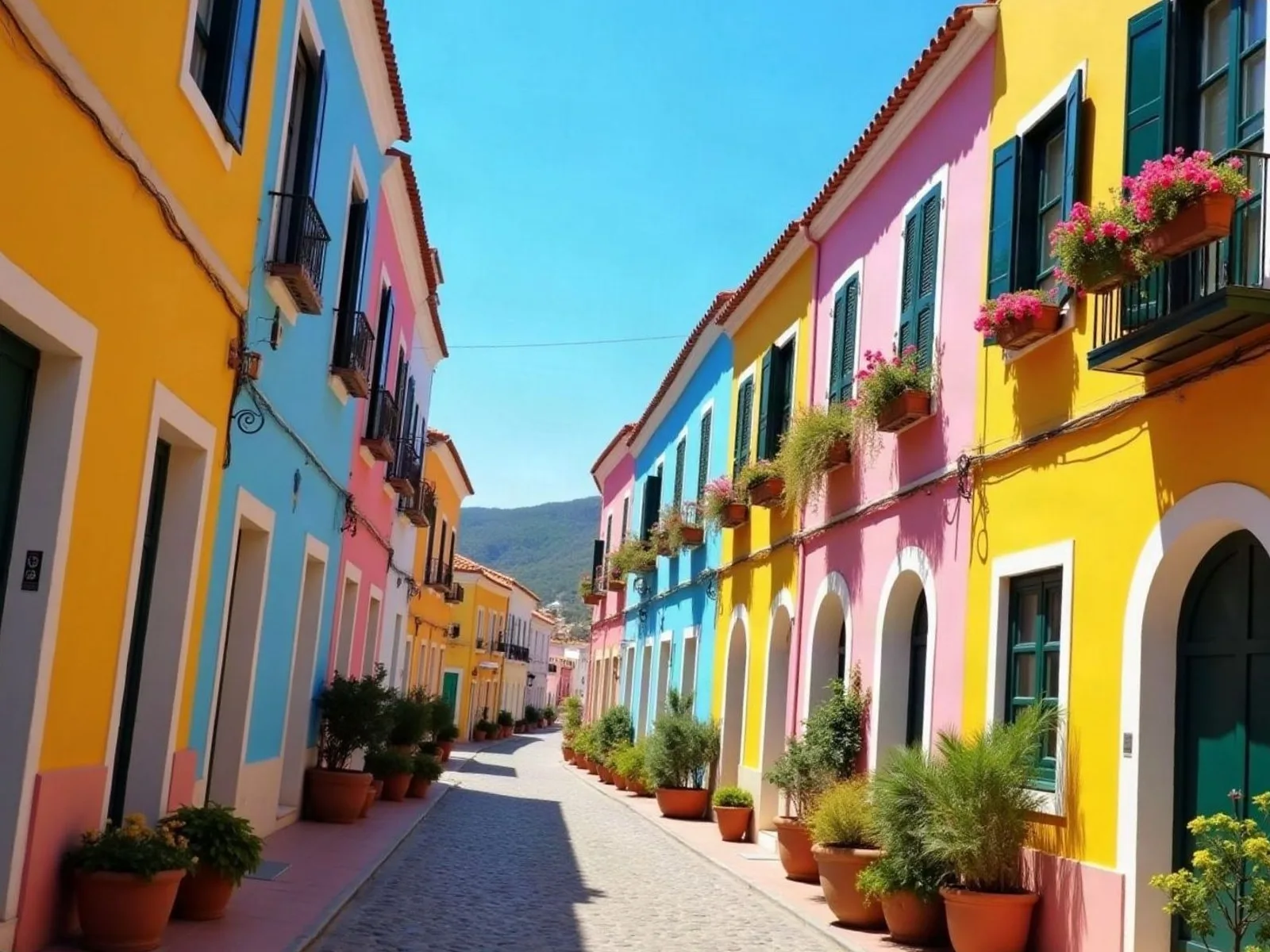
Street photo with a tilted horizonBefore
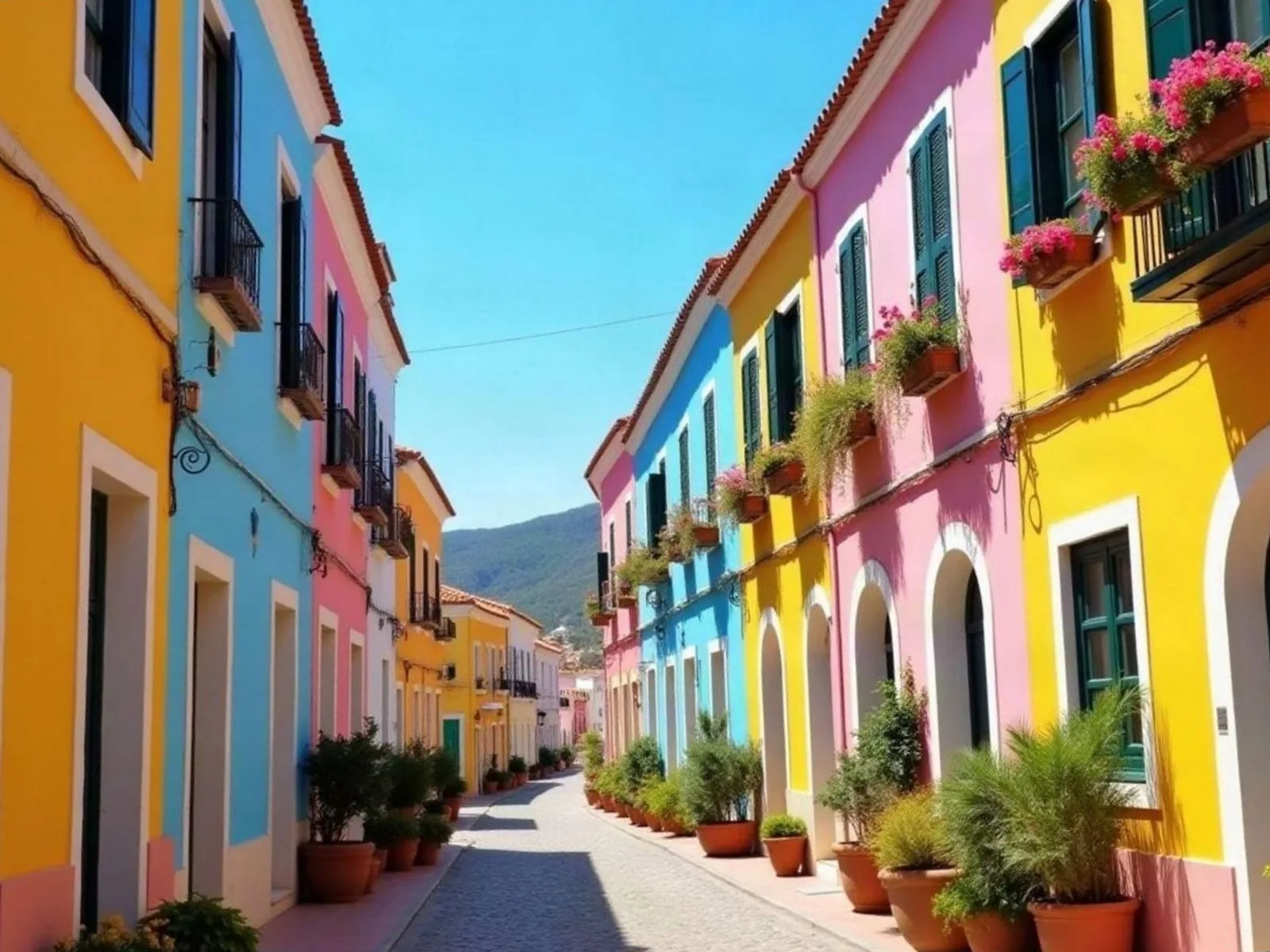
The same photo straightenedAfter
A 6° tilt straightened, edges trimmed so there are no empty corners. The photo was generated with AI.

III

How it works

  1. 01

    Add photos

    One or up to 50 at once.

  2. 02

    Rotate

    90° buttons, flips, or the Straighten slider.

  3. 03

    Download

    The result, or a ZIP with all of them.

IV

Good to know

Your photos stay on your device

Everything runs in your browser: nothing is uploaded, so it's fast and safe for personal photos and documents.

Up to 50 photos at once

Add a whole batch: the settings apply to every photo and you download them all as one ZIP.

Free, no watermark

No sign-up, no limit on how many you make, and no logo of ours on the result.

V

FAQ

Is it free?+

Yes. It runs in your browser, there's nothing to sign up for and no watermark on the result.

Are my photos uploaded anywhere?+

No. The picture is opened and processed on your device and never sent to a server.

Does it work on a phone?+

Yes, in Safari or Chrome on iPhone and Android. Pick a photo from your gallery and save the result to Files or Photos.

How do I rotate several photos at once?+

Add them all; the rotation applies to each one. Download the ZIP.