
ImageGPTImageGPT

Crop

Crop an image

A free crop frame or an exact 1:1, 4:5, 3:4, 16:9 or 9:16 ratio — plus a circle for profile pictures.

I

Drag the frame by its corners or move it around. Lock the ratio when you need to: square for a profile picture, 4:5 for the Instagram feed, 16:9 for a thumbnail, 9:16 for Stories.

Add several photos and each one is centre-cropped to the chosen ratio — handy for a batch of product shots in one format.
II

Real results

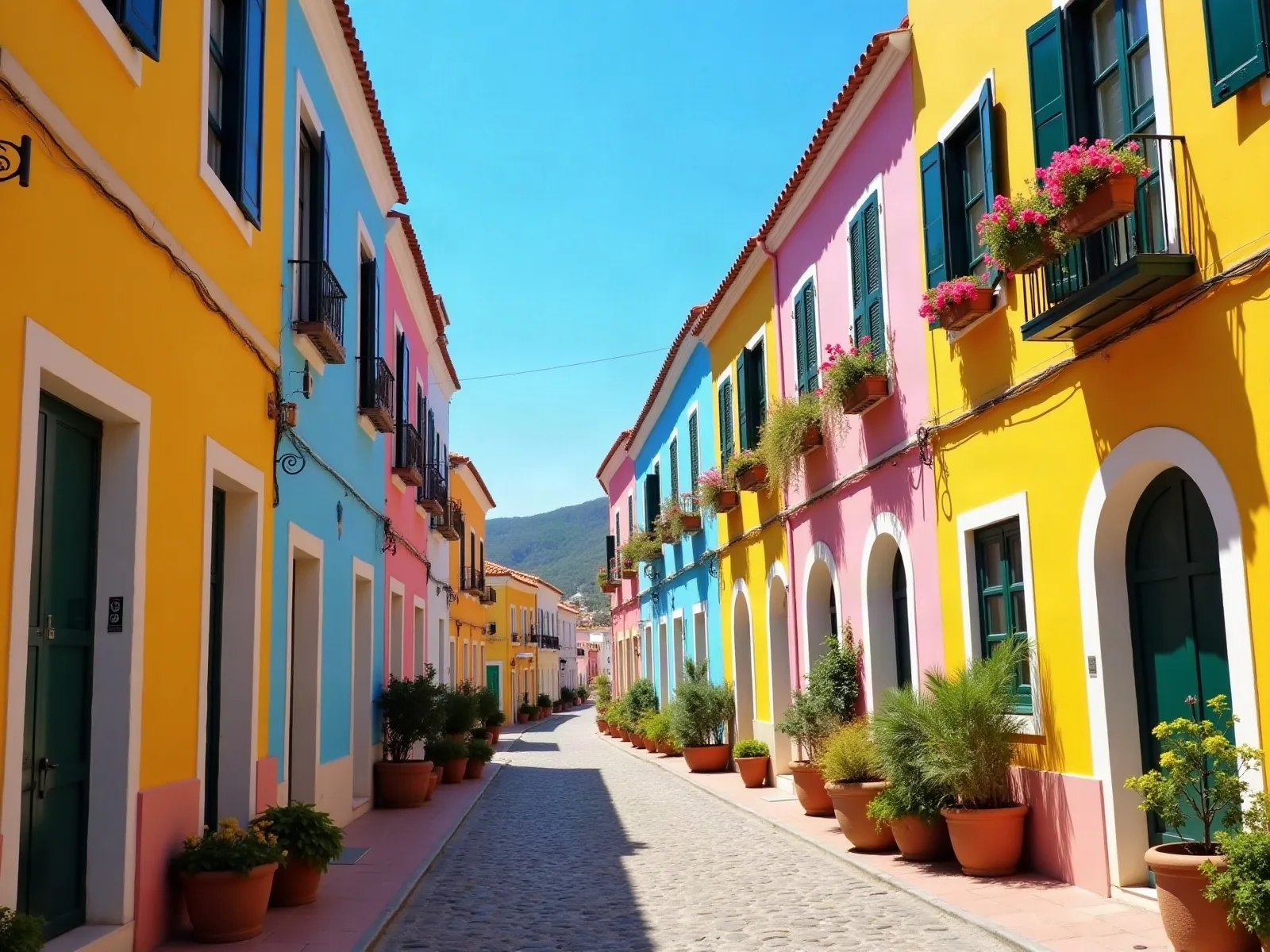
Landscape photo of a colourful streetBefore
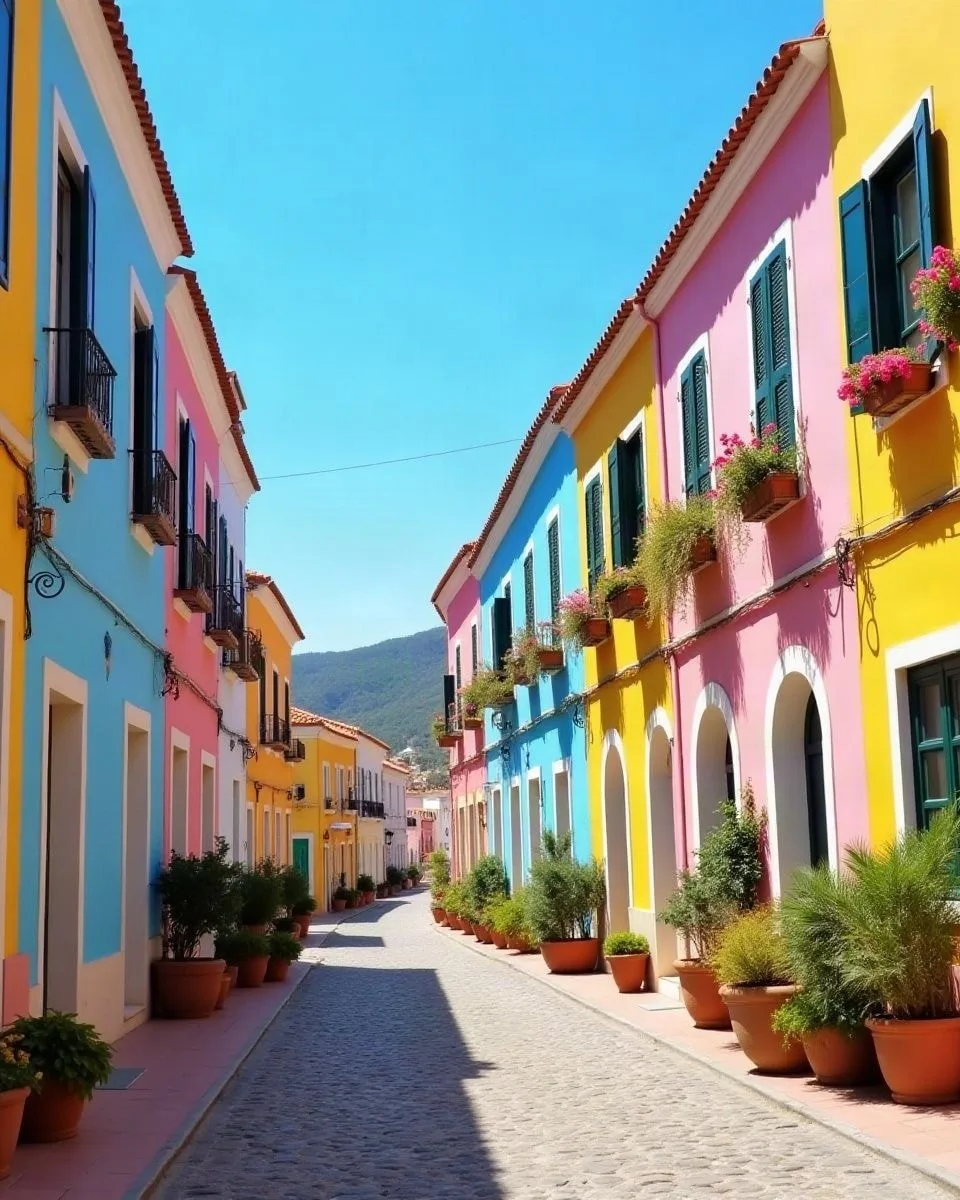
The photo cropped to 4:5After
Landscape → 4:5 for the Instagram feed. The photo was generated with AI.

III

How it works

  1. 01

    Add a photo

    JPG, PNG, WebP, HEIC and more.

  2. 02

    Pick a ratio

    Free, 1:1, 4:5, 3:4, 2:3, 16:9, 9:16 or circle.

  3. 03

    Download

    In the original format or as JPG, PNG, WebP.

IV

Good to know

Your photos stay on your device

Everything runs in your browser: nothing is uploaded, so it's fast and safe for personal photos and documents.

Up to 50 photos at once

Add a whole batch: the settings apply to every photo and you download them all as one ZIP.

Free, no watermark

No sign-up, no limit on how many you make, and no logo of ours on the result.

V

FAQ

Is it free?+

Yes. It runs in your browser, there's nothing to sign up for and no watermark on the result.

Are my photos uploaded anywhere?+

No. The picture is opened and processed on your device and never sent to a server.

Does it work on a phone?+

Yes, in Safari or Chrome on iPhone and Android. Pick a photo from your gallery and save the result to Files or Photos.

Does cropping lower the quality?+

Cropping doesn't touch the pixels you keep. JPGs are saved at high quality.