
ImageGPTImageGPT

Resize

Resize an image

By pixels, percentage or print size — with ready-made sizes for social media, screens and print.

I

Set a width and height in pixels, a scale in percent, or a print size in centimetres at the DPI you need. The aspect ratio is kept automatically; if you set both sides, choose whether to crop the edges, fit the whole photo with a blurred background or margins, or stretch it.

Presets include Instagram square and portrait, Stories and Reels 9:16, YouTube thumbnail, Facebook cover, X header, LinkedIn banner, 2 × 2 in and 4 × 6 in prints, A4, Full HD and 4K.

Need the file under a certain size for an upload form? Enter a limit in KB and the quality is tuned to fit.
II

Real results

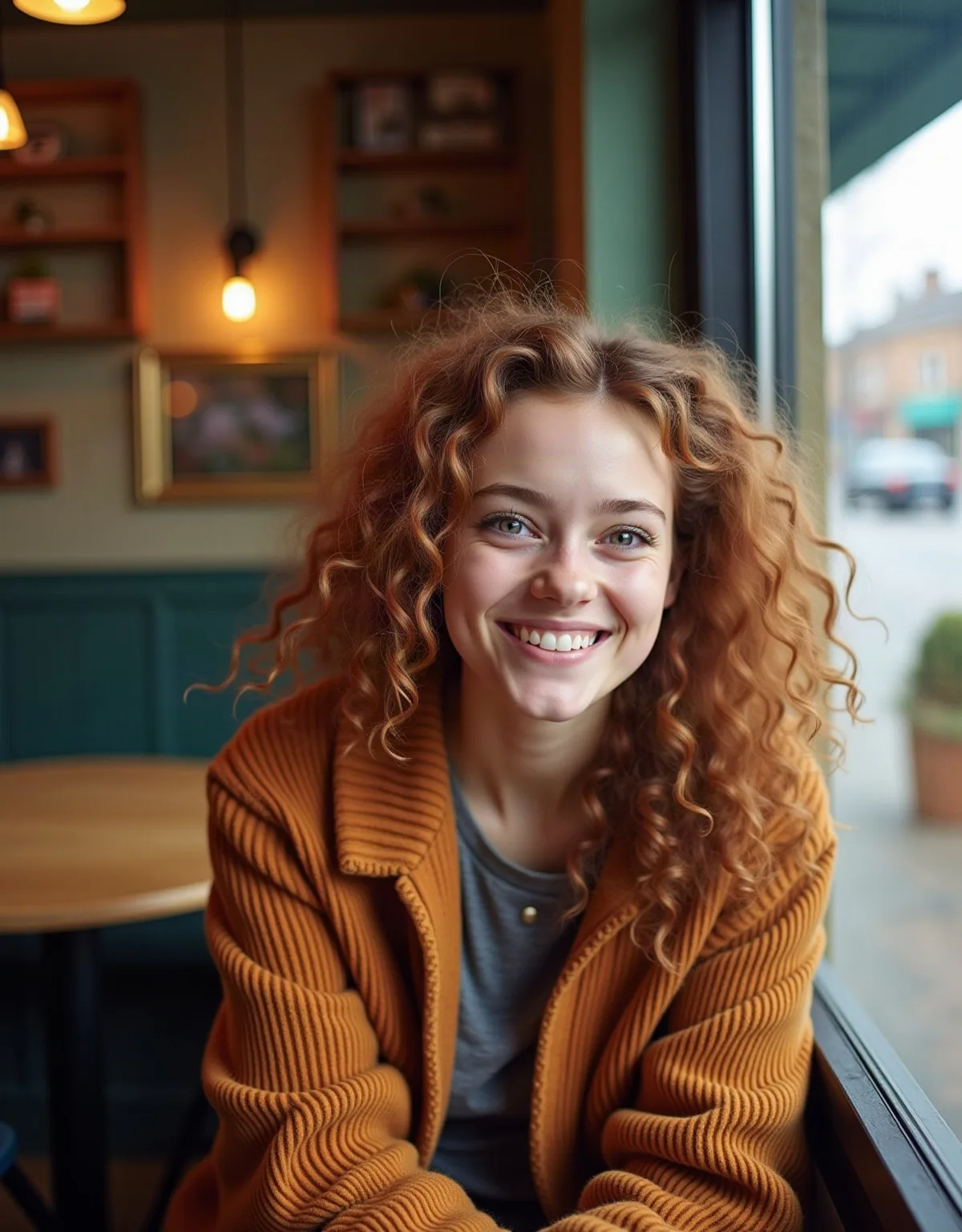
Portrait photo in a caféBefore
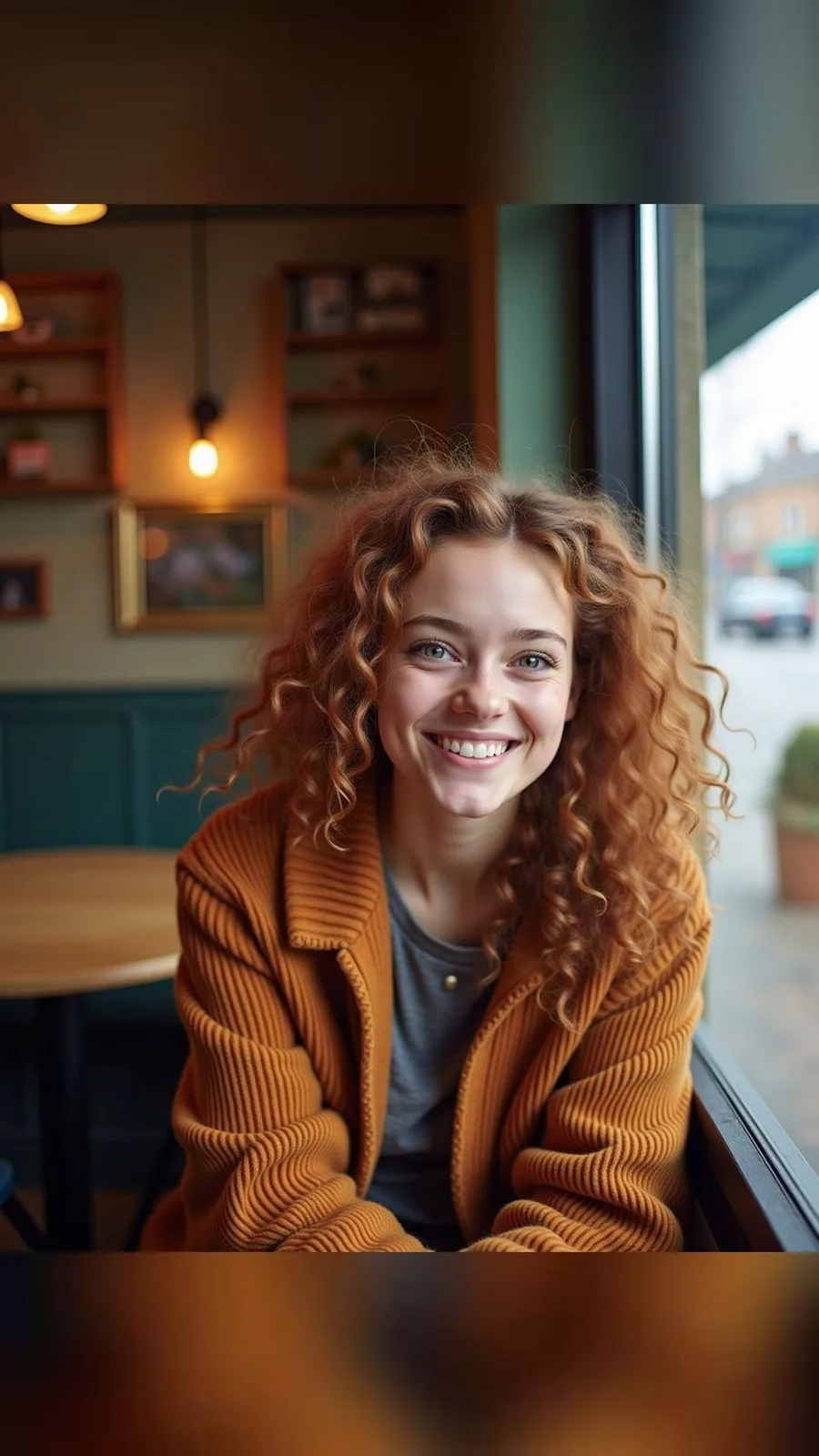
The same photo as a 9:16 Story with a blurred backgroundAfter
A 3:4 photo → a 1080 × 1920 Story, fitted whole with a blurred background. The photo was generated with AI.

III

How it works

  1. 01

    Add photos

    One or up to 50 at once.

  2. 02

    Set the size

    Pixels, percent, centimetres or a preset.

  3. 03

    Download

    One by one or all in a ZIP.

IV

Good to know

Your photos stay on your device

Everything runs in your browser: nothing is uploaded, so it's fast and safe for personal photos and documents.

Up to 50 photos at once

Add a whole batch: the settings apply to every photo and you download them all as one ZIP.

Any photo format

JPG, PNG, WebP, iPhone HEIC, AVIF, GIF, BMP, TIFF. Save in the original format or as JPG, PNG or WebP.

File size in KB

Set a maximum and we'll pick the JPG quality that fits under it.

V

FAQ

Is it free?+

Yes. It runs in your browser, there's nothing to sign up for and no watermark on the result.

Are my photos uploaded anywhere?+

No. The picture is opened and processed on your device and never sent to a server.

Does it work on a phone?+

Yes, in Safari or Chrome on iPhone and Android. Pick a photo from your gallery and save the result to Files or Photos.

How do I resize for print?+

Switch units to centimetres, enter the size and the print resolution (usually 300 DPI). Pixels are worked out for you and the DPI is written into the file.

Will enlarging make it sharper?+

No, enlarging just stretches the pixels. For upscaling with added detail, use the AI upscaler.