
ImageGPTImageGPT

For fashion brands and sellers

AI Clothing on Model

Transform a garment on a hanger into a model photo—no photographer, studio, or model required.

6 free credits on sign up

I

Source and shots

Real outputs of the model: the request and what came out, with no retouching

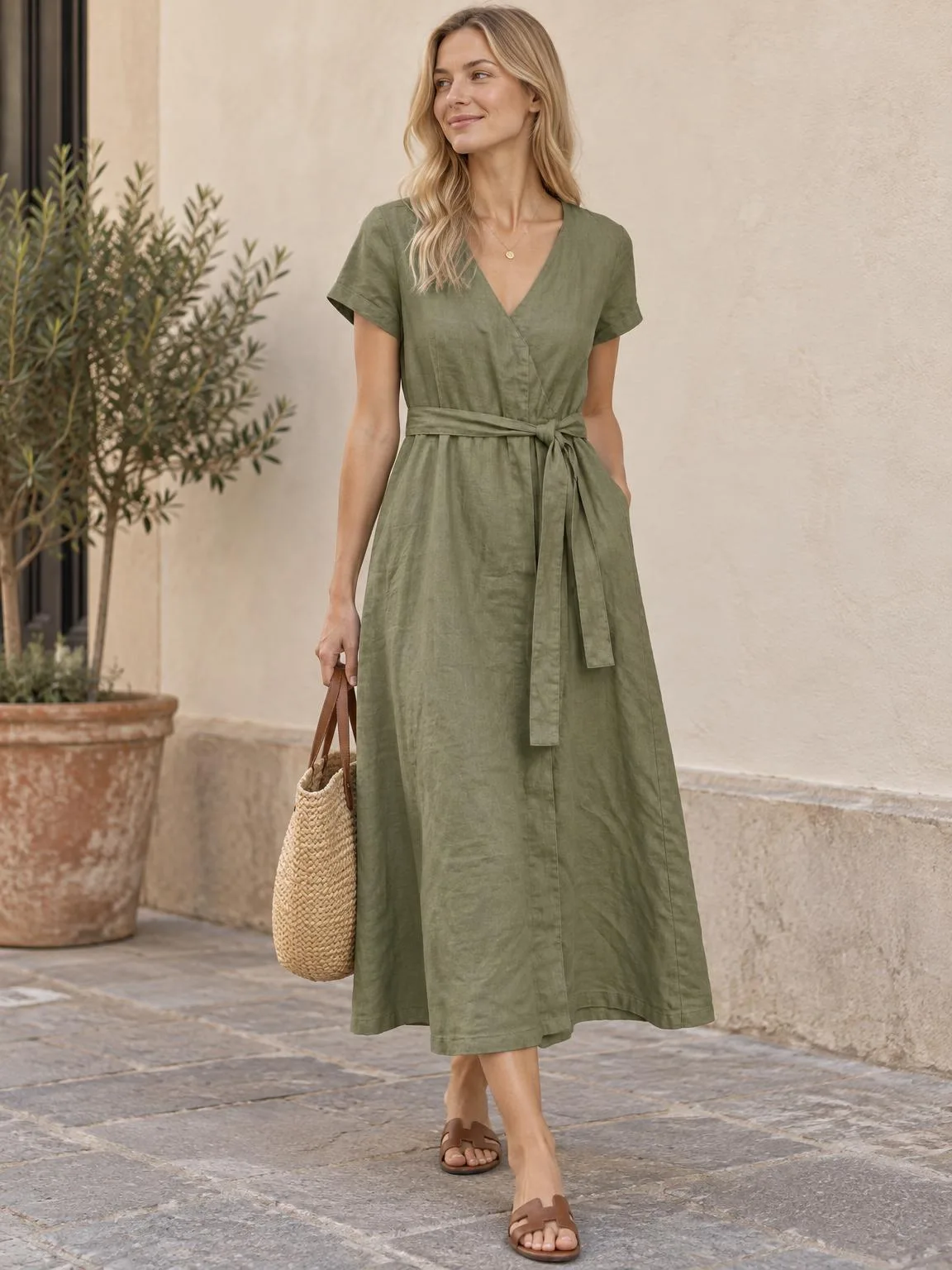
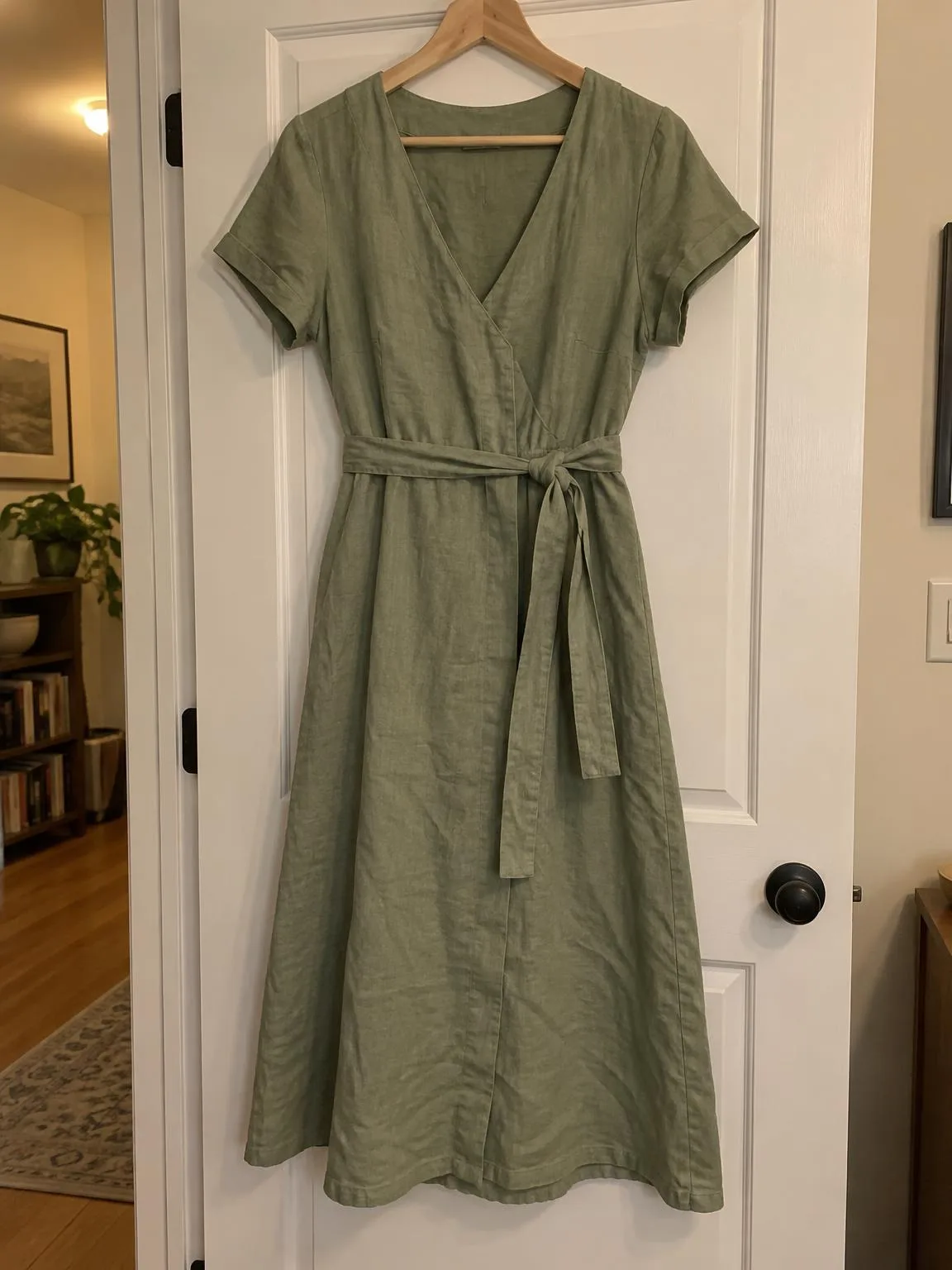
Dress on a hanger → worn by a modelBeforeBeforeAfter

«Dress on a hanger → worn by a model»

Clothing on model · GPT Image 2.5

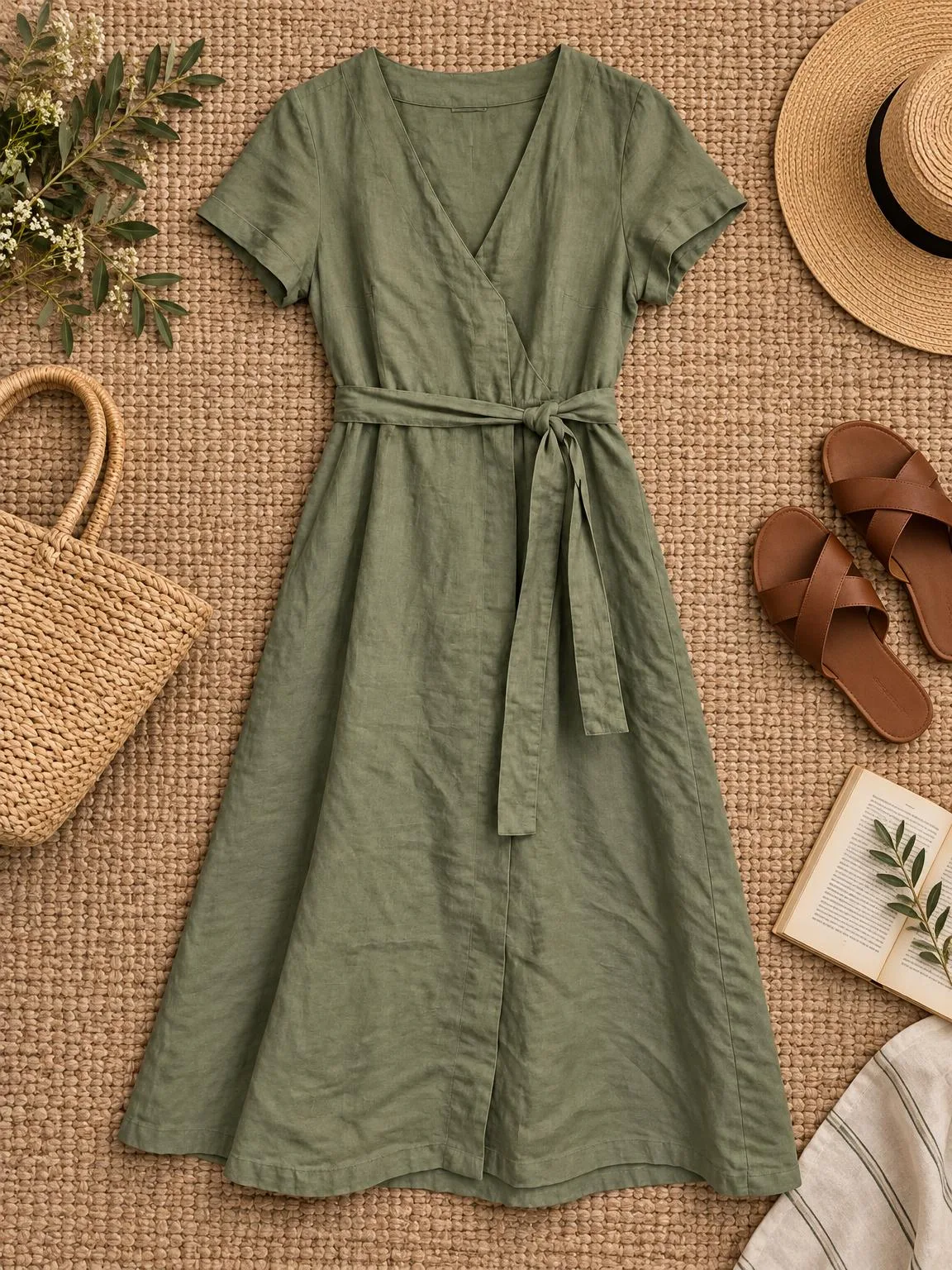
The same dress → flat layBeforeBeforeAfter

«The same dress → flat lay»

Clothing · Flat lay · GPT Image 2.5

II

Clothes sell when customers see them on a person: how they fit, their length, and how to style them. But a full photoshoot for every new item is out of reach for many small brands and sellers.

Just photograph your garment on a hanger, mannequin, or laid flat. ImageGPT uses AI to place it on a generated model in a natural pose, style an outfit, and set the scene in a studio or outdoors. The cut, fabric, color, print, seams, buttons, and labels are preserved, so buyers see exactly what they'll get.

In one session, you can create a flat lay with accessories, a lifestyle shot in a bright setting, a white-background main image, and a fabric close-up. Describe the model—age, appearance, hairstyle, pose—in your notes.

III

Shots you get

01

On a model

Natural pose and styled outfit

02

Flat lay

Top-down with accessories

03

Lifestyle

In a bright apartment or on a rack

04

White background

Main product image

05

Fabric macro

Texture, seams, hardware

06

Cut unchanged

Color, print, and details as photographed

IV

Who it's for

Small fashion brands

Show every new piece on a model the day it's made

Marketplace sellers

Create a listing image set without a photoshoot

Tailors and makers

Show your pieces on a model for social media

V

How to create an on-model photo

01

Photograph the garment

On a hanger or laid flat, fully visible and straight

02

Select your shots

On a model, flat lay, lifestyle, white background

03

Describe the model

Age, appearance, and pose—optional

VI

Examples

See what you can create — try it yourself

Prompt

«Linen dress on a hanger · On a model · “blonde hair”»

Result

The dress on a model outdoors

Prompt

«The same dress · Flat lay»

Result

The dress top-down with a bag, hat and sandals

Prompt

«Hoodie on a bed · On a model · “young man, city street”»

Result

The hoodie in a street-style look

VII

Pricing

Pay only for results — no subscription

All plans →
Model / operationCredits
  • One shot6 cr.
  • Three shots18 cr.
  • 4K copy, per shot2 cr.

Credit packs: 150 credits for $5, 350 credits for $12, 1250 credits for $35.

VIII

FAQ

Who is the model?+

A generated person, not a real model—no model releases needed. You can describe age, appearance, hairstyle, and pose in your notes.

Will the garment change?+

The AI is instructed to keep the cut, fabric, color, print, seams, buttons, and labels. Please review complex prints and small lettering before publishing.

How is this different from virtual try-on?+

Here, the garment is placed on a generated model—it's a product photo for your store. To try clothes on your own photo, use the Virtual Try-On tool.

Does a mannequin photo work?+

Yes. The best results come from a full, straight garment shot in daylight without heavy creases. A second photo of the back or details helps capture them accurately.

Can I use the pictures commercially?+

Yes. You can use the images in listings, on your website, in catalogs, ads, and client proposals. No watermarks and no attribution required.

How much does it cost?+

6 credits per shot. A 4K copy adds 2 credits per shot. Credits for failed shots are refunded.

Try for free

Sign up for free and get 6 credits right away. No card required.