
ImageGPTImageGPT

For decor shops and makers

Home Decor Product Photos

Home goods sell on mood — ImageGPT places your product in a room people want to live in.

6 free credits on sign up

I

Source and shots

Real outputs of the model: the request and what came out, with no retouching

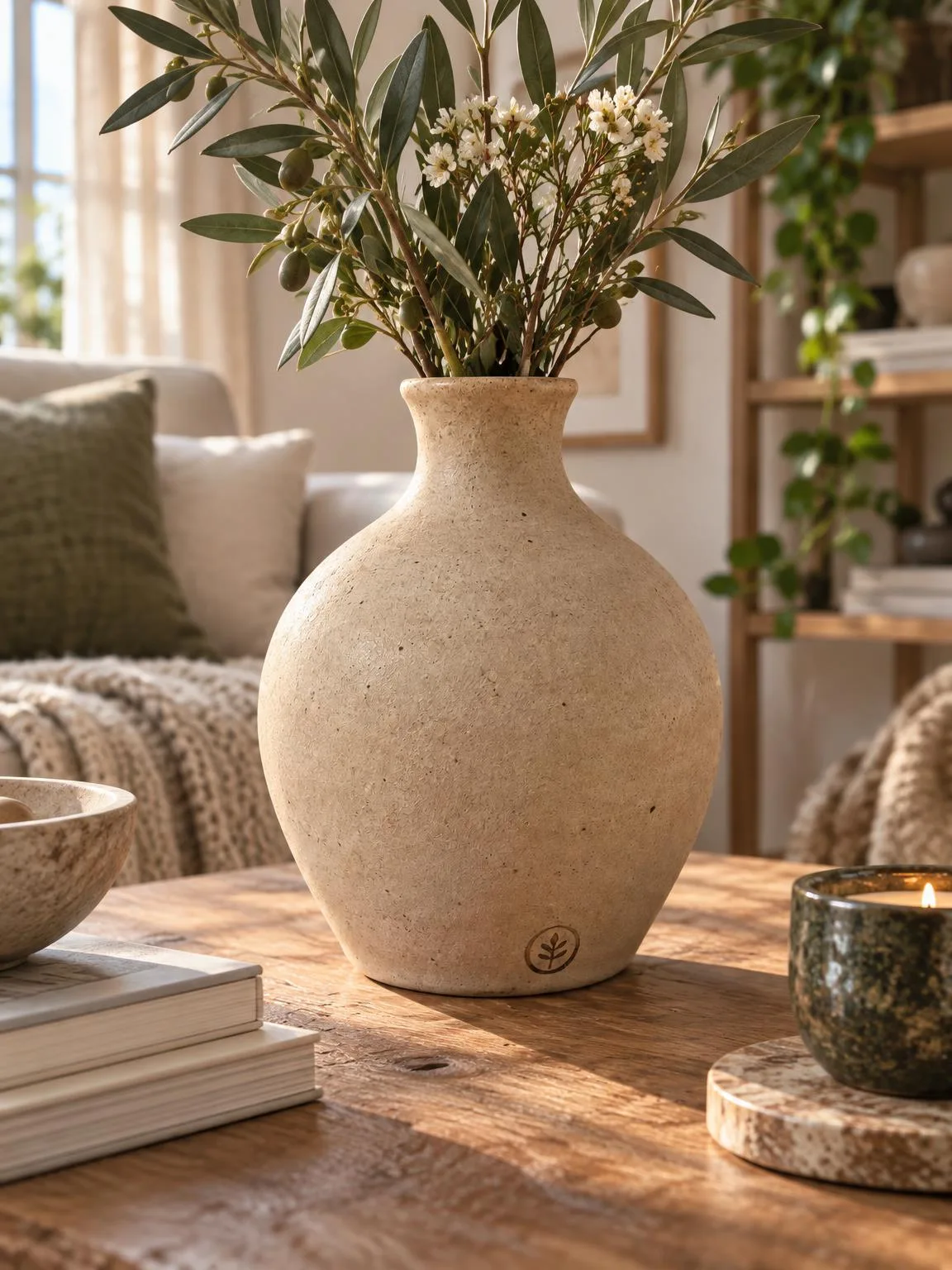
The same vase → lifestyle shotBeforeBeforeAfter

«The same vase → lifestyle shot»

Product photo · Lifestyle · GPT Image 2.5

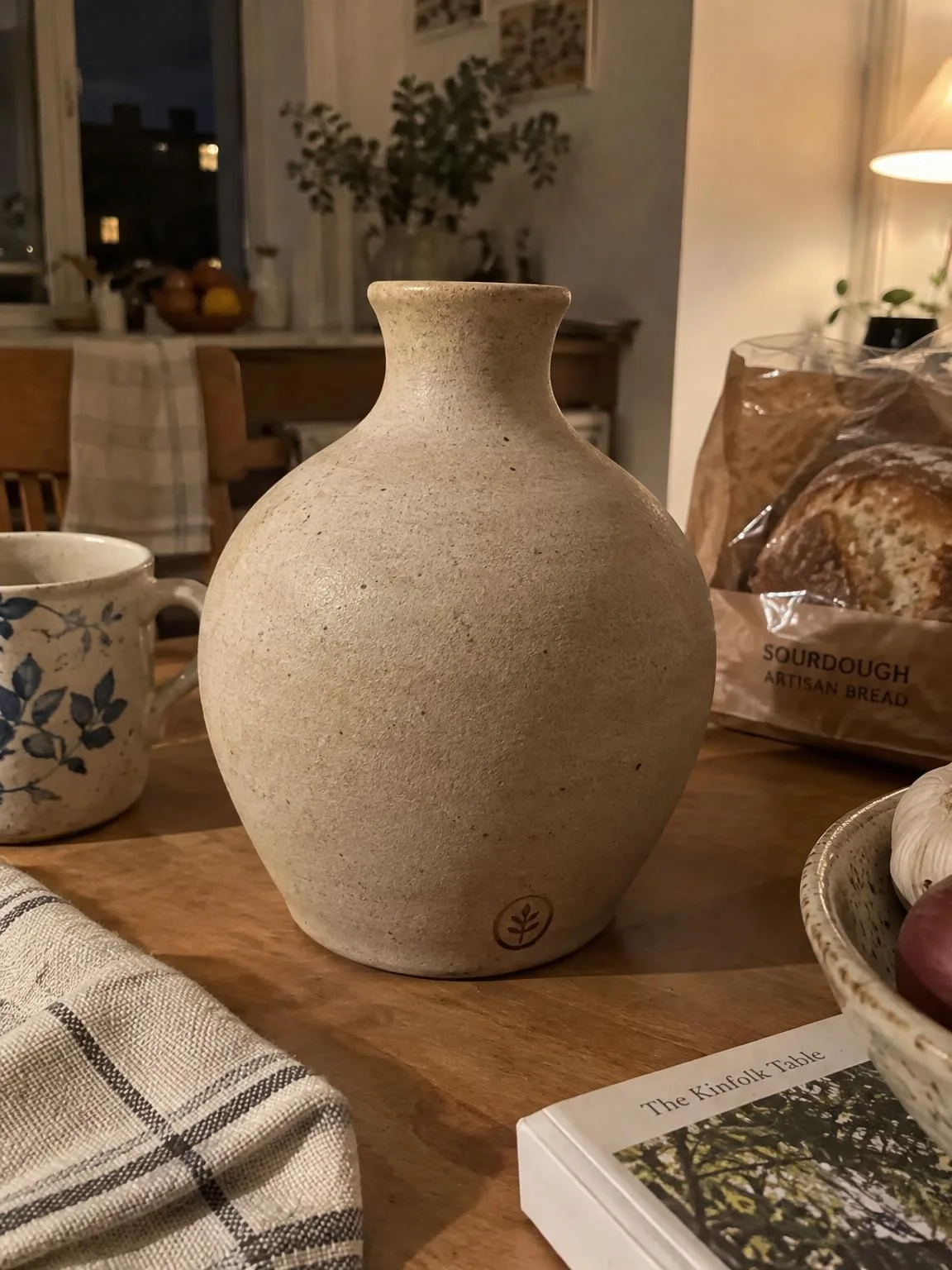
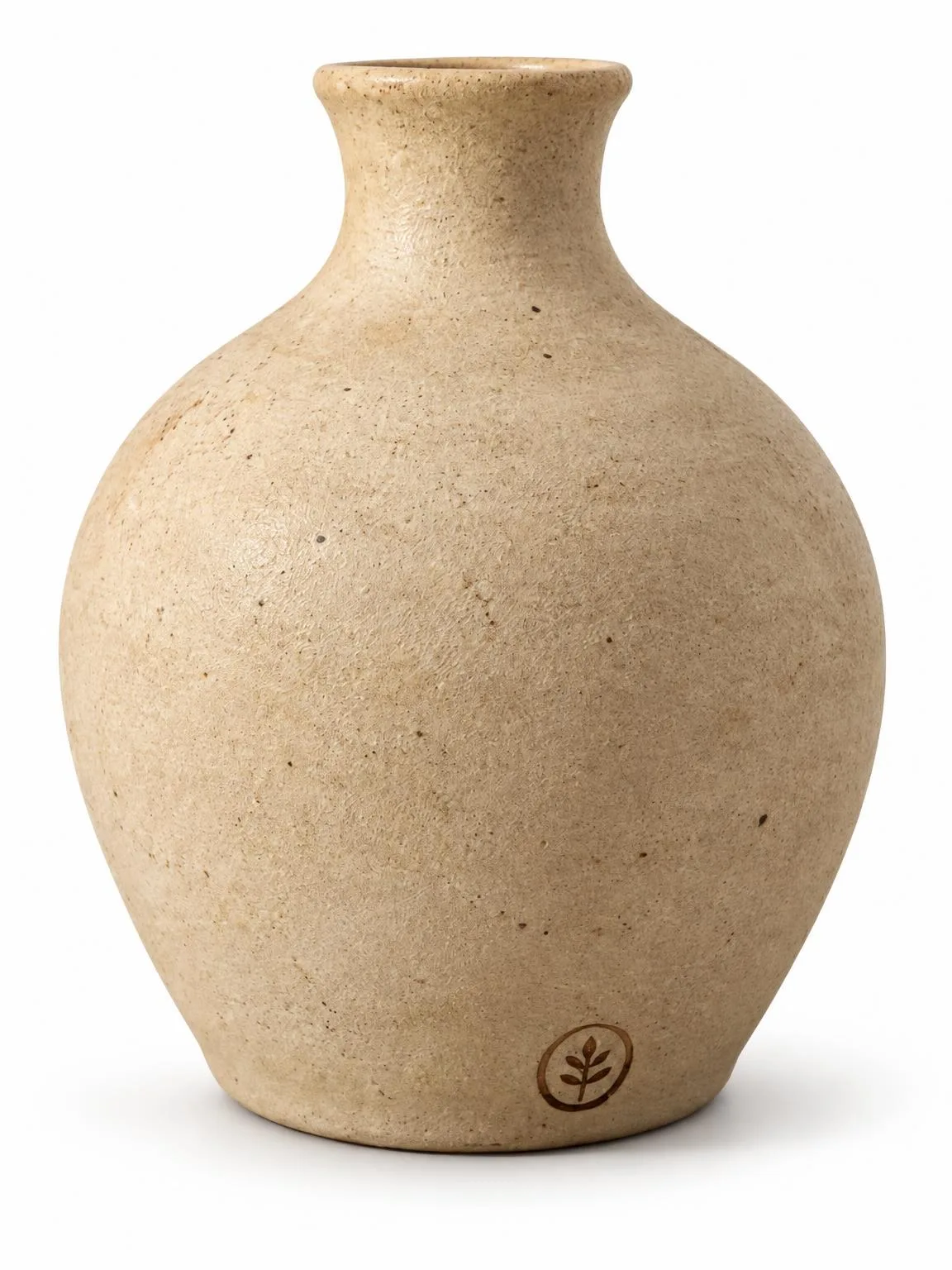
Vase on a kitchen table → white backgroundBeforeBeforeAfter

«Vase on a kitchen table → white background»

Product photo · White background · GPT Image 2.5

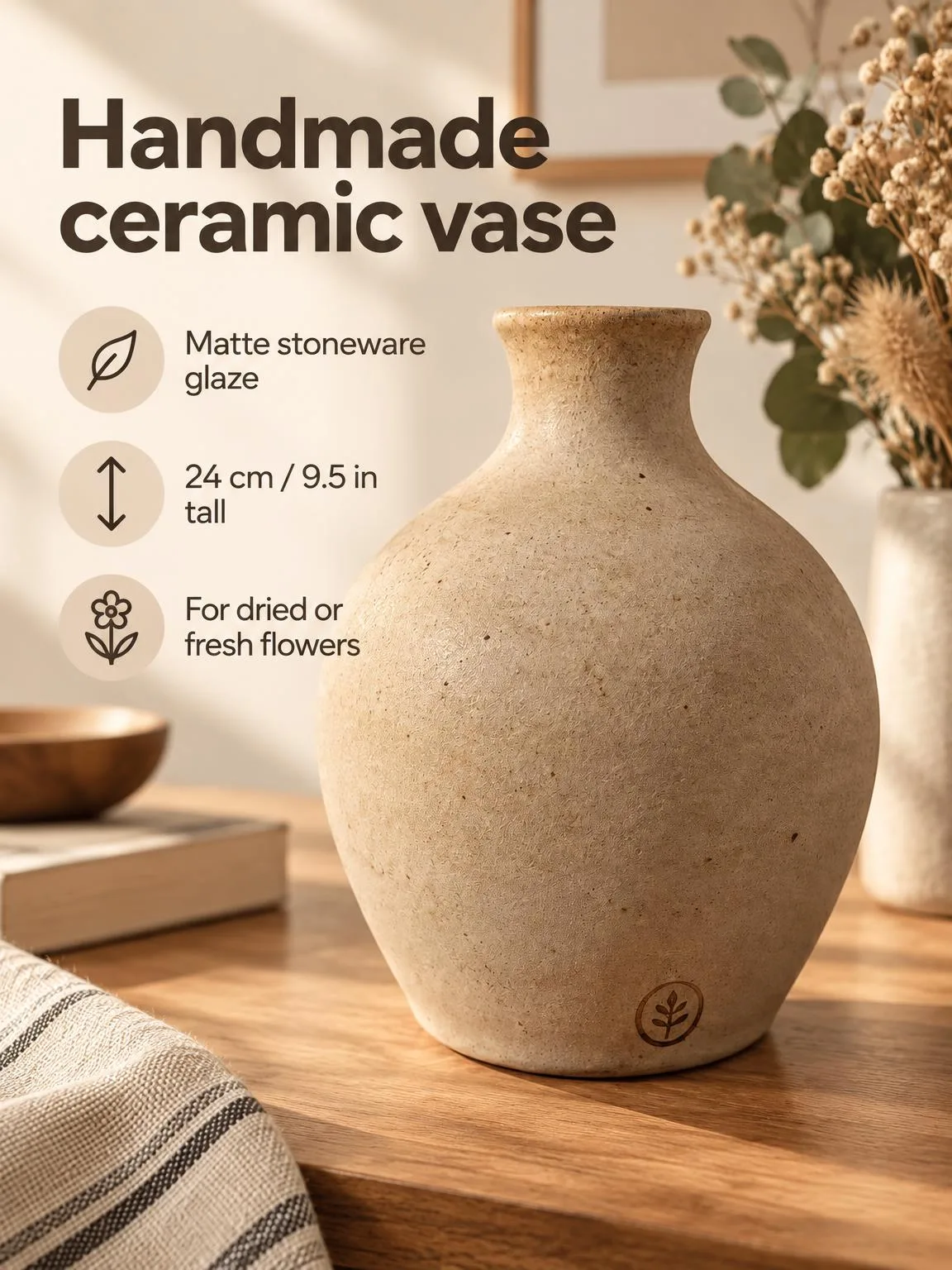
The same vase → marketplace infographicBeforeBeforeAfter

«The same vase → marketplace infographic»

Product photo · Infographic · GPT Image 2.5

II

People buy a candle, vase, or throw by imagining it in their own home. A white-background shot shows the product but not the mood, and styling an interior shoot means renting a studio, props, and half a day for every new item.

Photograph the product on any table and ImageGPT creates a set: a shot in a cozy contemporary interior, a clean white background for the catalog, a studio podium, a top-down flat lay with matching props, and a marketplace card with your headline and features. Shape, material, glaze, color, and texture stay as in the photo.

It works for handmade ceramics and tableware, candles, vases, textiles, mirrors, lamps, and any small home goods.

III

Shots you get

01

Lifestyle

A cozy contemporary setting

02

White background

The main product image

03

Studio

Colored backdrop or podium

04

Flat lay

Top-down with matching props

05

Infographic card

Headline and features with icons

06

Macro

Glaze, fabric, or wax texture

IV

Who it's for

Makers

Candles, ceramics, textiles — no studio

Etsy and Amazon sellers

Lifestyle shots and infographics

Decor shops

A catalog in one style

V

How to photograph decor

01

Photograph the product

On a plain background in daylight

02

Tick the shots

Lifestyle, white, flat lay, card

03

Download the set

In the proportions you need, optionally in 4K

VI

Examples

See what you can create — try it yourself

Prompt

«Ceramic vase on a kitchen table · Lifestyle»

Result

The vase with branches on a living-room console

Prompt

«The same vase · Card · “Handmade ceramic vase”»

Result

A card with a headline and four features

Prompt

«Soy candle in a jar · Flat lay»

Result

Top-down with matches and dried flowers

VII

Pricing

Pay only for results — no subscription

All plans →
Model / operationCredits
  • One shot6 cr.
  • Three shots18 cr.
  • 4K copy, per shot2 cr.

Credit packs: 150 credits for $5, 350 credits for $12, 1250 credits for $35.

VIII

FAQ

Will the product change?+

The AI is told to keep the shape, proportions, color, material, and any text. It also tries to keep handmade texture such as uneven glaze or seams; compare the shots with the product before publishing.

How do I make an infographic?+

Tick the Card shot and enter a headline and features, one per line. If you leave them empty, the AI only labels what is visible in the photo.

Can I add a second product photo?+

Yes, a second photo from another angle helps get the details right.

Can I use the pictures commercially?+

Yes. Pictures you create can be used in listings, on your website, in catalogs, ads, and client proposals. There are no watermarks and no attribution is required.

How much does it cost?+

6 credits per shot. A 4K copy adds 2 credits per shot. Credits for shots that fail are refunded.

Try for free

Sign up for free and get 6 credits right away. No card required.