
ImageGPTImageGPT

For shops and makers

AI Product Photography

One phone photo of your product — a full set of shots for your store, ads and marketplaces.

6 free credits on sign up

I

Source and shots

Real outputs of the model: the request and what came out, with no retouching

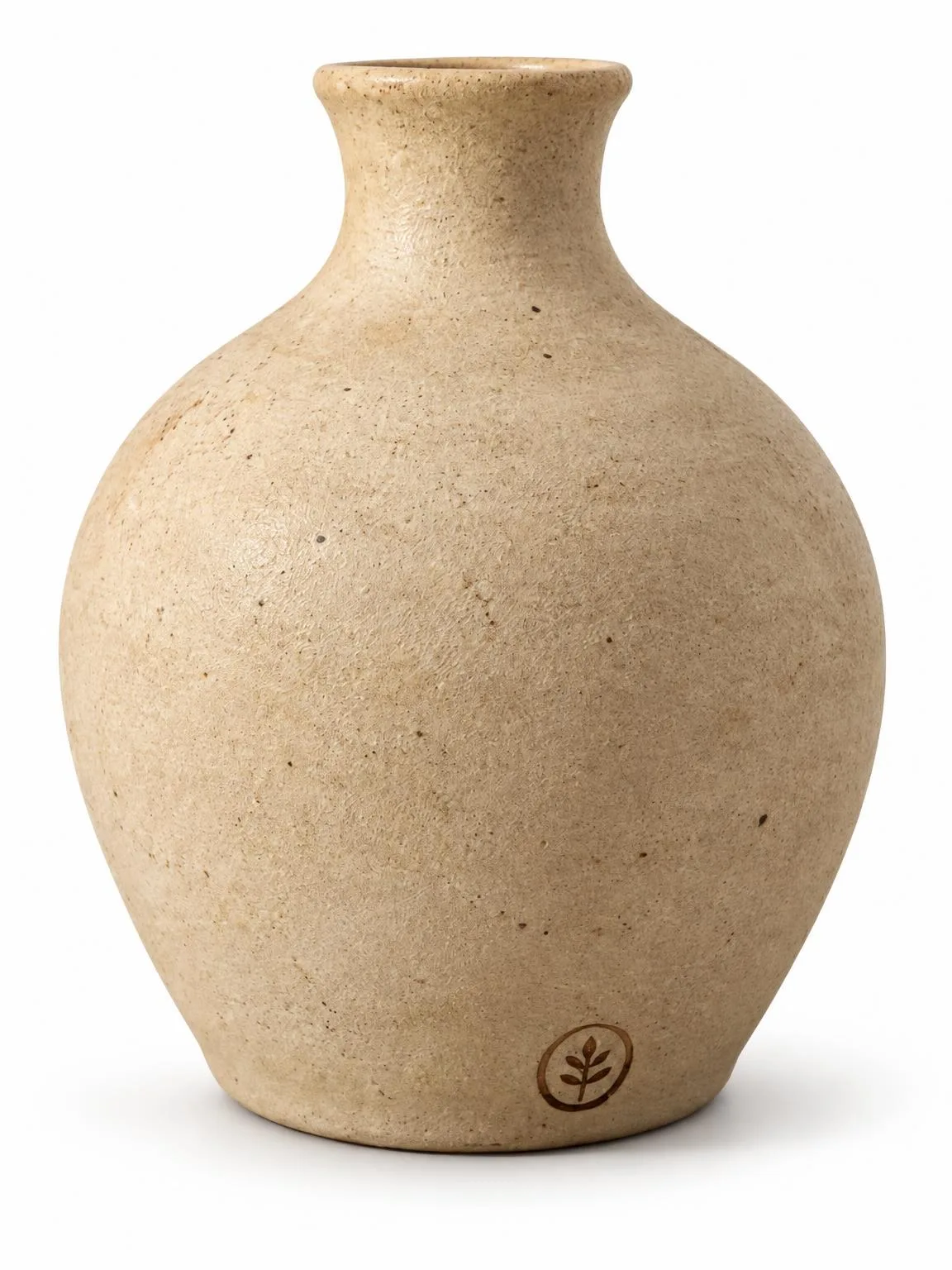
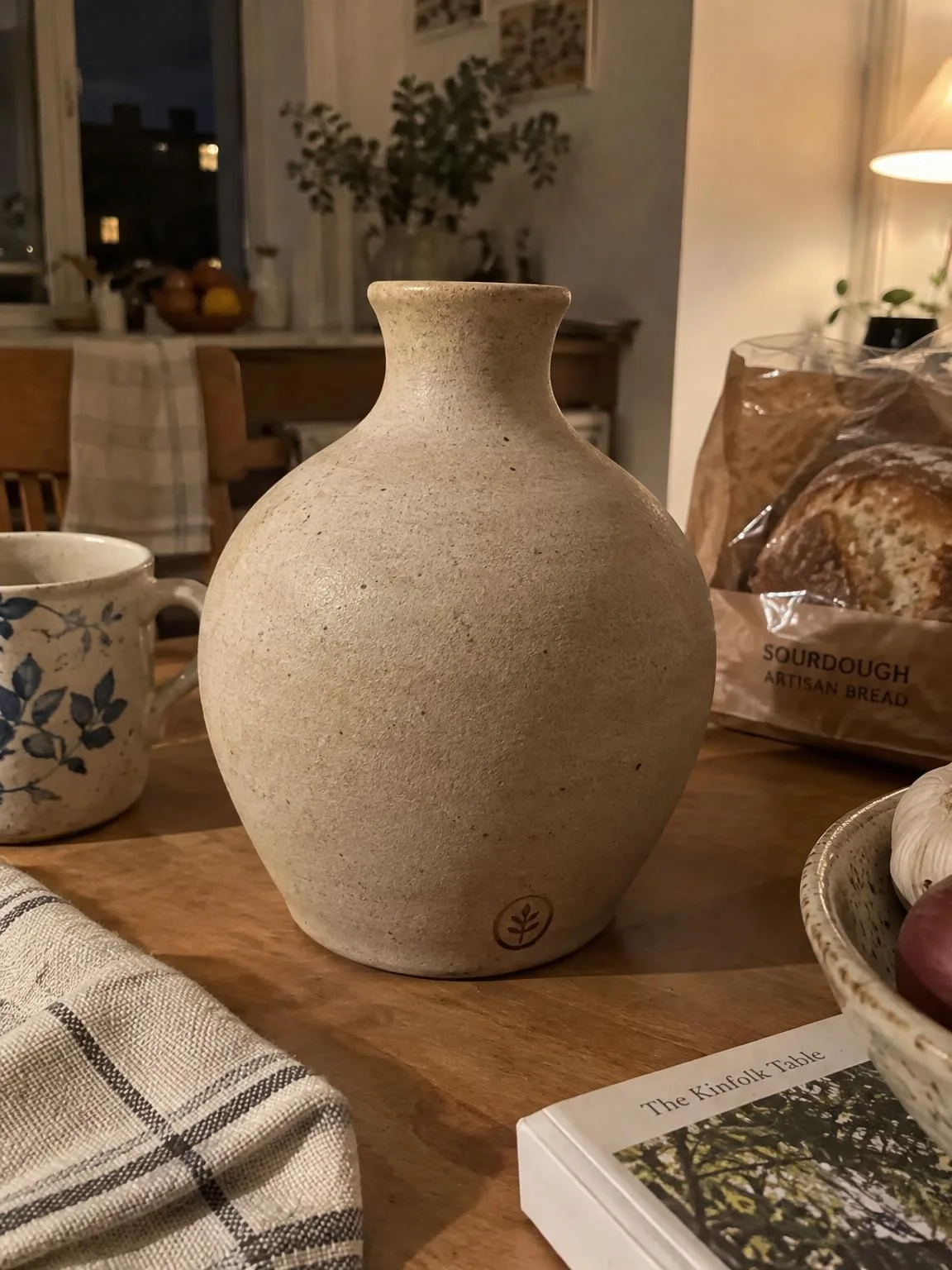
Vase on a kitchen table → white backgroundBeforeBeforeAfter

«Vase on a kitchen table → white background»

Product photo · White background · GPT Image 2.5

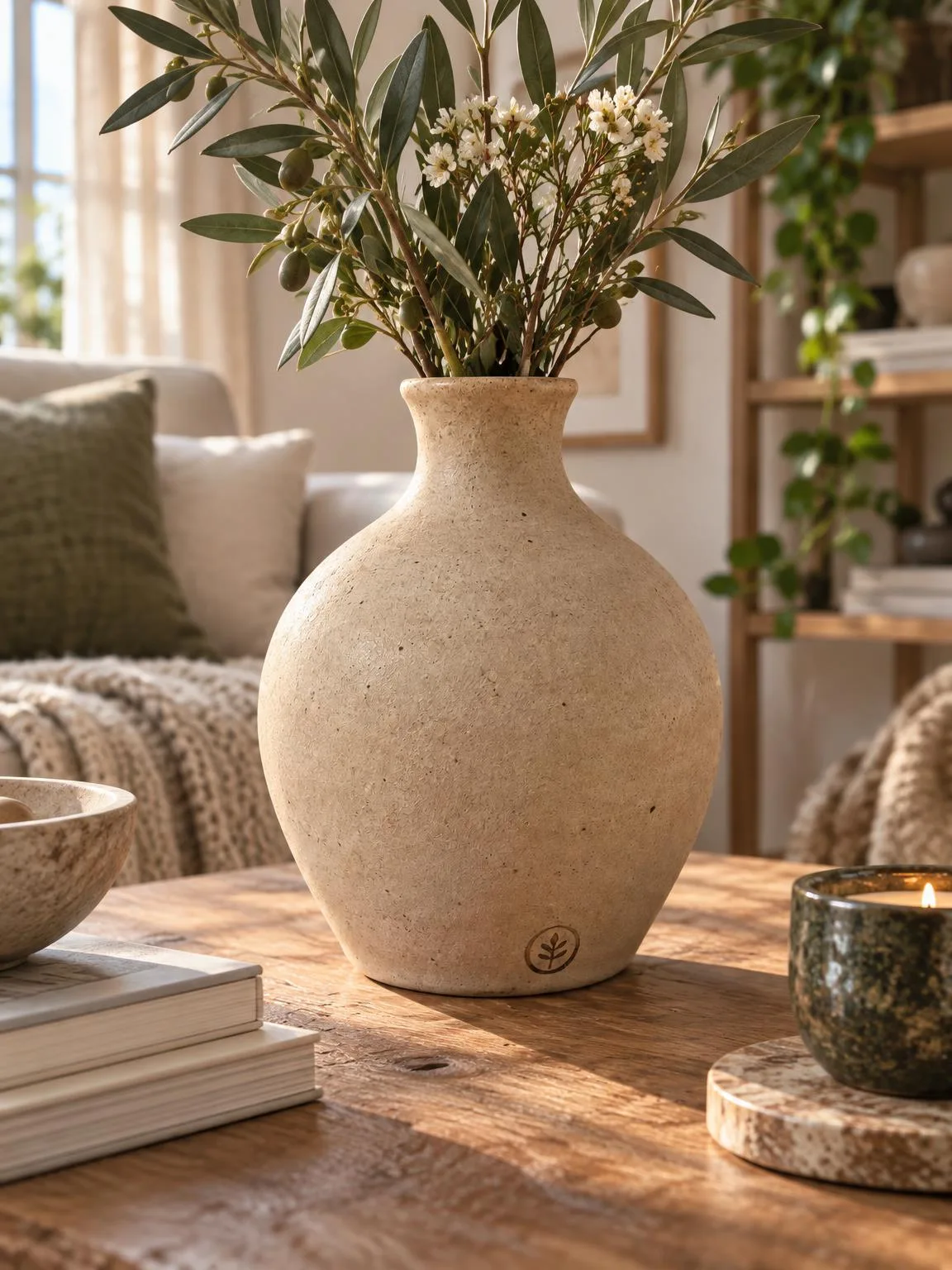
The same vase → lifestyle shotBeforeBeforeAfter

«The same vase → lifestyle shot»

Product photo · Lifestyle · GPT Image 2.5

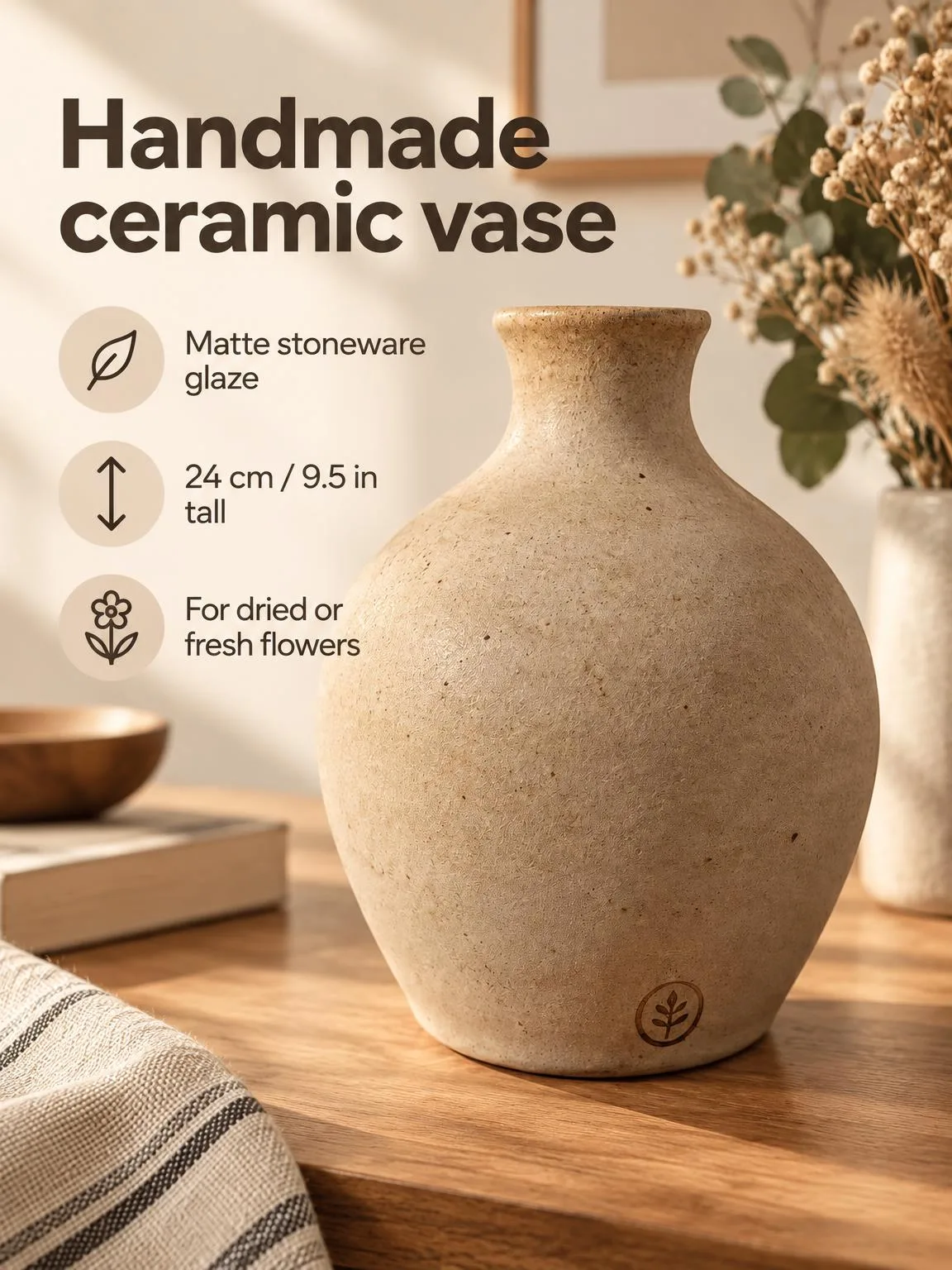
The same vase → infographic cardBeforeBeforeAfter

«The same vase → infographic card»

Product photo · Infographic · GPT Image 2.5

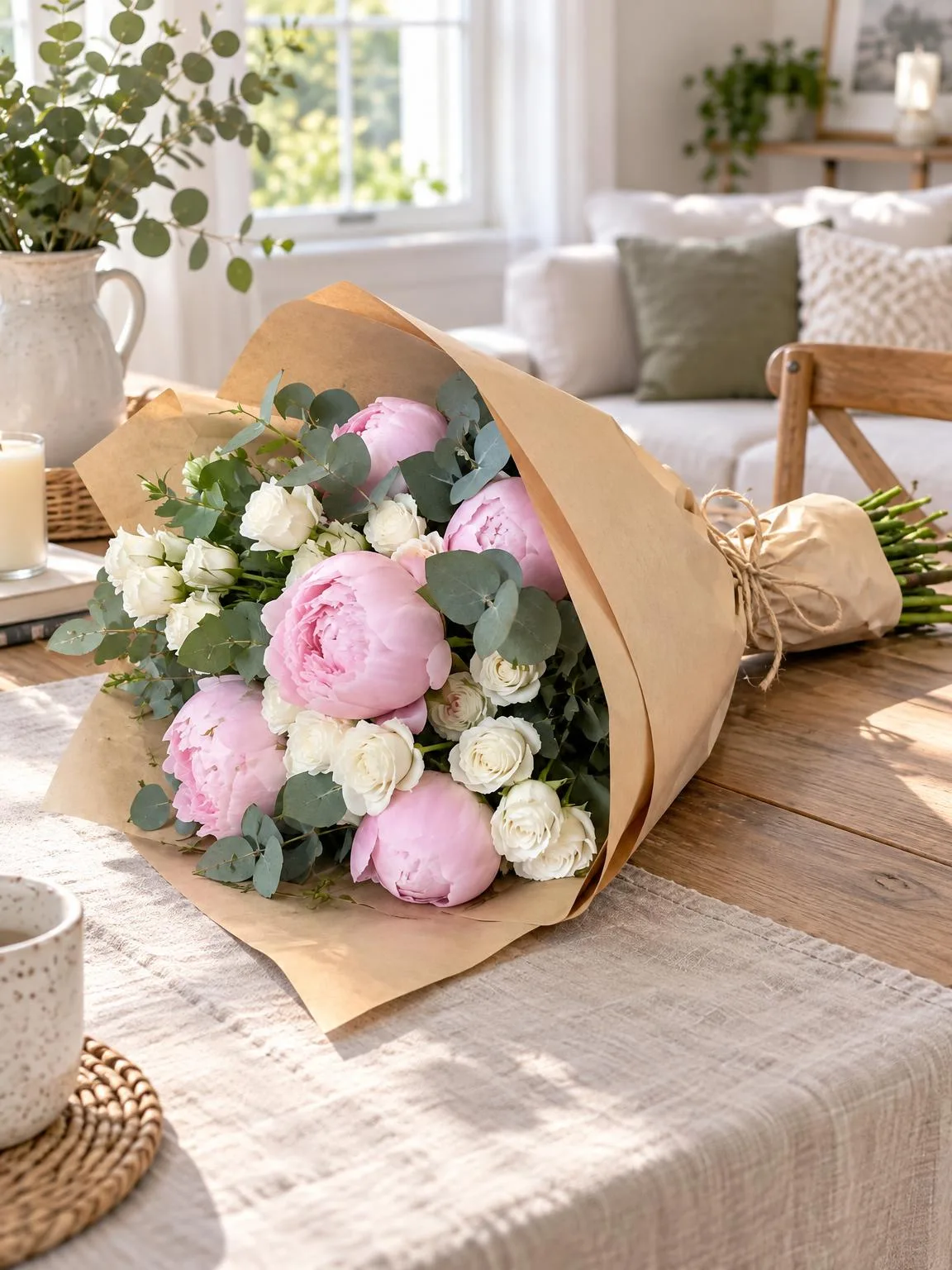
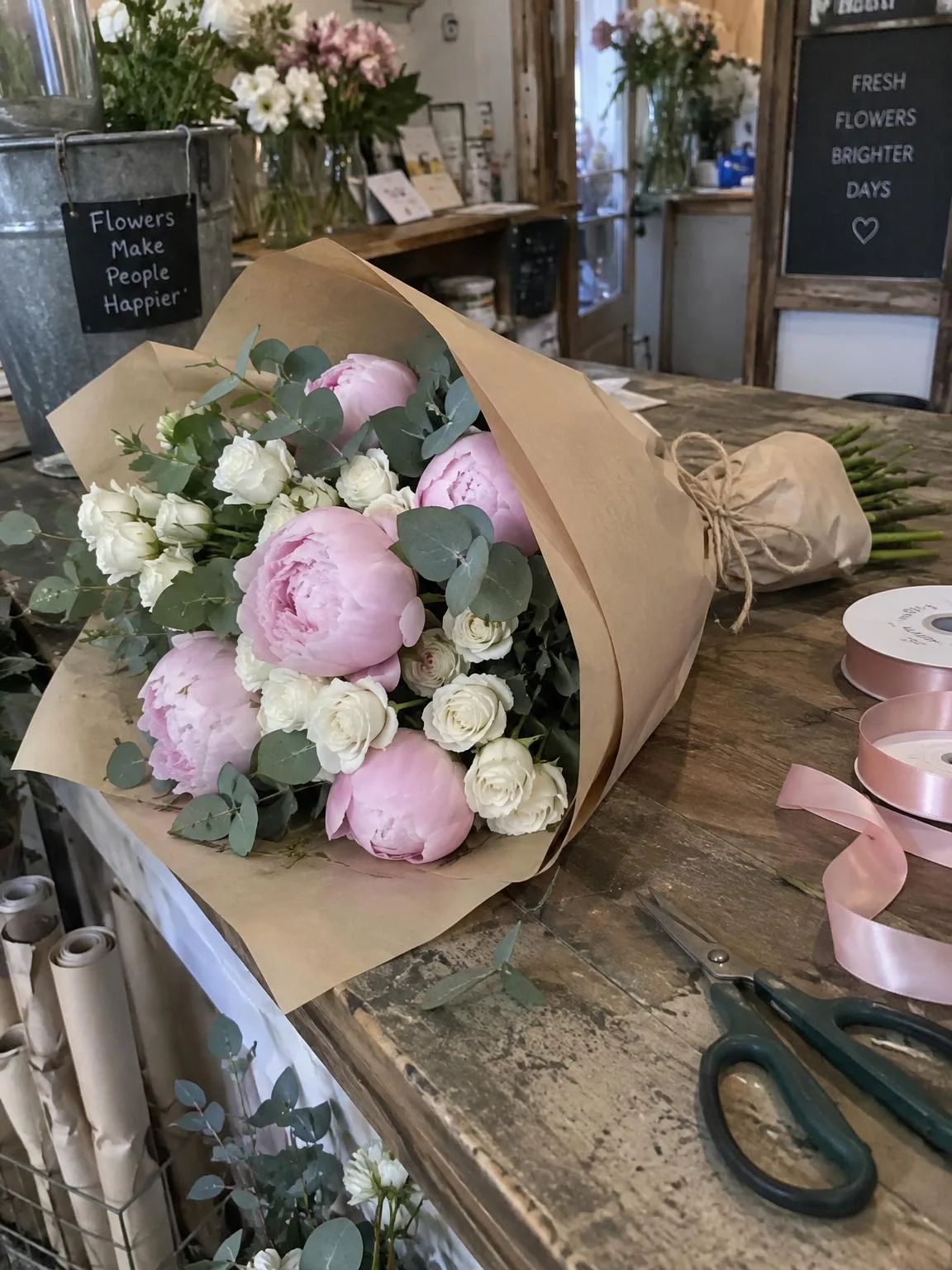
Wrapped bouquet on a shop counter → in a roomBeforeBeforeAfter

«Wrapped bouquet on a shop counter → in a room»

Bouquet photo · Lifestyle · GPT Image 2.5

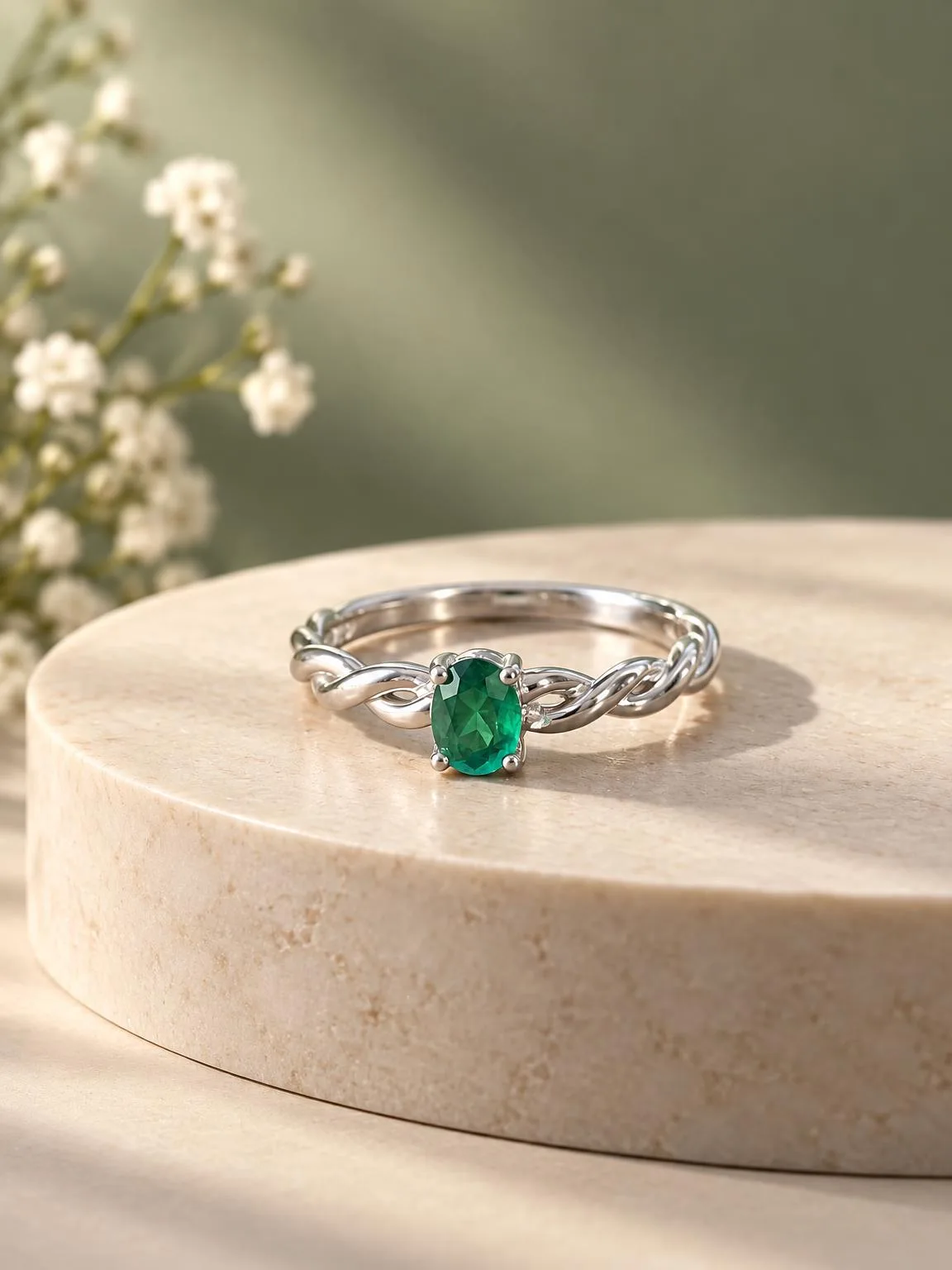
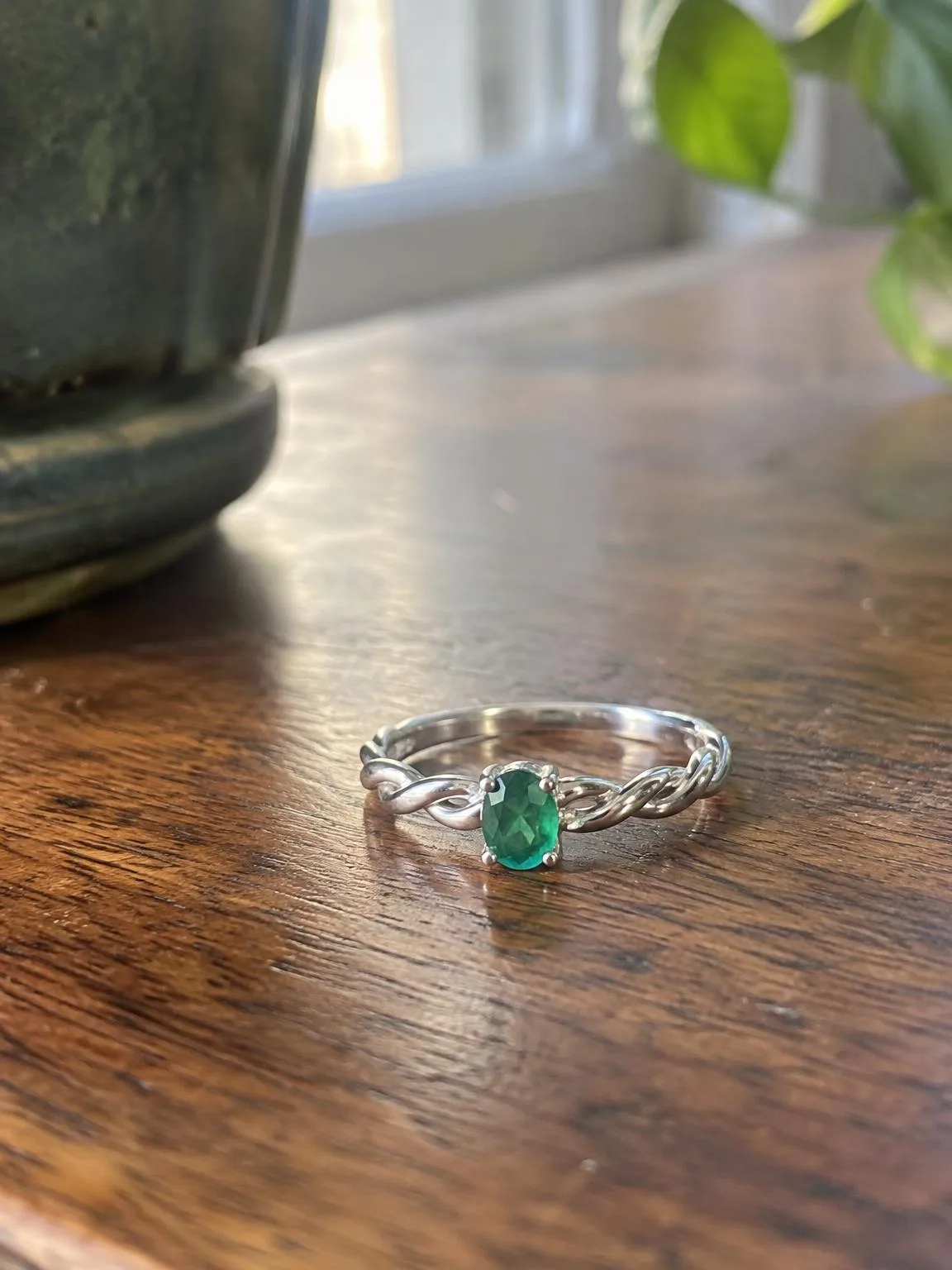
Ring on a table → studio shotBeforeBeforeAfter

«Ring on a table → studio shot»

Jewellery photo · Studio · GPT Image 2.5

II

A product page needs a set of pictures, not one: a main shot on white, the product in use, a close-up and an infographic. Booking a studio for every new product is slow and expensive, especially for small shops and makers.

Upload a photo of the product, pick its category — jewellery, flowers, home decor, clothing, cosmetics or anything else — and tick the shots you need. One run gives you the whole set: a white-background packshot, a studio shot on a coloured backdrop or podium, a lifestyle scene, the product in hand or on a model, a macro detail, a flat lay and an infographic card with your headline and features.

The product stays the same: shape, colour, logo, label and text are kept; only the background, light and setting change. A second photo from another angle helps with the details. Choose 3:4, 1:1, 4:5, 9:16 or 16:9.

III

Shots you get

01

White background

The main product image

02

Studio

Coloured backdrop or podium

03

Lifestyle

The product where it is used

04

In hand or on a model

Jewellery, clothing, bouquets

05

Macro and flat lay

Details and a top-down view

06

Infographic card

Headline and features with icons

IV

Who it's for

Marketplace sellers

A full image set for Amazon or Etsy

Jewellers

Studio shots and pieces on a model

Florists

Bouquets in a room, in hand and on white

Fashion brands

On a model and in a flat lay

V

How it works

01

Photograph the product

On a plain background in daylight

02

Tick the shots

White, studio, lifestyle, on a model and more

03

Download the set

All shots in one archive

VI

Examples

See what you can create — try it yourself

Prompt

«A vase on a kitchen table · Decor · White, lifestyle, infographic»

Result

Three shots for a product page

Prompt

«A ring on a table · Jewellery · Studio, on a model»

Result

A studio shot and the ring on a hand

VII

Pricing

Pay only for results — no subscription

All plans →
Model / operationCredits
  • One shot6 cr.
  • All seven shots42 cr.
  • 4K copy, per shot2 cr.

Credit packs: 150 credits for $5, 350 credits for $12, 1250 credits for $35.

VIII

FAQ

Will the product change?+

The model is told to keep the shape, proportions, colour, materials, logo and any text. Check small label text before uploading to a marketplace.

Who is the model in the photos?+

A generated person, not a real model. Describe the look you want in the notes.

Can I use the pictures in listings and ads?+

Yes. Pictures you create can be used commercially: in listings, on your website, in catalogues, ads and client proposals. There are no watermarks and no attribution is required.

How much does it cost?+

6 credits per shot, 42 credits for all seven. A 4K copy adds 2 credits per shot. Failed shots are refunded.

Try for free

Sign up for free and get 6 credits right away. No card required.