
ImageGPTImageGPT

For contractors and dealers

Building Materials Visualizer

Your customer sees their own house with your product before they buy.

6 free credits on sign up

I

Before and after

Real outputs of the model: the request and what came out, with no retouching

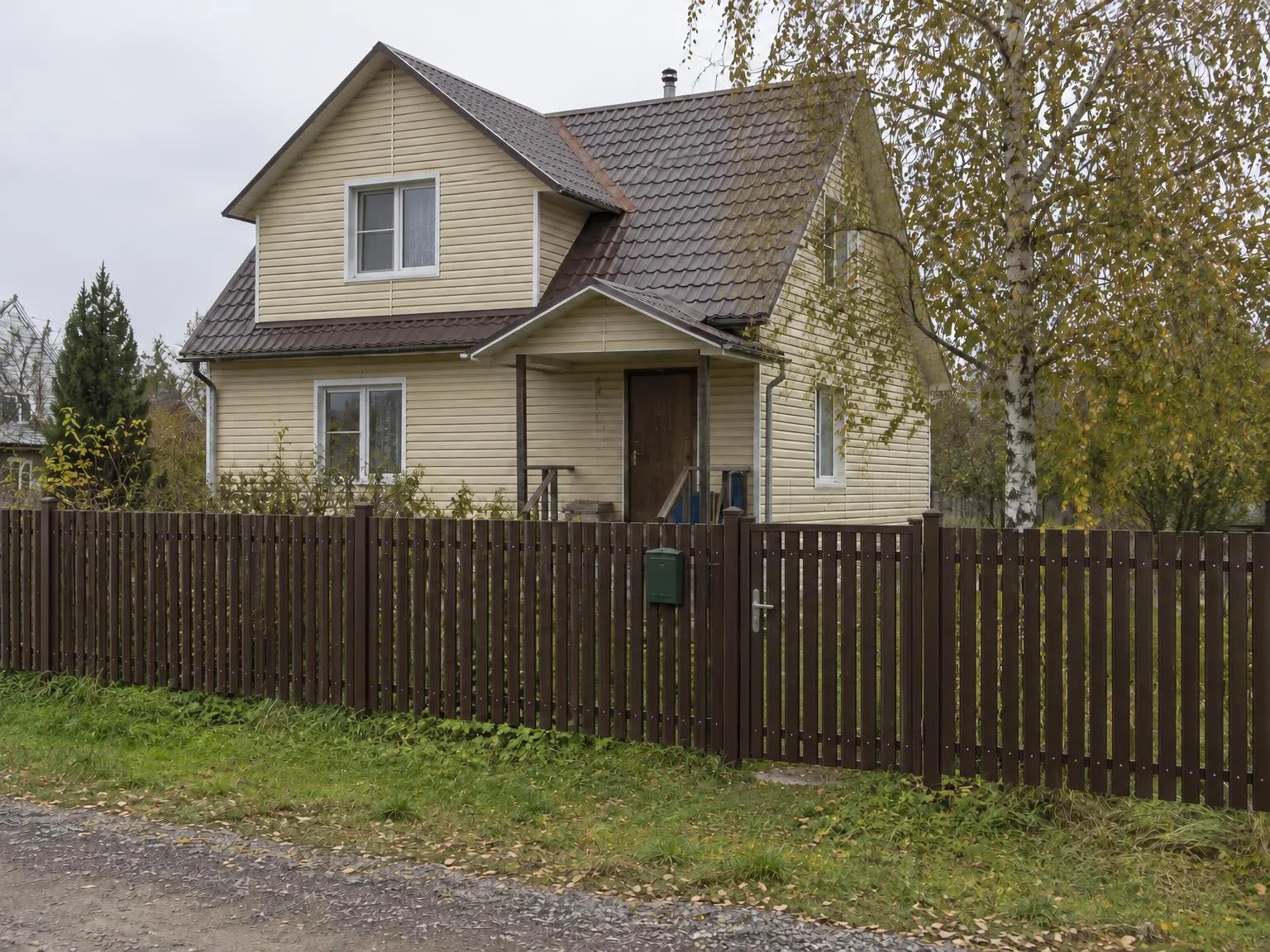
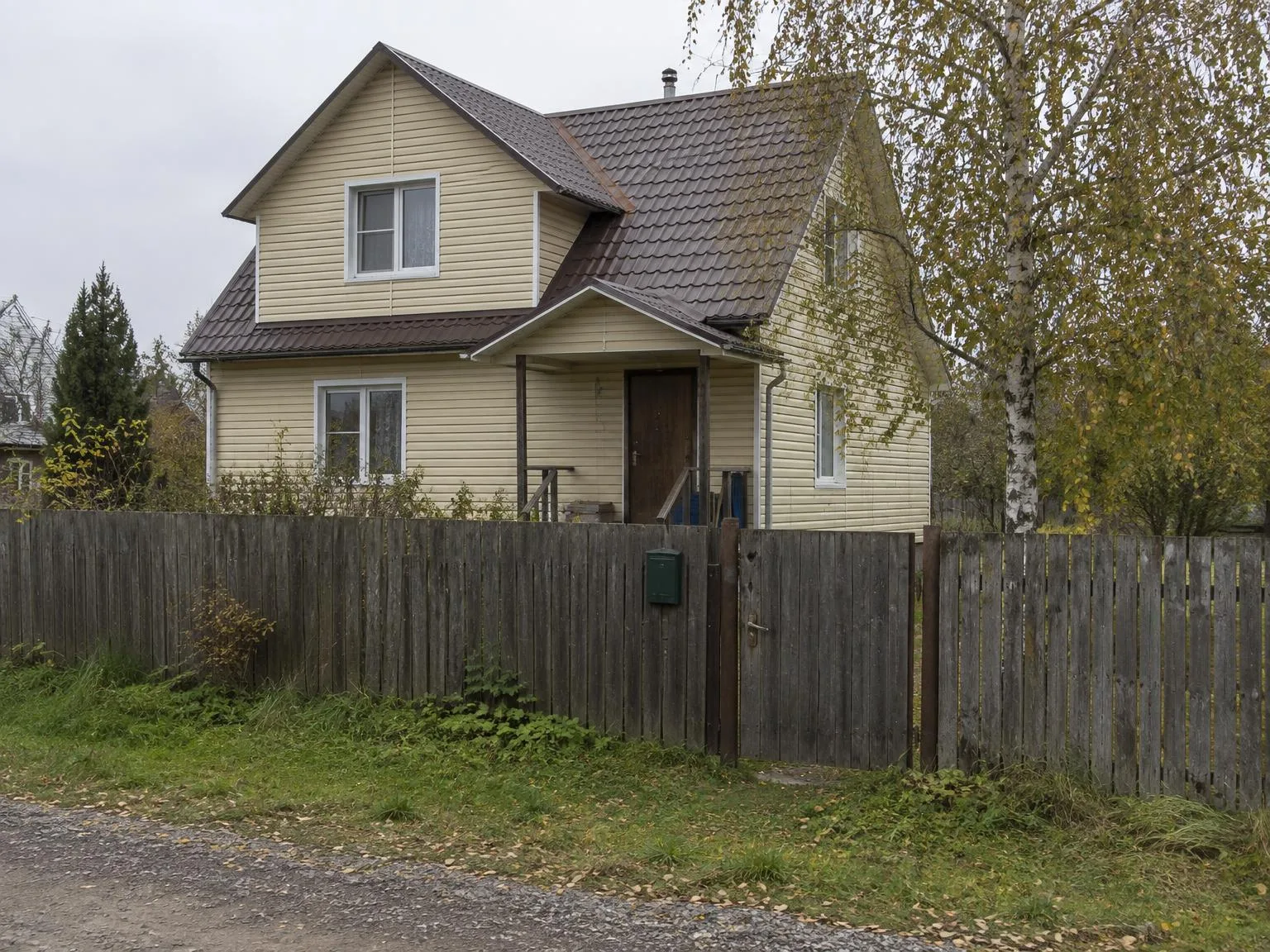
House photo → metal picket fence, RAL 8017BeforeBeforeAfter

«House photo → metal picket fence, RAL 8017»

Fence visualizer · GPT Image 2.5

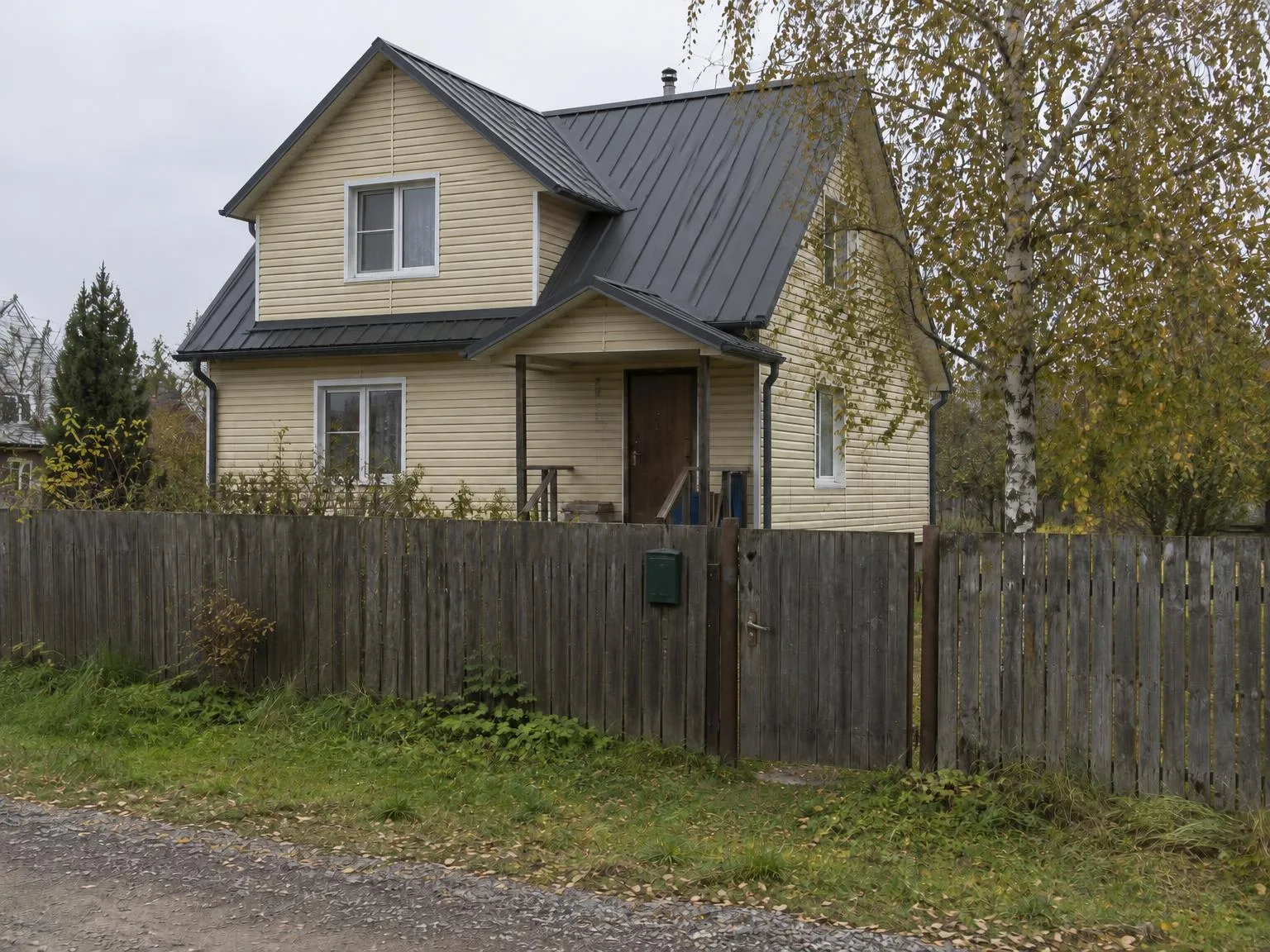
House photo → standing-seam roof, RAL 7024BeforeBeforeAfter

«House photo → standing-seam roof, RAL 7024»

Roof visualizer · GPT Image 2.5

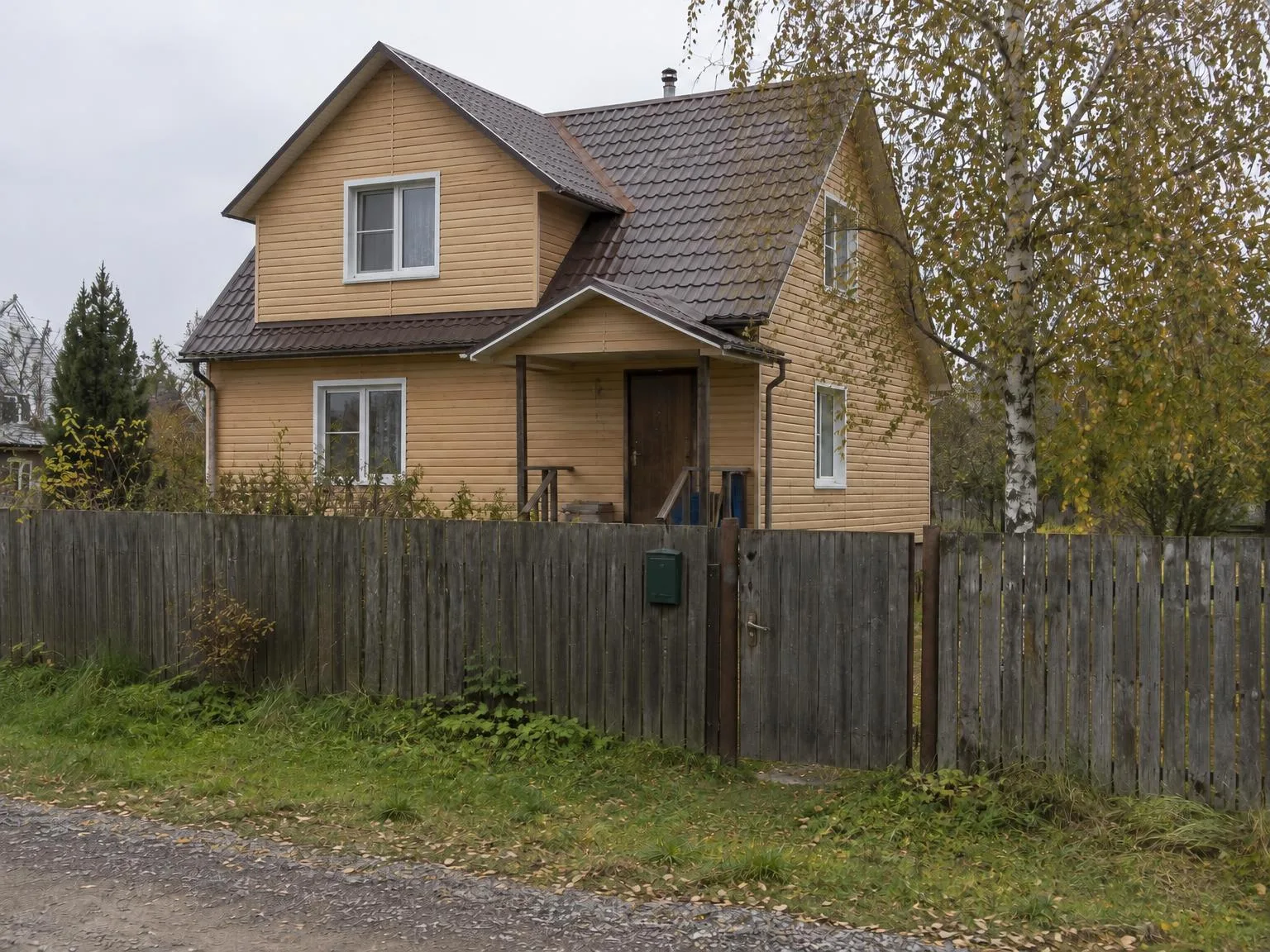
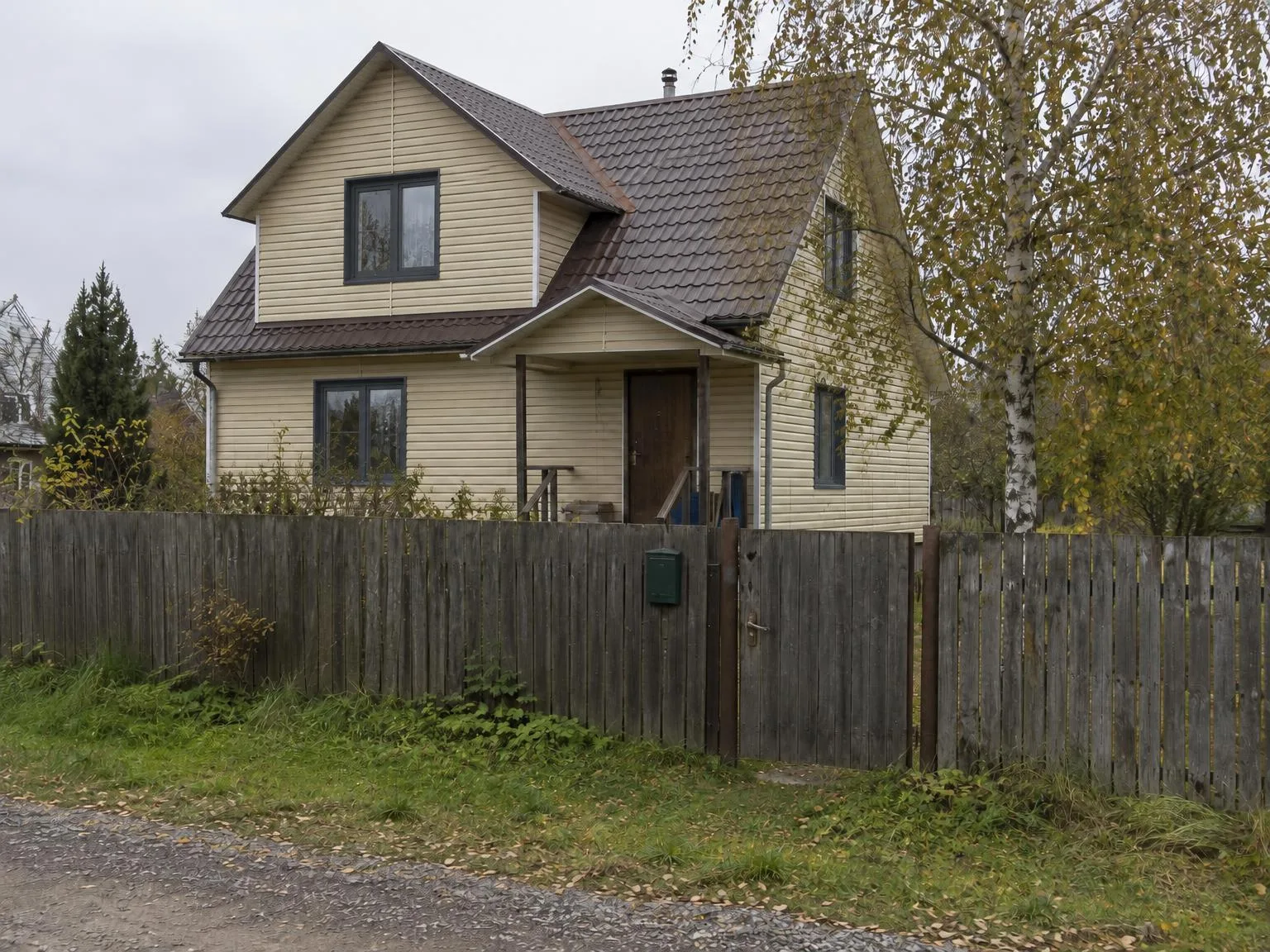
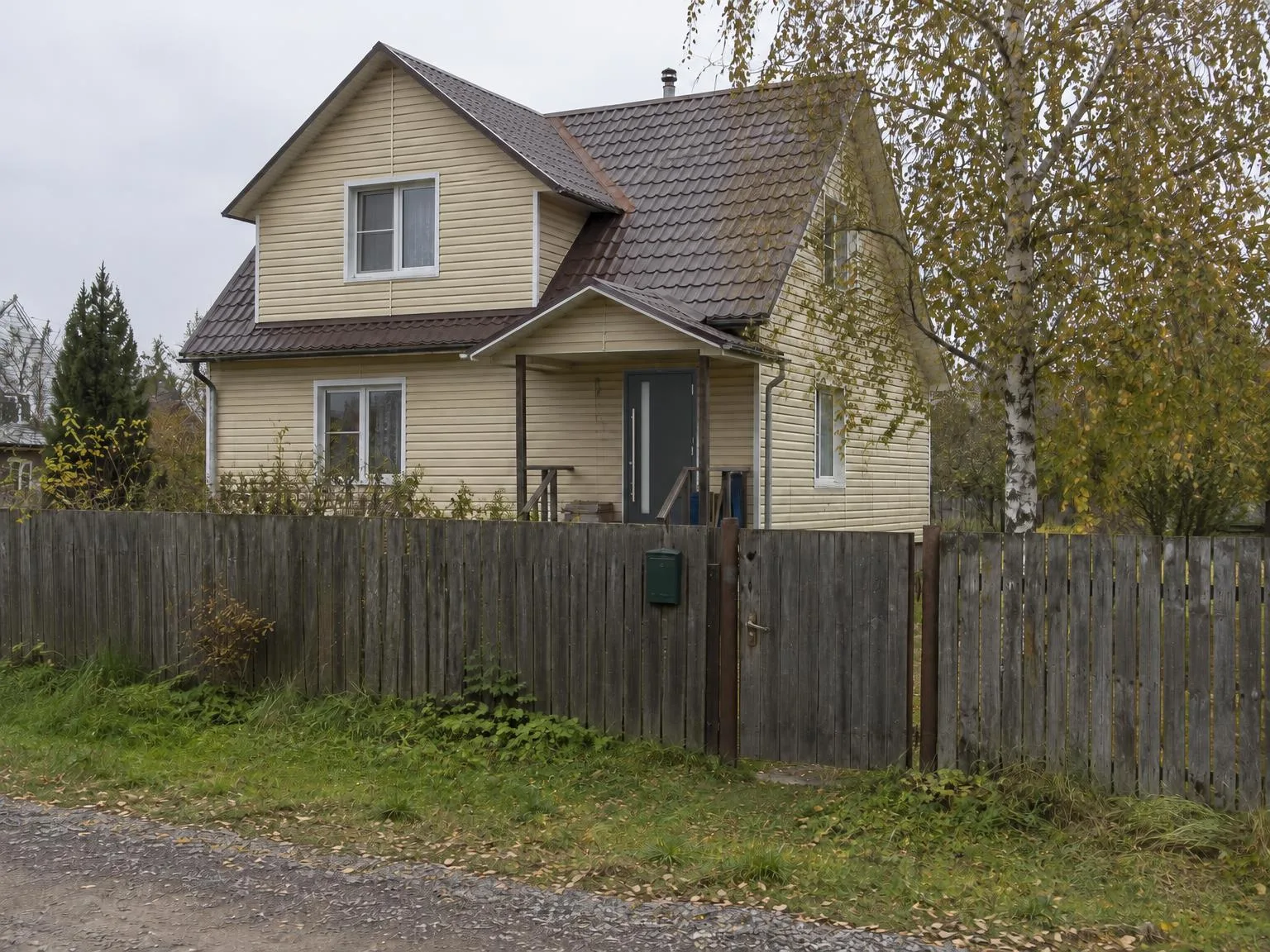
House photo → light wood-effect sidingBeforeBeforeAfter

«House photo → light wood-effect siding»

Siding visualizer · GPT Image 2.5

House photo → windows in RAL 7016BeforeBeforeAfter

«House photo → windows in RAL 7016»

Window visualizer · GPT Image 2.5

House + catalogue door photo → the new door in placeBeforeBeforeAfter

«House + catalogue door photo → the new door in place»

Front door visualizer · GPT Image 2.5

II

It is hard for a homeowner to picture a new roof colour or fence style on their own house, and a brochure of other people's homes does not help much.

Pick what to replace — windows, the front door, the fence, the roof, the siding or the pavers — upload a photo of the customer's house and, if you have it, a catalogue photo of your product. Set the colour with a RAL code and the type from a list: metal or standing-seam roofing, shingles, clay tiles, panels, siding, brick, wood cladding, picket, mesh or louvred fences.

Everything else stays as in the photo: the house, its other parts, the yard, the sky and the angle. Sales reps can send the picture to a customer during the call and show several colours on the same house.

III

What you can show

01

RAL colours

22 popular colours for roofs, fences and windows

02

Your product photo

Profile and texture copied from the catalogue

03

The customer's house

Everything else stays the same

04

30 houses per run

One product on many photos

05

4K copy

For proposals and print

06

Before/after slider

Easy to show the difference

IV

For which products

Windows and doors

Frames and colour on the customer's facade

Fencing

Picket, metal, brick, wood or louvres

Roofing and siding

Metal, shingles, tiles, panels

Hardscaping

Driveways and paths with your pavers

V

How it works

01

Pick what to replace

Windows, door, fence, roof, siding or pavers

02

Upload photos

The house and, optionally, your product

03

Send to the customer

Several options in a couple of minutes

VI

Examples

See what you can create — try it yourself

Prompt

«Old wooden fence · Fence · Metal picket · RAL 8017»

Result

The same house with a brown picket fence

Prompt

«Brown metal roof · Roof · Standing seam · RAL 7024»

Result

A graphite standing-seam roof

Prompt

«House + door catalogue photo · Front door»

Result

Your door instead of the old one

VII

Pricing

Pay only for results — no subscription

All plans →
Model / operationCredits
  • One picture6 cr.
  • Four variations24 cr.
  • 4K copy, per picture2 cr.

Credit packs: 150 credits for $5, 350 credits for $12, 1250 credits for $35.

VIII

FAQ

Do I need a photo of our product?+

It is optional but makes the result closer to your product: the model copies its profile, texture and pattern. Without it, the product is built from the type and the RAL colour.

How accurate is the RAL colour?+

The model gets the RAL code and its colour, but as in real life the colour in a photo depends on the light. It is good for choosing a shade; use a RAL fan deck for the order.

Can I use the pictures in listings and ads?+

Yes. Pictures you create can be used commercially: in listings, on your website, in catalogues, ads and client proposals. There are no watermarks and no attribution is required.

How much does it cost?+

6 credits per picture; a series of 30 photos is 180 credits. A 4K copy (3840 px on the long side) adds 2 credits per picture. Credits for pictures that fail are refunded.

Try for free

Sign up for free and get 6 credits right away. No card required.