
ImageGPTImageGPT

For architects

Architectural Presentation from a Render

Six unique styles — from watercolor to white model — for portfolios, boards, and competitions.

6 free credits on sign up

I

One render in different styles

Real outputs of the model: the request and what came out, with no retouching

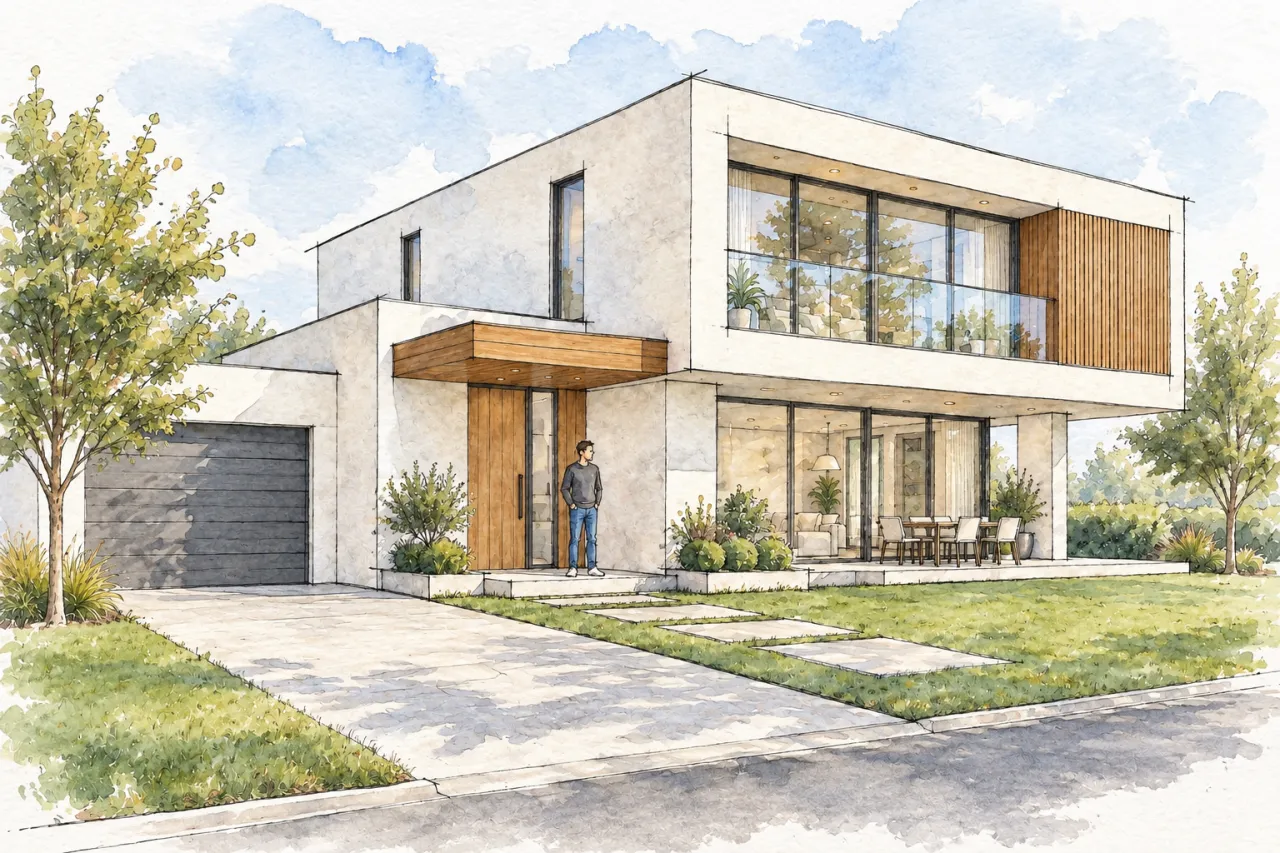
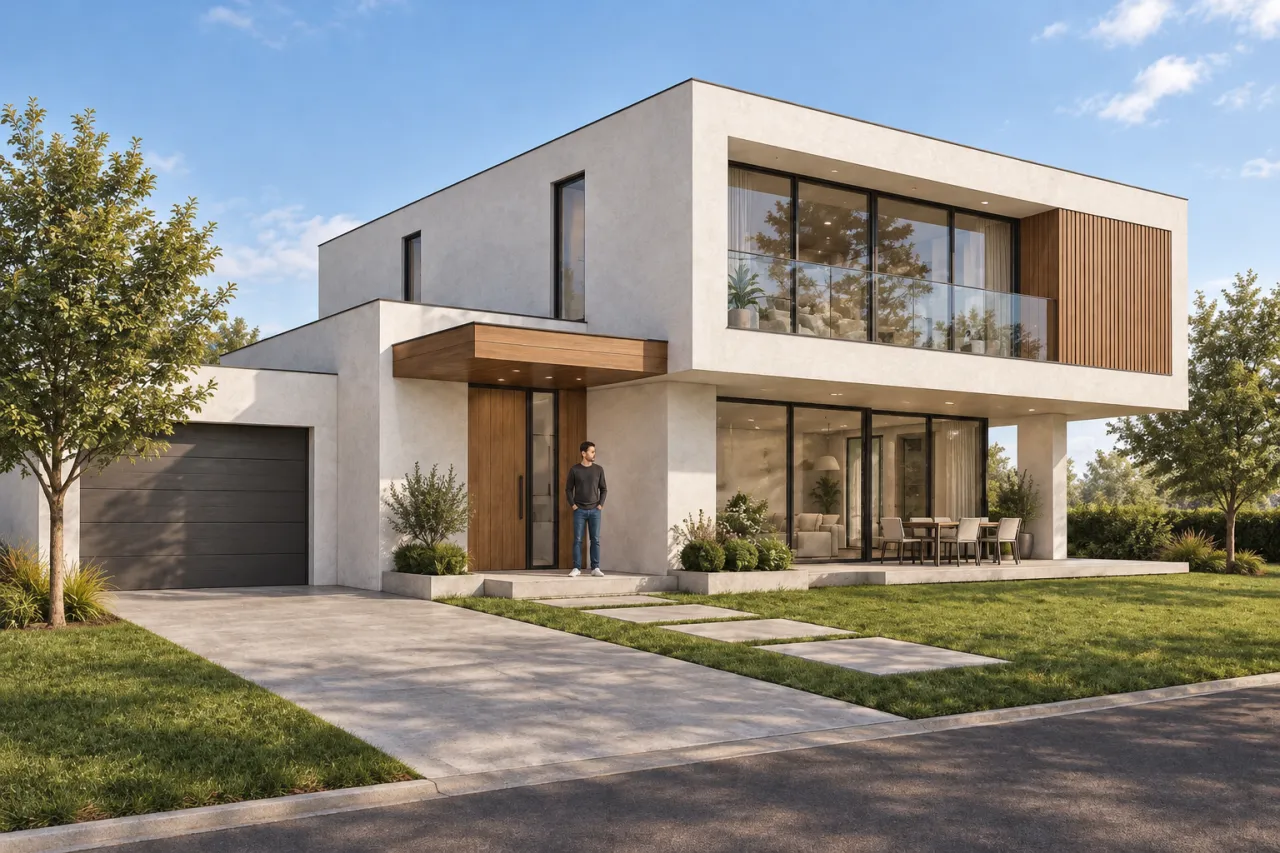
Render → watercolour presentationBeforeBeforeAfter

«Render → watercolour presentation»

Presentation style · GPT Image 2.5

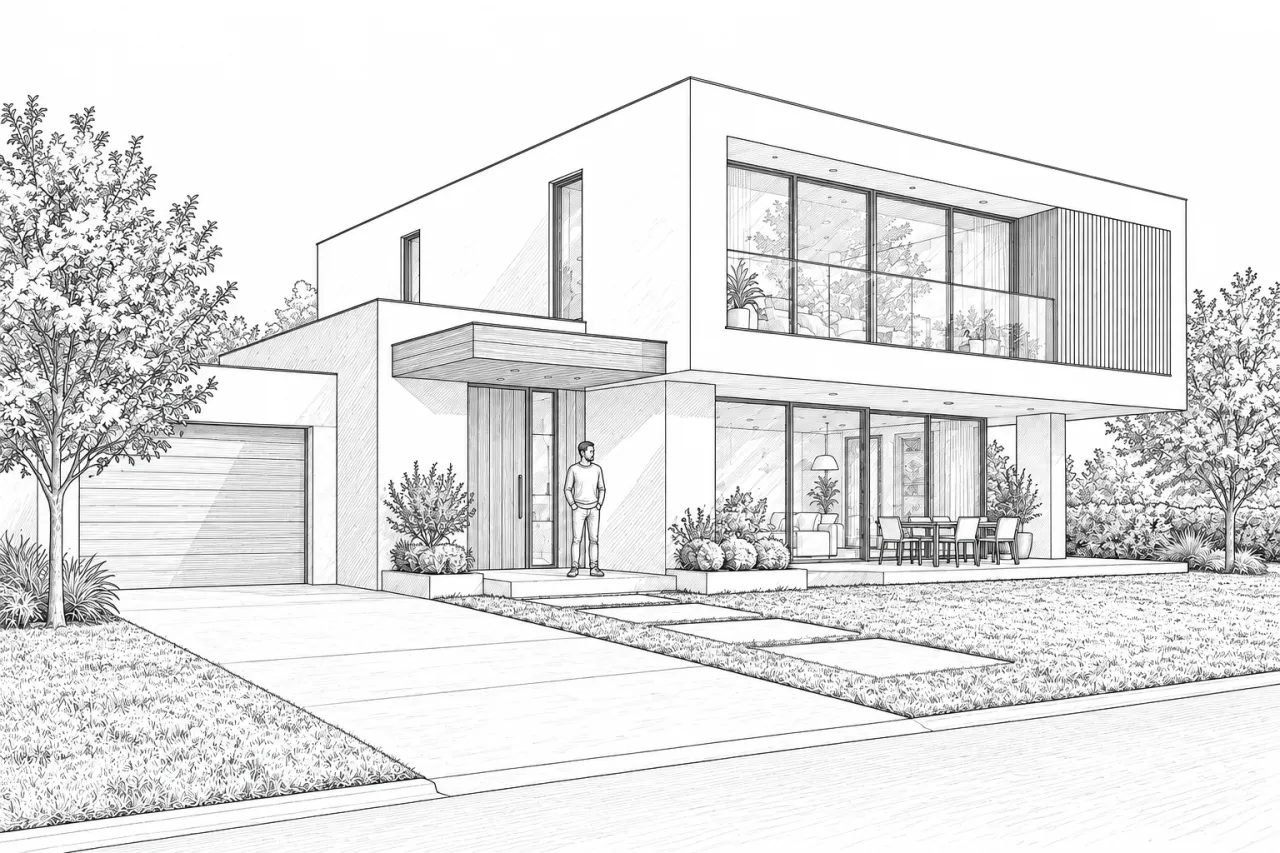
Render → ink line drawingBeforeBeforeAfter

«Render → ink line drawing»

Presentation style · GPT Image 2.5

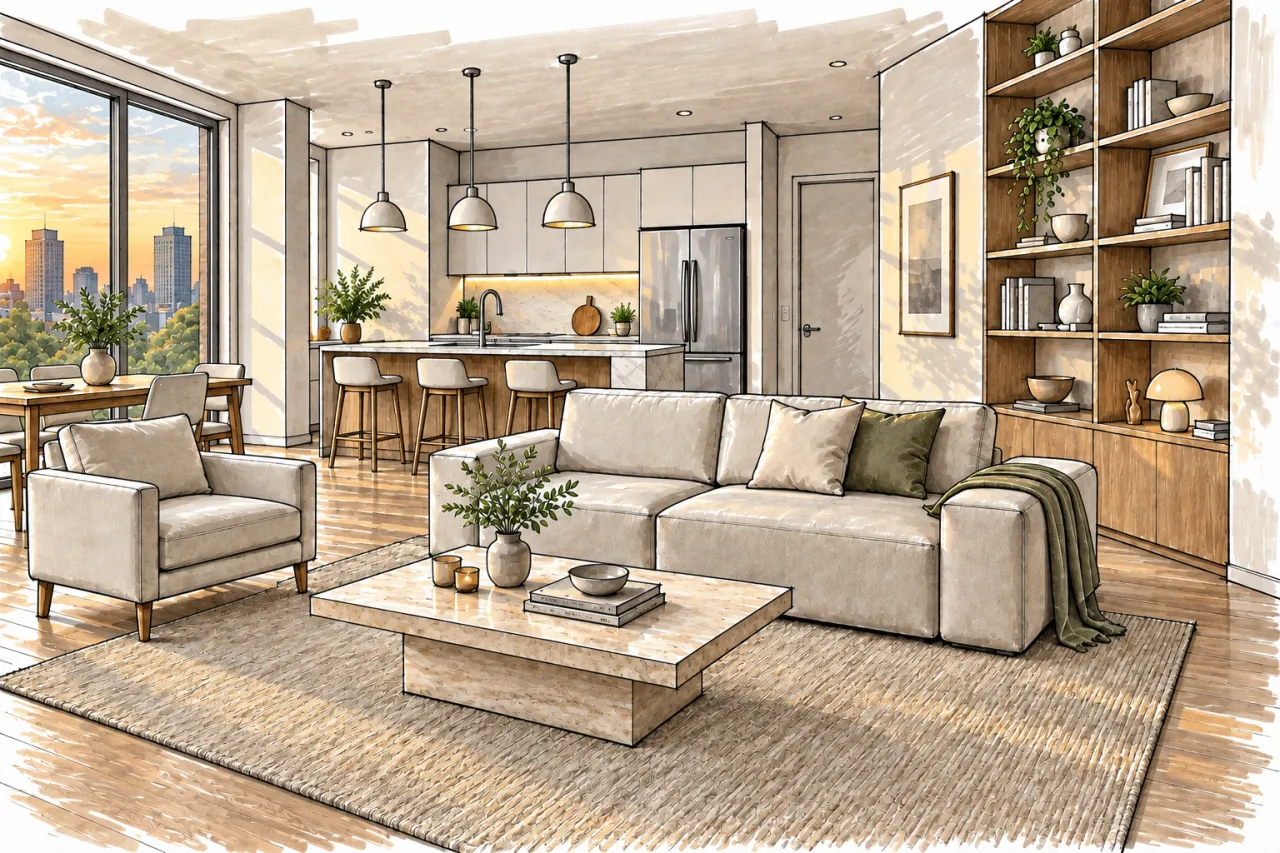
Interior render → marker renderingBeforeBeforeAfter

«Interior render → marker rendering»

Presentation style · GPT Image 2.5

II

Photorealism isn't always the goal. At the concept stage, in competitions, or in a portfolio, a drawn presentation communicates 'this is an idea, let's discuss it,' while a white model highlights the form without material distractions. Hand drawing takes time, and editor filters often look generic.

Upload your render or photo and choose a style. Watercolor: delicate ink lines with expressive washes and visible paper texture. Ink: crisp black-and-white linework with hatched shadows and glass. Marker: fineliner and alcohol marker rendering in warm greys. Pencil: detailed graphite drawing with tonal shading. White model: matte white surfaces, like a physical model photo. Collage: competition board style with pastel fills and cut-out people and trees.

Your composition, design, and perspective are preserved. Add notes in your own words — for example, 'light background, accent on the entrance.' For a cohesive project presentation, upload up to 30 views at once.

III

Presentation styles

01

Watercolor

Ink outlines with loose watercolor washes

02

Ink

Black-and-white line drawing

03

Marker

Fineliner and alcohol marker rendering

04

Pencil

Graphite drawing with tonal shading

05

White model

Form shown without materials

06

Collage

Competition board in pastel tones

IV

Who it's for

Portfolio

Consistent presentation style for every project

Competitions

Collage and linework for presentation boards

Concept stage

Showcase ideas, not just finished designs

Students

Present coursework and thesis projects

V

How it works

01

Upload a render or photo

One view or up to 30 at once

02

Pick a style

Choose from six presentation styles

03

Download

Get your result in 4K for print if needed

VI

Examples

See what you can create — try it yourself

Prompt

«House render · Watercolor»

Result

A watercolor presentation with fine line work

Prompt

«Render · Ink»

Result

Clean line drawing

Prompt

«Series of views · Collage»

Result

A competition board set

VII

Pricing

Pay only for results — no subscription

All plans →
Model / operationCredits
  • One image6 cr.
  • A series of eight views48 cr.

Credit packs: 150 credits for $5, 350 credits for $12, 1250 credits for $35.

VIII

FAQ

Will the design change?+

No. The AI is instructed to keep the composition, building design, and perspective, and only redraw the image in your chosen style.

Can I use a sketch or a photo?+

Yes, any image of a building or interior works. To turn a sketch into a photoreal render, use Sketch to Render.

Is it good enough for print?+

Enable 4K delivery — 3840 px on the long side — for high-quality presentation boards.

How much does it cost?+

6 credits per image, or 24 credits for four variations in one run. 4K delivery (3840 px on the long side) adds 2 credits per image. If an image fails, credits are refunded.

Try for free

Sign up for free and get 6 credits right away. No card required.