
ImageGPTImageGPT

Advertising

X (Twitter) Banner Maker

Post images, ad creatives and a profile header for X, all in one style.

6 free credits on sign up

I

Samples

Real outputs of the model: the request and what came out, with no retouching

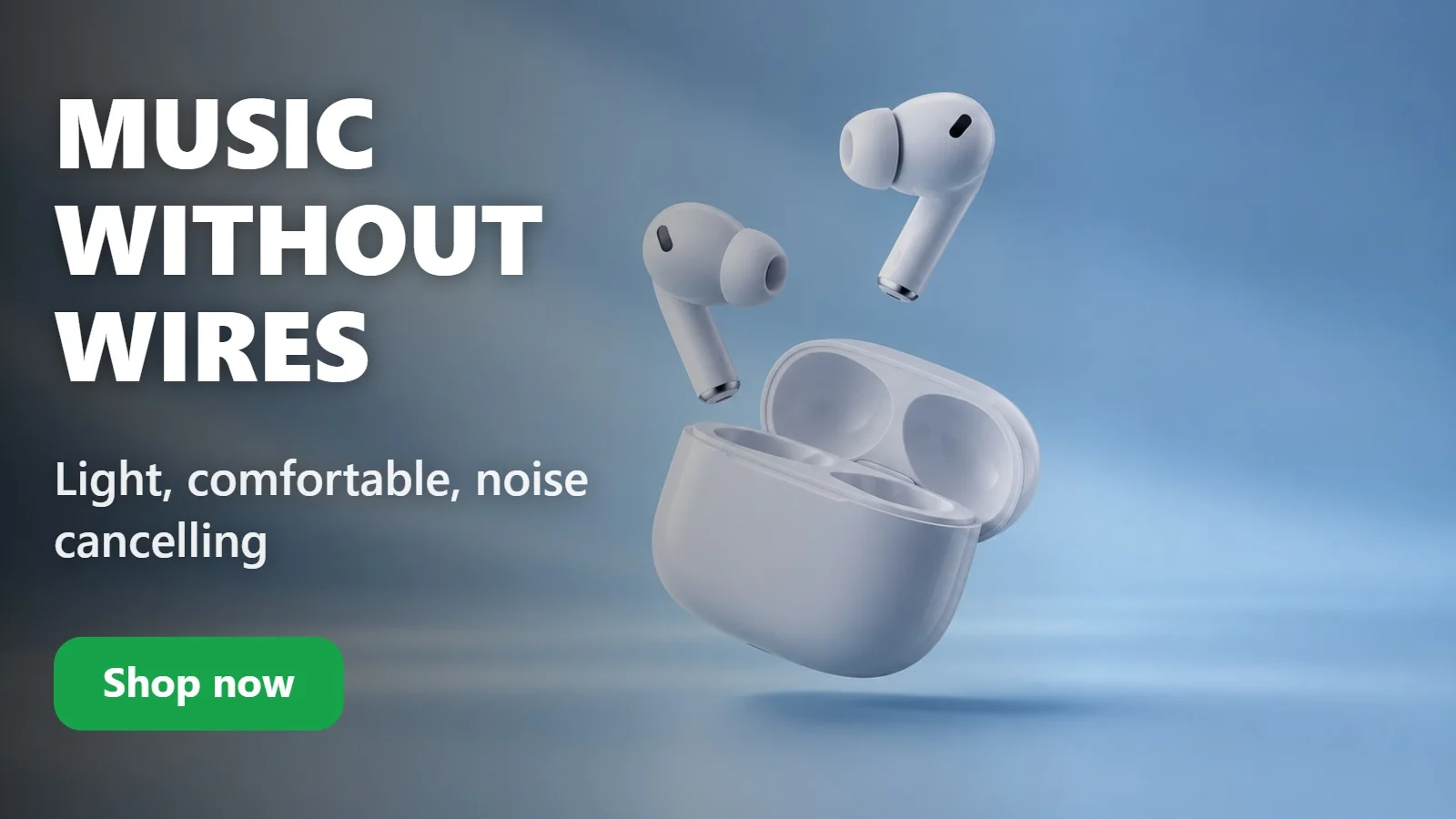
Wireless headphones

«Wireless headphones»

X (Twitter) · 1600×900

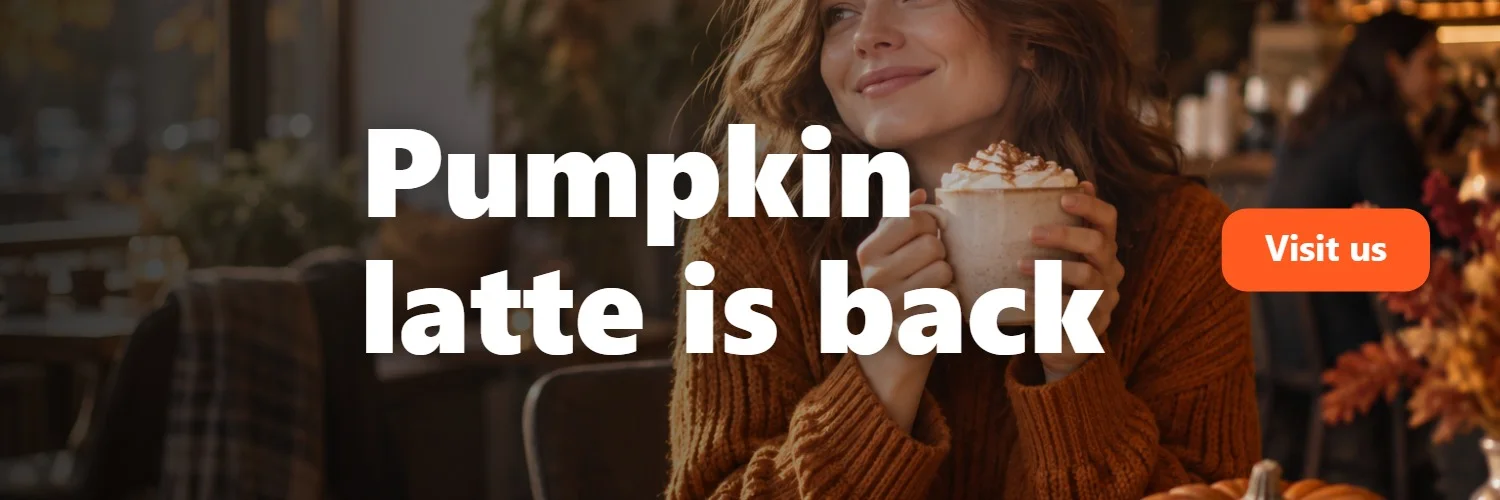
A coffee shop, new pumpkin latte, cosy autumn mood

«A coffee shop, new pumpkin latte, cosy autumn mood»

X (Twitter) · 1500×500

II

In the X timeline a 16:9 image spans the full width of the screen and noticeably lifts engagement. The maker creates a landscape, a square and a profile header from one idea.

X (Twitter) formats in the maker: landscape post 1600×900, post 1080×1080, header 1500×500. Tick the ones you need and choose how many picture variants to make for each, from one to four.

Your avatar covers the bottom-left of the 1500×500 header, so a short tagline works best there. For announcements, write several copy versions and rotate them from post to post.

Pictures are drawn by GPT Image 2.5, Nano Banana, Seedream or FLUX; you pick the model before you start. For shapes the main picture doesn't have, the AI extends its edges, so nothing important gets cropped.

III

What the X (Twitter) banner maker does

01

Every size at once

Tick the X (Twitter) formats and each one is built from a single picture

02

Typo-free text

The headline and button are set over the picture, not drawn by the AI, so letters are always crisp

03

Free edits

Change copy, colors, font and layout instantly, with no new generation

04

Variants for testing

Up to 4 pictures per format and 3 copy versions, a ready A/B test matrix

05

Your product in the shot

Upload a photo and the AI builds the scene around your product

06

Logo and brand colors

Logo, button and panel colors on every banner at once

IV

Who it's for

Startups

Launch and update announcements

Media

Covers for stories and roundups

Game studios

Game news and events

Fintech

Product news and webinars

V

Make your banners in three steps

01

Describe what you're advertising

A product, service or offer. The AI suggests headlines and button text for free

02

Tick the X (Twitter) formats

And how many picture variants you want for each. The price shows up front

03

Download the ZIP

Tweak copy and colors for free if needed, then download every banner in one archive

VI

Example prompts

See what you can create — try it yourself

Prompt

«Rocket launching over a futuristic city at night»

Result

"We're live on Product Hunt" post

Prompt

«Game controller in neon light on a dark background»

Result

Profile header and tournament announcement

VII

Pricing

Pay only for results — no subscription

All plans →
Model / operationCredits
  • X (Twitter) · starter set10 cr.
  • GPT Image 2.5 · banner picture4 cr.
  • Nano Banana 2 · banner picture10 cr.
  • Bria Expand · extra shape4 cr.
  • layout per banner1 cr.

Credit packs: 150 credits for $5, 350 credits for $12, 1250 credits for $35.

VIII

X (Twitter) banner FAQ

What image size works for an X post?+

1600×900 (16:9) shows without cropping, and a 1080×1080 square works too. The profile header is 1500×500.

Can I use the banners for X ads?+

Yes, 1600×900 and 1080×1080 work for promoted posts.

How much do the banners cost?+

You pay for pictures, not sizes. One picture variant on GPT Image 2.5 is 4 credits, each extra shape (wide or tall) is 4 credits, and layout is 1 credit per banner. The X (Twitter) starter set costs 10 credits.

Can I change the text after generating?+

Yes, for free and as often as you like. Copy, colors, font, layout and logo are applied right in your browser, so the picture never has to be regenerated.

Will the AI misspell my text?+

No. The AI draws the picture without lettering, and the maker sets your headline, line and button in a real font on top. Your numbers, prices and brand name are always exact.

Try for free

Sign up for free and get 6 credits right away. No card required.