AI Thanksgiving Family Photo: a Holiday Portrait from a Living-Room Snapshot
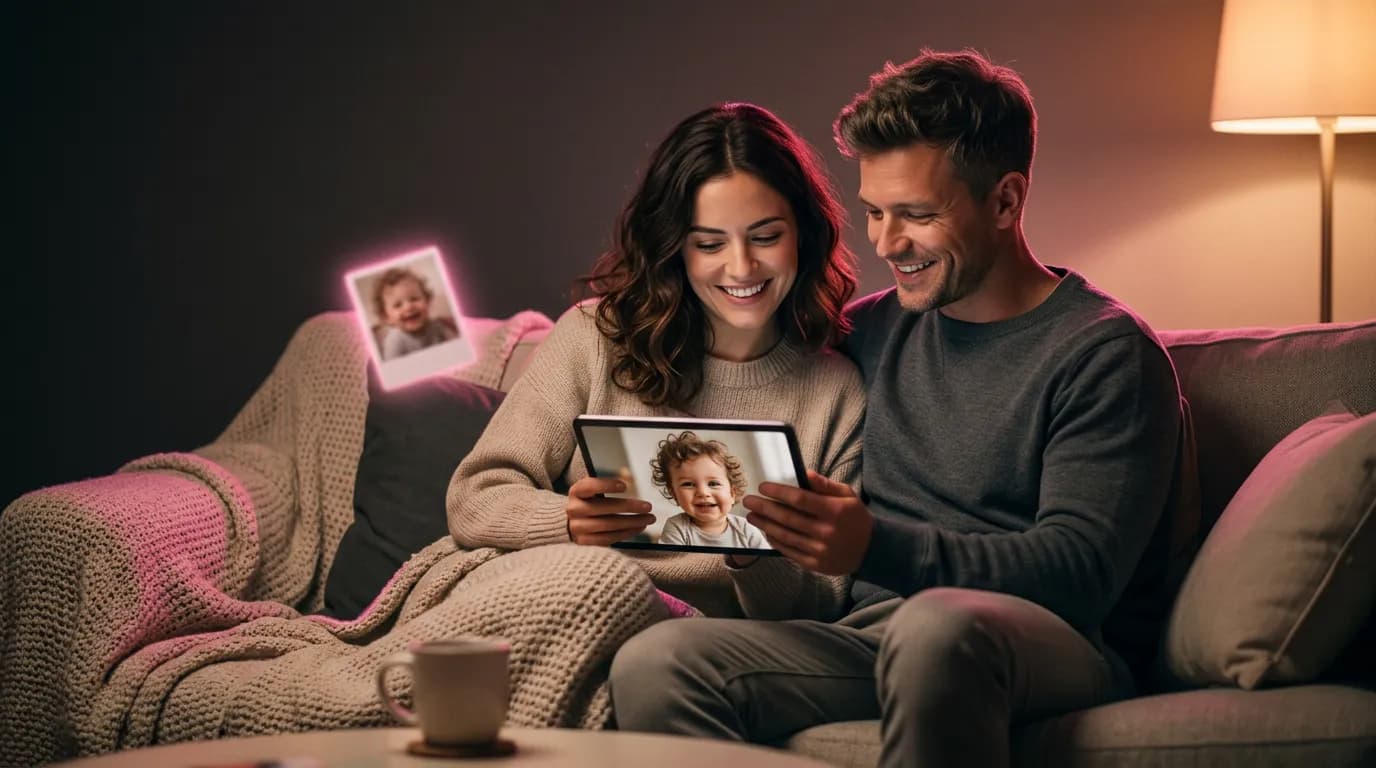
The table is set in a week and nobody wants another studio booking. A clear photo from the sofa is enough for a Thanksgiving portrait, if the edit keeps the same people.
Contents
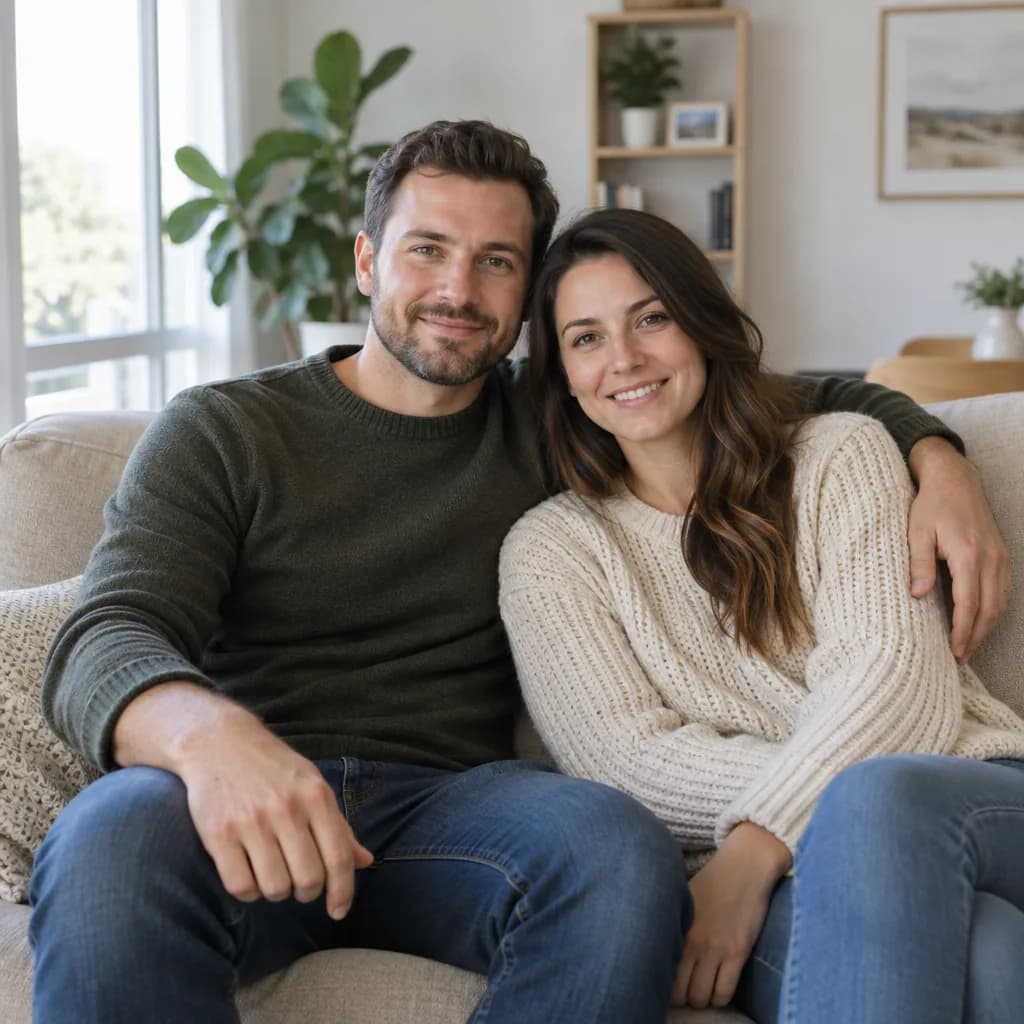
A Thanksgiving family photo usually means one afternoon, one table, and someone who blinks. If the only sharp picture you have is from the sofa last month, AI can move those same people to the dinner table or the porch. It should not invent a cousin, change anyone's age, or turn the snapshot into a stock advertisement.
What to start from
- Every face large enough to see the eyes. A wide shot of the whole yard makes the faces too small, and the model redraws them.
- The real number of people. Say in the prompt that nobody is added or removed.
- Daylight and a simple background. Party lighting and sunglasses come back as part of the new scene.
- One photo for the whole set. Do not feed the dinner result back in to make the porch: each scene starts from the original.
Which model to use
Use Nano Banana 2 in the editor when the job is to keep faces and change the room. It is the model in the catalog that is built for edits of people. There is no Thanksgiving template, so the prompts below are the whole recipe. A holiday-sweater template is a different shoot: it matches outfits, it does not set a Thanksgiving table.
Two prompts, one snapshot
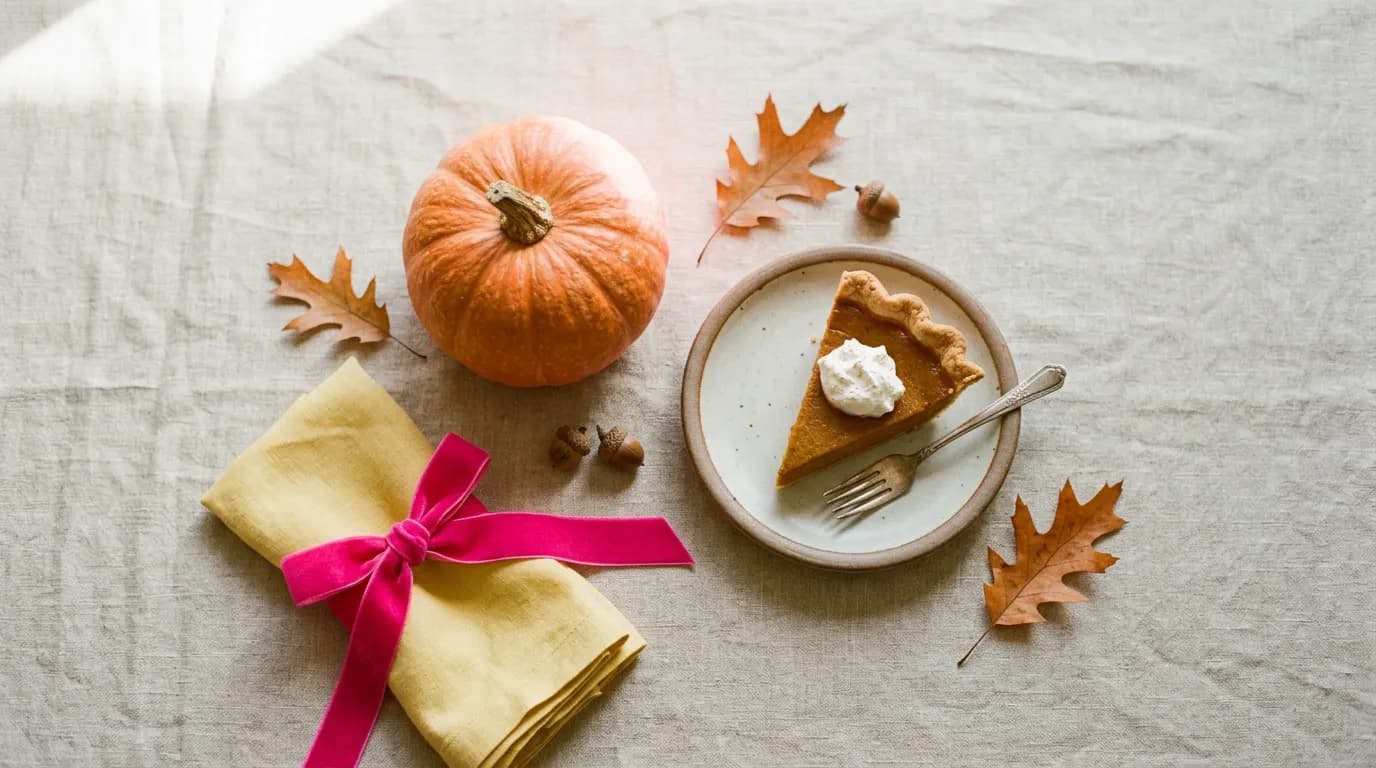
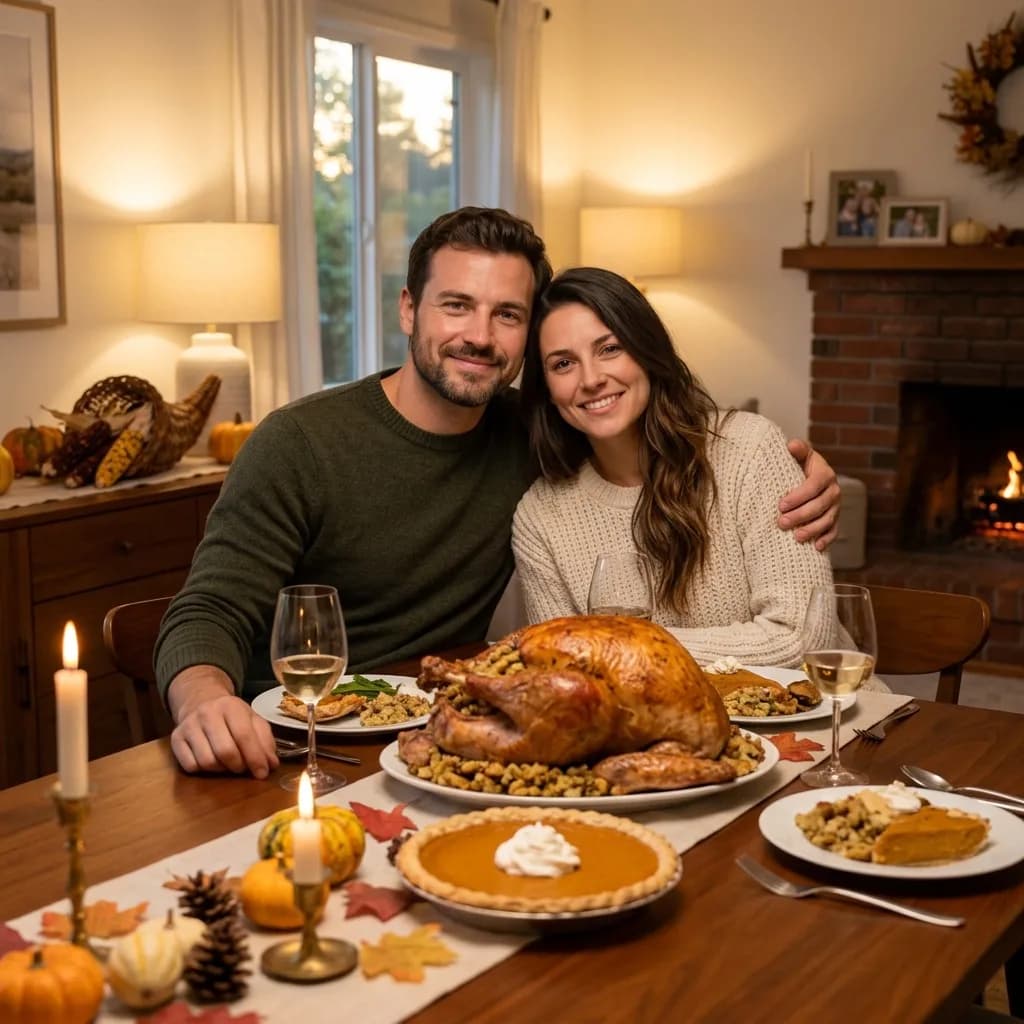
Place these same two people at a Thanksgiving dinner table in a home dining room: roast turkey, pumpkin pie, candles and autumn leaves, warm evening light. Keep both faces, ages and identities exactly the same. Do not add or remove people. No text.
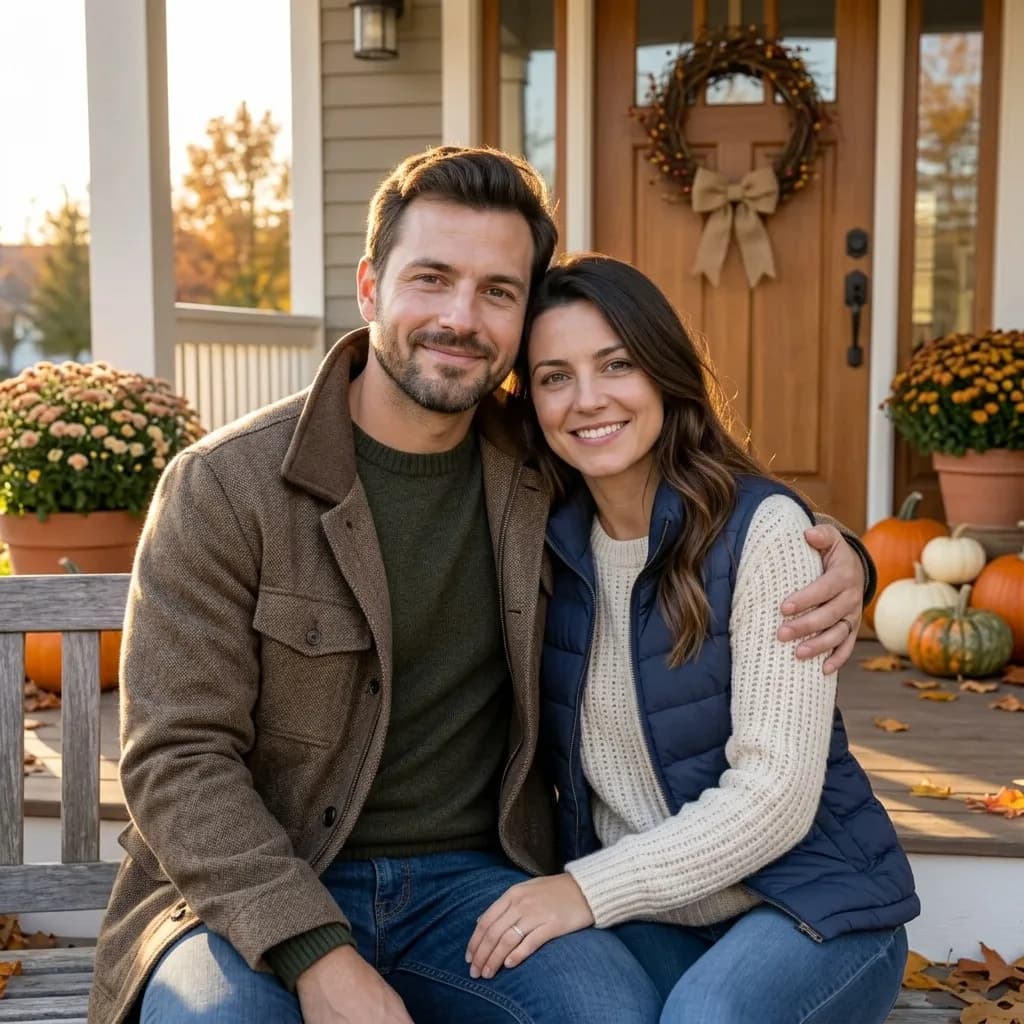
Place these same two people on a house porch with pumpkins and a simple wreath, late afternoon autumn light, coats and sweaters. Keep both faces and the number of people exactly the same. No text.
What to leave out of the prompt
- Extra relatives, a baby, or a dog that was not in the photo. The model will invent a face.
- Words on a banner, a place card, or a sweater. Lettering is a different task, and a holiday portrait does not need it.
- A request to make anyone younger, slimmer, or "more photogenic." The point of the picture is that the people at dinner match the people you invited.
- A famous parade, a brand logo, or a specific restaurant interior you do not have a photo of.
Look at the hands and the plates only after the faces. A melted fork is annoying and easy to spot. A slightly different jaw is what makes the picture unusable, and it is easier to miss when the turkey looks good. Open the original beside the result before you send it to the family chat.
Two scenes are enough for a card and a group text. A third prompt, if you need one, should still name the same people and the same rule about headcount: a walk outside, not a new cast. Crop to the faces if the first result made everyone smaller than they were on the sofa.
After the picture is done
The photo is the picture. The words on a place card, a menu, or a "give thanks" banner belong outside it. Write them in the card tool or by hand. A line of generated lettering on the tablecloth is the usual place a holiday image fails, even when both faces survived.
- Send the porch if the chat is casual and the table if someone is printing a card. You do not need five angles.
- Crop tight if the new room made the faces small. Do not run another full edit just to zoom.
- If you later want matching sweaters, start again from the sofa snapshot. Do not restyle the dinner photo.
- People who were not in the room do not get added "so the table looks fuller." Take a second photo of them instead.
Upload the snapshot in the editor, pick Nano Banana 2, and run one scene at a time.
Make the holiday photoOne edit on Nano Banana 2 costs 10 credits. Signing up adds 6 credits.
Try everything from this article in minutes
All the models and tools from this article are in one place. You get 6 free credits after sign-up, and every price is shown before you run it.
Open the photo editor