
ImageGPTImageGPT

Circle crop

Circle crop

Crop a photo into a circle and get a PNG with transparent corners — for a profile picture, slides or a website.

I

Upload a photo, move the circle so the face or object is centred, and download. The corners are transparent, so the picture sits on any background without a white square.

Want rounded corners instead of a circle, or a coloured ring around it? That's the Round mode of Photo Tools in the app, with a corner radius and border width.

II

Real results

Portrait cropped into a circle
A portrait as a circle, PNG with transparent corners. The portrait was generated with AI.
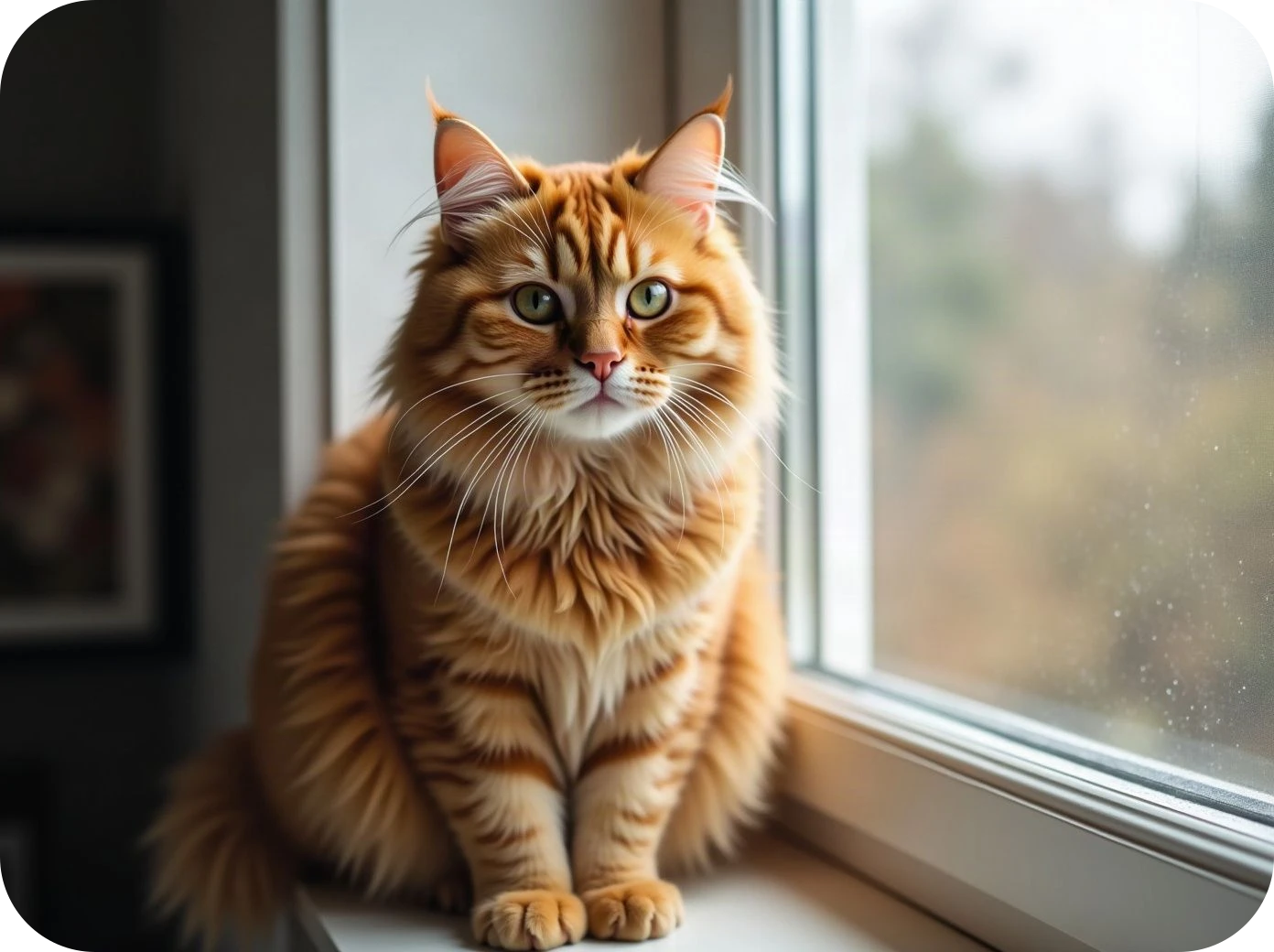
Cat photo with rounded corners
Rounded corners instead of a circle.

III

How it works

  1. 01

    Add a photo

    Ideally with the subject in the middle.

  2. 02

    Place the circle

    Drag and resize the frame.

  3. 03

    Download the PNG

    With transparent corners.

IV

Good to know

Your photos stay on your device

Everything runs in your browser: nothing is uploaded, so it's fast and safe for personal photos and documents.

Always PNG

Only PNG and WebP keep transparency, so circles are saved as PNG.

Free, no watermark

No sign-up, no limit on how many you make, and no logo of ours on the result.

V

FAQ

Is it free?+

Yes. It runs in your browser, there's nothing to sign up for and no watermark on the result.

Are my photos uploaded anywhere?+

No. The picture is opened and processed on your device and never sent to a server.

Does it work on a phone?+

Yes, in Safari or Chrome on iPhone and Android. Pick a photo from your gallery and save the result to Files or Photos.

Why not JPG?+

JPG has no transparency, so the corners would turn white. PNG keeps them clear.