
ImageGPTImageGPT

Square

Make an image square without cropping

The whole photo fits into a square and the empty space fills with a blurred copy or a colour.

I

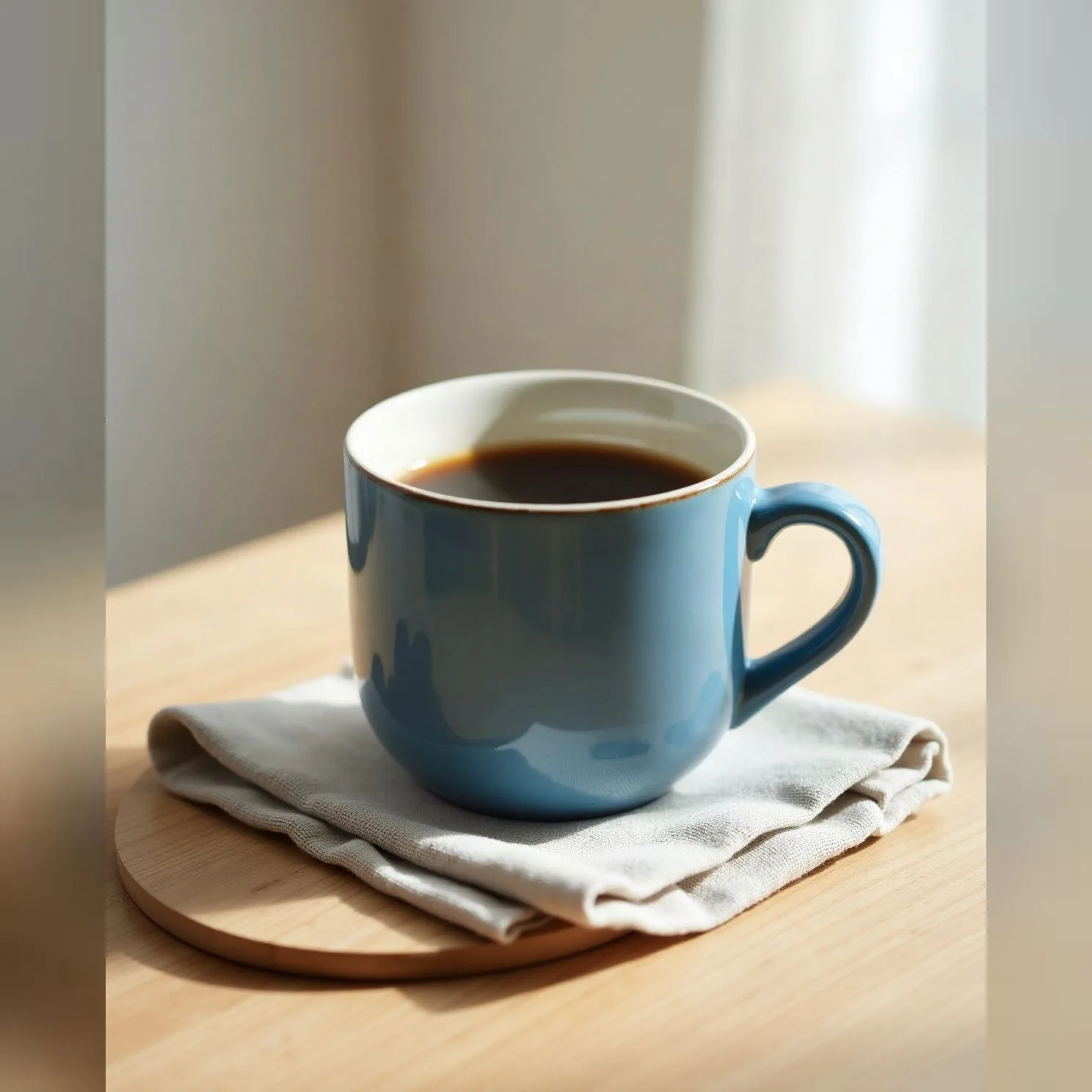
Instagram, online shops and profile pictures love squares; phone photos don't come in squares. To avoid cutting anything off, the tool fits the whole photo into a square and fills the sides with a blurred copy of it — a soft background in the same colours.

Prefer a solid colour, or a plain centre crop? Both are a click away, and you can set the square's size in pixels.
II

Real results

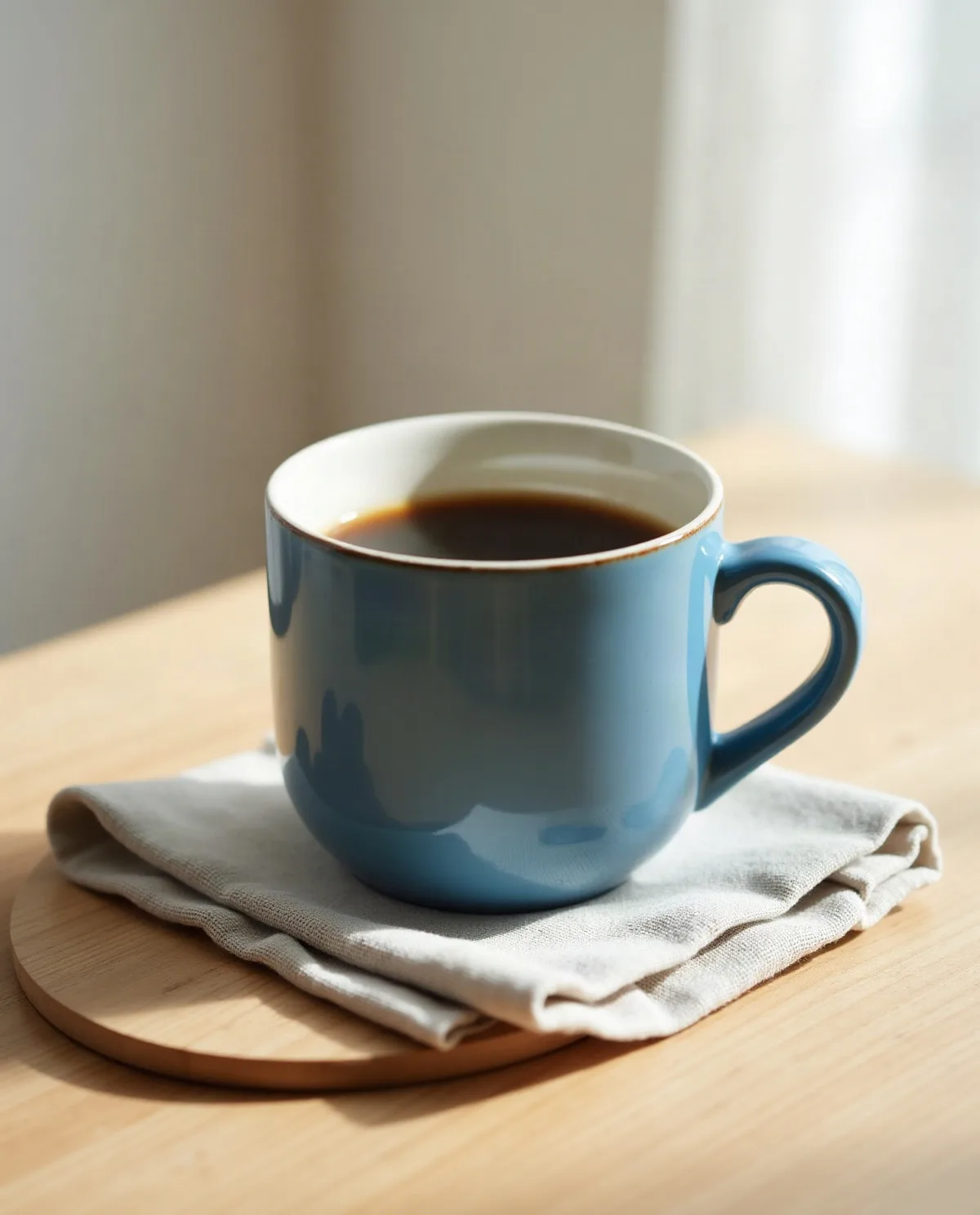
Portrait photo of a mugBefore
The same photo squared with a blurred backgroundAfter
Portrait photo → square with blurred sides. The photo was generated with AI.

III

How it works

  1. 01

    Add photos

    Up to 50 at once.

  2. 02

    Choose the fill

    Blurred photo, a colour, or crop to square.

  3. 03

    Download

    One by one or as a ZIP.

IV

Good to know

Your photos stay on your device

Everything runs in your browser: nothing is uploaded, so it's fast and safe for personal photos and documents.

Up to 50 photos at once

Add a whole batch: the settings apply to every photo and you download them all as one ZIP.

Free, no watermark

No sign-up, no limit on how many you make, and no logo of ours on the result.

V

FAQ

Is it free?+

Yes. It runs in your browser, there's nothing to sign up for and no watermark on the result.

Are my photos uploaded anywhere?+

No. The picture is opened and processed on your device and never sent to a server.

Does it work on a phone?+

Yes, in Safari or Chrome on iPhone and Android. Pick a photo from your gallery and save the result to Files or Photos.

What size is an Instagram square?+

1080 × 1080 pixels. Set that as the square size or keep it as large as the photo.