
ImageGPTImageGPT

Colour picker

Colour picker from an image

Click anywhere on a picture for its HEX, RGB, HSL and CMYK — or get the image's main colour palette.

I

Upload a photo or paste a screenshot and click a point: the colour appears with HEX, RGB, HSL and CMYK codes, each copied with one tap. Handy for pulling colours from a reference, or matching paint, thread or fabric.

The Palette tab finds the 3 to 12 main colours in the picture and shows how much of the frame each one covers. Copy the palette as a list of HEX codes or download it as an image.

II

Real results

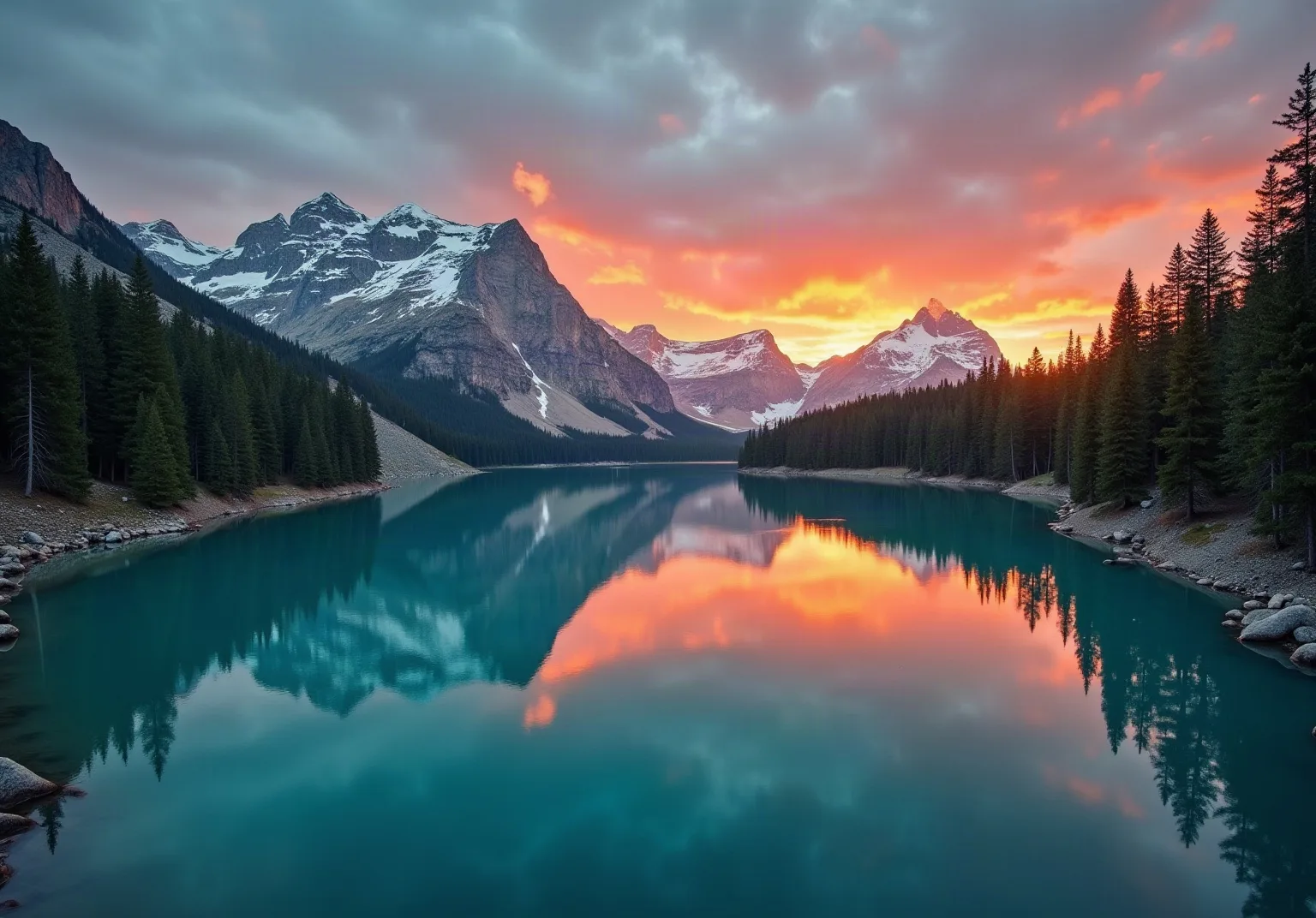
Mountain lake at sunriseBefore
A six-colour palette from the photoAfter
A six-colour palette, from deep teal to sunrise orange. The photo was generated with AI.

III

How it works

  1. 01

    Add a picture

    A photo, a screenshot, a design mock-up.

  2. 02

    Click a point

    Or open Palette and choose how many colours.

  3. 03

    Copy the code

    HEX, RGB, HSL or CMYK in one tap.

IV

Good to know

Your photos stay on your device

Everything runs in your browser: nothing is uploaded, so it's fast and safe for personal photos and documents.

Free, no watermark

No sign-up, no limit on how many you make, and no logo of ours on the result.

Paste screenshots

Take a screenshot and paste it straight onto the page with Ctrl+V.

V

FAQ

How do I find the colour of something in a picture?+

Upload the picture and click the spot: you get the colour code in HEX, RGB, HSL and CMYK.

How do I get a colour palette from a photo?+

Open the Palette tab, choose the number of colours and copy the HEX codes or download the palette as a PNG.

Is it free?+

Yes, with no sign-up. The picture is processed in your browser.