
ImageGPTImageGPT

Split

Split an image

An even grid, a seamless Instagram profile grid, or a big poster tiled over A4 sheets.

I

Grid mode cuts the picture into 1 to 10 rows and columns of equal pieces. Instagram mode cuts 1:1, 4:5 or 3:4 tiles three to a row and numbers them in posting order, so they line up into one picture on your profile.

Poster mode lays the picture across several A4 sheets with a 5 mm overlap for gluing and saves them as a single PDF ready for a home printer.
II

Real results

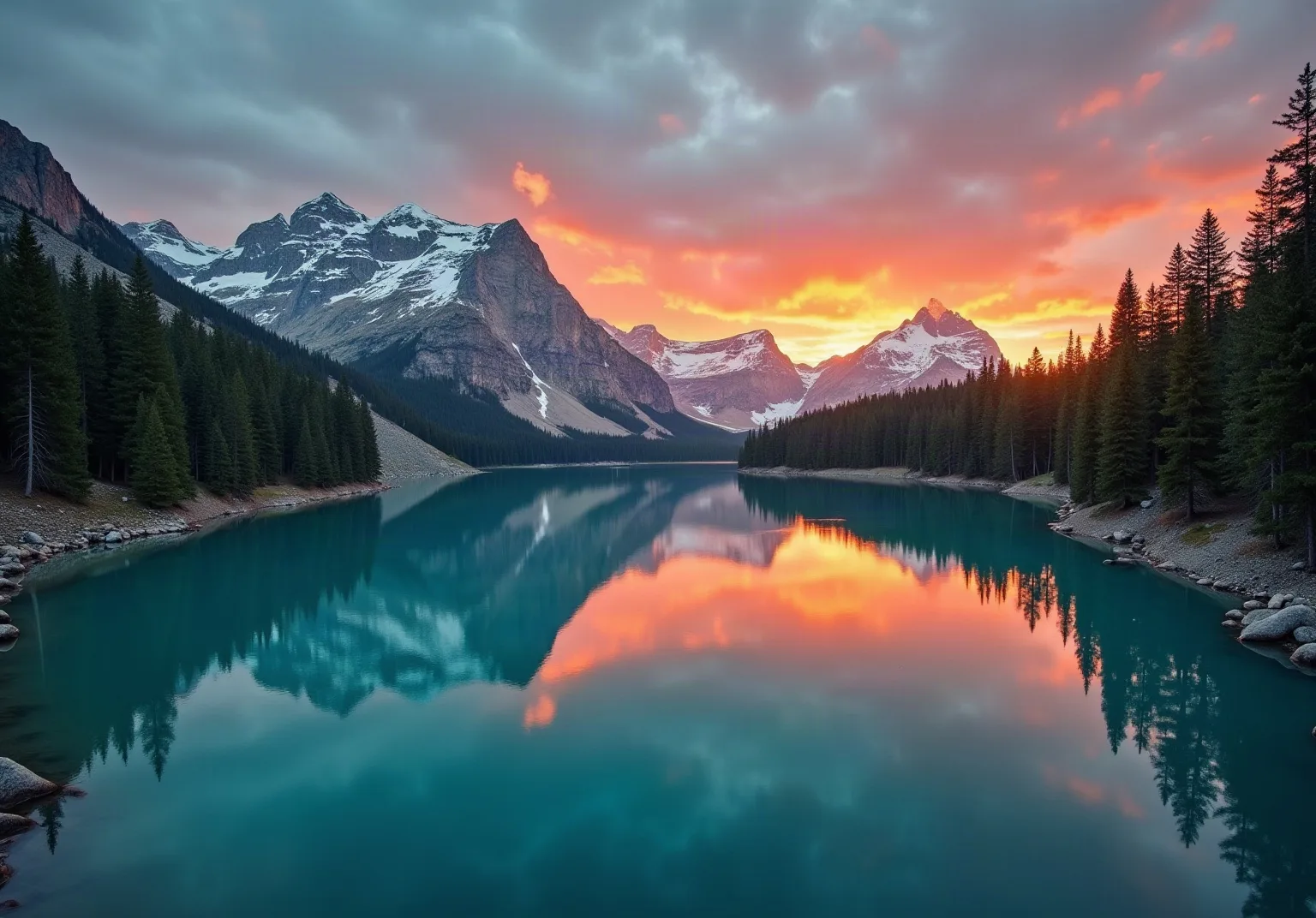
Mountain lake panorama at sunriseBefore
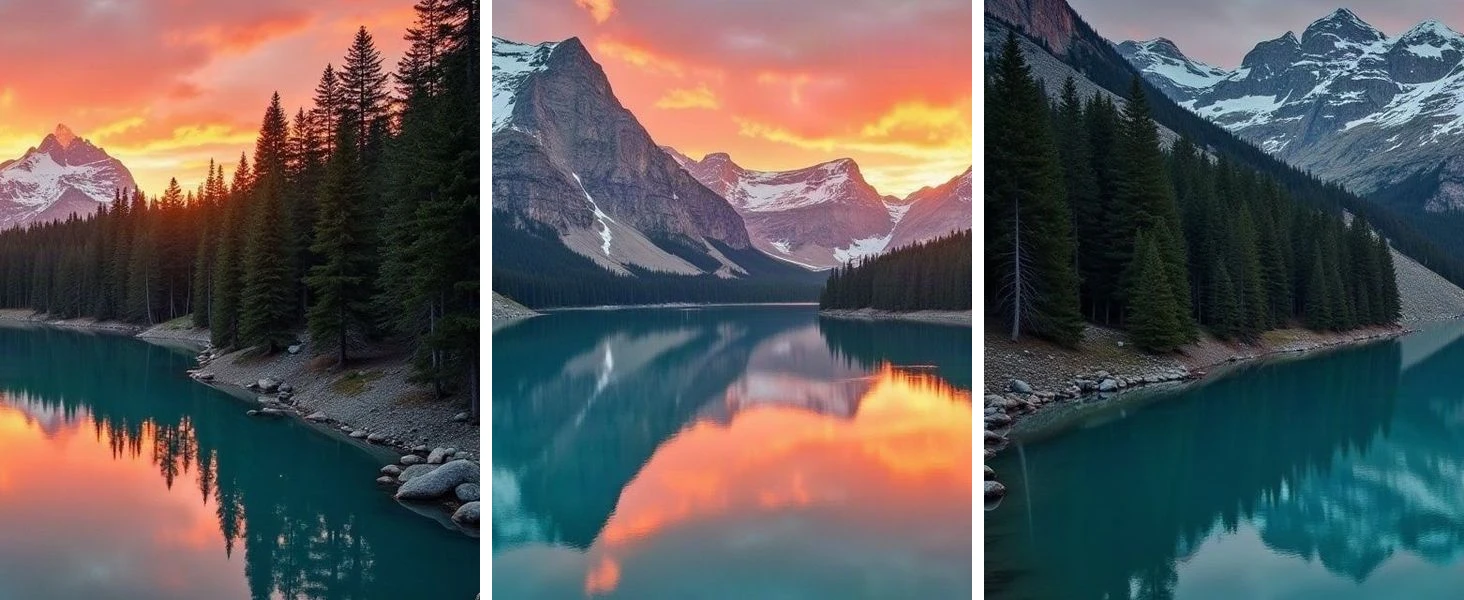
The panorama split into three 4:5 tilesAfter
A panorama → three 4:5 tiles for the Instagram grid. The photo was generated with AI.

III

How it works

  1. 01

    Add a picture

    A panorama, a poster or anything else.

  2. 02

    Choose a mode

    Grid, Instagram grid or A4 poster.

  3. 03

    Download

    Pieces as a ZIP, the poster as a PDF.

IV

Good to know

Your photos stay on your device

Everything runs in your browser: nothing is uploaded, so it's fast and safe for personal photos and documents.

Instagram order

Files are numbered for posting from 01: the last piece goes up first, so the grid assembles correctly.

Low-resolution warning

If the picture is too small for the poster size, you'll be told before you print.

V

FAQ

Is it free?+

Yes. It runs in your browser, there's nothing to sign up for and no watermark on the result.

Are my photos uploaded anywhere?+

No. The picture is opened and processed on your device and never sent to a server.

Does it work on a phone?+

Yes, in Safari or Chrome on iPhone and Android. Pick a photo from your gallery and save the result to Files or Photos.

How do I split a photo for an Instagram grid?+

Choose Instagram grid, a tile shape (4:5 matches today's feed) and the number of rows. Post the files in numbered order.

How do I print a poster on a home printer?+

Choose A4 poster and how many sheets wide, download the PDF and print at 100% scale.