
ImageGPTImageGPT

For agents

Declutter Room Photos with AI

Remove personal items and mess from photos—furniture and finishes stay untouched.

6 free credits on sign up

I

Before and after

Real outputs of the model: the request and what came out, with no retouching

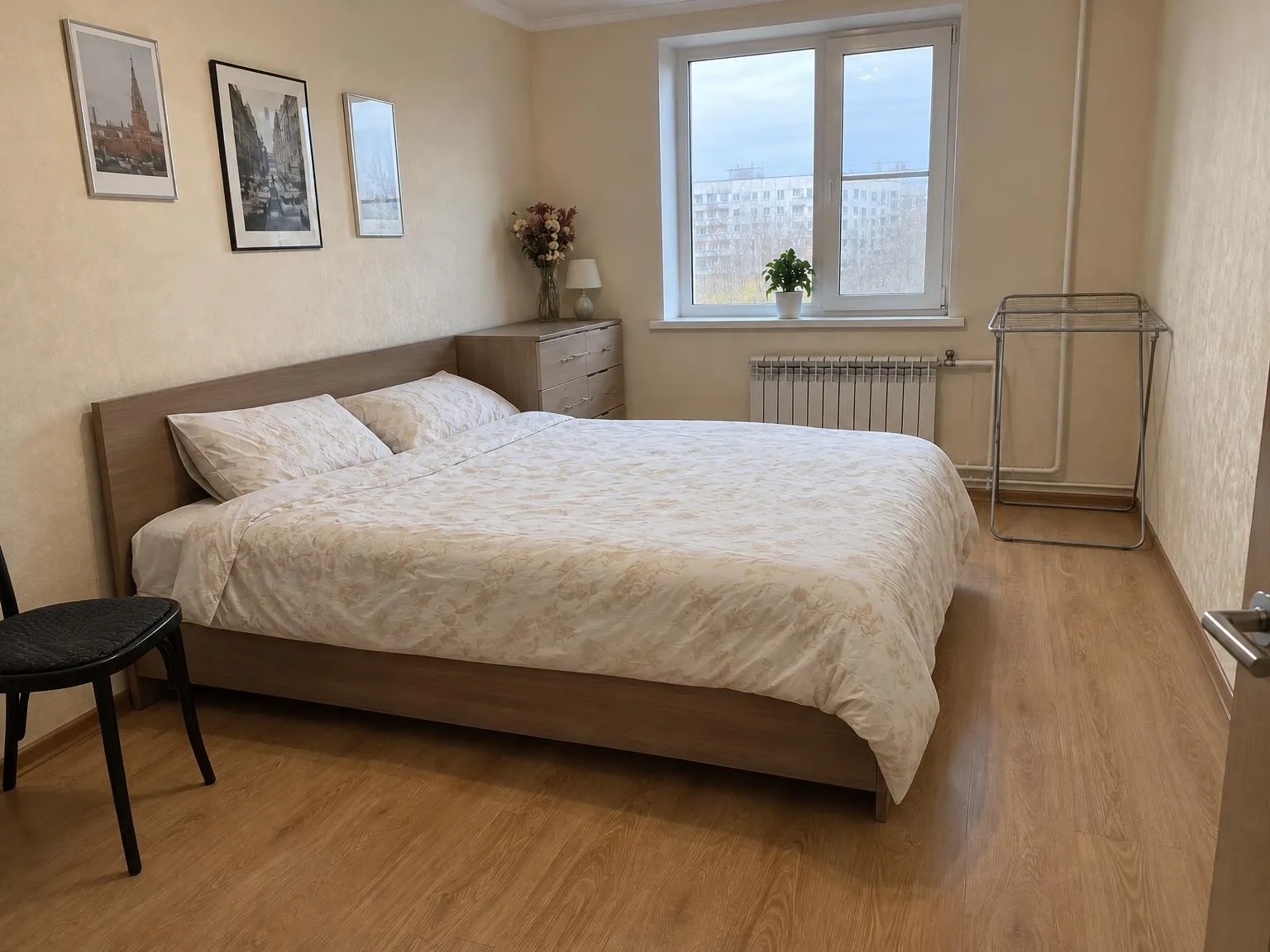
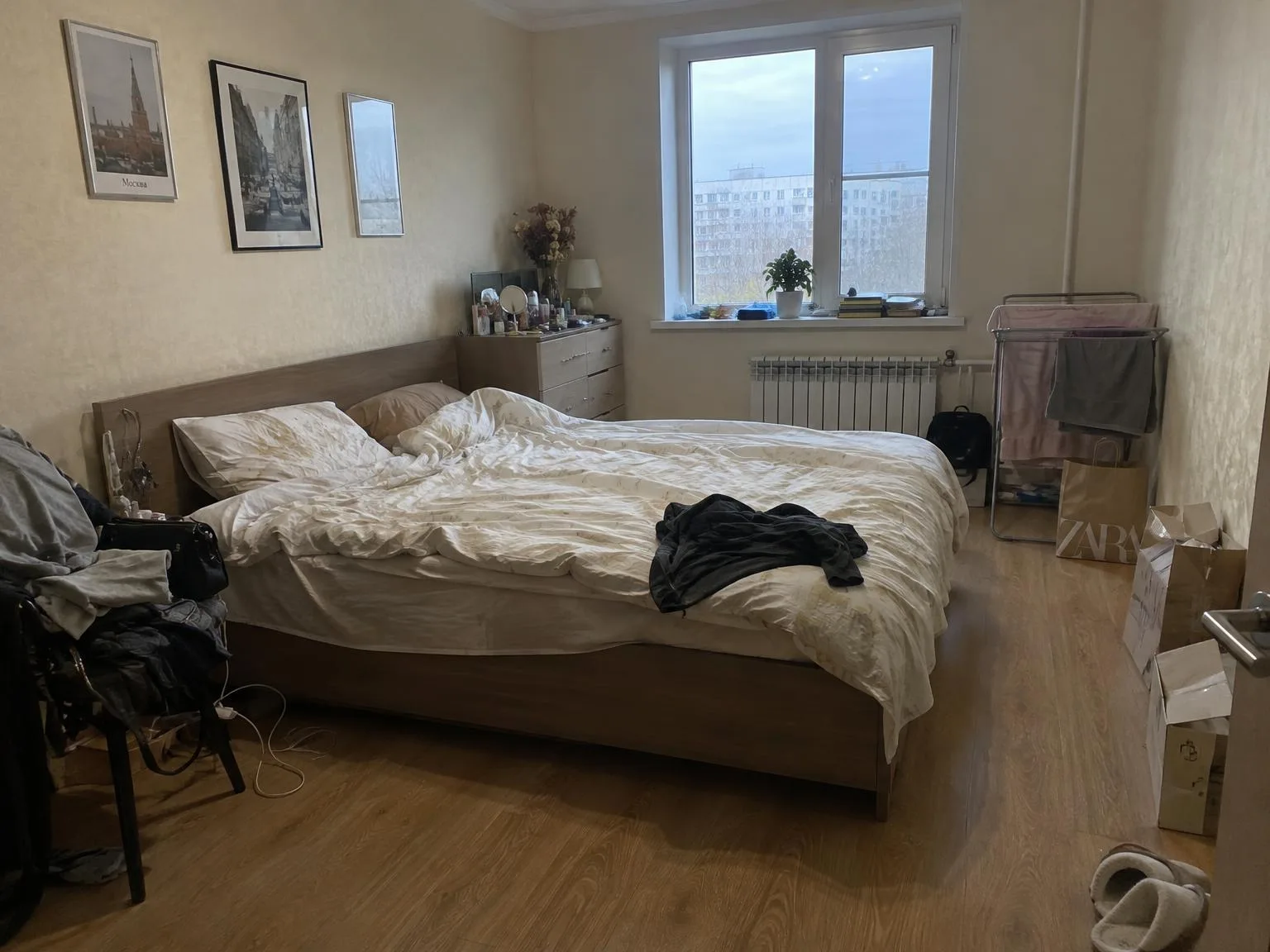
Bedroom with clothes and boxes → same room, clutter goneBeforeBeforeAfter

«Bedroom with clothes and boxes → same room, clutter gone»

Listing photo · Declutter · GPT Image 2.5

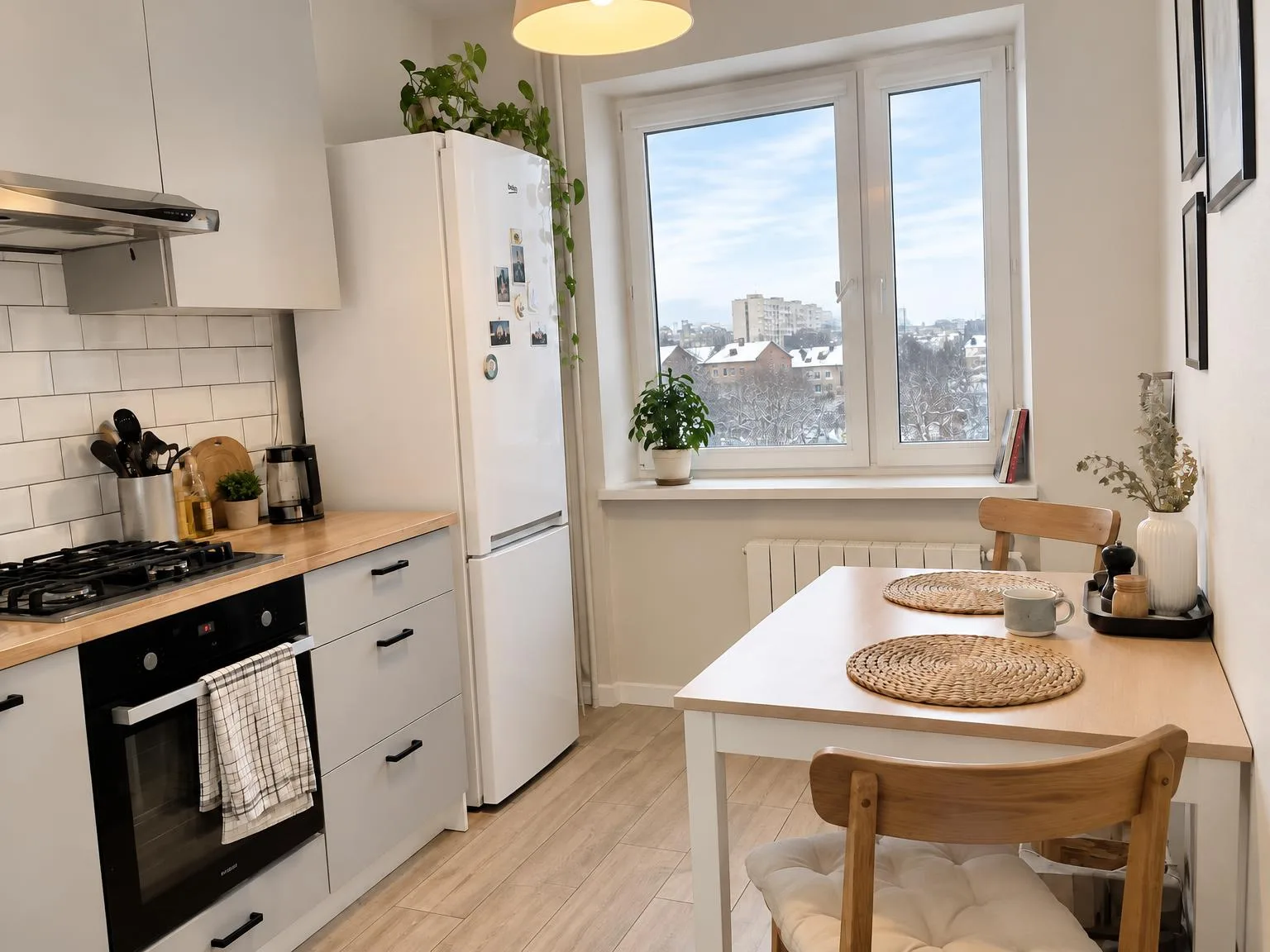
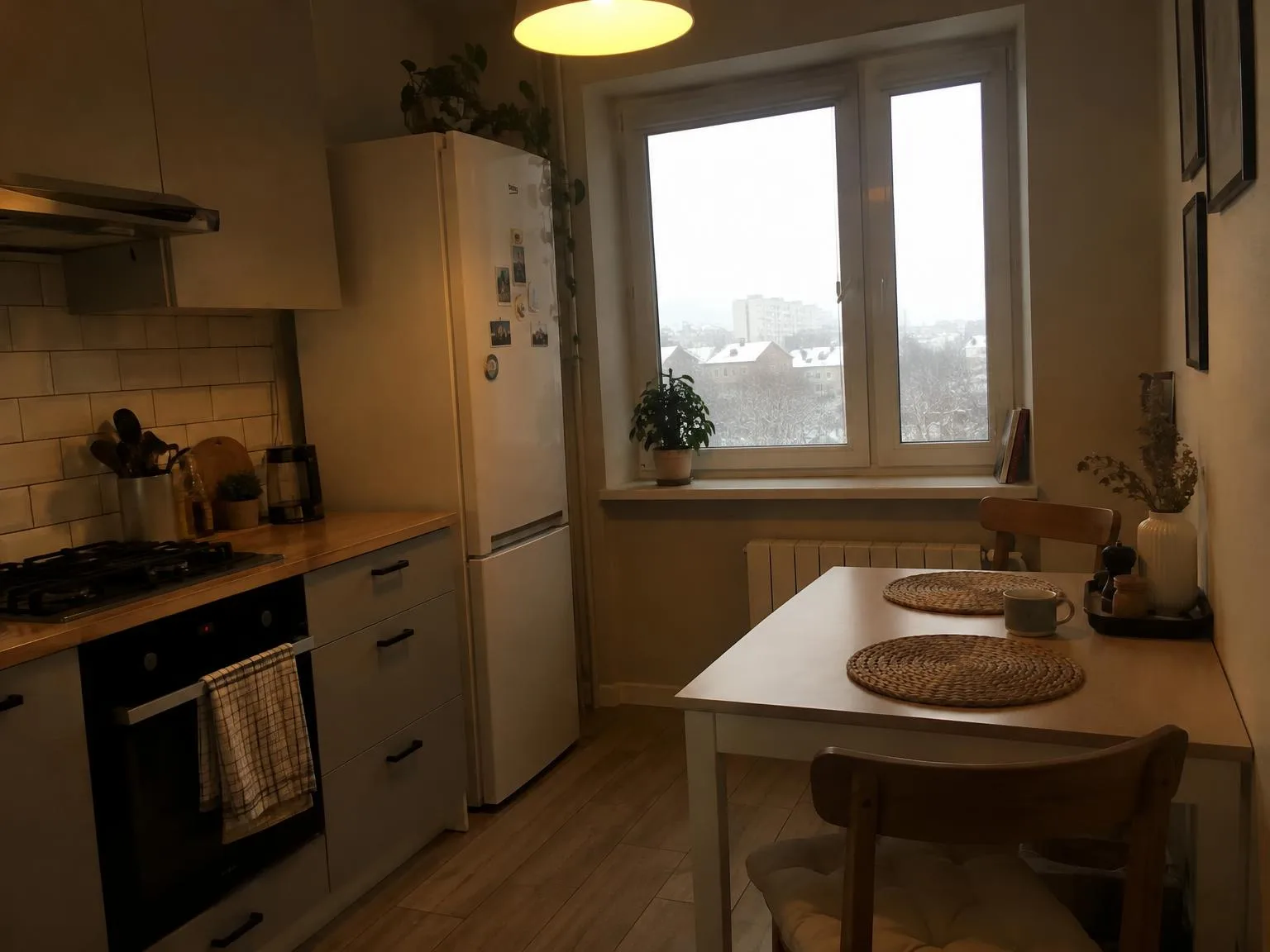
Dark yellow-tinted kitchen → bright, window view keptBeforeBeforeAfter

«Dark yellow-tinted kitchen → bright, window view kept»

Listing photo · Enhance · GPT Image 2.5

II

Homes are often photographed while still lived in: clothes on chairs, toiletries on dressers, boxes stacked against walls, cables on the floor. Asking owners to tidy up isn’t always effective, and reshooting takes time.

Declutter removes personal items and small messes from photos, makes the bed, straightens cushions, and restores surfaces behind removed objects as if they were never there. All furniture—beds, chairs, wardrobes, shelves, lamps—remains exactly where it is. If a small piece of furniture is blocking the view, choose Also small furniture.

To completely empty a room and virtually refurnish it, use Virtual Staging—our separate tool for vacant properties and new builds.

III

What it removes

01

Clothes and bags

From chairs, beds, and drying racks

02

Boxes and bags

From floors, wardrobes, and sills

03

Dishes and small items

From tables, counters, and dressers

04

Cables

Chargers and extension cords

05

Made beds

Smooth covers and neat pillows

06

Furniture stays

Beds, chairs, wardrobes, and lamps

IV

Who it's for

Resale homes

Photos before the owners move out

Rentals

The unit looks ready to move into

Short-term rentals

No traces of previous guests

V

How to declutter a photo

01

Upload room photos

One or up to 30 at once

02

Choose how much to remove

Clutter only, or small furniture too

03

Download

Compare with the before/after slider

VI

Examples

See what you can create — try it yourself

Prompt

«Bedroom with clothes on a chair and boxes»

Result

A made bed, the chair still in place

Prompt

«Kitchen with dishes and bags on the counter»

Result

A clear counter and an empty sink

Prompt

«Kid's room with toys on the floor»

Result

A clear floor and tidy shelves

VII

Pricing

Pay only for results — no subscription

All plans →
Model / operationCredits
  • One photo6 cr.
  • Ten photos in one run60 cr.
  • 4K copy, per photo2 cr.

Credit packs: 150 credits for $5, 350 credits for $12, 1250 credits for $35.

VIII

FAQ

Will it remove furniture?+

In Clutter only mode, it is instructed to keep every piece of furniture, including chairs, stools, racks, shelves, wardrobes, and lamps. Only items on and around them are removed.

Can I specify what to remove or keep?+

Yes, in the notes: for example, “also remove the fridge magnets” or “keep the vase with flowers”.

What if I need an empty room?+

Use Virtual Staging: it empties the room and refurnishes it in the style you choose.

Can I use the pictures commercially?+

Yes. Images you create can be used in listings, on your website, in catalogs, ads, and client proposals. There are no watermarks and no attribution required.

How much does it cost?+

6 credits per picture; a series of 30 photos is 180 credits. A 4K copy (3840 px on the long side) adds 2 credits per picture. Credits for failed pictures are refunded.

Try for free

Sign up for free and get 6 credits right away. No card required.