
ImageGPTImageGPT

For fence companies

Fence Visualizer

Transform the old fence in your photo into a new one — with your style and color.

6 free credits on sign up

I

Before and after

Real outputs of the model: the request and what came out, with no retouching

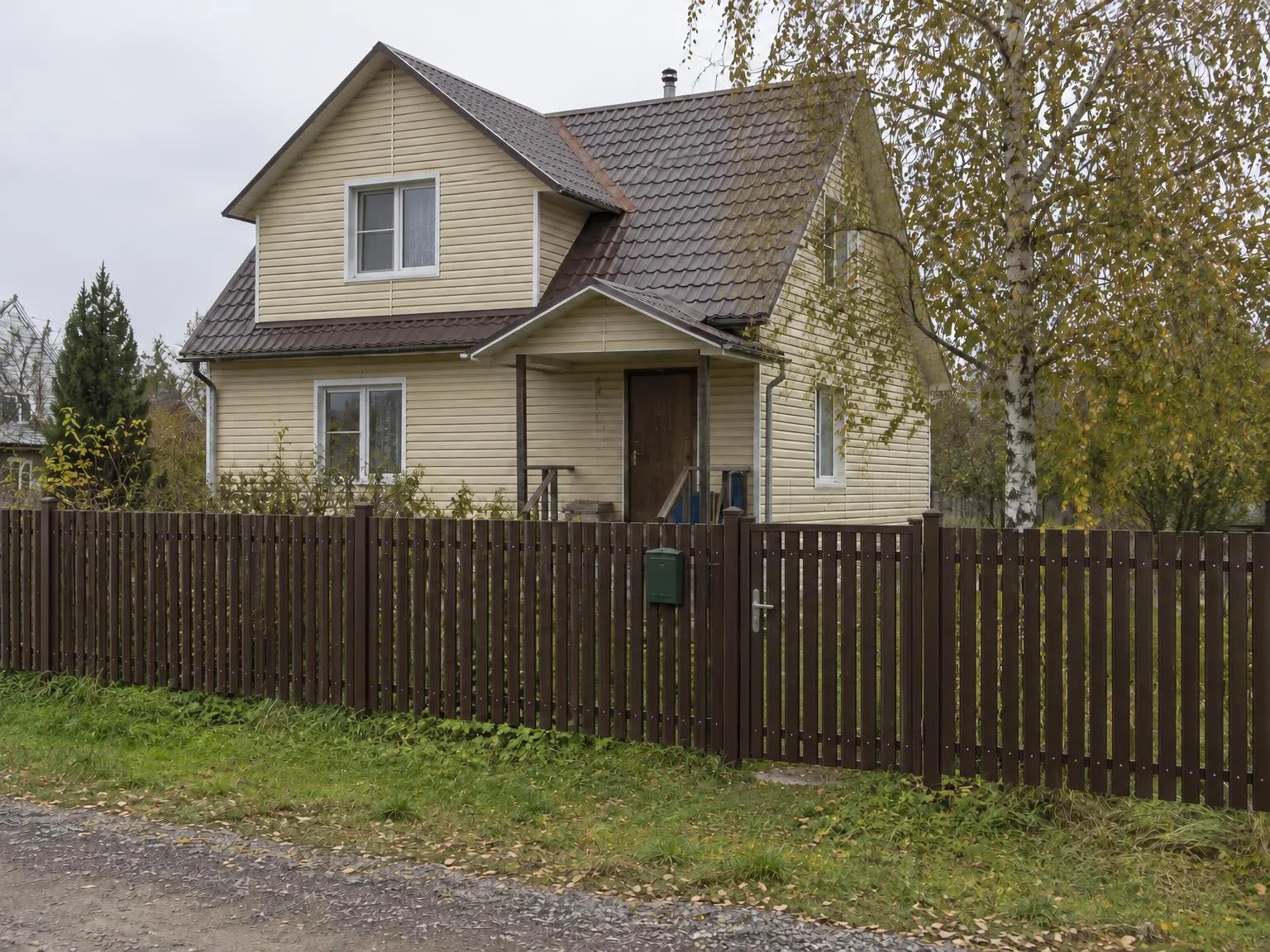
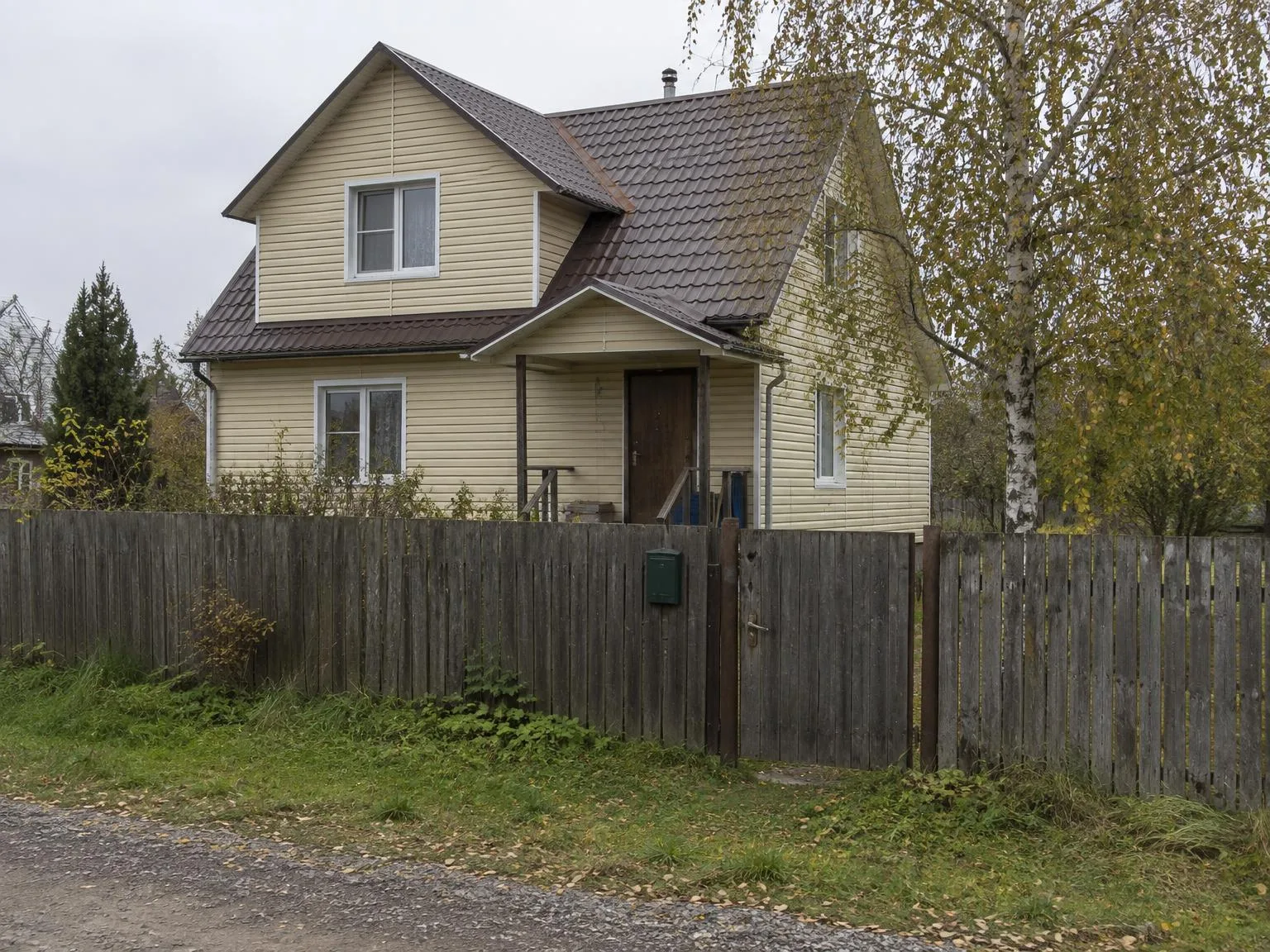
House photo → metal picket fence, RAL 8017BeforeBeforeAfter

«House photo → metal picket fence, RAL 8017»

Fence visualizer · GPT Image 2.5

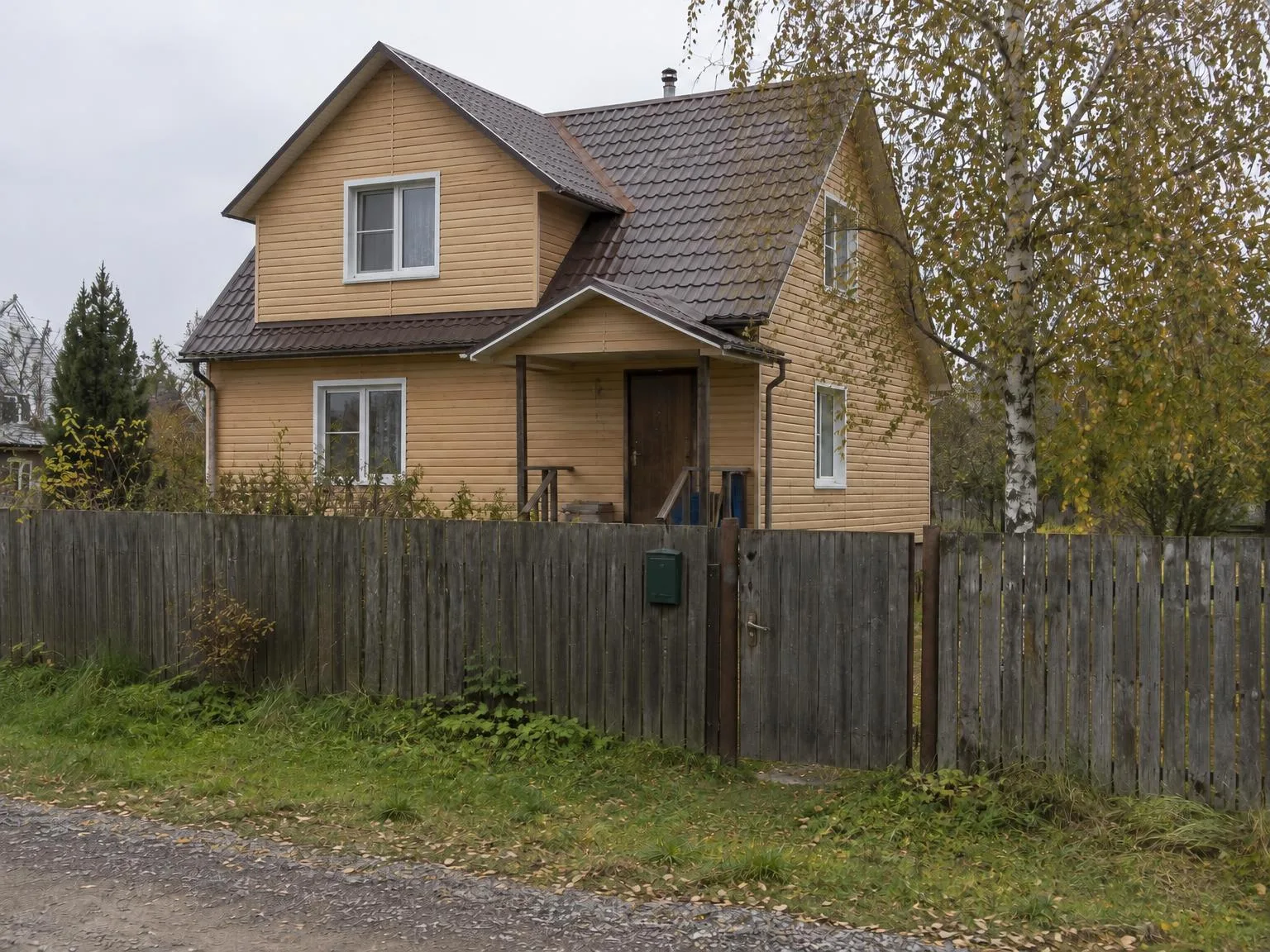
House photo → light wood-effect sidingBeforeBeforeAfter

«House photo → light wood-effect siding»

Siding visualizer · GPT Image 2.5

II

Choosing a fence style and color can be tough: picket or solid panel, brown or graphite. Nothing helps customers decide like seeing their own yard with the new fence in place.

Upload a photo of the property, select a fence type — solid metal panel, metal picket, brick pillars with infill, wood boards, welded mesh, or louvred — and choose a RAL color. If you have a catalog photo of your product, add it: the AI will match the profile, spacing, and pattern. The house, trees, and street in the photo remain unchanged.

III

Fence styles you can preview

01

Metal panel

Classic solid fencing on posts

02

Metal picket

Powder-coated steel pickets

03

Brick

Brick pillars with infill sections

04

Wood

Boards or horizontal slats

05

Louvred

Slats with open gaps

06

Welded mesh

3D mesh panel fencing

IV

Who it's for

Fence installers

Show clients a visual before the site visit

Dealers and manufacturers

Display your product on the buyer's property

Homeowners

Match the fence to your house and roof

V

How to preview a fence

01

Upload a photo of the yard

Include the old fence or property line in the frame

02

Choose type and color

Or add your own product photo

03

Show the customer

Preview several options in just minutes

VI

Example results

See what you can create — try it yourself

Prompt

«Old wooden fence · Metal picket · RAL 8017»

Result

A brown picket fence with a gate

Prompt

«Chain-link · Metal panel · RAL 6005»

Result

A green solid metal fence

Prompt

«Open property line · Brick»

Result

A brick fence with pillars

VII

Pricing

Pay only for results — no subscription

All plans →
Model / operationCredits
  • One picture6 cr.
  • Four variations in one run24 cr.

Credit packs: 150 credits for $5, 350 credits for $12, 1250 credits for $35.

VIII

FAQ

Do I need a photo of our product?+

It's optional, but including your product photo makes the result more accurate: the model copies its profile, texture, and pattern. Without it, the fence is generated based on the type and RAL color you choose.

How accurate is the RAL color?+

The model uses the RAL code and its color, but as with any photo, the color may vary depending on lighting. It's great for choosing a shade; for exact matches, refer to a RAL fan deck.

Can I show one product on several houses?+

Yes. Upload up to 30 property photos and your product will be shown on each with the same settings.

Can I use the pictures commercially?+

Yes. Images you create can be used in listings, on your website, in catalogs, ads, and client proposals. There are no watermarks and no attribution required.

How much does it cost?+

6 credits per image, 24 credits for four variations in one run. A 4K copy adds 2 credits per image. Credits for failed images are refunded.

Try for free

Sign up for free and get 6 credits right away. No card required.