
ImageGPTImageGPT

For hardscaping companies

Paver Visualizer

Transform mud and gravel into a pristine paved yard—on your customer's own photo.

6 free credits on sign up

I

Before and after

Real outputs of the model: the request and what came out, with no retouching

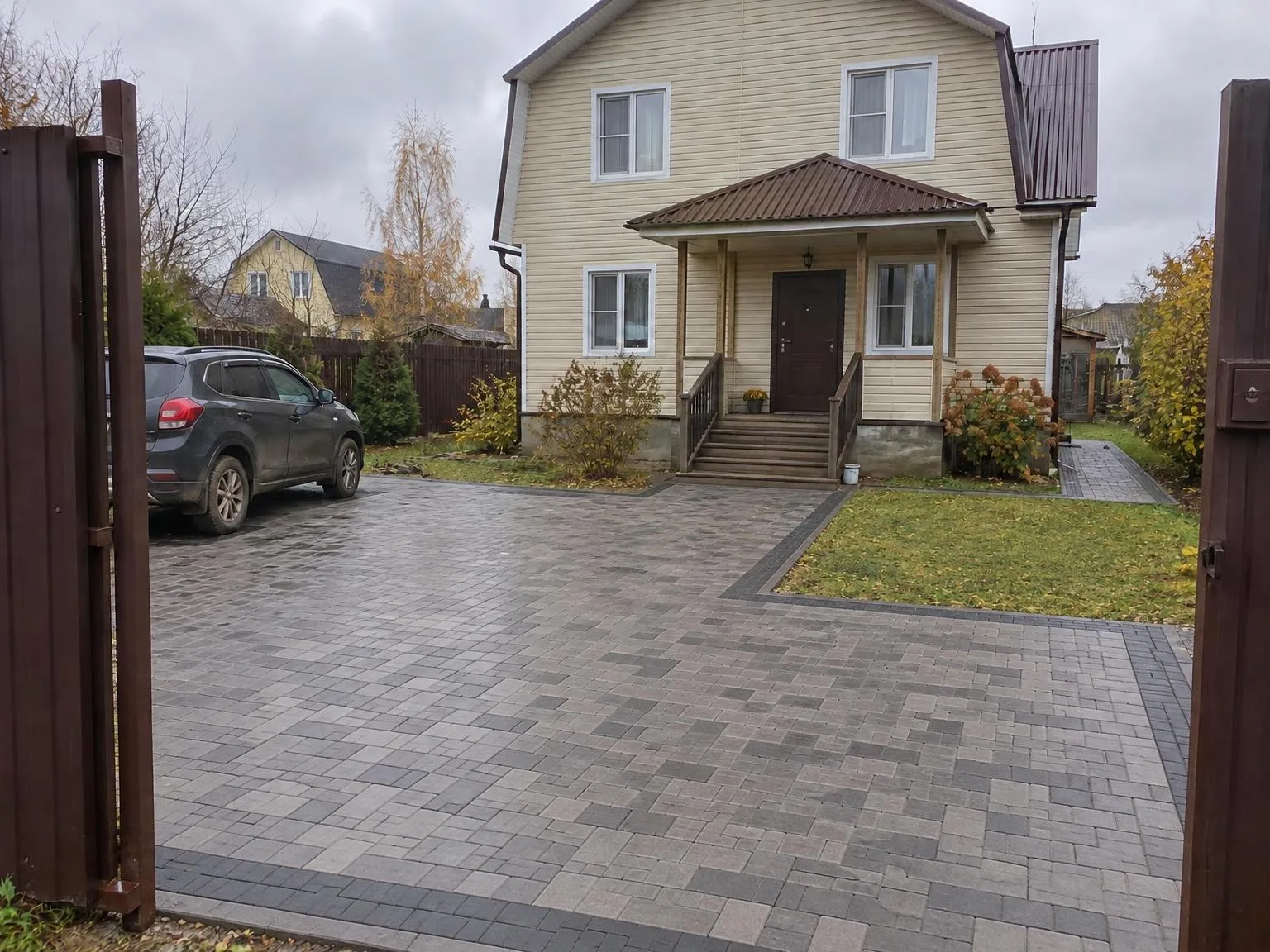
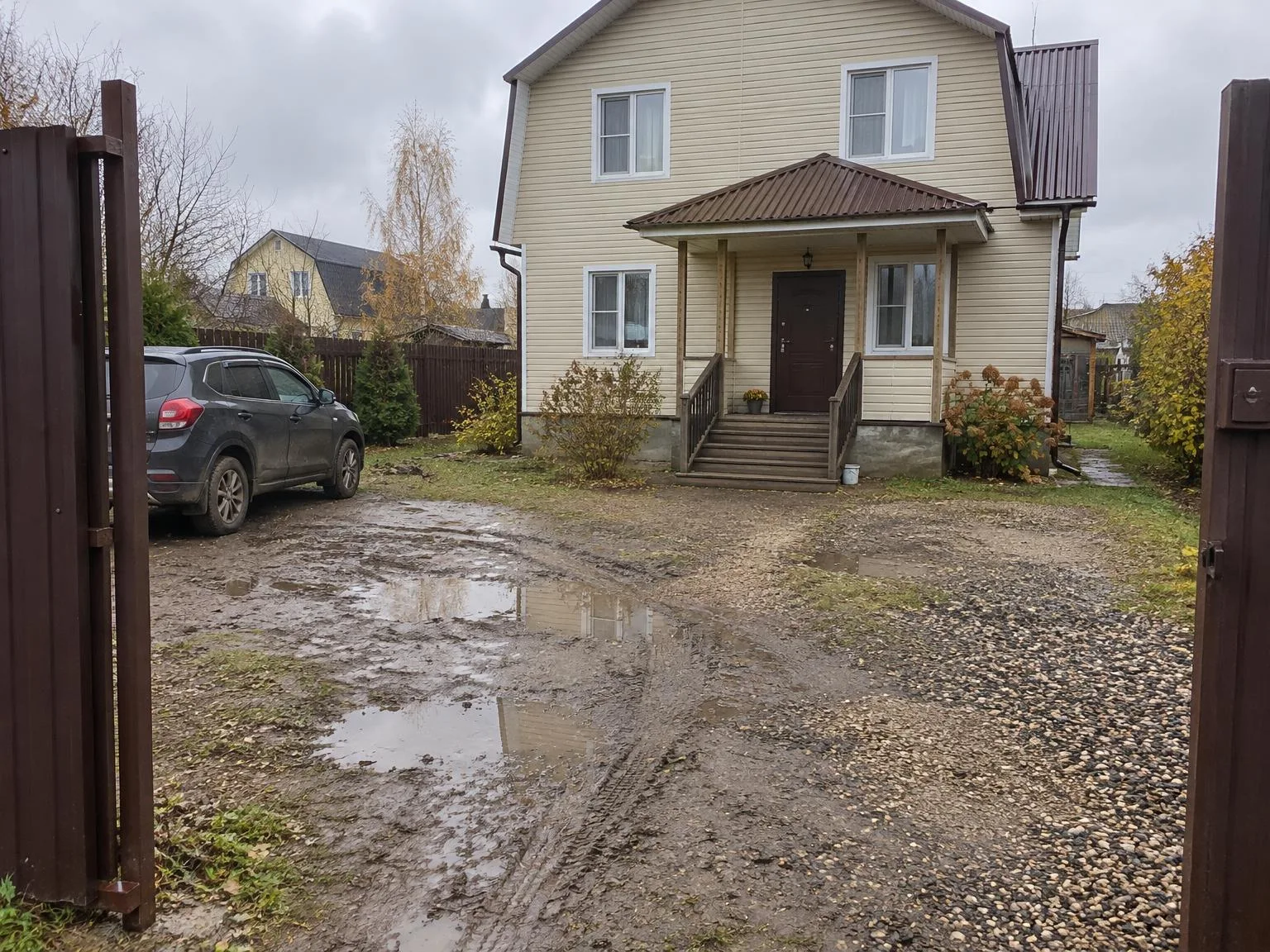
Muddy gravel yard → grey and graphite pavers, path to the porchBeforeBeforeAfter

«Muddy gravel yard → grey and graphite pavers, path to the porch»

Paving visualizer · GPT Image 2.5

House photo → light wood-effect sidingBeforeBeforeAfter

«House photo → light wood-effect siding»

Siding visualizer · GPT Image 2.5

II

Hardscaping sells best with a before-and-after image. But until the project is finished, customers must imagine the result and choose pavers from a small sample.

Upload a photo of the yard and, if available, a catalog image of the pavers. The AI will pave the yard, paths, and parking areas—matching your pattern, color, and format, with proper edging and perspective. Use notes to specify the layout, such as “path to the porch, parking pad on the left, lawn along the fence.”

The house, fence, trees, and sky remain unchanged. You'll get an 'after' image to show clients before any work begins.

III

What you can show

01

Driveways and paths

Visualize yards, walkways, and entry areas

02

Pavers from a photo

Use your catalog's pattern and color

03

Layout by description

Specify where paths, lawns, and parking go

04

Home stays the same

Only the surfaces are updated

05

Up to 4 variations

Compare colors and patterns in one session

IV

Who it's for

Paver manufacturers

Showcase your pavers on real homes

Landscaping teams

Provide 'after' images for quotes

Homeowners

Pick colors and patterns before you buy

V

How to try on pavers

01

Upload a photo of the yard

Make sure the yard or path is clearly visible

02

Describe the layout

Add a paver photo if you have one

03

Show your customer

See multiple options in just minutes

VI

Examples

See what you can create — try it yourself

Prompt

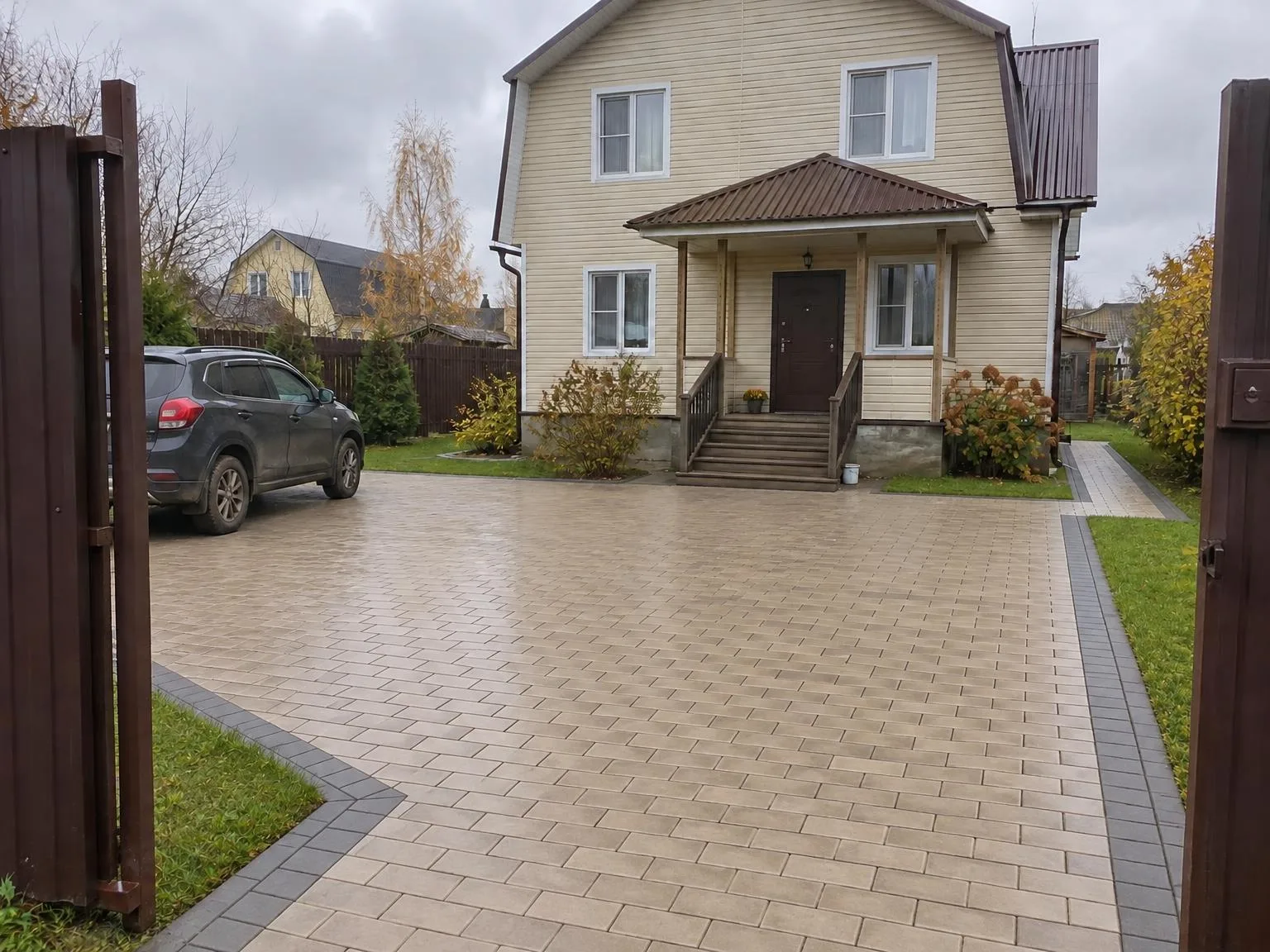
«Muddy gravel yard · grey and graphite pavers»

Result

A paved yard with a path to the porch

Prompt

«Lawn + catalogue photo of cobble-look pavers»

Result

A path in the same pavers across the lawn

VII

Pricing

Pay only for results — no subscription

All plans →
Model / operationCredits
  • One picture6 cr.
  • Four variations in one run24 cr.

Credit packs: 150 credits for $5, 350 credits for $12, 1250 credits for $35.

VIII

FAQ

Do I need a photo of our product?+

It's optional, but including one makes the result more closely match your product: the model copies its profile, texture, and pattern. Without it, the product is generated from the type and RAL color.

How accurate is the RAL color?+

The model uses the RAL code and its color, but as with real photos, lighting affects the appearance. It's great for choosing a shade; use a RAL fan deck for final orders.

Can I show one product on several houses?+

Yes. Upload up to 30 house photos and the same product will be applied to each with your chosen settings.

Can I use the pictures commercially?+

Yes. Images you create can be used in listings, on your website, in catalogs, ads, and client proposals. There are no watermarks and no attribution required.

How much does it cost?+

6 credits per image, 24 credits for four variations in one session. A 4K copy adds 2 credits per image. Credits for failed images are refunded.

Try for free

Sign up for free and get 6 credits right away. No card required.